


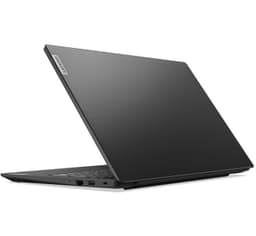
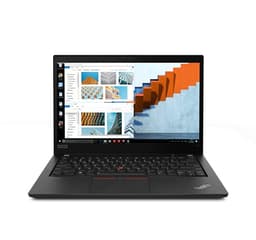
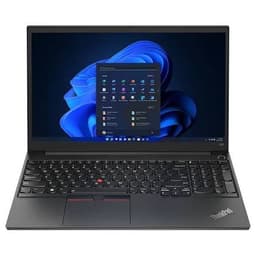
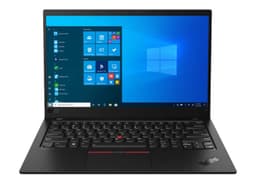


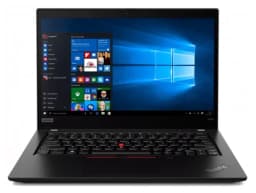
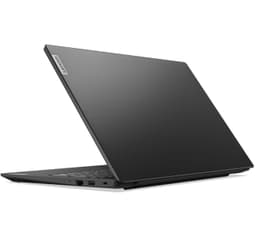
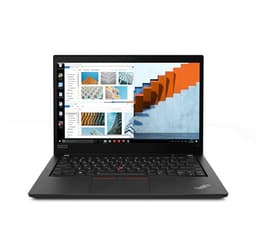

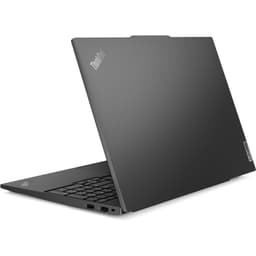
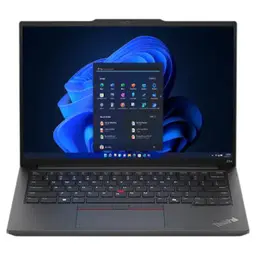
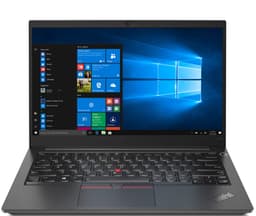


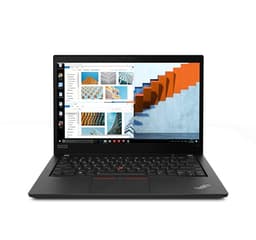
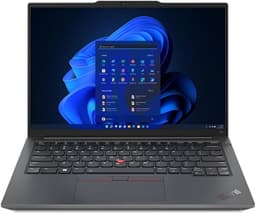


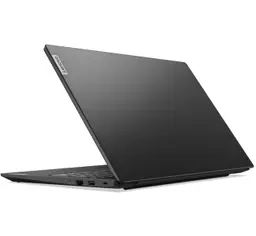
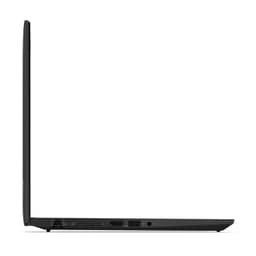

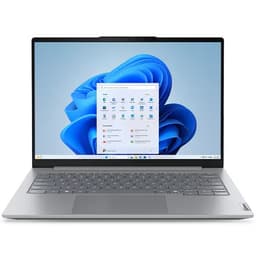
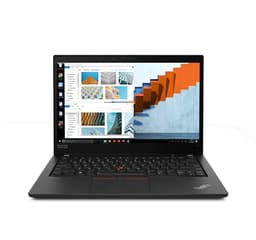







Buy Refurbished Lenovo 16GB RAM Laptops
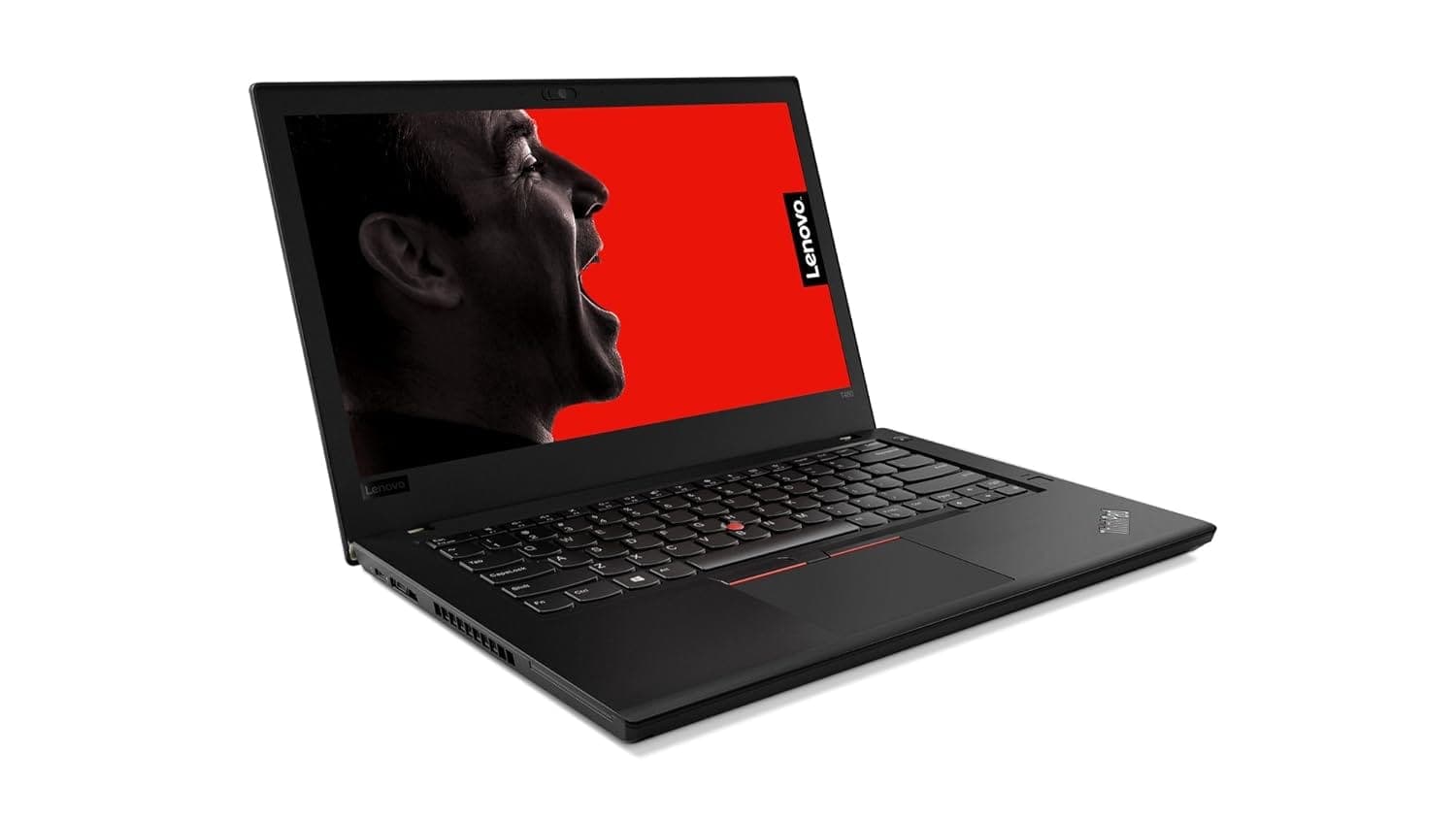
Looking for a Lenovo laptop with 16GB RAM? Explore refurbished Lenovo laptops at Refurbo, with configurations suited to everyday productivity, business applications, programming, multitasking, and professional workloads. Compare available models and specifications to find a Lenovo laptop that fits your work, study, and computing requirements.
Is 16GB RAM Enough for Your Work?
16GB RAM offers a practical balance for users who need to run multiple applications without choosing a high-memory configuration.
- Office and business productivity: Work with spreadsheets, presentations, documents, video meetings, and multiple browser tabs.
- Programming and development: Run code editors, development environments, and local tools for common software projects.
- Studies and research: Manage online classes, research, assignments, and productivity applications.
- Data and spreadsheet work: Work with larger spreadsheets and moderate datasets alongside other applications.
- Creative applications: Handle light photo editing and creative tasks, depending on the processor and graphics configuration.
For virtual machines, large datasets, or demanding video editing and 3D workloads, consider whether a 32GB configuration would be more appropriate.
Which Lenovo Laptop Series Should You Consider?
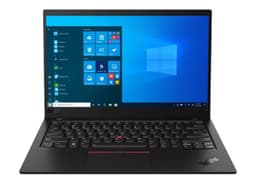
- Lenovo ThinkPad: A business-oriented range suited to professional productivity, programming, frequent typing, and workplace use.
- Lenovo IdeaPad: A versatile option for everyday computing, students, home use, and general productivity.
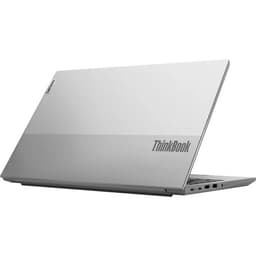
- Lenovo ThinkBook: Designed to bridge everyday productivity and business requirements, making it worth considering for office and small-business users.
- Lenovo Yoga: A range to consider if you want selected convertible or touchscreen configurations for presentations, note-taking, and flexible use.
The exact features and specifications vary by model and generation. Compare individual product configurations rather than relying on the series name alone.
How to Choose the Right Lenovo 16GB RAM Configuration
Before choosing a Lenovo laptop, evaluate the complete hardware configuration against the applications you plan to use.
- Processor: Compare the processor model and generation. CPU performance matters for compiling code, handling large spreadsheets, and running demanding applications.
- Storage: Check SSD capacity based on your software, documents, and project files. A larger SSD may be useful if you store substantial files locally.
- Display: Consider screen size, resolution, and panel features based on whether you prioritize portability, workspace, or visual tasks.
- Graphics: Integrated graphics are suitable for many productivity and programming tasks. Check for dedicated graphics if your work involves gaming, 3D applications, or GPU-intensive software.
- Keyboard and portability: Consider keyboard comfort for long working sessions, along with laptop weight and available ports.
- RAM upgradeability: Memory design varies by Lenovo model. Check whether the 16GB RAM is soldered, replaceable, or expandable before assuming you can upgrade it later.
Choose based on the requirements of your daily workload, not just the RAM capacity.
Why Buy Refurbished Lenovo Laptops from Refurbo?
Every Lenovo laptop purchased from Refurbo undergoes a 48-point quality inspection conducted by certified technicians. The default product condition is Superb, unless another condition is explicitly mentioned on the product page. Every laptop purchased from Refurbo also comes with a 1-year warranty.
Lenovo 16GB RAM Laptops: Quality and Purchase Assurance
| Offering | Details |
|---|---|
| Quality Inspection | 48-point quality inspection conducted by certified technicians |
| Product Condition | Superb by default, unless another condition is specified on the product page |
| Laptop Warranty | 1-year warranty included |
Frequently Asked Questions
Q. Is 16GB RAM enough for a Lenovo laptop used for programming?
Yes. A Lenovo laptop with 16GB RAM can support common programming workflows, including code editors, development environments, browser tabs, and local development tools. More demanding workloads involving multiple virtual machines or containers may benefit from additional memory.
Q. Which is better for work, Lenovo ThinkPad or IdeaPad?
ThinkPad is generally positioned for business and professional use, while IdeaPad focuses on versatile everyday computing. Both can handle productivity tasks, but the right choice depends on the exact processor, display, keyboard, connectivity, and other specifications.
Q. Are Lenovo laptops with 16GB RAM suitable for students?
Yes. They can support online classes, research, assignments, presentations, browsing, and multitasking. Students using specialized engineering, design, or development software should also check the processor and graphics requirements of their applications.
Q. Can I upgrade the RAM on a refurbished Lenovo laptop?
It depends on the specific model. Some Lenovo laptops have replaceable or expandable memory, while others use soldered RAM that cannot be upgraded. Check the exact model specifications before purchasing if future memory expansion is important.
Q. Is a Lenovo laptop with 16GB RAM good for Windows 11?
16GB RAM is generally suitable for Windows 11 and everyday multitasking. Overall performance also depends on processor compatibility, SSD storage, and the specific laptop configuration.
Q. Should I choose a Lenovo Yoga or ThinkPad laptop?
Consider Yoga if you want a selected convertible or touchscreen design for flexible use. ThinkPad is more directly focused on business and professional productivity. Compare the exact model's display, keyboard, processor, portability, and features before deciding.