

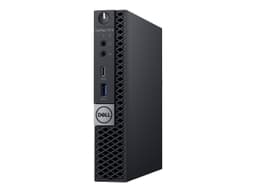
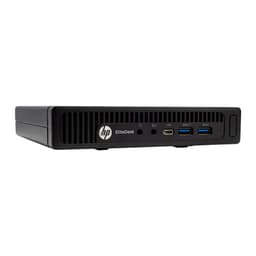
Buy Refurbished Mini PCs in India: Tested & Warranty Included
Refurbished mini PCs are a practical choice when you want desktop performance without the size of a traditional tower. Their compact form factor makes them useful for offices, home workstations, student setups, reception desks, business counters, and everyday computing where saving desk space matters.
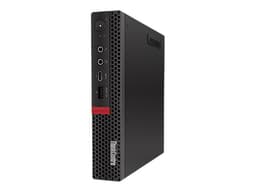
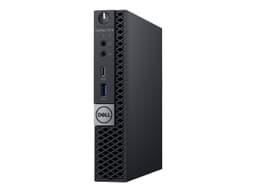
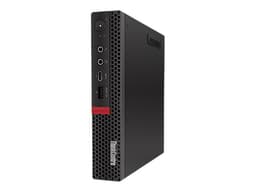
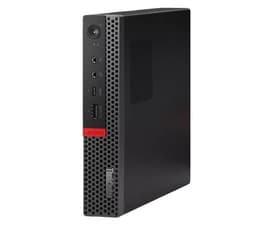
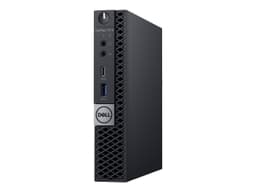
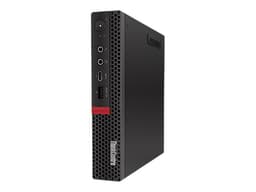
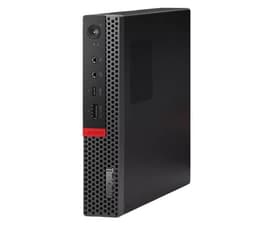
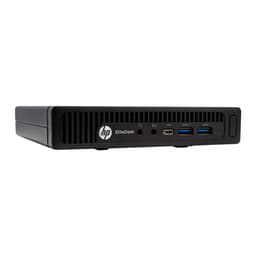
Refurbo offers refurbished mini PCs from established business desktop ranges such as Dell OptiPlex, HP EliteDesk, HP ProDesk, and Lenovo ThinkCentre. Each listed system is tested and verified, making it easier to choose a compact desktop based on your workload, RAM, storage, processor, and budget.
Refurbished Mini PCs Worth Considering
Business-class mini PCs are designed around compact desktop platforms and can handle common workloads such as web browsing, office applications, accounting, video meetings, programming, and business software. The best option depends on the processor generation, RAM, storage, connectivity, and the applications you plan to run.
| Mini PC | Best For | Shop |
|---|---|---|
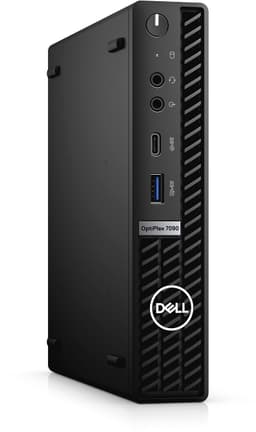
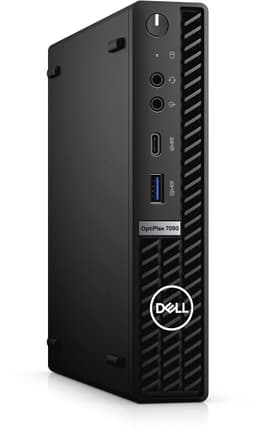
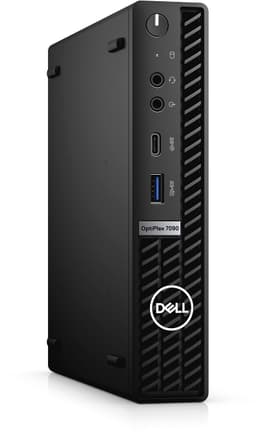
| Dell OptiPlex 7090 Tiny | Business and productivity | View PC |
| Lenovo ThinkCentre M920q Tiny | Office and professional use | View PC |
| Lenovo ThinkCentre M720q Tiny | Home and office work | View PC |
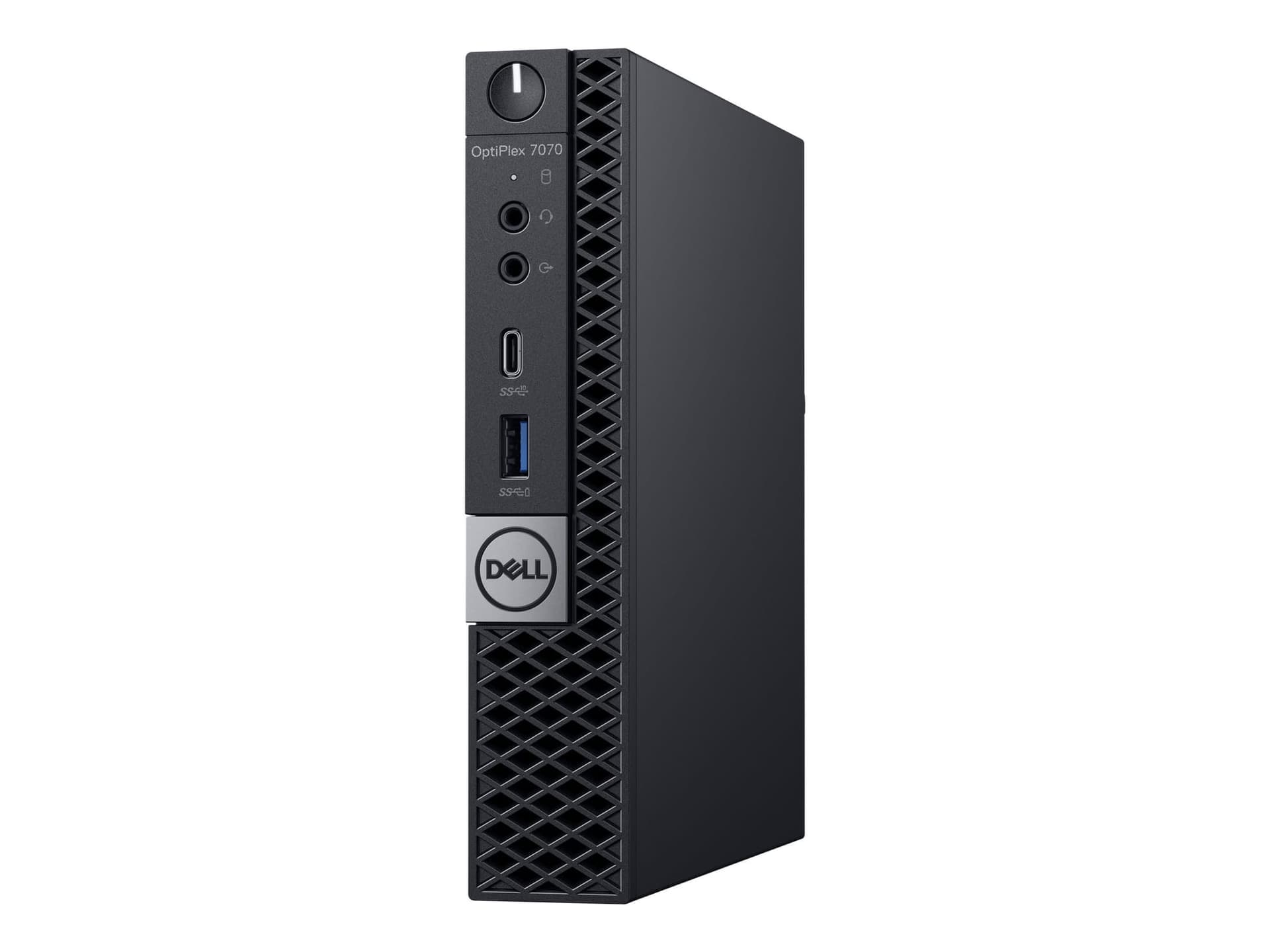
| Dell OptiPlex 7070 Tiny | Everyday business computing | View PC |
| HP EliteDesk 800 G2 Tiny | Budget business setups | View PC |
What Is a Mini PC?
A mini PC is a desktop computer built into a compact chassis that takes considerably less space than a conventional tower. Instead of placing a large computer under or beside your desk, a mini PC can fit into a much smaller workspace and, depending on the model, can even be mounted behind a monitor.
Business mini PCs from Dell, HP, and Lenovo are particularly popular because they are designed for professional desktop environments. Their compact size makes them suitable for organizations that need multiple computers without filling the workplace with large desktop towers.
Why Choose a Mini PC?
The biggest advantage of a mini PC is its compact footprint. If your workload does not require a large dedicated graphics card or extensive internal expansion, a mini PC can provide the desktop experience while keeping your workspace considerably cleaner.
Mini PCs can also be easier to deploy in offices, classrooms, reception areas, billing counters, and home workspaces. You can connect the system to an external monitor and use standard keyboards, mice, webcams, speakers, and other peripherals.
Mini PCs for Office Work
Office applications are one of the most suitable workloads for refurbished mini PCs. Documents, spreadsheets, email, browser-based applications, accounting software, video conferencing, CRM platforms, and business dashboards generally do not require a large desktop tower.
Models from the Dell OptiPlex, HP EliteDesk, HP ProDesk, and Lenovo ThinkCentre families are built around business desktop use. A configuration with sufficient RAM and an SSD can provide a responsive setup for everyday productivity.
Mini PCs for Work From Home
A mini PC can turn a small desk into a complete work-from-home workstation. Connect it to an external monitor, keyboard, mouse, webcam, and other accessories, and you have a desktop setup without the footprint of a conventional tower.
The compact chassis is particularly useful when your home office doubles as another living space. You can keep the computer discreetly positioned on the desk or behind a compatible monitor.
Mini PCs for Students
Students can use mini PCs for online classes, research, assignments, presentations, browsing, documents, and programming. They are also useful when a student already owns a monitor and wants to build a desktop setup without spending heavily on a new tower.
For general academic workloads, a refurbished business mini PC can provide sufficient computing power while keeping the overall setup compact.
Mini PCs for Coding and Development
A mini PC can be a capable programming machine when the configuration matches the development workload. Web development, programming languages, IDEs, databases, Git workflows, and lightweight development environments can all run comfortably on appropriately configured systems.
Developers working with multiple virtual machines, large Docker environments, Android emulators, or resource-intensive local workloads should pay particular attention to processor performance and RAM capacity before choosing a model.
Mini PCs for Business
Compact desktops are particularly useful for businesses deploying multiple workstations. A mini PC can sit neatly on or behind a desk while providing the connectivity required for monitors, keyboards, mice, networking, storage, and other office peripherals.
They can be used at employee workstations, reception counters, billing desks, customer support stations, back-office desks, and other locations where the primary workloads are business applications rather than graphics-intensive software.
Mini PC vs Traditional Desktop
A mini PC prioritizes compactness, while a traditional tower generally provides more room for expansion. The right choice depends on whether saving space or having maximum upgrade flexibility is more important for your setup.
| Feature | Mini PC |
|---|---|
| Size | Compact and space-saving |
| Office Work | Well suited |
| Power Consumption | Generally lower than larger desktop systems |
| Upgrades | More limited than tower PCs |
Mini PC vs All-in-One PC
A mini PC and an all-in-one desktop are both designed to save space, but they approach the problem differently. A mini PC is a standalone computer that connects to a separate monitor, while an all-in-one integrates the computer hardware into the display.
The separate-monitor approach gives mini PCs more flexibility. You can choose the screen size and specifications independently, replace the monitor without replacing the computer, and use the same display with another device when needed.
Mini PCs for Digital Signage and Displays
The compact design of a mini PC can make it suitable for display-based applications such as digital signage, information screens, dashboards, and other setups where the computer needs to remain discreet.
Before choosing a system for these applications, check the available display outputs and the resolution requirements of your screen. The exact ports vary between models, so the individual product specifications should be checked before purchase.
Do Mini PCs Have Dedicated Graphics?
Most business-oriented mini PCs use integrated graphics rather than a dedicated GPU. This is generally suitable for office applications, browsing, video playback, programming, and other everyday desktop workloads.
If you need the system for modern gaming, advanced 3D work, professional video production, or GPU-intensive workloads, a desktop with dedicated graphics and stronger cooling may be more appropriate.
How Much RAM Do You Need in a Mini PC?
RAM requirements depend on how you use the computer. Basic office applications and browsing can work with a modest configuration, while multitasking, development environments, large spreadsheets, and professional applications can benefit from more memory.
Several refurbished mini PCs in the current inventory are available with 16GB RAM configurations. Always check the individual listing because upgradeability and maximum supported memory can vary between models.
Storage Matters in a Mini PC
An SSD can make a noticeable difference to everyday responsiveness. Booting Windows, launching applications, opening files, and switching between programs can all benefit from faster storage.
When selecting a refurbished mini PC, check both the storage capacity and the type of storage provided. If you work with large files or maintain extensive local data, also consider whether the specific system supports additional storage.
Connectivity and Ports
Connectivity is especially important with a compact desktop because the available ports determine how easily you can connect your peripherals. Check the number and type of USB ports, display outputs, Ethernet connectivity, audio ports, and other connections before purchasing.
For example, the Dell OptiPlex 7090 Tiny in the current inventory has multiple USB ports, Ethernet connectivity, audio connectivity, and display outputs, making it suitable for a conventional multi-peripheral desktop setup.
Why Buy a Refurbished Mini PC?
Refurbished mini PCs can make business-class desktop hardware more accessible without requiring the budget of an equivalent new system. This is particularly useful when you need several computers for an office or want to build a compact home workstation.
The savings can also be allocated toward the rest of the setup, including a better monitor, keyboard, mouse, webcam, speakers, networking equipment, or additional storage.
What to Check Before Buying a Refurbished Mini PC
Start by checking the processor, RAM, SSD capacity, graphics configuration, operating system, and available display outputs. These specifications determine whether the computer can handle your intended workload.
You should also check the USB ports, Ethernet connectivity, Wi-Fi availability where applicable, power adapter, physical condition, and upgrade options. A compact chassis can limit internal expansion compared with a conventional tower, so it is worth confirming these details before purchasing.
Refurbished Mini PC Price in India
Refurbished mini PC prices vary based on processor generation, RAM, storage, condition, and overall configuration. Older business systems can provide an affordable entry point, while newer models with more capable processors can command higher prices.
| Mini PC | Listed Price |
|---|---|
| HP ProDesk 400 G2 Tiny | ₹17,000 |
| HP EliteDesk 800 G2 Tiny | ₹21,000 |
| Lenovo ThinkCentre M720q Tiny | ₹31,000 |
| Lenovo ThinkCentre M920q Tiny | ₹35,500 |
| Dell OptiPlex 7090 Tiny | ₹45,000 |
Prices and availability can change as refurbished inventory moves. Check the individual product listing for the latest price, configuration, and availability.
EMI and Easy Payment Options
Flexible payment options such as EMI can make refurbished mini PCs easier to purchase without paying the entire amount upfront. This can be particularly useful for businesses purchasing multiple workstations, students building a home setup, or professionals who want a capable desktop while managing their monthly budget.
Combining refurbished pricing with EMI options can also leave more room in the budget for monitors, keyboards, mice, storage, networking equipment, and other accessories needed to complete a desktop workstation.
| Offering | Details |
|---|---|
| Warranty | 6 Months warranty included |
| Support | 24 by 7 customer support for order and service assistance |
| Condition | Grade A refurbished mini PCs with verified testing |
Frequently Asked Questions
Q. What is a mini PC?
A mini PC is a compact desktop computer designed to provide desktop functionality while taking up significantly less physical space than a traditional tower.
Q. Are refurbished mini PCs good for office work?
Yes. Business-oriented mini PCs are well suited for documents, spreadsheets, web applications, email, accounting, video meetings, and other everyday office workloads.
Q. Can I use a mini PC for coding?
Yes. A suitably configured mini PC can handle programming, IDEs, web development, databases, and many software development workloads.
Q. Can a mini PC run games?
Some mini PCs can run lightweight or older games, but most business mini PCs use integrated graphics and are not designed for demanding modern gaming.
Q. Do mini PCs come with a monitor?
A mini PC is generally a standalone computer and normally requires an external monitor. Check the individual product listing for the exact items included with the system.
Q. Are refurbished mini PCs covered by warranty?
Yes. Refurbo refurbished mini PCs include 6 Months warranty support.
