

Buy Refurbished 256GB SSD Laptops in India: Practical Storage for Everyday Computing
A 256GB SSD laptop can be a practical choice when you primarily use your computer for browsing, office applications, online learning, documents, programming, and everyday productivity. It provides faster storage than traditional hard drives while keeping the overall laptop configuration relatively simple and affordable.
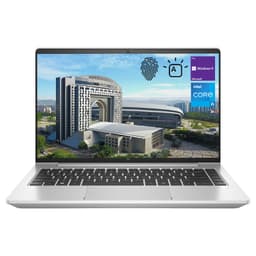
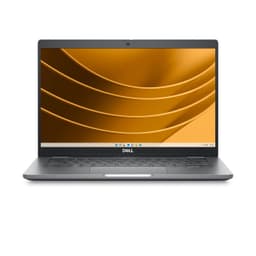
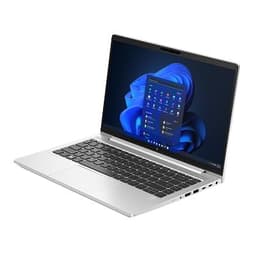
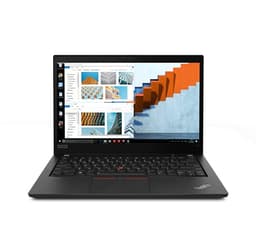
Refurbo’s refurbished 256GB SSD laptops include business-focused ThinkPads and Dell Latitude models, compact productivity machines, and premium 2-in-1 laptops. The right choice depends on how much storage you actually need, as well as the processor, RAM, display, portability, and upgrade options available on the particular model.
Why Choose a 256GB SSD Laptop?
A 256GB SSD is generally suited to users who do not keep large amounts of data permanently on their laptop. If most of your work consists of documents, browser-based applications, presentations, coding projects, and cloud-stored files, 256GB can provide enough local space for your regular needs.
The smaller capacity can also make sense when portability and budget are more important than having extensive local storage. If you already use cloud storage or an external drive for photos, videos, backups, and other large files, a 256GB laptop can leave you with a straightforward setup for everyday computing.
Refurbished 256GB SSD Laptops Available on Refurbo
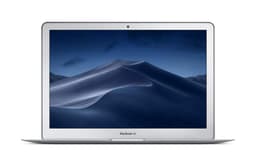
The 256GB collection includes laptops from different generations and product families, so you can choose between older affordable business machines and newer systems with more modern processors. Here are some options that represent different types of use.
| LAPTOP | CONFIGURATION | SHOP |
|---|---|---|
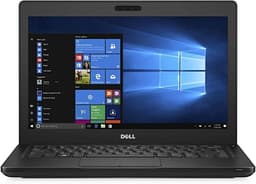
| Dell Latitude 5280 | Intel Core i5-7200U, 8GB RAM, 256GB SSD | View Laptop |
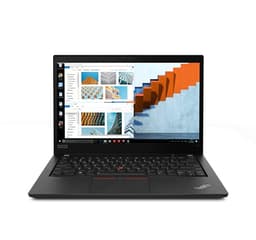
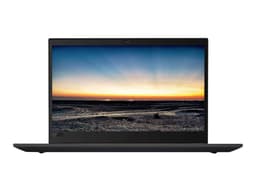
| Lenovo ThinkPad T580 | Intel Core i5-8250U, 16GB RAM, 256GB SSD | View Laptop |
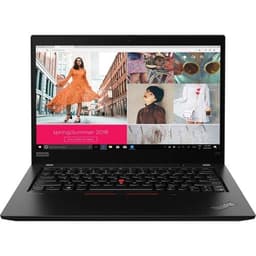
| Lenovo ThinkPad X13 Gen 1 | Intel Core i5-10210U, 8GB RAM, 256GB SSD | View Laptop |
| HP EliteBook 640 G9 | Intel Core i5-1235U, 16GB RAM, 256GB SSD | View Laptop |
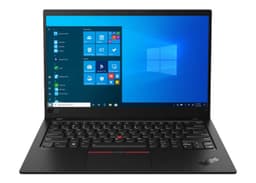
| Lenovo ThinkPad X1 Yoga Gen 6 | Intel Core i7-1165G7, 16GB RAM, 256GB SSD, Touch | View Laptop |
Prices and availability can change as refurbished products are sold and new products are added.
256GB SSD Laptops for Work and Office Use
A 256GB SSD can be sufficient for office users whose daily work revolves around documents, spreadsheets, presentations, email, browser applications, video meetings, and business software. These workloads generally do not require large amounts of local storage as long as large media files and archives are stored elsewhere.
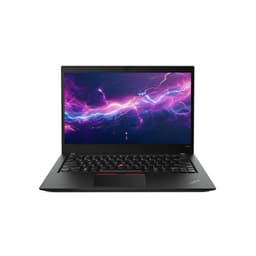
Business-focused models such as the Lenovo ThinkPad T580 and HP EliteBook 640 G9 are designed around professional productivity. The ThinkPad T580 combines 16GB RAM with an Intel Core i5 processor, while the EliteBook 640 G9 brings a newer 12th Gen Core i5 processor and 16GB RAM to the same 256GB storage capacity.
256GB SSD Laptops for Students
Students often work with documents, presentations, PDFs, browser applications, research material, and learning platforms rather than extremely large local files. For this type of usage, 256GB can provide enough space while keeping the laptop focused on the essentials.
The Lenovo ThinkPad X13 Gen 1 is a compact option with an Intel Core i5-10210U, 8GB RAM, and a 256GB SSD. Its smaller form factor can be useful for students who regularly carry their laptop between classrooms, libraries, hostels, and home.
256GB SSD Laptops for Everyday Computing
For browsing, streaming, online services, document editing, communication, and basic applications, a 256GB SSD can provide a straightforward storage setup. You can keep your frequently used applications and documents on the laptop while moving larger files to cloud storage or an external drive when necessary.
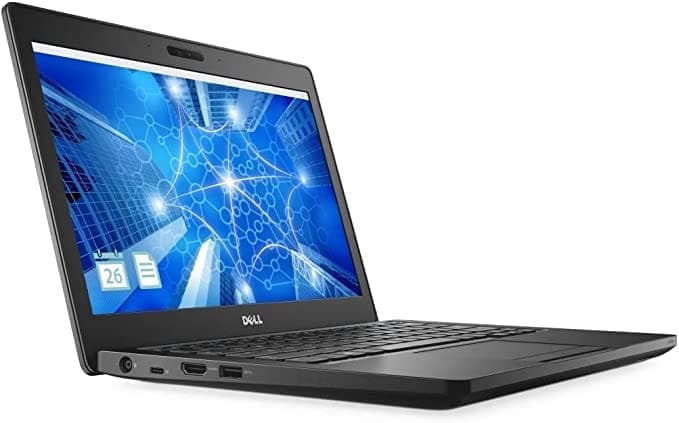
The Dell Latitude 5280 is an example of an affordable business-oriented configuration with an Intel Core i5-7200U, 8GB RAM, and 256GB SSD. It is better suited to lighter everyday workloads than demanding creative, gaming, or workstation applications.
256GB SSD Laptops for Portable Productivity
Storage capacity is only one part of the laptop experience. If you travel frequently, a compact design, comfortable keyboard, battery performance, and low weight can be more important than having a very large SSD.
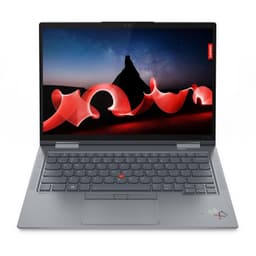
The Lenovo ThinkPad X1 Yoga Gen 6 combines 256GB storage with 16GB RAM, an Intel Core i7-1165G7 processor, and a touch display. Its 2-in-1 design gives users additional flexibility when taking notes, presenting content, or using the touchscreen.
256GB SSD vs 512GB SSD vs 1TB SSD
The right storage capacity depends on the amount of data you expect to keep locally.
| SSD CAPACITY | BEST FOR |
|---|---|
| 256GB | Browsing, office work, study, documents, and lighter applications |
| 512GB | Professional work, development, productivity, and moderate media storage |
| 1TB | Gaming, large creative projects, extensive media, and large datasets |
If you mainly work with cloud-based applications and documents, 256GB may be sufficient. If you frequently download large files, install numerous applications, or work with media, moving to 512GB or 1TB provides additional flexibility.
What Should You Check Besides Storage?
A 256GB SSD does not determine how powerful or useful a laptop will be. Processor performance, RAM, display quality, battery condition, portability, and upgrade options can have a much greater effect on your everyday experience.
RAM and processor
RAM determines how comfortably the laptop can handle multiple applications at the same time. The 256GB collection includes configurations with different memory capacities, so compare RAM alongside the SSD rather than treating every 256GB laptop as equivalent.
The processor generation is also important. An older Core i5 laptop can be useful for basic productivity at a lower price, while a newer 12th Gen processor such as the Core i5-1235U in the HP EliteBook 640 G9 provides a more modern platform.
Upgradeability
Some laptops provide options to expand RAM or storage later, while others have components that are not easily replaceable. If you expect your storage requirements to increase, checking the laptop’s expansion options before purchasing can be useful.
A 256GB laptop with a supported storage upgrade can provide a different long-term proposition from a model where the SSD capacity cannot be expanded.
Display and portability
For students and professionals who carry their laptop frequently, size and weight can be important considerations. A compact laptop can be more convenient for commuting, while a larger model may provide a more comfortable workspace.
Touch capability and convertible designs can also add flexibility for users who take notes, present information, or prefer interacting directly with the display.
Who Should Buy a 256GB SSD Laptop?
A 256GB SSD laptop can be a good fit for users whose everyday files are relatively small and who do not maintain large local media libraries. Students, office users, remote workers, and general users can often work comfortably within this capacity when they use cloud storage or external drives for larger files.
It is less suitable for users who regularly work with large video projects, extensive game libraries, large datasets, or professional media files. In those cases, 512GB or 1TB can provide more practical room for active projects and applications.
How to Choose the Right 256GB SSD Laptop
Start by considering what you will actually store on the machine. If most of your files live in cloud storage and your applications are relatively lightweight, there is little reason to pay specifically for storage capacity you will not use.
Next, compare processor, RAM, display, battery condition, weight, ports, and upgradeability. A 256GB laptop with a newer processor and more RAM may be a better fit for your workload than an older laptop with the same storage capacity but weaker overall hardware.
For long-term use, also consider whether you expect your storage requirements to increase. If you regularly download large files or work with media, a 512GB or 1TB configuration may reduce the need for external storage later.
Refurbished 256GB SSD Laptops on Refurbo
Refurbo’s refurbished 256GB SSD laptops cover several generations of business and productivity-focused machines. You can find compact models for everyday computing alongside ThinkPads, EliteBooks, and convertible laptops designed for more demanding professional use.
The most suitable option depends on more than storage capacity. Compare the processor, RAM, display, portability, condition, upgradeability, and price to find a 256GB laptop that matches the way you actually work.
EMI and Easy Payment Options
Refurbo offers convenient payment options for refurbished electronics, with available methods shown during checkout. Payment options can vary depending on the product and order.
| Offering | Details |
|---|---|
| Warranty | 6 Months warranty support |
| Condition | Product-specific refurbished condition and grading |
| Returns | Subject to the applicable Refurbo return policy |
Frequently Asked Questions
Q. Is 256GB SSD enough for a laptop?
A 256GB SSD can be enough for browsing, office applications, study, programming, and everyday productivity when you do not store large amounts of data locally. Cloud storage or an external drive can provide additional space when required.
Q. Is 256GB enough for students?
For many students, 256GB is sufficient for coursework, documents, presentations, research material, browser applications, and learning software. Students working with large media files or extensive datasets may benefit from more storage.
Q. Is 256GB enough for programming?
It can be sufficient for general software development, particularly when repositories and other large files are managed through cloud services. Developers using numerous virtual machines, containers, or large development environments may find 512GB more convenient.
Q. Should I buy 256GB or 512GB?
Choose 256GB if your storage requirements are relatively light and you use cloud or external storage. Choose 512GB if you expect to install many applications or keep larger projects and media files locally.
Q. Can I upgrade the storage on a 256GB laptop?
Upgradeability depends on the specific laptop. Some models support SSD replacement or expansion, while others have more limited options, so the individual specifications should be checked before purchasing.
Q. Do refurbished laptops on Refurbo come with a warranty?
Refurbo refurbished laptops include 6 Months warranty coverage.
