

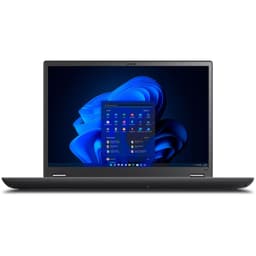

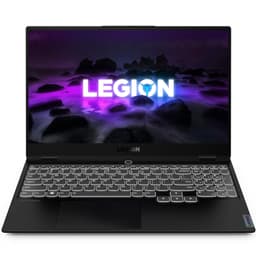

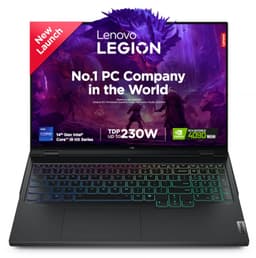
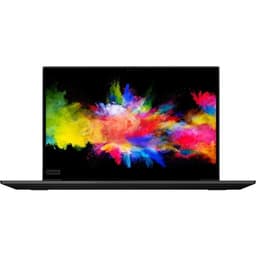
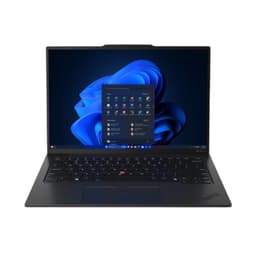

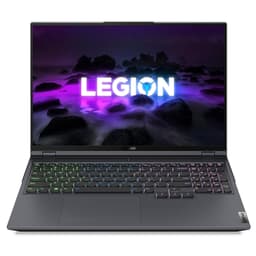
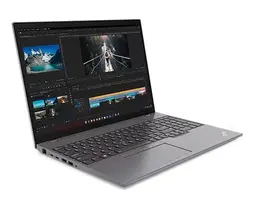

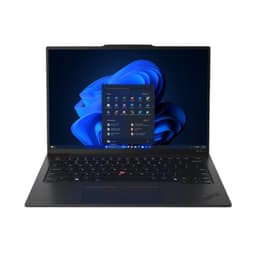

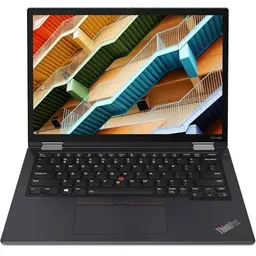
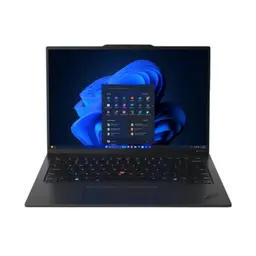


Buy Refurbished Lenovo 32GB RAM Laptops
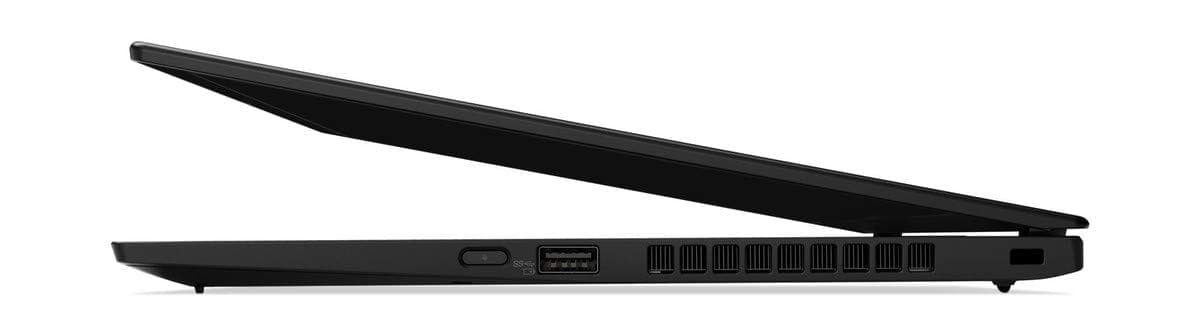
Explore refurbished Lenovo laptops with 32GB RAM at Refurbo, designed for users who need additional memory for demanding professional workloads, advanced multitasking, software development, data analysis, and creative applications. Compare available Lenovo configurations based on processor performance, storage, graphics, and display to find a laptop that fits your requirements.
Is 32GB RAM Enough for Your Work?
A Lenovo laptop with 32GB RAM offers additional memory capacity for applications and workflows that demand more than everyday multitasking. It can be particularly useful when you regularly work with multiple resource-intensive applications or need to keep several development and testing environments running simultaneously.
Some workloads that can benefit from 32GB RAM include:
- Software development: Run integrated development environments, code editors, local databases, application servers, and testing tools together with more memory headroom.
- Virtual machines: Allocate memory to virtual environments while keeping sufficient resources available for the host operating system and other applications.
- Data analysis: Work with larger datasets, complex spreadsheets, database tools, and analytical applications that may require substantial memory.
- Creative applications: Handle larger image files, multi-layer designs, video timelines, and other memory-intensive creative projects.
- Engineering and technical software: Support demanding design, modeling, simulation, and technical applications, depending on their processor and graphics requirements.
- Advanced multitasking: Keep multiple browser tabs, communication tools, office applications, and professional software open without relying as heavily on memory swapping.
However, 32GB RAM is not necessary for every buyer. If your primary activities involve browsing, documents, online classes, and standard office applications, a 16GB configuration may already be sufficient. For particularly demanding workloads involving multiple virtual machines, large simulations, or extensive datasets, a higher memory capacity may be worth considering if the laptop supports it.
The right choice depends on your applications and the complete hardware configuration, not RAM capacity alone.
Who Should Consider a Lenovo Laptop with 32GB RAM?
A Lenovo laptop with 32GB RAM can be a practical choice for professionals and technical users whose everyday workloads regularly consume substantial memory.
- Software developers and engineers: Suitable for developers working with large codebases, multiple IDEs, local development environments, containers, and testing workflows.
- Data analysts and researchers: Useful for working with larger spreadsheets, analytical tools, databases, and datasets that need to remain accessible in memory.
- IT professionals: Can support virtualization, network testing, development environments, and multiple operating environments, subject to processor and storage capabilities.
- Designers and creative professionals: Relevant for users handling complex design files, high-resolution images, video editing projects, and creative applications.
- Engineering and architecture professionals: Worth considering for compatible CAD, 3D modeling, and simulation applications, particularly when paired with suitable graphics hardware.
- Business professionals: Helpful for users who regularly work across large spreadsheets, business applications, reporting tools, and multiple communication platforms.
For students learning programming, data science, engineering, or other technical disciplines, 32GB RAM can provide useful capacity for more demanding projects. However, students primarily using productivity software and web-based learning platforms may not need this much memory.
Which Lenovo Laptop Series Can You Explore with 32GB RAM?
Lenovo offers several laptop families designed around different priorities, including business productivity, portability, professional development, and technical workloads. Depending on current availability, these are some of the product series worth understanding when comparing Lenovo configurations.
- Lenovo ThinkPad: Designed around business and professional computing. ThinkPad configurations can suit developers, consultants, IT professionals, and business users who need a practical work-focused laptop. Compare processor generation, display, connectivity, and memory configuration across individual models.
- Lenovo ThinkPad P Series: A workstation-oriented family intended for demanding professional applications. Selected configurations are designed for engineering, 3D design, visualization, and other specialized workloads. Check the graphics hardware and application requirements rather than relying on RAM alone.
- Lenovo ThinkPad T Series: A business-focused range that can suit professionals who need a balance of productivity, performance, and portability. The exact capabilities vary by model and generation.
- Lenovo ThinkPad X Series: Focuses on portable business computing. Selected configurations may combine higher memory capacity with compact designs, making them relevant for professionals who frequently work across locations.
- Lenovo ThinkBook: Offers productivity-focused laptops for professionals and growing businesses. Compare individual configurations for processor performance, display quality, storage, and connectivity.
Not every model within these series comes with 32GB RAM. Check the specifications listed on each product page to confirm the installed memory and other hardware details.
How to Choose the Right Lenovo 32GB RAM Configuration
Choosing a Lenovo laptop with 32GB RAM is only the starting point. The processor, graphics, storage, display, and memory design all influence how well the laptop will support your workload.
- Processor generation and performance: Compare the processor model, generation, core configuration, and performance characteristics. Software compilation, simulations, data processing, and other demanding workloads can benefit from a capable processor. A newer processor is not automatically the better choice without considering its performance class and intended use.
- Graphics requirements: Integrated graphics can be sufficient for office productivity, programming, and many general applications. Dedicated graphics may be important for compatible 3D applications, rendering, GPU-accelerated creative software, and certain engineering workflows.
- SSD storage capacity: Consider how much space you need for applications, project files, datasets, virtual machines, and media. A 512GB SSD may suit many professional workflows, while 1TB or more can be useful for larger local projects and files.
- Memory configuration and upgradeability: Confirm whether the 32GB RAM is soldered, installed in memory slots, or provided through a combination of both. Upgrade options and maximum supported capacity vary by model. Do not assume that every ThinkPad or ThinkBook can be upgraded later.
- Display size and quality: A 14-inch display can provide a balance between portability and workspace, while larger displays may be more comfortable for spreadsheets, design applications, and multitasking. Consider resolution, brightness, panel type, and color requirements.
- Portability and connectivity: Compare weight, dimensions, battery condition, available ports, and wireless connectivity. These factors matter when choosing between a compact business laptop and a larger performance-oriented model.
For engineering, design, and other specialized workloads, check the software provider's hardware requirements before purchasing. A laptop with 32GB RAM may still be unsuitable if its processor or graphics hardware does not meet the application's requirements.
Why Buy Refurbished Lenovo Laptops from Refurbo?
Refurbo offers refurbished Lenovo laptops for buyers looking to compare professional and productivity-focused configurations without limiting their search to new devices.
Every laptop purchased from Refurbo undergoes a 48-point quality inspection conducted by certified technicians. The default product condition is listed as Superb unless another condition is explicitly mentioned on the individual product page.
Every laptop purchased from Refurbo also comes with a 1-year warranty. Buyers can compare the available Lenovo configurations and review the specifications and condition details of individual products before making a purchase decision.
Buying Lenovo 32GB RAM Laptops in India: Quality, Warranty, and Purchase Assurance
| Offering | Details |
|---|---|
| Quality inspection | 48-point quality inspection conducted by certified technicians |
| Product condition | Default condition is Superb, unless another condition is specified on the product page |
| Laptop warranty | 1-year warranty on every laptop purchased from Refurbo |
| Configuration details | Review the individual product page for processor, RAM, storage, display, and other specifications |
| Product selection | Compare available Lenovo configurations based on your workload and requirements |
Frequently Asked Questions
Q. Is a Lenovo laptop with 32GB RAM good for programming and software development?
Yes. A Lenovo laptop with 32GB RAM can be suitable for software development involving large codebases, multiple IDEs, local databases, containers, and testing environments. Processor performance and SSD capacity should also match your development workload.
Q. Can I run virtual machines on a Lenovo laptop with 32GB RAM?
Yes. 32GB RAM can provide useful capacity for running one or more virtual machines while keeping resources available for the host operating system. The number of virtual machines you can run comfortably depends on their individual memory allocation, processor performance, and workload.
Q. Is 32GB RAM necessary for data science and machine learning?
It can be useful for data analysis, larger datasets, local development environments, and certain machine learning workflows. However, RAM alone does not determine machine learning performance. Processor capability, GPU resources, framework compatibility, and dataset size also matter.
Q. Is a Lenovo ThinkPad with 32GB RAM better than a ThinkBook?
Neither series is universally better. ThinkPad models are positioned around business and professional computing, while ThinkBook models also target productivity-focused users and businesses. Compare the exact processor, display, graphics, storage, build, and connectivity of the models you are considering.
Q. Can I upgrade the RAM in a Lenovo laptop with 32GB RAM?
It depends on the specific model. Some Lenovo laptops have replaceable or expandable memory, while others use soldered RAM that cannot be upgraded. Check the product specifications and memory design before assuming that additional RAM can be installed later.
Q. Is a Lenovo laptop with 32GB RAM suitable for engineering and CAD software?
It can be suitable for some engineering and CAD workloads, particularly when paired with a capable processor and compatible graphics hardware. Complex 3D modeling, simulation, and rendering may require workstation-class specifications. Always check the recommended hardware requirements of your specific software.