

Buy Refurbished 16 Inch Laptops in India: Larger Displays for Work, Gaming & Professional Use
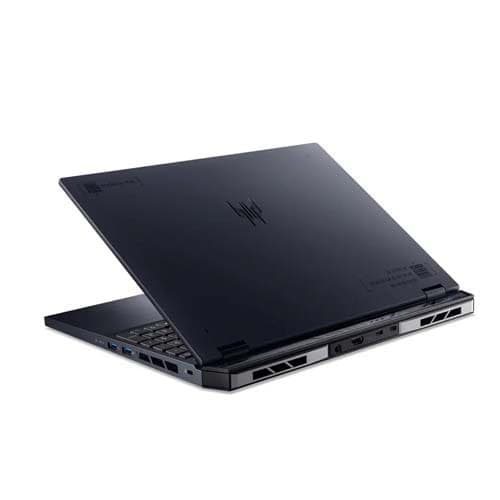
A 16 inch laptop gives you noticeably more screen space than a traditional 14 inch or 15.6 inch model. The larger format is especially useful when your daily work involves multiple windows, large spreadsheets, creative applications, development environments, gaming interfaces, or professional software.
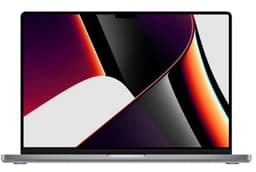
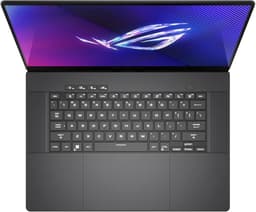
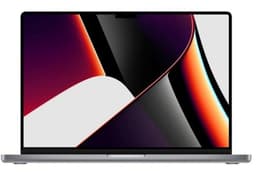
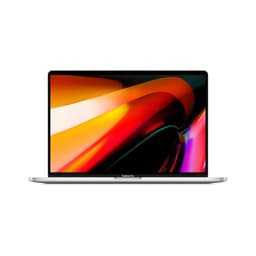
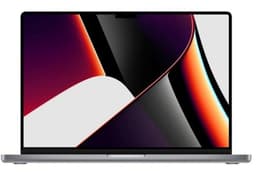
Refurbo’s refurbished 16 inch laptop collection includes business-focused systems, gaming laptops, mobile workstations, and high-performance professional machines. Because the category spans several types of hardware, you can choose the processor, memory, storage, graphics, and overall configuration around your workload rather than choosing purely by screen size.
Why Choose a 16 Inch Laptop?
The biggest advantage of a 16 inch laptop is the additional workspace. A larger display can make side-by-side applications more comfortable and gives software interfaces, timelines, spreadsheets, and other detailed content more room on screen.
The format is also useful for people who want a laptop to function as their primary computer. Instead of relying on an external monitor for every extended work session, a 16 inch display provides a larger built-in workspace while retaining the flexibility of a portable computer.
The trade-off is physical size. A 16 inch laptop will generally take up more space in a bag than a compact 14 inch machine, and performance-oriented models can also be considerably heavier.
Refurbished 16 Inch Laptops Available on Refurbo
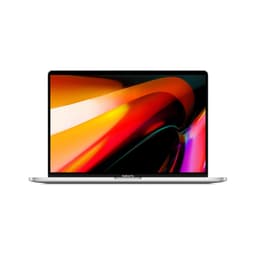
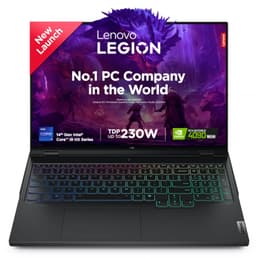
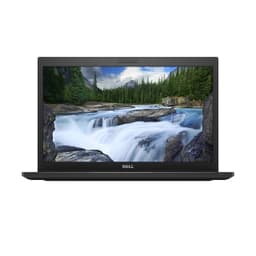
The current 16 inch range covers several different use cases, from professional productivity to gaming and workstation workloads. The configurations below illustrate how different a 16 inch laptop can be depending on the hardware inside.
| LAPTOP | CONFIGURATION | SHOP |
|---|---|---|
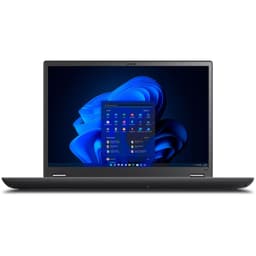
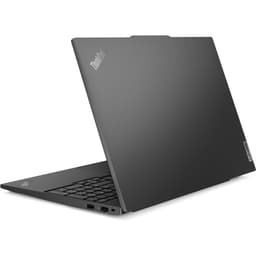
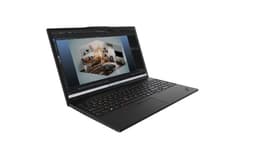
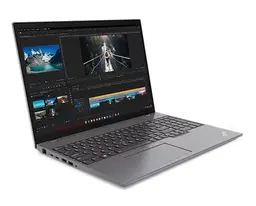
| Lenovo ThinkPad T16 Gen 2 | AMD Ryzen 7 PRO 7840U, 32GB RAM, 1TB SSD, Radeon 780M graphics | View Laptop |
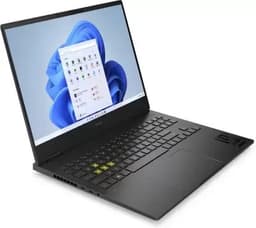
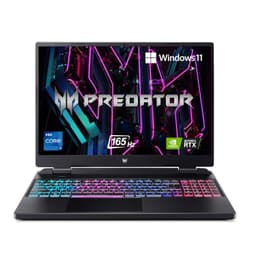
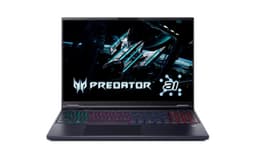
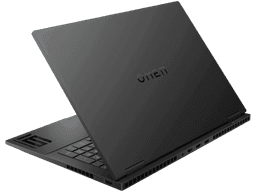
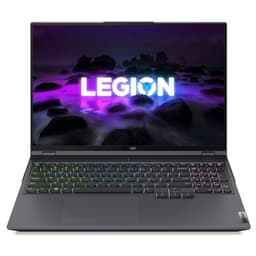
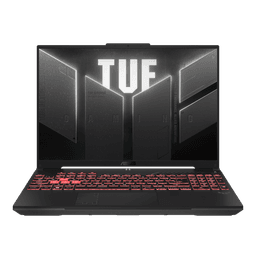
| Acer Predator Neo 16 | Intel Core i7-13700HX, 16GB RAM, 512GB SSD, RTX 4060, 165Hz display | View Laptop |
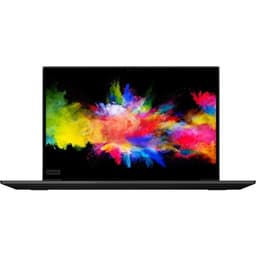
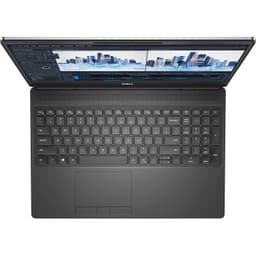
| Dell Precision 7670 | Intel Core i9-12950HX, 64GB RAM, 512GB SSD, NVIDIA RTX A2000 | View Laptop |
| Dell Precision 7670 | Intel Core i7-12850HX, 32GB RAM, 512GB SSD, NVIDIA RTX A4500 | View Laptop |
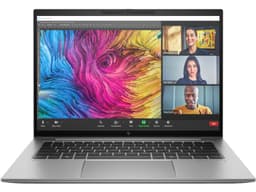
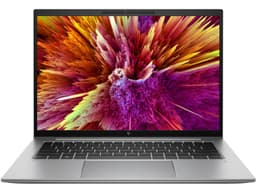
| HP ZBook Firefly 16 G11 | Intel Core Ultra 7 155H, 32GB RAM, 1TB SSD, NVIDIA RTX A500 | View Laptop |
16 Inch Laptops for Productivity
A 16 inch display can make professional productivity more comfortable when your work involves several applications at the same time. Large spreadsheets, dashboards, browser windows, documentation, communication tools, and development environments can benefit from the additional display area.
The Lenovo ThinkPad T16 Gen 2 is an example of a productivity-focused 16 inch machine. Its Ryzen 7 PRO processor, 32GB RAM, 1TB SSD, and integrated Radeon 780M graphics provide a configuration aimed at professional multitasking rather than gaming.
For users who spend most of the day working with documents, browser-based applications, spreadsheets, and business software, the combination of a larger display and substantial memory can be particularly useful.
16 Inch Laptops for Gaming
The 16 inch format is also well suited to gaming because the larger display provides more room for game environments and interface elements. Gaming models often combine the larger screen with high-refresh-rate panels and dedicated graphics.
The Acer Predator Neo 16 pairs an Intel Core i7-13700HX processor with 16GB DDR5 RAM, a 512GB SSD, and an NVIDIA GeForce RTX 4060. Its 16 inch WQXGA display has a 165Hz refresh rate, making the display specification an important part of the overall gaming configuration.
For gaming, do not evaluate the laptop based on screen size alone. The GPU, processor, RAM, cooling system, storage, display resolution, and refresh rate all contribute to the experience.
16 Inch Laptops for Professional Workloads
A larger display can be particularly useful on mobile workstations where professional applications have complex interfaces. Engineering, visualization, development, CAD-related workflows, and other demanding applications can benefit from having more screen area available.
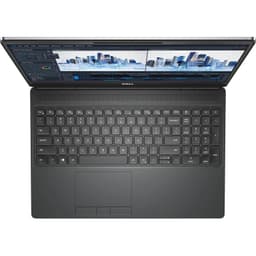
The Dell Precision 7670 is designed around this type of workload. One configuration combines an Intel Core i9-12950HX processor, 64GB RAM, 512GB SSD, and NVIDIA RTX A2000 graphics. Another configuration uses an Intel Core i7-12850HX processor, 32GB RAM, 512GB SSD, and NVIDIA RTX A4500 graphics.
These configurations demonstrate why the display size should be considered alongside the underlying hardware. A 16 inch workstation can provide considerably different capabilities depending on the processor, memory, and professional GPU installed.
16 Inch Laptops for Creative Work
Creative applications often benefit from a larger workspace because editing interfaces can contain multiple panels, timelines, previews, and toolbars. A 16 inch display can provide more room for these elements without requiring an external monitor for every session.
The hardware requirements will vary depending on the application. Photo editing may place greater emphasis on display characteristics and memory, while video editing and 3D workflows can place heavier demands on the CPU and GPU.
When choosing a refurbished 16 inch laptop for creative work, check the graphics processor, RAM, SSD capacity, display resolution, and color-related specifications rather than relying on screen size alone.
16 Inch Laptops for Multitasking
The additional screen area becomes particularly valuable when you regularly work with multiple applications. A 16 inch laptop can make it easier to keep a browser, document, spreadsheet, communication application, or development environment visible at the same time.
RAM is equally important for this type of usage. A 32GB configuration, for example, gives you considerably more memory headroom than an 8GB configuration when running several demanding applications simultaneously.
The Lenovo ThinkPad T16 Gen 2 and Dell Precision 7670 configurations in the collection illustrate how 16 inch laptops can be paired with higher-memory configurations for demanding multitasking.
16 Inch vs 15.6 Inch vs 14 Inch Laptops
The difference between these screen sizes is not simply about physical dimensions. Each format can suit a different balance between workspace and portability.
| SCREEN SIZE | BEST FOR |
|---|---|
| 14 Inch | Portability, commuting, study, and mobile productivity |
| 15.6 Inch | General productivity, gaming, entertainment, and professional use |
| 16 Inch | Large-screen productivity, gaming, creative work, and demanding applications |
If you frequently travel with your laptop, the smaller footprint of a 14 inch machine may matter more. If your priority is a larger built-in workspace, 16 inches provides more room without moving to some of the largest laptop formats.
What Should You Check When Buying a 16 Inch Laptop?
Screen size should be treated as one part of the overall configuration. The right combination of processor, memory, graphics, storage, display, and weight depends on your workload.
Processor and RAM
For everyday productivity, a modern Core i5, Core i7, Ryzen 5, or similar processor can handle common applications. More demanding workloads can benefit from higher-core-count processors.
RAM also has a major effect on multitasking. If you regularly use development tools, creative applications, virtual machines, large datasets, or several applications simultaneously, higher memory configurations can be useful.
Graphics
Graphics hardware is especially important for gaming, 3D applications, visualization, and GPU-accelerated creative workloads.
The Acer Predator Neo 16 uses an RTX 4060 for gaming-oriented workloads, while the Dell Precision 7670 uses professional NVIDIA RTX graphics. The Lenovo ThinkPad T16 Gen 2 uses integrated Radeon graphics and is positioned differently from these dedicated-GPU systems.
Storage
A larger screen does not tell you anything about storage capacity. Check the SSD configuration separately based on the size of your files and applications.
A 1TB SSD can be useful for users who work with large project files, games, media libraries, or professional applications. A 512GB SSD may be sufficient for general productivity and lighter workloads.
Weight
A 16 inch laptop can range from relatively manageable professional systems to heavier gaming and workstation machines. The Dell Precision 7670, for example, weighs around 2.6 kg, while the HP ZBook Firefly 16 G11 is around 1.72 kg.
If you regularly carry your laptop, compare weight carefully instead of assuming that every 16 inch model will have similar portability.
Who Should Buy a 16 Inch Laptop?
A 16 inch laptop makes sense for users who value screen space and spend substantial time working directly from their laptop display. It can be useful for professionals, developers, creative users, gamers, engineers, and people who regularly multitask across several applications.
It is also a practical format when the laptop serves as a primary computer and an external monitor is not always available.
If minimum weight is your priority, a 14 inch laptop may be easier to carry. If you want a balance between portability and workspace, 15.6 inches remains a common choice. A 16 inch model is more focused on giving you additional working area.
How to Choose the Right 16 Inch Laptop
Start by identifying your primary workload. For business and productivity use, prioritize processor performance, RAM, SSD capacity, display quality, connectivity, and weight.
For gaming, pay particular attention to the GPU, processor, RAM, refresh rate, resolution, storage, and cooling. A high-refresh-rate display such as the 165Hz panel on the Acer Predator Neo 16 can be relevant to gaming, while the GPU determines much of the actual rendering performance.
For professional workstation use, look at the processor, memory, professional GPU, storage, and compatibility with the applications you use. The Dell Precision 7670 and HP ZBook Firefly 16 G11 demonstrate how workstation-oriented 16 inch laptops can have very different hardware configurations.
Refurbished 16 Inch Laptops on Refurbo
Refurbo’s refurbished 16 inch laptop collection brings together larger-screen machines across productivity, gaming, and professional workloads. Instead of treating all 16 inch laptops as the same category of hardware, compare their configurations based on how you intend to use them.
Check the processor, RAM, SSD, graphics, display specifications, weight, condition, and price before choosing a model. A 16 inch display provides the larger workspace, but the hardware configuration determines what you can comfortably accomplish with it.
EMI and Easy Payment Options
Refurbo offers payment options for refurbished electronics, with the available methods shown during checkout. The options available can vary by product and order.
| SCREEN SIZE | 16 inch laptop configurations |
| PRODUCT CONDITION | Refurbished and inspected before listing |
| WARRANTY | 6 Months |
| PAYMENT | Available payment options shown during checkout |
| SUPPORT | Customer support for product and order-related queries |
Frequently Asked Questions
Q. Is a 16 inch laptop good for work?
Yes. The larger display provides additional workspace for documents, spreadsheets, browser windows, dashboards, development environments, and professional applications.
Q. Is a 16 inch laptop good for gaming?
Yes. The larger display can provide a more immersive gaming experience, particularly when paired with a high-refresh-rate panel and dedicated graphics. The GPU and processor should still be evaluated separately.
Q. Is a 16 inch laptop portable?
Portability varies considerably between models. Professional 16 inch laptops can be relatively manageable, while gaming laptops and mobile workstations can be significantly heavier.
Q. Is 16 inch better than 15.6 inch?
The two formats prioritize similar use cases, but a 16 inch display provides additional screen area. The choice depends on how much you value workspace compared with the laptop’s physical size and weight.
Q. Are 16 inch laptops good for programming?
Yes. The larger display can make it easier to work with code, terminals, documentation, browser windows, and development tools simultaneously. Processor and RAM should also be selected according to the complexity of your development workloads.
Q. Do refurbished laptops on Refurbo come with a warranty?
Refurbo refurbished laptops include 6 Months warranty coverage.
