


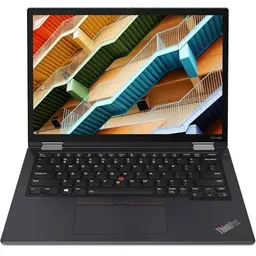


Buy Refurbished Lenovo ThinkPad Laptops with 32GB RAM and Intel Core i7
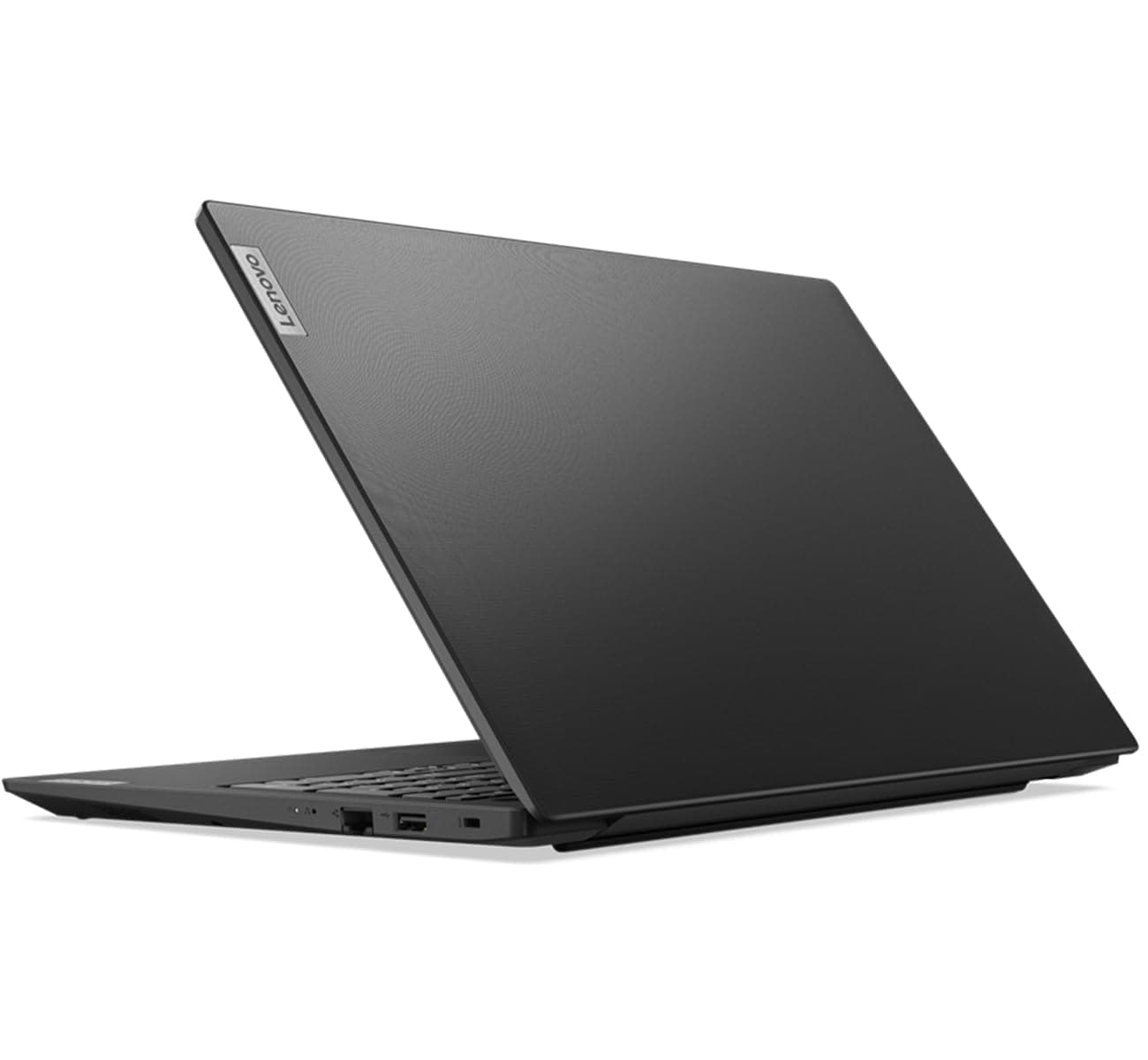
Explore refurbished Lenovo ThinkPad laptops with 32GB RAM and Intel Core i7 processors at Refurbo. These configurations are suited to professionals who work with demanding applications, large projects, development environments, and intensive multitasking. Compare available ThinkPad models by processor generation, memory, and overall hardware specifications.
What Can You Do with a Lenovo ThinkPad Core i7 Laptop with 32GB RAM?
The combination of an Intel Core i7 processor and 32GB RAM is useful when your work involves running several demanding applications or handling memory-intensive projects.
- Software development: Run IDEs, local servers, containers, and testing environments together.
- Virtual machines: Allocate memory to virtual machines while keeping your primary applications running.
- Data analysis: Work with larger datasets, complex spreadsheets, and analytical tools.
- Professional multitasking: Switch between resource-intensive applications without frequently closing programs.
- Technical workloads: Handle demanding productivity and engineering applications, depending on the processor and graphics configuration.
For everyday office work and basic browsing, 32GB RAM may be more than you need. Consider this configuration when your workload can actually benefit from the additional memory.
Who Should Consider a Lenovo ThinkPad with 32GB RAM and Intel Core i7?
- Software developers: Working with large codebases, multiple development tools, and local environments.
- Data professionals: Handling larger datasets, analytical applications, and complex reporting.
- IT professionals: Running virtual machines, testing environments, and technical tools.
- Engineers: Using professional applications that benefit from higher memory capacity.
- Power users: Managing several demanding applications as part of their daily workflow.
Which Lenovo ThinkPad Models Should You Compare?
ThinkPad models differ in portability, performance, and intended workloads. Depending on current availability, you may find configurations from different ThinkPad series.
- ThinkPad T Series: Business-focused laptops for professional productivity and multitasking.
- ThinkPad P Series: Mobile workstations for demanding technical applications and specialized workloads.
- ThinkPad X Series: Compact laptops for professionals who prioritize portability.
Not every model offers the same processor, graphics, or memory configuration. Check the individual product specifications before choosing.
How to Choose the Right ThinkPad 32GB RAM and Core i7 Configuration
When comparing available models, pay attention to these specifications:
- Processor generation: Check the exact Intel Core i7 model, generation, and core count. The i7 designation alone does not establish performance.
- Memory: Confirm the 32GB configuration and whether the memory is upgradeable.
- Storage: Choose sufficient SSD capacity for development environments, applications, and project files.
- Graphics: Check whether integrated or dedicated graphics meet your software requirements.
- Portability: Compare screen size, weight, and battery specifications if you frequently travel.
A higher memory capacity is valuable only when your applications need it. Match the processor, RAM, and graphics to your actual workload.
Why Buy Refurbished Lenovo ThinkPad Laptops from Refurbo?
Every laptop purchased from Refurbo undergoes a 48-point quality inspection conducted by certified technicians. The default product condition is Superb unless another condition is specified on the individual product page.
Every laptop purchased from Refurbo comes with a 1-year warranty. Review individual product specifications to compare available ThinkPad configurations.
Buying Lenovo ThinkPad Core i7 Laptops with 32GB RAM in India
| Offering | Details |
|---|---|
| Quality inspection | 48-point inspection by certified technicians |
| Product condition | Superb by default; check the product page for exceptions |
| Warranty | 1-year warranty |
| Configurations | Compare processor generation, RAM, graphics, SSD capacity, and display |
Frequently Asked Questions
Q. Is 32GB RAM with Intel Core i7 good for software development?
Yes. It can support large development environments, multiple tools, local servers, containers, and demanding coding workflows.
Q. Should I choose a Lenovo ThinkPad with 16GB or 32GB RAM?
Choose 16GB for general productivity, browsing, and moderate development. Consider 32GB if you regularly run virtual machines, work with large datasets, or use memory-intensive applications.
Q. Is a Lenovo ThinkPad with 32GB RAM suitable for running virtual machines?
Yes. The additional memory can help when running multiple virtual machines. The number of machines you can run also depends on processor performance and the memory allocated to each one.
Q. Are all Lenovo ThinkPad Intel Core i7 processors equally powerful?
No. Performance varies by processor generation, exact model, core count, and power configuration. Compare the full processor specifications before purchasing.
Q. Is a ThinkPad P Series better than a ThinkPad T Series?
They serve different requirements. The P Series focuses on mobile workstation workloads, while the T Series is primarily designed for business productivity. Choose based on your applications and hardware requirements.
Q. Do refurbished Lenovo ThinkPad laptops from Refurbo come with a warranty?
Yes. Every laptop purchased from Refurbo comes with a 1-year warranty.