

Buy Refurbished Laptops for Students in India: Tested & Warranty Included
A student laptop needs to handle much more than assignments. It can be used for online classes, research, presentations, projects, browsing, video calls, coding, entertainment, and everyday communication. For most students, the right laptop is not necessarily the most powerful one. It is the one that provides enough performance for the course while remaining practical to carry and affordable.
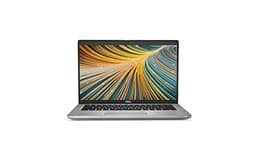
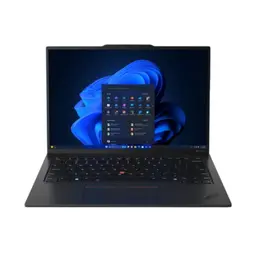
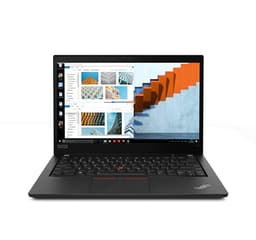
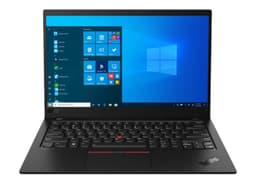
Refurbished laptops give students another way to access capable hardware without paying the price of a comparable new machine. Business-focused laptops from Dell, Lenovo, HP, and other brands can be particularly useful for students because they are built around everyday productivity, portability, keyboards, connectivity, and long-term professional use.
The ideal configuration depends on the student’s course. A student who mainly works with documents and presentations has different requirements from someone studying programming, engineering, design, or data-related subjects.
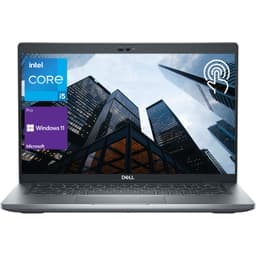
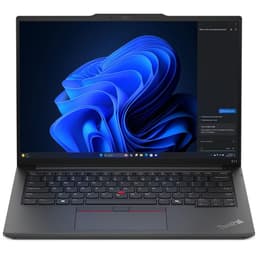
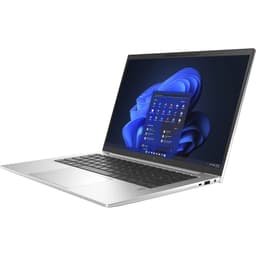
Refurbished Laptops for Students Worth Considering
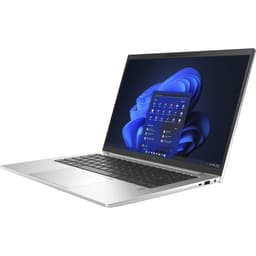
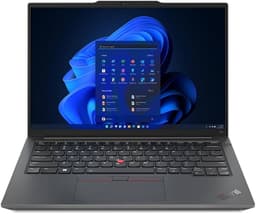
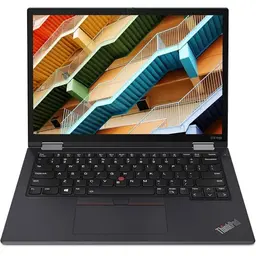
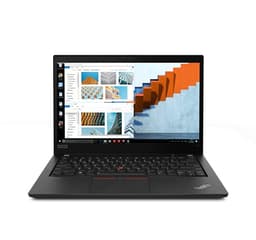
Students have different budgets and workloads, so there is no single laptop that works for everyone. The options below represent different types of student use, from basic academic work to heavier multitasking and portable productivity.
| Laptop | Best For | Shop |
|---|---|---|
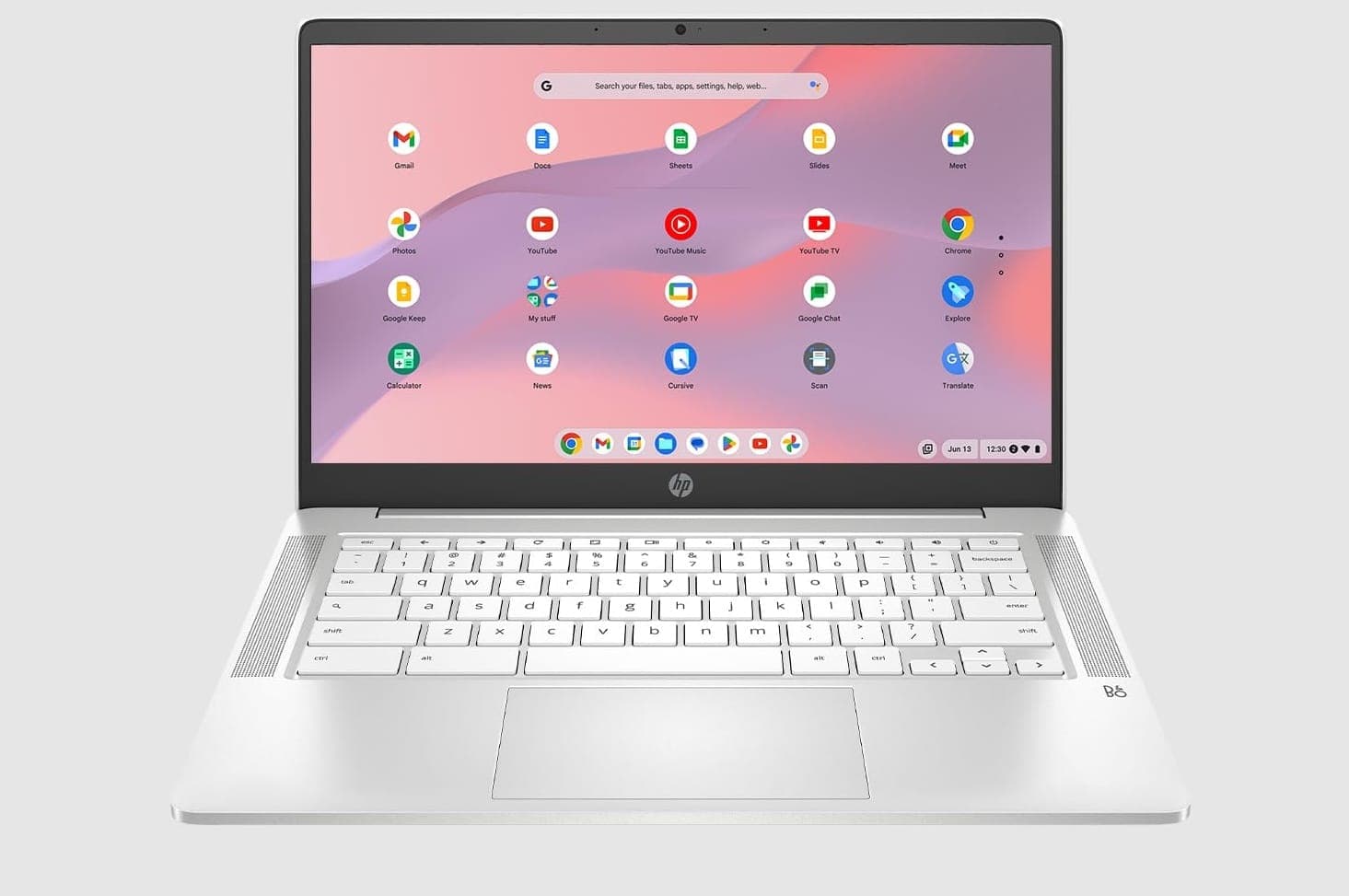
| HP Chromebook Plus 14a | Online classes, browsing and basic academic work | View Laptop |
| Dell Latitude 5280 | Everyday college productivity and portability | View Laptop |
| Dell Latitude 7490 | Assignments, browsing and multitasking | View Laptop |
| Lenovo ThinkPad L490 | Programming and heavier academic workloads | View Laptop |
| Lenovo ThinkPad X13 Gen 1 | Students who prioritize portability | View Laptop |
| Lenovo ThinkPad T580 | Larger-screen productivity and multitasking | View Laptop |
Availability changes as refurbished inventory is sold and replenished. Check the individual product listing for the current configuration, condition, price, and warranty information.
What Should Students Look for in a Laptop?
Students should start with their actual workload instead of choosing a laptop based only on processor names or specifications.
For most students, the important factors are:
- A capable processor for everyday applications
- 8GB RAM for basic academic work
- 16GB RAM for heavier multitasking
- SSD storage for faster startup and application loading
- A comfortable display for reading and studying
- A good keyboard for assignments and projects
- Useful USB and display connectivity
- Practical weight and size for commuting
- Dedicated graphics only when required
A balanced laptop is often more useful than an expensive machine with specifications that the student will rarely use.
How Much RAM Does a Student Need?
RAM becomes important when several applications and browser tabs are running simultaneously.
| RAM | Suitable For |
|---|---|
| 8GB | Browsing, documents, presentations, online classes and general college work |
| 16GB | Programming, multitasking, data work and creative applications |
| 32GB | Virtual machines and demanding technical or creative workloads |
For general college work, 8GB can be sufficient. Students who expect to use development environments, data tools, creative applications, or several demanding applications at once should consider 16GB or more.
Choosing a Laptop Based on Your Course
A student studying commerce or management does not necessarily need the same laptop as a computer science or engineering student. The software used during the course should guide the specification.
General College Work
For documents, presentations, research, browsing, online classes, and communication, focus on a reliable processor, SSD storage, sufficient RAM, and a comfortable display.
A dedicated GPU is usually unnecessary.
Computer Science and Programming
Programming students may use IDEs, browsers, databases, local development environments, and other tools simultaneously.
A capable processor and 16GB RAM can be useful for heavier development work. Basic programming assignments generally do not require a dedicated GPU.
Engineering
Engineering students should check the requirements of the applications used in their course.
Basic coursework can work on a standard productivity laptop, while CAD, 3D modeling, simulation, and rendering can require more CPU, RAM, or GPU performance.
Design and Creative Work
Students working with design, photography, video, or other creative applications may need more powerful hardware.
Depending on the software, 16GB RAM, a stronger processor, a suitable display, and dedicated graphics may become important.
Do Students Need a Dedicated Graphics Card?
Most students do not need dedicated graphics for everyday academic work.
Integrated graphics are generally sufficient for:
- Web browsing
- Documents and presentations
- Online classes
- Programming
- Video calls
- Streaming
- General productivity
A dedicated GPU becomes more relevant for:
- CAD
- 3D modeling
- Game development
- Video editing
- Rendering
- Gaming
- GPU-accelerated applications
If none of these workloads are part of the student’s routine, the budget may be better spent on RAM, SSD storage, display quality, portability, or overall laptop condition.
Lightweight Laptops for College Students
Students who carry their laptop every day should consider portability before choosing a model.
A lighter laptop can be particularly useful for:
- Commuting to college
- Moving between classrooms
- Studying in libraries
- Working from cafés or shared spaces
- Travelling between home and campus
Compact business laptops such as the Lenovo ThinkPad X13 Gen 1 can suit students who prioritize portability. On the other hand, students who need a larger display, stronger graphics, or additional performance may prefer a larger laptop. The important point is to balance portability with the requirements of the course.
Why Consider a Refurbished Laptop for College?
Buying refurbished can allow students to consider business and professional laptop ranges that may otherwise cost more when purchased new.
Key benefits include:
- Lower upfront cost
- Access to business-class laptop models
- More capable configurations within a fixed budget
- SSD-equipped options
- Practical keyboards and connectivity
- Different sizes and form factors
- 6 Months warranty support
However, students should compare the actual specifications and condition of each product. A refurbished laptop should be evaluated based on its processor, RAM, storage, battery condition, display, physical condition, and warranty.
What to Check Before Buying a Refurbished Student Laptop
Before purchasing, check the individual product listing carefully.
| Check | Why It Matters |
|---|---|
| Processor | Determines application and multitasking performance |
| RAM | Important for multitasking and demanding software |
| SSD | Improves startup, loading and general responsiveness |
| Battery | Important for students who work away from a power outlet |
| Display | Important for reading, studying and extended use |
| Warranty | Provides additional purchase support |
Also check the keyboard, trackpad, webcam, Wi-Fi, USB ports, display outputs, charger, and physical condition before making a purchase.
Refurbished Student Laptop Price in India
There is no single price range that defines a good student laptop. The right budget depends on the student’s course, required applications, portability requirements, and expected usage. A student who mainly needs a laptop for browsing, documents, online classes, and presentations can prioritize affordability.
Students who need programming tools, heavier multitasking, or technical applications may benefit from spending more on RAM, processor performance, and storage. Students should therefore decide what they need the laptop to do first and then compare available refurbished configurations.
6 Months Warranty on Refurbished Student Laptops
Refurbo refurbished laptops include 6 Months warranty support. Product-specific details such as condition, configuration, included accessories, price, and applicable return terms should be checked on the individual product page.
| Offering | Details |
|---|---|
| Warranty | 6 Months warranty support |
| Condition | Product-specific refurbished condition and grading |
| Returns | Subject to the applicable Refurbo return policy |
Frequently Asked Questions
Q. What is the best laptop for students in India?
The right laptop depends on the student’s course and workload. General students can prioritize a reliable processor, SSD storage, sufficient RAM, comfortable display, and portability.
Q. Is 8GB RAM enough for a student laptop?
8GB RAM can be sufficient for browsing, documents, presentations, online classes, research, and general academic work. Students using development tools, data applications, or creative software should consider 16GB where possible.
Q. Should students buy a refurbished laptop?
A refurbished laptop can be a practical option when its condition, configuration, testing information, and warranty are clearly provided. Students should evaluate each product individually.
Q. Do students need a dedicated graphics card?
Most students do not need dedicated graphics for everyday academic work. A dedicated GPU becomes more relevant for CAD, 3D modeling, game development, video editing, rendering, and gaming.
Q. Is an Intel Core i5 laptop good for students?
An Intel Core i5 laptop can be suitable for many student workloads, including productivity, browsing, programming, presentations, and multitasking. The processor generation, RAM, storage, and software requirements should also be considered.
Q. Is 16GB RAM better for college students?
16GB provides more room for multitasking and demanding applications. It can be particularly useful for programming, data analysis, creative applications, and technical coursework.
Q. Should students choose a lightweight laptop?
A lightweight laptop can be useful for students who carry their device between classrooms, libraries, college, and home. Students who prioritize screen size or performance may prefer larger models.
Q. Can refurbished laptops handle online classes and assignments?
Yes. A suitable refurbished laptop can handle online classes, video calls, documents, presentations, research, browsing, and other common academic tasks.
Q. What should I check before buying a refurbished student laptop?
Check the processor, RAM, SSD, display, battery, keyboard, trackpad, ports, webcam, connectivity, physical condition, charger, and warranty. Also make sure the laptop meets the requirements of your course software.
Q. Do Refurbo refurbished laptops come with a warranty?
Refurbo refurbished laptops include 6 Months warranty support. Check the individual product listing for the exact product-specific terms.
