

Buy Refurbished Intel 13th Gen Laptops in India: Modern Hardware for Work, Study & Performance
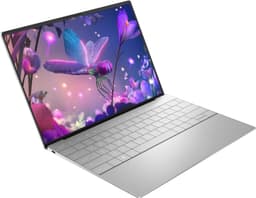
Intel 13th Gen laptops offer a useful middle ground for buyers who want relatively modern hardware without automatically moving to the newest and most expensive processor platforms. The current Refurbo inventory includes 27 laptops with Intel 13th Gen processors, ranging from business-focused Dell Latitude and HP EliteBook models to performance machines such as the Acer Predator and HP ZBook.
The important thing about this collection is that “13th Gen” covers a wide range of laptops. Your ideal choice depends on whether you need portability for work, a dependable machine for college, dedicated graphics for creative workloads, or higher performance for demanding applications.
Intel 13th Gen Laptops Worth Considering
The current inventory includes several different laptop categories, so there is no single configuration that fits every buyer. Business laptops emphasize portability and everyday productivity, while workstations and gaming-oriented machines provide more hardware for demanding workloads.
| Laptop | Best For | Shop |
|---|---|---|
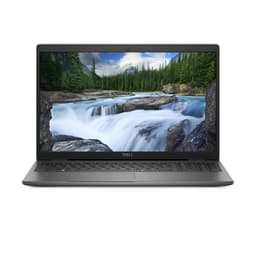
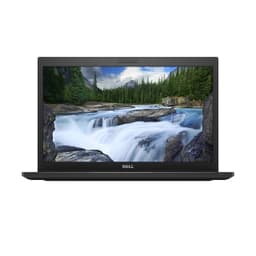
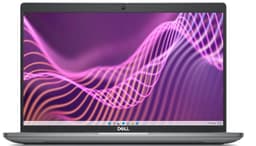
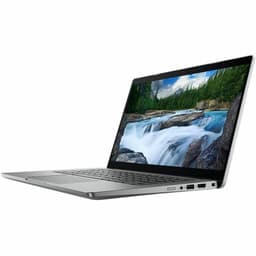
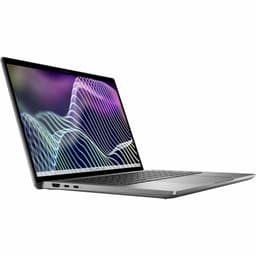
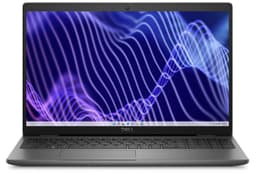
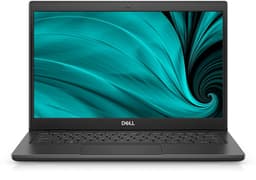
| Dell Latitude 5440 | Business & productivity | View Laptop |
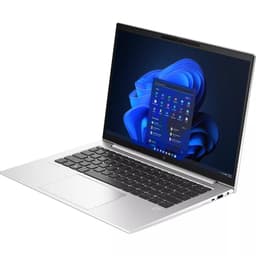
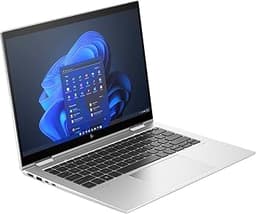
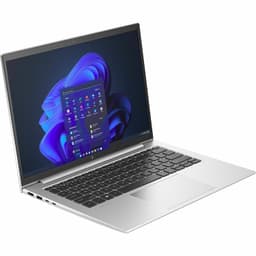
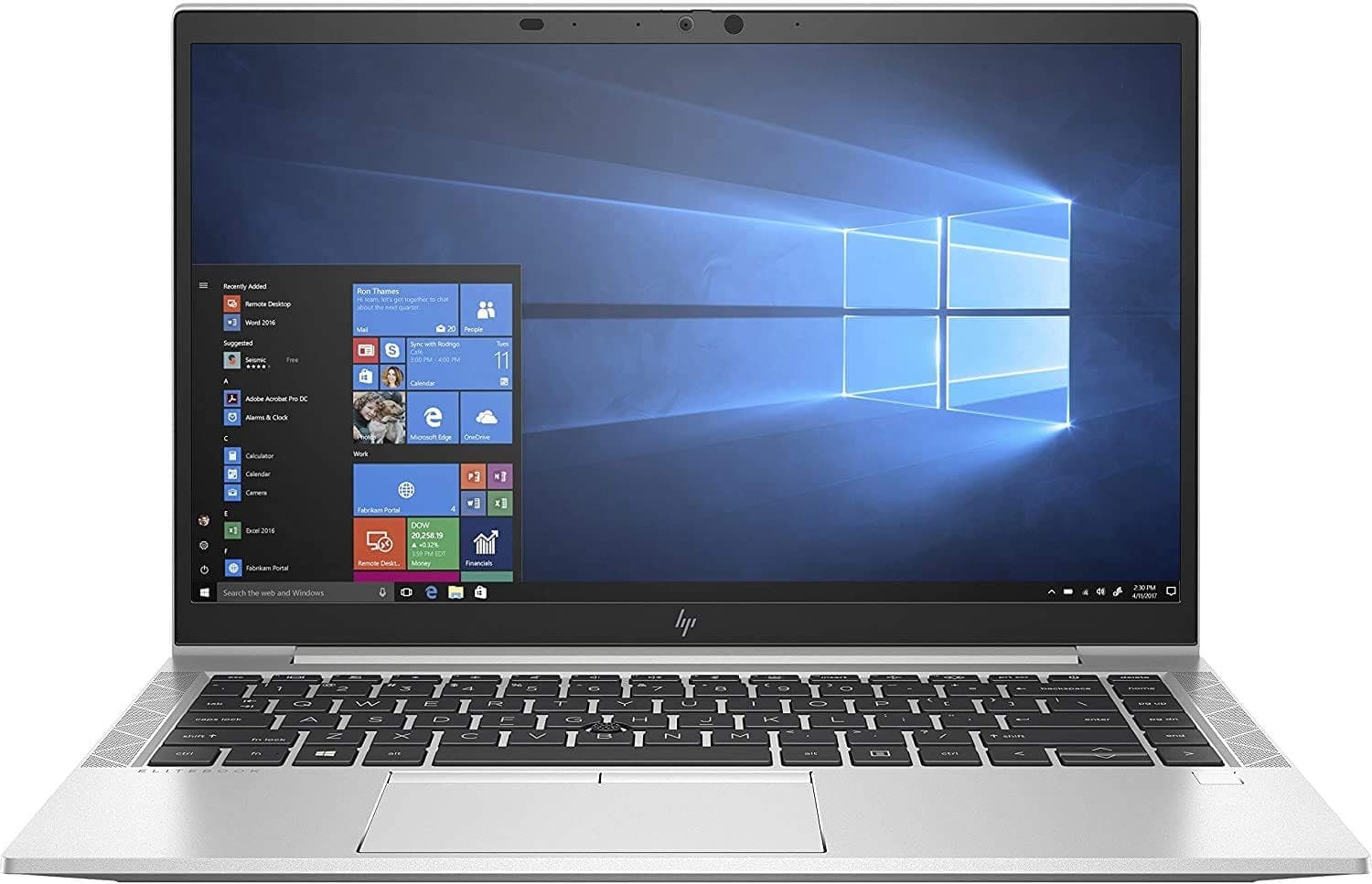
| HP EliteBook 840 G10 | Professional work | View Laptop |
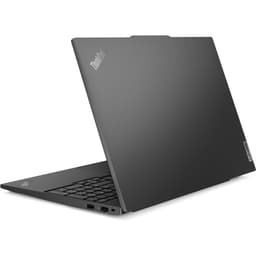
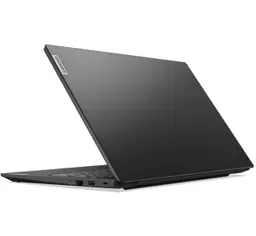
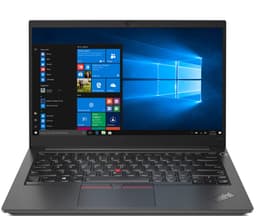
| Lenovo ThinkPad L14 Gen 4 | Office & business use | View Laptop |
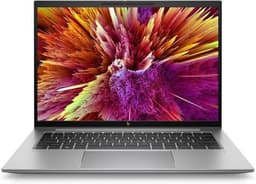
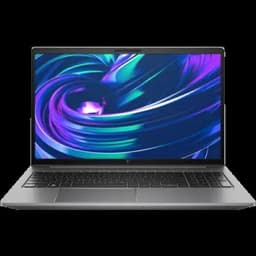
| HP ZBook Firefly G10 | Professional & graphics work | View Laptop |
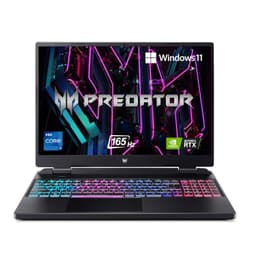
| Acer Predator Neo 16 | Gaming & demanding workloads | View Laptop |
What Does Intel 13th Gen Actually Mean?
Intel 13th Gen refers to the processor generation rather than a specific performance level. Within the same generation, you can find different processor families and configurations designed for different types of laptops.
That distinction matters when shopping refurbished. A 13th Gen business laptop and a 13th Gen performance laptop can have completely different capabilities because of differences in processor class, RAM, graphics, cooling, storage, and display.
13th Gen Laptops for Professional Work
Business-oriented 13th Gen laptops are particularly useful when your priority is dependable everyday productivity rather than maximum graphics performance. Models such as the Dell Latitude, HP EliteBook, Lenovo ThinkPad, and HP ProBook families are designed around workloads such as documents, spreadsheets, browser applications, video meetings, and business software.
For this type of usage, prioritize 16GB RAM, SSD storage, a comfortable keyboard, a good display, useful ports, and battery condition. A well-balanced business laptop can be more practical than spending extra on a high-performance processor you rarely use.
13th Gen Laptops for Students
Students can use 13th Gen laptops for online classes, research, presentations, programming, browser-based applications, and general academic work. Newer processor platforms can also provide additional headroom as coursework becomes more demanding.
Students should look at the complete configuration rather than choosing purely based on processor generation. A 13th Gen laptop with 16GB RAM and a 512GB SSD can provide a very different experience from an entry-level configuration with less memory and storage.
13th Gen Laptops for Coding and Development
For developers, 13th Gen laptops can handle programming environments, IDEs, web development, databases, compilers, and multitasking across development tools. The exact processor tier becomes more important when builds, emulators, containers, or other resource-intensive applications are part of the workflow.
RAM is particularly important for development. If you regularly run an IDE alongside Docker, databases, browsers, and local services, moving to a higher-memory configuration can make a bigger practical difference than simply selecting a more expensive processor.
13th Gen Laptops for Creators and Designers
Creative workloads introduce additional requirements beyond CPU performance. Photo editing, video editing, graphic design, 3D applications, and rendering can benefit from stronger graphics hardware, additional RAM, faster storage, and a suitable display.
The HP ZBook Firefly G10 in the current inventory, for example, combines a 13th Gen Intel Core i5 processor with 16GB RAM, 512GB SSD storage, and an NVIDIA RTX A500 Laptop GPU. This makes it a different proposition from an integrated-graphics business laptop even though both belong to the same processor generation.
13th Gen Laptops With Dedicated Graphics
Dedicated graphics can significantly change what a laptop is capable of handling. They become particularly useful for gaming, 3D work, GPU-accelerated applications, rendering, and certain creative workflows.
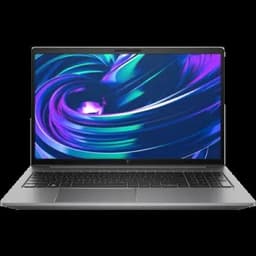
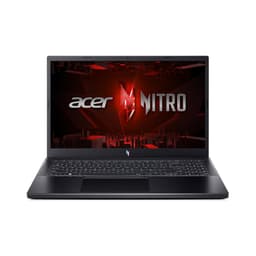
The current 13th Gen inventory includes dedicated-GPU machines such as the Acer Nitro V 15, Acer Predator Neo 16, HP ZBook Firefly G10, HP ZBook Power G10, Dell Precision 5680, and Dell XPS 17 9730. Buyers should compare the exact GPU alongside the processor rather than treating every 13th Gen laptop as equivalent.
13th Gen Gaming Laptops
A 13th Gen processor can also be found in gaming-oriented machines where CPU performance is paired with dedicated graphics. The Acer Nitro V 15 and Acer Predator Neo 16 are examples from the current inventory.
For gaming, the GPU generally deserves as much attention as the processor. Screen refresh rate, graphics memory, cooling, RAM, SSD capacity, and display resolution also influence the overall gaming experience.
How Much RAM Should You Choose?
RAM determines how comfortably a laptop handles multiple applications at once. For basic productivity, 8GB can work, but 16GB is a more comfortable target for professional multitasking, development, and heavier everyday use.
| RAM | Best Suited For |
|---|---|
| 8GB | Basic productivity and study |
| 16GB | Professional multitasking and development |
| 32GB+ | Heavy workloads and specialized applications |
The current 13th Gen inventory includes configurations ranging from 8GB to 32GB, so buyers can select based on their actual workload rather than paying for unnecessary memory.
SSD Storage for 13th Gen Laptops
Fast storage contributes heavily to the everyday responsiveness of a laptop. Boot times, application launches, file transfers, and project loading can all benefit from SSD storage.
For general productivity, 256GB can be workable if you rely on cloud storage. A 512GB SSD offers more breathing room for applications and personal files, while 1TB becomes more useful for creators, developers, gamers, and anyone working with larger local files.
Choosing Between Business and Performance Models
One of the biggest differences within this collection is the type of laptop rather than simply the processor generation.
A Dell Latitude, HP EliteBook, or ThinkPad may prioritize portability, connectivity, battery efficiency, and business usability. A Predator, Nitro, ZBook, or Precision model may instead provide additional graphics capability, cooling, or performance-oriented hardware.
Think about the environment in which you will use the laptop. A compact business laptop can make more sense for someone carrying it between meetings, while a performance machine can be better suited to a desk-based workflow.
13th Gen Laptops for Hybrid Work
Hybrid workers often need a machine that can transition between office and home without becoming cumbersome. Weight, webcam quality, battery condition, connectivity, and keyboard comfort can therefore become important considerations.
Models such as the HP EliteBook and Dell Latitude families are particularly relevant for this kind of use because business laptops tend to prioritize practical features alongside processor performance.
Display Size Can Change the Experience
Screen size affects both portability and workspace. A 14-inch laptop can provide a useful balance for someone who travels frequently, while a larger 15.6-inch or 16-inch display can provide more room for spreadsheets, timelines, development environments, and creative applications.
The current 13th Gen inventory includes several display sizes, so buyers do not have to treat processor generation and portability as the same decision.
Why Buy a Refurbished Intel 13th Gen Laptop?
A refurbished 13th Gen laptop can give you access to a relatively recent processor platform while opening up configurations that may otherwise cost more when purchased new. The refurbished market can also include business-class laptops and professional machines that were originally designed for higher-use environments.
The key is to evaluate the individual laptop rather than buying solely because it says “13th Gen.” The processor, RAM, storage, graphics, display, physical condition, battery, and warranty all contribute to the value of the machine.
What to Check Before Buying
Start by checking the exact processor model and processor tier. Then look at RAM, SSD capacity, graphics, display size, battery condition, keyboard, trackpad, ports, webcam, speakers, charger, and physical condition.
For gaming and professional workloads, pay particular attention to the dedicated GPU. For business and student use, portability, battery condition, keyboard quality, and connectivity may matter more.
Refurbished Intel 13th Gen Laptop Price in India
The current Refurbo inventory spans a broad price range because 13th Gen covers several different laptop categories. Business models can sit at a very different price point from gaming laptops, mobile workstations, and premium professional machines.
Instead of choosing purely by price, compare the configuration against your workload. A lower-priced business laptop may be exactly what you need for productivity, while a creator or developer may benefit from spending more on RAM, graphics, or storage.
EMI and Easy Payment Options
Depending on the payment options available at checkout, EMI can make it easier to spread the cost of a refurbished laptop. Before choosing a payment plan, compare the total payable amount and make sure the laptop’s configuration matches your actual requirements.
| Offering | Details |
|---|---|
| Warranty | 6 Months warranty included |
| Support | 24 by 7 customer support for order and service assistance |
| Condition | Grade A refurbished laptops with verified testing |
Frequently Asked Questions
Q. Are Intel 13th Gen laptops good in 2026?
Intel 13th Gen laptops can still provide capable performance for productivity, development, professional applications, creative work, and gaming depending on the specific configuration.
Q. Is a 13th Gen Core i5 laptop good for office work?
Yes. A suitable Core i5 13th Gen configuration can handle common office applications, browser-based workflows, video meetings, documents, spreadsheets, and multitasking.
Q. Is 16GB RAM enough for a 13th Gen laptop?
For many users, 16GB is a comfortable configuration for professional productivity, development, study, and general multitasking.
Q. Can I use an Intel 13th Gen laptop for programming?
Yes. 13th Gen laptops can handle programming, IDEs, web development, databases, and many development environments. More demanding workflows involving virtual machines or multiple containers may benefit from additional RAM.
Q. Are all Intel 13th Gen laptops suitable for gaming?
No. Processor generation alone does not determine gaming performance. A gaming laptop should have an appropriate dedicated GPU, adequate cooling, sufficient RAM, and a suitable display.
Q. Can a refurbished 13th Gen laptop be used for professional work?
Yes. The current inventory includes business laptops and professional workstations with 13th Gen processors. The appropriate model depends on the software and workload involved.
Q. What should I check before buying a refurbished 13th Gen laptop?
Check the exact processor, RAM, SSD, GPU, display, battery condition, ports, keyboard, webcam, physical condition, charger, testing information, and warranty before purchasing.
