





Buy Refurbished Gaming Laptops with 16GB RAM in India: The Sweet Spot for Modern Gaming
If you are looking for a gaming laptop that can handle modern games without immediately moving into workstation-level memory configurations, 16GB RAM is a practical starting point. It gives games enough memory to run alongside launchers, Discord, browsers, recording software, and other applications without making the laptop feel constrained during normal multitasking.
At Refurbo, the 16GB gaming collection includes machines across different performance levels, from RTX 2050 systems designed for accessible 1080p gaming to higher-end RTX configurations aimed at demanding games, creative applications, and heavier multitasking. The important part is that RAM is only one component of gaming performance. The processor, dedicated GPU, display refresh rate, cooling system, and SSD all influence how the laptop performs.
Why 16GB RAM Makes Sense for Gaming
Modern games can consume a significant amount of system memory, particularly when you keep other applications open in the background. A 16GB configuration provides enough headroom for gaming while leaving memory available for services such as Discord, Chrome, game launchers, music applications, and screen-recording tools.
For gamers who also stream, edit clips, use creative software, or work on development projects, 16GB can also make the laptop more versatile. It does not automatically make every gaming laptop equally powerful, but it provides a useful foundation when paired with a capable processor and dedicated graphics card.
Gaming Laptops with 16GB RAM Available at Refurbo
The collection includes different approaches to gaming performance. Some models focus on a balance between price and dedicated graphics, while others combine 16GB RAM with newer processors, stronger GPUs, high-refresh displays, or larger screens.
| LAPTOP | CONFIGURATION | SHOP |
|---|---|---|
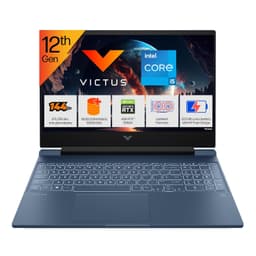
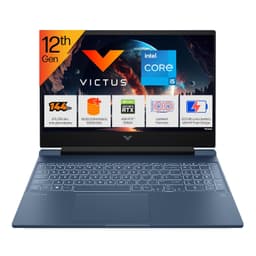
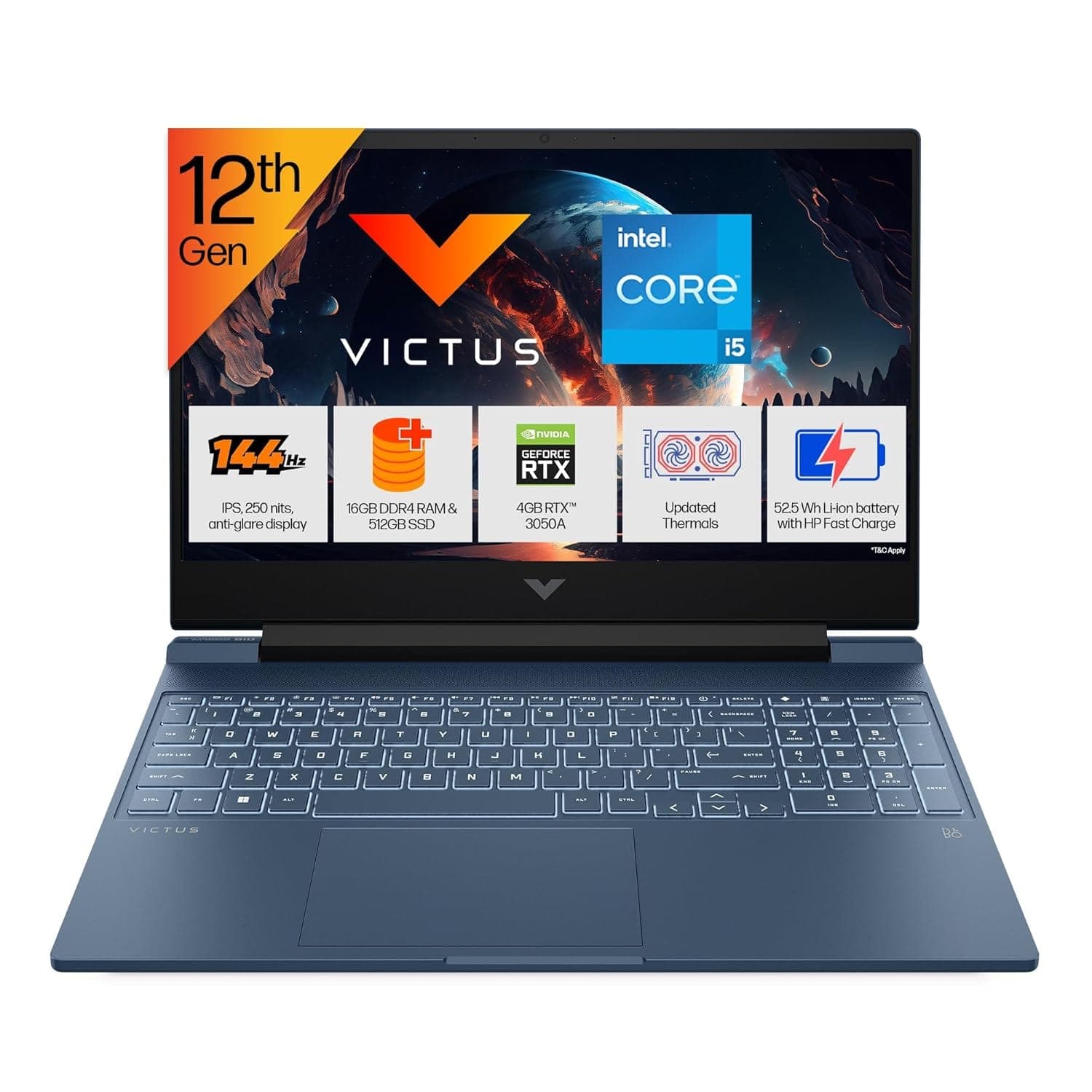
| HP Victus Gaming | 12th Gen Intel Core i7, 16GB DDR4, 512GB SSD, NVIDIA GeForce RTX 4050 6GB, 15-inch FHD 144Hz display | View Laptop |
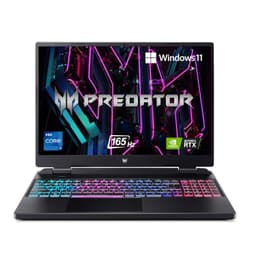
| HP OMEN Gaming | AMD Ryzen 7, 16GB RAM, 512GB SSD, NVIDIA GeForce RTX 3070 Ti 8GB, up to 240Hz display | View Laptop |
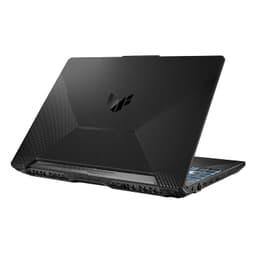
| ASUS TUF Gaming F15 | 11th Gen Intel Core i5, 16GB DDR4, 512GB SSD, NVIDIA GeForce RTX 2050 4GB, 15.6-inch FHD display | View Laptop |
| ASUS ROG Zephyrus G16 | Intel Core Ultra 7, 16GB LPDDR5X, 1TB SSD, NVIDIA GeForce RTX 4060 8GB, 16-inch QHD+ 240Hz display | View Laptop |
What 16GB RAM Actually Gives You While Gaming
The biggest benefit is not simply higher memory capacity. It is the additional headroom available when the game is sharing system resources with everything else running on the laptop.
A game can be running while Steam, Epic Games Launcher, Discord, Chrome, Windows services, RGB utilities, recording software, and other applications remain active. With 16GB, these background processes have more room to coexist without constantly competing for available memory.
This becomes particularly useful for gamers who do more than play games. If your laptop is also your machine for college work, programming, content creation, streaming, or everyday productivity, 16GB provides a more balanced configuration than a machine designed only around basic gaming.
GPU Still Matters More Than RAM for Gaming Performance
One of the most important things to understand when shopping for a 16GB gaming laptop is that identical RAM capacities do not mean identical gaming performance.
Consider the difference between the ASUS TUF Gaming F15 with an RTX 2050 and the HP Victus with an RTX 4050. Both have 16GB RAM, but their dedicated GPUs occupy very different performance tiers.
The GPU handles much of the rendering workload in games, while the CPU manages game logic, physics, background processes, and other computational tasks. RAM supports both by providing working memory for the operating system and applications.
That is why a good buying decision should consider the entire configuration rather than selecting a laptop based on RAM alone.
144Hz and 240Hz Displays Change the Gaming Experience
A high-refresh display can make games feel noticeably more responsive, particularly in fast-paced titles where motion clarity and input responsiveness matter.
The HP Victus configuration in this collection uses a 144Hz display, while the ASUS ROG Zephyrus G16 configuration reaches 240Hz. These displays are particularly relevant for competitive games where players can benefit from higher frame rates when the GPU is capable of producing them.
For slower-paced single-player games, refresh rate is still useful, but it may not be the deciding factor. Resolution, panel quality, GPU capability, and the type of games you play should all be considered together.
16GB Gaming Laptops for More Than Gaming
A gaming laptop with 16GB RAM can also serve as a general-purpose performance machine.
The HP Victus combines 16GB RAM with a Core i7 processor and RTX 4050 graphics, giving it a configuration that can extend beyond gaming into video editing, development, graphics applications, and other GPU-accelerated workloads.
The ASUS ROG Zephyrus G16 takes that idea further with a Core Ultra 7 processor, RTX 4060 graphics, 1TB SSD, and a QHD+ 240Hz display. Its configuration is suited to users who want gaming capability without limiting the laptop to gaming alone.
This makes 16GB gaming laptops interesting for students, developers, creators, and professionals who want one machine capable of handling both work and entertainment.
16GB RAM and Storage: Why the SSD Still Matters
RAM and storage solve different problems.
RAM determines how much working data the system can keep readily available, while the SSD stores the operating system, games, applications, and personal files. A 16GB gaming laptop with a fast SSD can feel considerably more responsive than an otherwise similar machine using slower storage.
The products in this collection include configurations ranging from 512GB SSD storage to 1TB SSD storage. A 512GB SSD can work well if you regularly manage your installed games, while 1TB gives you considerably more room for large modern game installations and creative projects.
If you regularly install several large games simultaneously, the 1TB configuration of the ASUS ROG Zephyrus G16 is particularly relevant.
What to Check Before Buying a Refurbished Gaming Laptop
Gaming laptops have more demanding thermal requirements than typical productivity laptops. Before buying, look beyond processor and RAM specifications.
Check the dedicated GPU and its graphics memory, because these have a direct impact on gaming capability. Look at the display refresh rate and resolution, particularly if you play competitive games. Storage capacity also matters because modern games can occupy substantial amounts of space.
Physical condition is another important consideration. Inspect the display, keyboard, trackpad, ports, hinges, chassis, cooling vents, and charging equipment. Battery health is worth checking as well, especially if you expect to use the laptop away from a power source.
Who Should Buy a 16GB Gaming Laptop?
A 16GB gaming laptop is suitable for users who want a machine that can combine gaming with everyday computing and demanding applications.
It makes sense for gamers who play modern PC titles, students who want one laptop for both college and gaming, developers who need a capable machine for development environments, and creators who occasionally use video editing or graphics software.
If your workloads involve extremely large datasets, professional 3D rendering, extensive virtual machines, or other memory-heavy applications, you may want to consider a higher-memory configuration where available.
How to Choose Between These Configurations
Start with the GPU rather than the RAM. Once you have established the graphics performance you need, compare the processor, display, storage, and thermal design.
For balanced gaming, the HP Victus pairs 16GB RAM with an RTX 4050 and a 144Hz display. The ASUS TUF Gaming F15 offers a more accessible configuration with an RTX 2050. The HP OMEN moves into a substantially more powerful RTX 3070 Ti configuration, while the ASUS ROG Zephyrus G16 combines 16GB RAM with an RTX 4060, 1TB SSD, and a 240Hz QHD+ display.
The right choice therefore depends on the games you play, the resolution you want to use, and whether the laptop will also be used for other demanding workloads.
Why Buy a Refurbished 16GB Gaming Laptop?
Buying refurbished allows you to consider gaming laptops with dedicated GPUs and performance-oriented configurations without restricting your search to new machines.
The important part is evaluating the actual configuration rather than simply choosing a model name. A gaming laptop’s processor, GPU, RAM, storage, display, physical condition, and warranty all contribute to its overall value.
Every product should be evaluated individually because specifications can differ between configurations of the same model family.
EMI and Easy Payment Options
Refurbo provides payment options during checkout so you can review the available methods for the specific laptop you select.
| RAM | 16GB configurations |
| PRODUCT CONDITION | Refurbished and inspected before listing |
| WARRANTY | 6 Months |
| PAYMENT | Available payment options shown during checkout |
| SUPPORT | Customer support for product and order-related queries |
Frequently Asked Questions
Q. Is 16GB RAM enough for gaming in 2026?
Yes. 16GB provides a practical amount of memory for gaming and multitasking across many gaming laptops. Actual gaming performance still depends heavily on the GPU, processor, display, and game settings.
Q. Is 16GB RAM better than 8GB for gaming?
16GB provides more memory headroom for modern games and background applications. It is particularly useful when gaming alongside Discord, browsers, launchers, recording software, or other applications.
Q. Does 16GB RAM guarantee better gaming performance?
No. RAM capacity is only one part of the configuration. The dedicated GPU and processor can have a much larger impact on gaming performance.
Q. Is a 16GB gaming laptop suitable for streaming?
It can be. Streaming adds additional workload while gaming, so the processor, GPU, cooling system, and available memory should all be considered together.
Q. Should I choose 512GB or 1TB storage for a gaming laptop?
512GB can work if you manage your installed games regularly. A 1TB SSD provides more room for large games, applications, recordings, and personal files.
Q. Do refurbished gaming laptops come with a warranty?
Refurbo’s refurbished products include 6 Months warranty.
