





Buy Refurbished HP ZBook Laptops with 32GB RAM
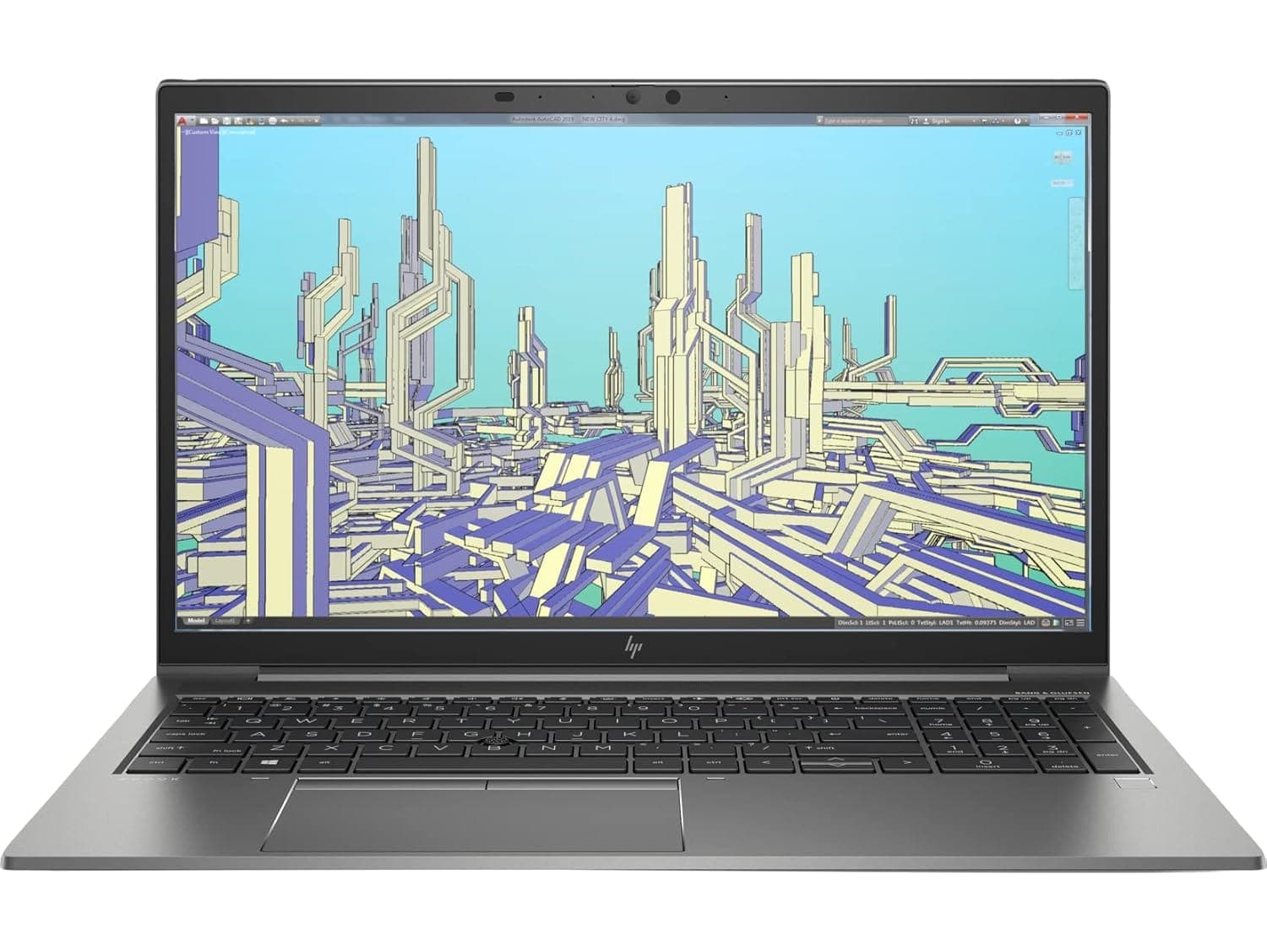
Explore refurbished HP ZBook laptops with 32GB RAM at Refurbo. These mobile workstations are suited to professional workloads such as CAD, 3D modeling, video editing, engineering applications, and advanced multitasking.
Is 32GB RAM Enough for Professional Work?
A ZBook with 32GB RAM provides room for demanding applications and complex projects.
- CAD and engineering: Work with technical drawings, 3D models, and compatible engineering software.
- 3D modeling: Handle moderate modeling and visualization workflows.
- Video editing: Work with high-resolution footage and multiple editing applications.
- Data analysis: Manage larger datasets and resource-intensive analytical tools.
- Software development: Run development environments, containers, and virtual machines.
For larger simulations, complex rendering, or extensive virtual machine workloads, 64GB or more may be beneficial. Performance also depends on the processor and graphics configuration.
Who Should Consider an HP ZBook with 32GB RAM?
- Engineers and architects: For CAD, BIM, modeling, and technical applications.
- Designers and 3D artists: For modeling, rendering, and visualization workflows.
- Video editors: For editing projects that require substantial memory and graphics performance.
- Data professionals: For data analysis and computational workloads.
- Developers: For demanding development environments and virtualization.
Choose a configuration based on the applications you use, not RAM capacity alone.
Which HP ZBook Series Can You Explore?
Depending on current availability, consider these ZBook families:
- ZBook Firefly: A more portable workstation option for lighter professional and creative workloads.
- ZBook Power: Designed to balance workstation performance with everyday professional use.
- ZBook Studio: Suited to creative professionals working with demanding visual applications.
- ZBook Fury: A high-performance workstation family for intensive engineering, rendering, and simulation workloads.
Not every model has the same processor, graphics, or memory capabilities. Check the specifications of each available laptop before purchasing.
How to Choose the Right HP ZBook with 32GB RAM
For workstation workloads, evaluate these specifications carefully:
- Processor: Check the processor model, generation, and core count for your applications.
- Graphics: Dedicated NVIDIA workstation graphics may be important for CAD, 3D rendering, and GPU-intensive software.
- Storage: Consider SSD capacity based on project files, software, and media libraries.
- Display: Compare screen size, resolution, and color characteristics for design and visual work.
- Upgradeability: Check the model's memory capacity and available upgrade options.
- Portability: Consider weight and battery condition if you need to work across locations.
A 32GB configuration does not automatically make every ZBook suitable for every workstation task. Match the complete hardware configuration to your software requirements.
Why Buy Refurbished HP ZBook Laptops from Refurbo?
Every laptop purchased from Refurbo undergoes a 48-point quality inspection conducted by certified technicians.
The default product condition is Superb unless another condition is specified on the product page. Every laptop purchased from Refurbo also comes with a 1-year warranty.
Compare available HP ZBook configurations and review their processor, graphics, and storage specifications before choosing a workstation.
Buying HP ZBook Laptops with 32GB RAM in India: Quality and Warranty
| Offering | Details |
|---|---|
| Quality inspection | 48-point inspection by certified technicians |
| Product condition | Superb by default, unless otherwise specified |
| Laptop warranty | 1-year warranty |
| Configuration details | Processor, RAM, graphics, storage, and display specifications listed on individual product pages |
| Product selection | Compare available HP ZBook workstation configurations |
Frequently Asked Questions
Q. Is an HP ZBook with 32GB RAM suitable for AutoCAD and SolidWorks?
It can support many CAD workflows. Performance depends on the processor, graphics hardware, software requirements, and complexity of your projects.
Q. Which HP ZBook series is best for engineering work?
ZBook Power and Fury models are worth considering for engineering workloads. Power suits many moderate professional tasks, while Fury targets more demanding workstation requirements. Compare the exact configurations before choosing.
Q. Is 32GB RAM enough for 3D modeling and rendering?
It is suitable for many moderate 3D modeling and rendering projects. Complex scenes, high-resolution assets, and intensive simulations may require more memory and stronger graphics hardware.
Q. Do HP ZBook laptops have dedicated graphics?
Many ZBook configurations offer dedicated NVIDIA graphics, but hardware varies by model. Check the individual product specifications to confirm the graphics processor.
Q. Can I upgrade the RAM in an HP ZBook?
Upgradeability depends on the model and generation. Check the supported memory capacity and available memory slots for the exact configuration.
Q. Should I choose an HP ZBook with 32GB or 64GB RAM?
Choose 32GB for many CAD, development, editing, and professional workloads. Consider 64GB for complex simulations, large 3D projects, and memory-intensive applications.