


Buy Refurbished Gaming Laptops with RTX Graphics in India: Tested & Warranty Included
NVIDIA RTX graphics change what a gaming laptop can do. Beyond rendering games at high frame rates, RTX GPUs bring dedicated hardware for ray tracing and AI-powered features, making them relevant for modern gaming, streaming, 3D work, video editing, game development, and other GPU-intensive workloads.
Refurbished RTX laptops give buyers access to dedicated NVIDIA graphics at a lower price than comparable new machines. Whether you are looking for an RTX 3050 for 1080p gaming, an RTX 3060 for demanding gaming and creative workloads, or a higher-end RTX configuration for heavier applications, the right laptop depends on the GPU, VRAM, processor, RAM, display, and cooling system working together.
Why Choose an RTX Laptop?
RTX laptops are built around NVIDIA GeForce RTX graphics, which means the GPU is designed for more than conventional rasterized gaming. RTX hardware supports technologies such as hardware-accelerated ray tracing and AI-powered features such as DLSS in supported applications and games.
This makes RTX laptops particularly interesting for buyers who want one machine that can handle gaming alongside creative or technical workloads. A laptop with RTX graphics can be used for gaming, streaming, video editing, 3D rendering, game development, and other applications that benefit from dedicated GPU acceleration.
The exact experience depends on the RTX model and the laptop’s overall configuration, so the GPU name should always be considered alongside VRAM, processor, RAM, cooling, and display specifications.
Refurbished RTX Laptops Worth Considering
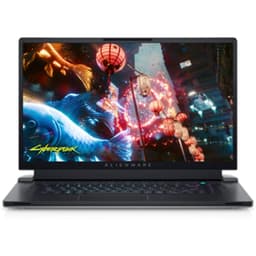
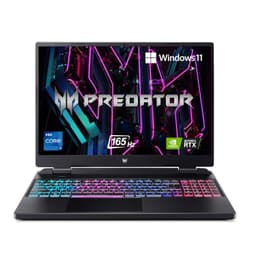
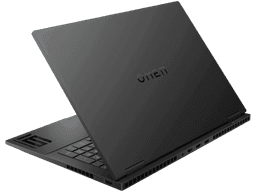
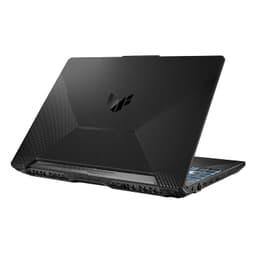
The Refurbo inventory includes RTX configurations across different performance levels. This gives buyers the flexibility to choose between more accessible RTX systems and higher-spec machines designed for demanding gaming and creative workloads.
| Laptop | RTX GPU | Shop |
|---|---|---|
| ASUS TUF Gaming A15 | GeForce RTX 3050 | View Laptop |
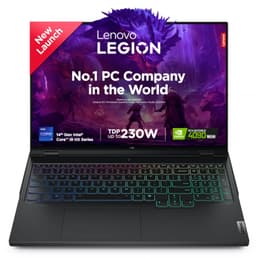
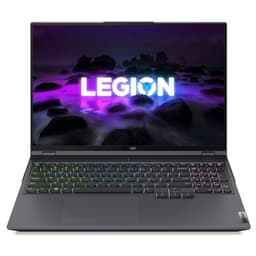
| Lenovo Legion 5 | GeForce RTX 3060 | View Laptop |
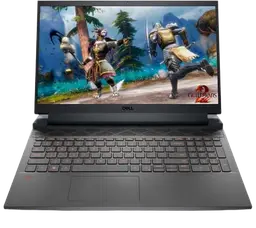
| Dell G15 5521 | GeForce RTX 3060 | View Laptop |
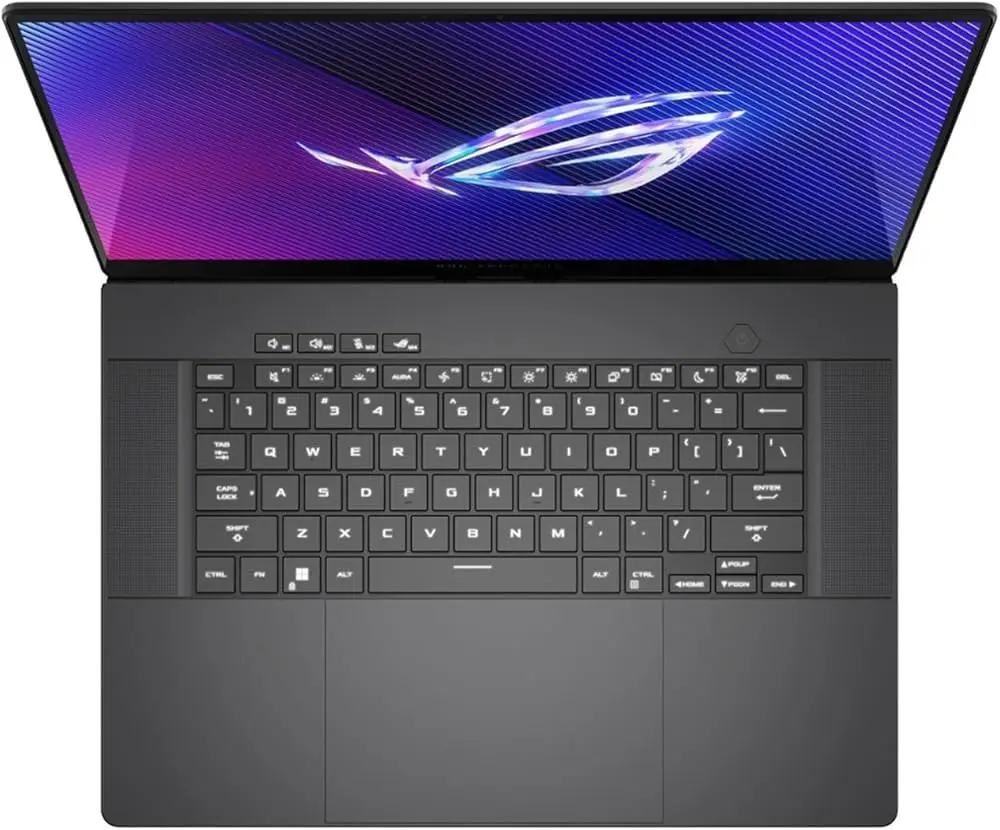
| ASUS TUF Gaming A16 | GeForce RTX 4060 | View Laptop |
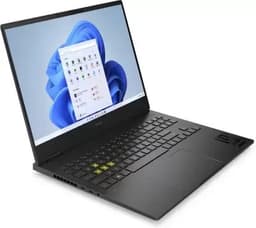
| HP Omen Gaming | GeForce RTX 3070 Ti | View Laptop |
These configurations span RTX 3050, RTX 3060, RTX 4060, and RTX 3070 Ti hardware in the available listings.
RTX 3050, RTX 3060 and RTX 4060 Laptops
RTX GPU generations and tiers can serve very different buyers. An RTX 3050 laptop can provide a dedicated RTX platform for 1080p gaming and GPU-accelerated applications, while RTX 3060 configurations provide additional graphics capability for more demanding games and workloads.
RTX 4060 laptops move into a newer generation of RTX hardware and can be particularly interesting for buyers who want a more modern combination of gaming performance and GPU-accelerated creative workloads. The ASUS TUF Gaming A16 available in the Refurbo inventory, for example, has an RTX 4060 with 8GB graphics memory, 16GB RAM, and a 512GB SSD.
What Makes RTX Different From Regular Dedicated Graphics?
A dedicated GPU already provides a major performance advantage over integrated graphics, but RTX adds specific hardware capabilities designed for ray tracing and AI-accelerated workloads.
Ray tracing can create more realistic lighting, reflections, and shadows in supported games. RTX GPUs also support NVIDIA technologies that can use AI techniques to improve the balance between image quality and performance in supported applications.
This makes RTX particularly relevant to gamers who want modern graphical features and creators who use GPU-accelerated applications.
RTX Laptops for Gaming
Gaming is one of the most obvious reasons to choose an RTX laptop. The GPU handles much of the graphical workload, allowing modern games to make use of higher graphical settings and features supported by the hardware.
The actual gaming experience depends heavily on the specific RTX GPU, CPU, RAM, display resolution, and thermal design. A laptop with an RTX 3060, for example, should not be treated as equivalent to every other RTX laptop because power limits, cooling, memory, and the rest of the configuration can vary significantly.
For buyers, the complete laptop configuration matters more than simply seeing the RTX badge.
RTX Laptops for Ray Tracing and DLSS
Ray tracing can significantly increase the graphical workload in supported games because the GPU calculates more complex lighting and reflection effects. RTX hardware is designed to accelerate these workloads.
DLSS can provide another performance option in supported games by using AI-based techniques to generate an output image from a lower-resolution internal render. This can help balance visual quality and performance, although results vary depending on the game and the specific implementation.
If ray tracing and DLSS are important to you, make sure the laptop uses an actual GeForce RTX GPU rather than simply relying on a generic dedicated graphics specification.
RTX Laptops for Streaming
An RTX laptop can also serve as a gaming and streaming machine. NVIDIA GPUs include dedicated video encoding hardware that can reduce the amount of CPU processing required for supported encoding workflows.
This allows the laptop to handle gameplay and streaming together while keeping more system resources available for the game and other applications.
For regular streaming, 16GB RAM is a practical starting point. If you also run recording software, browsers, Discord, editing tools, and other applications simultaneously, 32GB RAM can provide additional headroom.
RTX Laptops for Video Editing and Content Creation
RTX graphics are not limited to gaming. Many creative applications can use GPU acceleration for effects, rendering, playback, encoding, and other tasks.
For creators, an RTX laptop can therefore combine gaming capability with video editing, 3D work, motion graphics, and other demanding applications. RAM and storage become increasingly important as projects become larger, particularly when working with high-resolution footage and large media libraries.
A higher-spec RTX laptop can be useful when you want one machine that serves as both a gaming system and a creator workstation.
RTX Laptops for 3D Rendering and Game Development
Game development and 3D rendering can place sustained workloads on the GPU. Working with detailed scenes, lighting, textures, visual effects, and real-time rendering can benefit from dedicated graphics.
RTX laptops can provide the GPU acceleration required by many 3D workflows while retaining the portability of a laptop. For larger projects, 32GB RAM and a larger SSD can also become valuable because development environments and project assets can consume significant system resources.
How Much RAM Should an RTX Laptop Have?
The RTX GPU handles graphics workloads, but system RAM still matters when running games and applications together.
| RAM | Suitable For |
|---|---|
| 16GB | Gaming and everyday GPU workloads |
| 32GB | Gaming, streaming and creative work |
| 64GB+ | Heavy professional multitasking |
For most RTX gaming laptops, 16GB provides a practical starting point. Users combining gaming with streaming, editing, 3D applications, or development can benefit from 32GB.
How Much VRAM Do You Need?
VRAM is the dedicated memory available to the graphics processor. It becomes particularly important when games and applications need to load large textures, complex scenes, or other graphical data.
Different RTX laptops can have different VRAM capacities, so buyers should check the actual GPU configuration instead of assuming all RTX laptops provide the same graphics memory.
For modern gaming and creative workloads, having more VRAM can provide additional room for demanding graphical workloads, but the GPU model itself remains an important part of the equation.
RTX Laptop Display and Refresh Rate
A capable GPU should be paired with a display that allows you to take advantage of its performance. High-refresh-rate displays can make games feel more responsive, particularly in fast-paced titles.
The right display depends on the GPU and your intended use. A Full HD high-refresh-rate panel can be a practical combination for gaming-focused systems, while higher-resolution displays can be useful for creators and users who want more workspace.
The ASUS TUF Gaming A16 in the available inventory, for example, has a 16-inch display with a 144 to 165Hz refresh rate alongside its RTX 4060 configuration.
RTX Laptop Storage for Games and Applications
Modern games and creative applications can consume significant storage. An SSD is therefore important for an RTX laptop because it provides faster access to games, applications, project files, and operating system data.
| Storage | Suitable For |
|---|---|
| 512GB SSD | Gaming and everyday use |
| 1TB SSD | Large game libraries and creative work |
| 1TB+ | Large games, media and project libraries |
If you regularly install large games or store recorded gameplay and creative projects locally, additional storage can quickly become useful.
RTX Laptops for Students and Professionals
An RTX laptop can be useful for students and professionals who need graphics performance beyond everyday productivity. Engineering students can use dedicated GPU hardware for certain 3D and simulation workloads, while developers and creators can use it for game development, rendering, editing, and other GPU-accelerated applications.
The advantage is having one machine capable of handling both productivity and demanding graphical workloads. However, buyers should consider portability and battery expectations because performance-focused gaming laptops are generally designed around sustained plugged-in workloads.
Why Buy a Refurbished RTX Laptop?
RTX laptops with capable processors, high-refresh displays, larger RAM configurations, and fast SSDs can be expensive when purchased new. Refurbished hardware can make these configurations more accessible while allowing buyers to spend more of their budget on the components that directly affect performance.
This is particularly useful when moving from integrated graphics to dedicated RTX hardware. Instead of choosing a lower-spec new laptop, a refurbished RTX configuration can provide a more performance-focused setup for gaming, streaming, creation, and development.
The important consideration is the actual configuration and condition of the individual laptop, not simply the RTX branding.
What to Check Before Buying a Refurbished RTX Laptop
Buying an RTX laptop requires looking beyond the GPU name. Two laptops carrying RTX branding can provide different experiences depending on their processors, GPU power configuration, VRAM, RAM, cooling, display, and storage.
Before purchasing, check:
- Exact RTX GPU model
- GPU VRAM
- Processor model and generation
- Installed RAM
- SSD capacity
- Display resolution and refresh rate
- Cooling and thermal performance
- Battery health
- Keyboard and trackpad
- USB, HDMI, audio, and other ports
- Wi-Fi and Bluetooth
- Physical condition
- Included warranty
These checks help ensure the laptop matches the workload you actually intend to run.
Refurbished RTX Laptop Price in India
The price of a refurbished RTX laptop depends on the RTX model, processor, RAM, storage, display, generation, and condition. RTX 3050, RTX 3060, RTX 4060, and higher-tier configurations can occupy very different price and performance segments.
Instead of choosing based only on the RTX label, compare the complete configuration with your intended workload. Someone buying primarily for 1080p gaming may have different requirements from a creator working with 3D rendering, video editing, or game development.
EMI and Easy Payment Options
Flexible payment options such as EMI allow users to purchase RTX laptops without paying the full amount upfront. This makes higher-performance configurations more accessible, especially for students, gamers, creators, and professionals who need dedicated GPU performance.
Combining refurbished pricing with EMI options creates an affordable pathway to access modern RTX hardware for gaming, streaming, content creation, 3D work, and other demanding workloads.
| Offering | Details |
|---|---|
| Warranty | 6 Months warranty included |
| Support | 24 by 7 customer support for order and service assistance |
| Condition | Grade A refurbished laptops with verified testing |
This ensures laptops meet defined quality benchmarks before sale.
Frequently Asked Questions
Q. What is an RTX laptop?
An RTX laptop is a laptop equipped with an NVIDIA GeForce RTX GPU. RTX graphics are designed for gaming and GPU-accelerated workloads and support technologies such as hardware-accelerated ray tracing and DLSS in supported applications.
Q. Are refurbished RTX laptops good for gaming?
A properly tested refurbished RTX laptop can provide dedicated GPU performance for gaming. The exact experience depends on the RTX model, processor, RAM, cooling, display, and overall configuration.
Q. What is the difference between RTX 3050 and RTX 3060 laptops?
They are different RTX GPU tiers with different performance characteristics and configurations. Buyers should compare the exact GPU, VRAM, laptop power configuration, and the rest of the system rather than judging by the RTX name alone.
Q. Is an RTX 4060 laptop good for gaming?
An RTX 4060 laptop provides a newer RTX GPU platform suitable for modern gaming and other GPU-intensive workloads. Actual performance depends on the laptop’s complete hardware configuration.
Q. Do RTX laptops support ray tracing?
GeForce RTX GPUs are designed with hardware for accelerated ray tracing, and supported games and applications can use these capabilities.
Q. Is RTX useful for video editing?
Yes. Many video editing applications can use GPU acceleration for specific effects, playback, rendering, and encoding workloads. The benefit depends on the software and workflow.
Q. How much RAM should an RTX laptop have?
16GB RAM is a practical starting point for gaming and general GPU workloads. 32GB is useful for streaming, video editing, 3D work, game development, and heavier multitasking.
Q. Do refurbished RTX laptops come with a warranty?
Yes. Refurbo refurbished laptops include 6 Months warranty support.
