


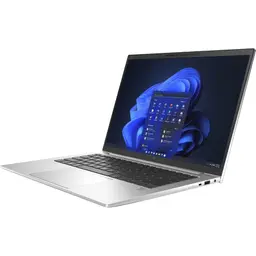
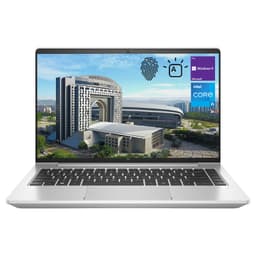
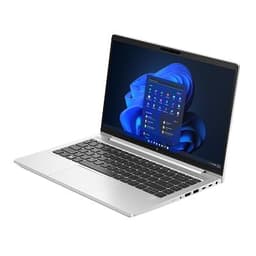

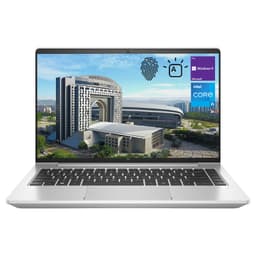


Buy Refurbished HP EliteBook Laptops with 16GB RAM
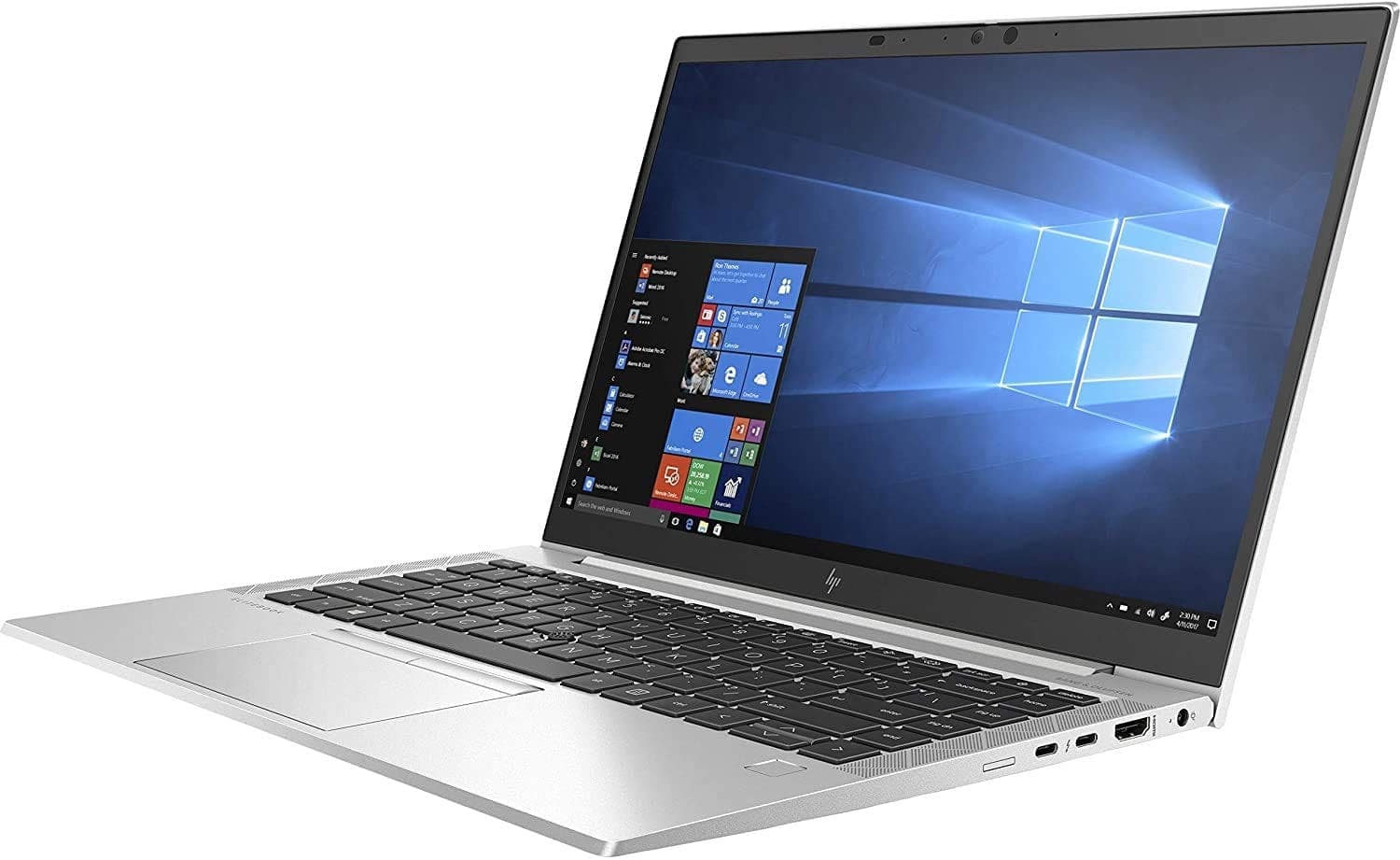
Explore refurbished HP EliteBook laptops with 16GB RAM at Refurbo. Designed for business and professional use, these configurations suit office productivity, remote work, programming, business applications, and everyday multitasking.
Is 16GB RAM Enough for Your Work?
A 16GB RAM configuration is suitable for most everyday professional workloads.
- Office productivity: Work with spreadsheets, presentations, documents, and business software.
- Remote work: Handle video meetings, browser tabs, and collaboration tools.
- Programming: Run code editors, development tools, and moderate development environments.
- Business multitasking: Switch between multiple applications and manage daily workflows.
- Research and learning: Use online platforms, productivity applications, and research tools.
For most professional tasks, 16GB offers a practical balance. Work involving multiple virtual machines, large datasets, or intensive creative applications may benefit from more memory.
Who Should Consider an HP EliteBook with 16GB RAM?
- Business professionals: For everyday business applications and multitasking.
- Students: For research, assignments, online learning, and productivity.
- Developers: For programming, code editors, and moderate development workloads.
- Remote professionals: For video conferencing and collaboration tools.
- Small businesses: For workplace applications and routine business operations.
The right choice depends on your software requirements and the laptop's processor generation.
Which HP EliteBook Models Can You Explore?
Depending on current availability, consider these EliteBook model families:
- EliteBook 800 Series: Business-focused laptops balancing performance, portability, and professional features.
- EliteBook 600 Series: Configurations designed for everyday business productivity and workplace use.
- EliteBook 1000 Series: Premium business models that emphasize portability and design.
You may also find models such as the EliteBook 830, 840, 850, 640, and 650 across different generations. Screen size, features, and hardware vary by model, so check the individual product specifications.
How to Choose the Right HP EliteBook with 16GB RAM
Compare the complete configuration before purchasing:
- Processor: Check the exact Intel Core or AMD processor and its generation.
- Storage: Compare SSD capacity based on your applications and files.
- Display: Consider screen size, resolution, brightness, and touch functionality if relevant.
- Portability: Compare weight, battery condition, and connectivity for your work setup.
- Upgradeability: RAM configurations vary across generations. Check whether memory is soldered or replaceable.
An EliteBook's model number alone does not determine its performance. Evaluate the processor, display, storage, and condition together.
Why Buy Refurbished HP EliteBook Laptops from Refurbo?
Every laptop purchased from Refurbo undergoes a 48-point quality inspection conducted by certified technicians.
The default product condition is Superb unless another condition is specified on the product page. Every laptop purchased from Refurbo also comes with a 1-year warranty.
Compare available HP EliteBook configurations and review their specifications before choosing a laptop.
Buying HP EliteBook Laptops with 16GB RAM in India: Quality and Warranty
| Offering | Details |
|---|---|
| Quality inspection | 48-point inspection by certified technicians |
| Product condition | Superb by default, unless otherwise specified |
| Laptop warranty | 1-year warranty |
| Configuration details | Processor, RAM, storage, and display specifications listed on individual product pages |
| Product selection | Compare available HP EliteBook configurations |
Frequently Asked Questions
Q. Is an HP EliteBook with 16GB RAM suitable for work from home?
Yes. It can handle video meetings, office applications, browser-based tools, spreadsheets, and everyday multitasking.
Q. What is the difference between HP EliteBook 600 and 800 Series laptops?
Both are business laptop families. The 600 Series focuses on core business requirements, while the 800 Series offers a broader range of business-focused configurations and features. Exact specifications vary by generation.
Q. Is an HP EliteBook 840 with 16GB RAM good for programming?
Yes. It can support code editors, development tools, and moderate programming workloads. Check the processor generation and storage configuration as well.
Q. Can I upgrade the RAM in an HP EliteBook?
It depends on the exact model and generation. Some EliteBooks have accessible memory slots, while others use soldered memory. Verify the model-specific specifications before planning an upgrade.
Q. Should I choose an HP EliteBook with 16GB or 32GB RAM?
Choose 16GB for office work, browsing, programming, and regular multitasking. Consider 32GB if you frequently use virtual machines, larger datasets, or memory-intensive applications.
Q. What should I check before buying a refurbished HP EliteBook?
Review the processor generation, SSD capacity, display specifications, battery condition, listed product condition, and warranty details.