

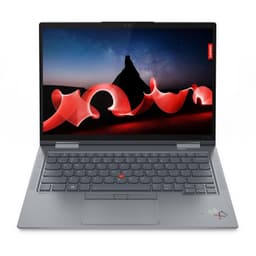
Buy Refurbished Touchscreen Laptops in India: Interactive Displays for Work, Study & Everyday Use
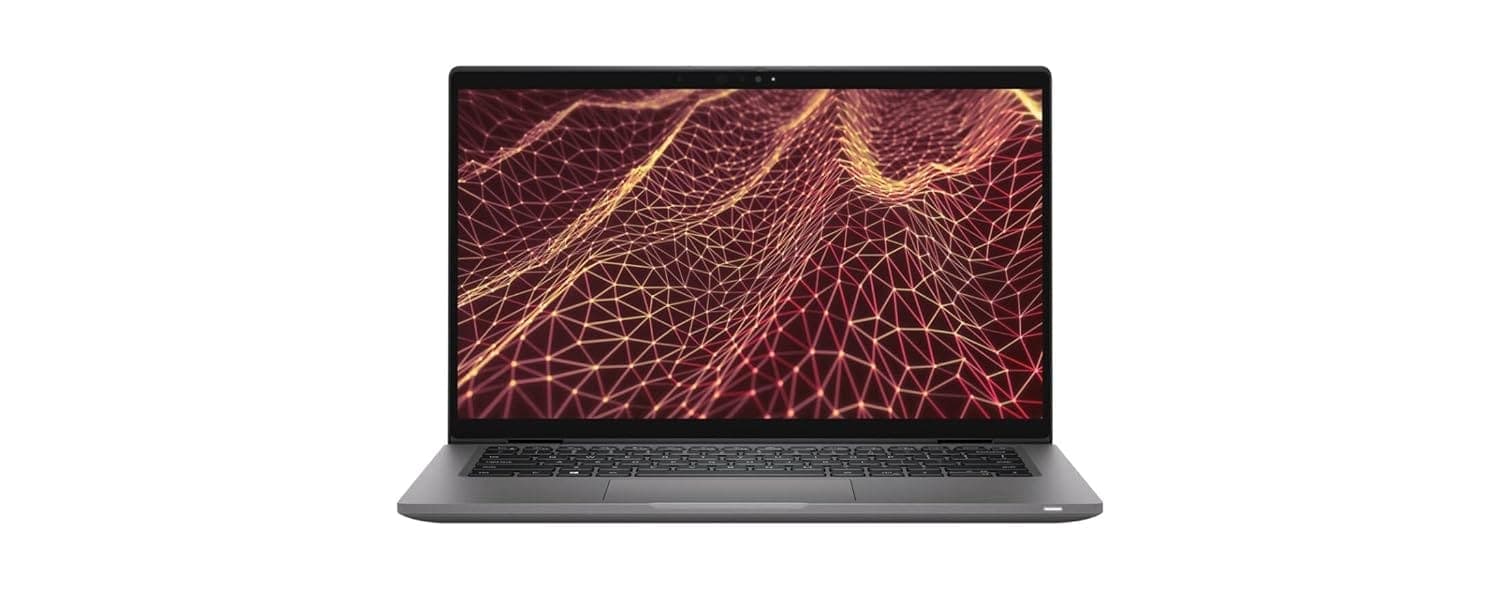
A touchscreen laptop adds another way to interact with your computer. Instead of relying entirely on the keyboard and trackpad, you can tap, scroll, select, annotate, and navigate directly on the display.
Touchscreen laptops can be particularly useful for presentations, note-taking, creative applications, browsing, and flexible work setups. Refurbo’s refurbished collection includes conventional touchscreen laptops as well as 2-in-1 models that can adapt to different ways of working.
Why Choose a Touchscreen Laptop?
A touchscreen can make everyday interactions more direct. Scrolling through long pages, navigating presentations, zooming into images, and selecting elements in applications can feel natural when you can interact directly with the display.
The feature can also be useful for people who frequently switch between keyboard-based work and more visual interactions. Students can use touch for note-taking and learning applications, while professionals may find it convenient when presenting or working with documents.
However, touchscreen capability should not be considered in isolation. The processor, RAM, storage, display quality, weight, and form factor still determine how well the laptop fits your requirements.
Refurbished Touchscreen Laptops Available on Refurbo
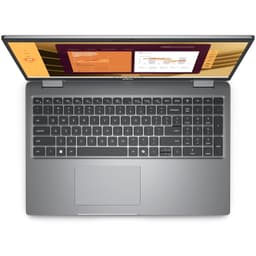
Refurbo’s touchscreen collection includes business laptops, convertible 2-in-1 systems, and compact devices. The configurations below show the range of hardware available with touchscreen displays.
| LAPTOP | BEST FOR | SHOP |
|---|---|---|
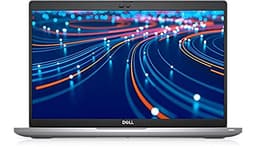
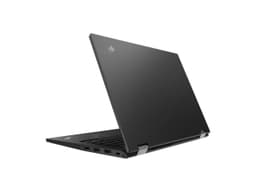
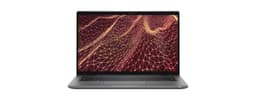
| Dell Latitude 7430 2-in-1 | Professional productivity, hybrid work, and flexible use | View Laptop |
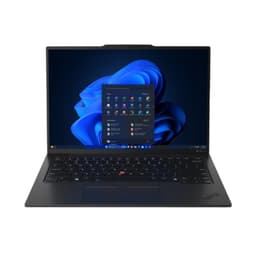
| HP EliteBook 1040 G10 | Business applications, multitasking, and mobile work | View Laptop |
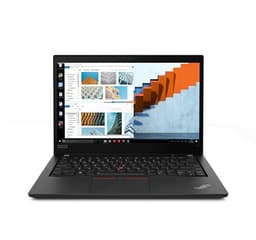
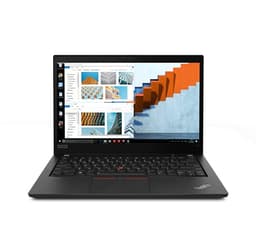
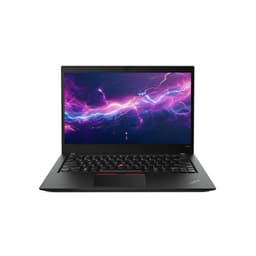
| Lenovo ThinkPad T590 | Business productivity and everyday office work | View Laptop |
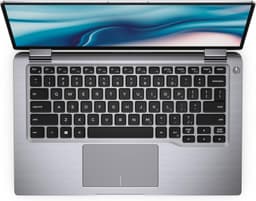
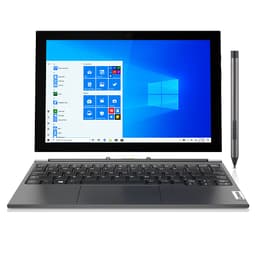
| Dell Latitude 7390 2-in-1 | Mobile productivity and flexible business use | View Laptop |
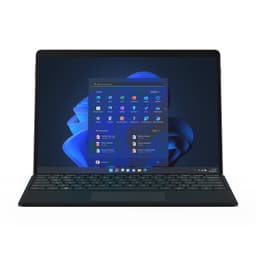
| Microsoft Surface Pro 7 | Mobile work, note-taking, browsing, and compact productivity | View Laptop |
Touchscreen Laptops for Work
Touch interaction can be useful in professional environments where users regularly work with documents, presentations, dashboards, or browser-based applications. A touchscreen provides another input method without replacing the conventional keyboard and trackpad.
The Dell Latitude 7430 2-in-1 combines a 12th Gen Intel Core i7 processor with 32GB RAM and a 512GB SSD. Its 14 inch Full HD touchscreen can be used in laptop, tablet, tent, and stand modes, giving it additional flexibility for different working situations.
The HP EliteBook 1040 G10 takes a more traditional business-laptop approach while retaining touchscreen functionality. Its 13th Gen Intel Core i7 processor, 16GB RAM, 512GB SSD, and 14 inch WUXGA touchscreen make it suited to productivity and multitasking.
Touchscreen Laptops for Students
For students, touch can be useful when reading digital textbooks, navigating educational applications, annotating documents, or taking handwritten notes with compatible accessories.
A touchscreen also makes it easier to interact with visual learning material. Instead of switching between the trackpad and keyboard for every action, students can use direct interaction where appropriate.
The right configuration still depends on the student’s course and software requirements. General study workloads typically need less hardware than engineering, design, programming, or other specialized courses.
2-in-1 Touchscreen Laptops
A 2-in-1 laptop combines touchscreen interaction with a flexible hinge or convertible design. Depending on the model, the device can be used as a conventional laptop, tablet, tent, or stand.
The Dell Latitude 7430 2-in-1 supports laptop, tablet, tent, and stand modes. The Dell Latitude 7390 2-in-1 also combines a 13.3 inch Full HD touchscreen with an 8th Gen Intel Core i7 processor and 16GB RAM.
This type of design is useful when the same device needs to serve different purposes. You can use the keyboard for longer typing sessions and switch to a more tablet-like configuration when reading, presenting, or interacting directly with the screen.
Touchscreen Laptops for Mobile Productivity
Touch capability can be particularly useful when portability is important. Smaller convertible laptops can be easier to use in confined spaces, while their touchscreen displays provide an alternative to the trackpad.
The Dell Latitude 7390 2-in-1 weighs around 1.35 kg and has a 13.3 inch Full HD touchscreen. Its compact form factor makes it suitable for users who regularly move between workspaces.
The Microsoft Surface Pro 7 takes this concept further with a tablet-oriented design. Its 12.3 inch PixelSense touchscreen, 16GB RAM, and Intel Core i7 processor make it a compact option for mobile productivity, browsing, virtual meetings, and note-taking.
Touchscreen Laptops for Business Users
Business laptops with touchscreens can combine conventional productivity hardware with more flexible interaction. This can be useful for presentations, meetings, document review, and mobile work.
The ThinkPad T590 provides a larger 15.6 inch Full HD touchscreen while retaining the traditional ThinkPad laptop format. Its 16GB RAM and Intel Core i7 processor make it suited to productivity and multitasking.
For users who prefer a smaller device, the Dell Latitude 7430 and Latitude 7390 provide touchscreen functionality in more compact form factors.
Touchscreen vs Standard Laptop Displays
The main difference is the additional input method. A standard display is controlled through the keyboard and pointing device, while a touchscreen allows direct interaction with the display.
| FEATURE | TOUCHSCREEN LAPTOP | STANDARD LAPTOP |
|---|---|---|
| Screen interaction | Touch, keyboard, and trackpad | Keyboard and trackpad |
| Note-taking | Convenient for compatible touch and pen workflows | Primarily keyboard-based |
| 2-in-1 compatibility | Common on convertible models | Generally conventional laptop designs |
| Direct navigation | Tap, swipe, scroll, and select directly | Trackpad or mouse required |
What Should You Check When Buying a Touchscreen Laptop?
A touchscreen is useful only when the rest of the laptop matches your requirements. Before choosing a model, consider the display, processor, RAM, storage, weight, and form factor.
Display
Check the screen size, resolution, brightness, viewing characteristics, and refresh rate alongside touchscreen support. A touchscreen does not automatically mean that two laptops will have equivalent display quality.
The collection includes displays ranging from compact 12.3 inch Surface hardware to larger 15.6 inch touchscreen laptops such as the ThinkPad T590.
Processor and RAM
Your workload should determine the processor and memory requirements. Everyday productivity can work well with modest configurations, while development, professional applications, and heavy multitasking can benefit from higher-performance processors and more RAM.
The Dell Latitude 7430, for example, pairs its touchscreen and convertible design with 32GB RAM, while the HP EliteBook 1040 G10 uses 16GB RAM.
Form Factor
If you specifically want tablet-style usage, look for a 2-in-1 or detachable design rather than simply choosing a laptop with a touchscreen.
Convertible systems such as the Dell Latitude 7430 and Latitude 7390 can change orientation while retaining their laptop functionality.
Weight
Touchscreen hardware can be found across different laptop sizes and designs, so weight varies substantially. If you travel frequently, compare the actual weight of each model rather than selecting based only on screen size.
Are Touchscreen Laptops Good for Programming?
A touchscreen does not directly determine programming performance. Processor capability, RAM, storage, operating system support, and software compatibility are more important for development workloads.
However, the touchscreen can still be useful for secondary interactions such as scrolling through documentation, navigating interfaces, or working with diagrams and visual tools.
For programming, prioritize the underlying configuration first and treat touchscreen support as an additional convenience.
Are Touchscreen Laptops Good for Office Work?
Yes. Touchscreens can be useful for presentations, document review, browsing, meetings, and other office tasks.
Business-focused touchscreen laptops such as Dell Latitude and HP EliteBook models combine touch interaction with hardware designed around productivity. A 2-in-1 can also provide additional flexibility when you need to switch between typing and direct screen interaction.
Are Touchscreen Laptops Worth Buying Refurbished?
A refurbished touchscreen laptop can provide access to features such as convertible designs, higher memory configurations, and business-class hardware without requiring a new-device purchase.
As with any refurbished laptop, check the product condition, specifications, warranty, and exact configuration before ordering. For touchscreen models, also pay attention to the display and hinge design because these components are central to the device’s functionality.
Refurbished Touchscreen Laptops on Refurbo
Touchscreen laptops cover a wide range of designs, from conventional business laptops with touch displays to convertible 2-in-1 systems and tablet-oriented devices.
Choose based on how you intend to use the touchscreen. If you primarily type and work at a desk, a conventional touchscreen laptop may be enough. If you want to switch between typing, presenting, reading, and tablet-style interaction, a 2-in-1 can provide more flexibility.
Compare the processor, RAM, SSD, display, weight, and form factor alongside touchscreen support to find a configuration that fits your everyday workload.
EMI and Easy Payment Options
Refurbo offers payment options for refurbished electronics, with available methods shown during checkout. Payment options can vary depending on the product and order.
| SCREEN TYPE | Touchscreen laptop configurations |
| PRODUCT CONDITION | Refurbished and inspected before listing |
| WARRANTY | 6 Months |
| PAYMENT | Available payment options shown during checkout |
| SUPPORT | Customer support for product and order-related queries |
Frequently Asked Questions
Q. What is a touchscreen laptop?
A touchscreen laptop allows you to interact directly with the display using touch in addition to the keyboard and trackpad.
Q. Are touchscreen laptops good for students?
Yes. Touchscreens can be useful for reading, note-taking, presentations, educational applications, and other interactive tasks.
Q. Are all touchscreen laptops 2-in-1 laptops?
No. A laptop can have a touchscreen while retaining a conventional laptop design. 2-in-1 laptops add a convertible or detachable design that allows different usage modes.
Q. Are touchscreen laptops good for office work?
Yes. Touch interaction can be useful for presentations, document review, browsing, meetings, and other productivity tasks.
Q. Can I use a touchscreen laptop without touching the screen?
Yes. Touchscreen laptops continue to support conventional keyboard and trackpad input, so you can use them like a standard laptop.
Q. Do refurbished touchscreen laptops on Refurbo come with a warranty?
Refurbo refurbished laptops include 6 Months warranty coverage.
