

Buy Refurbished Gaming Laptops with 1TB SSD in India: More Space for Games, Projects & Everyday Performance
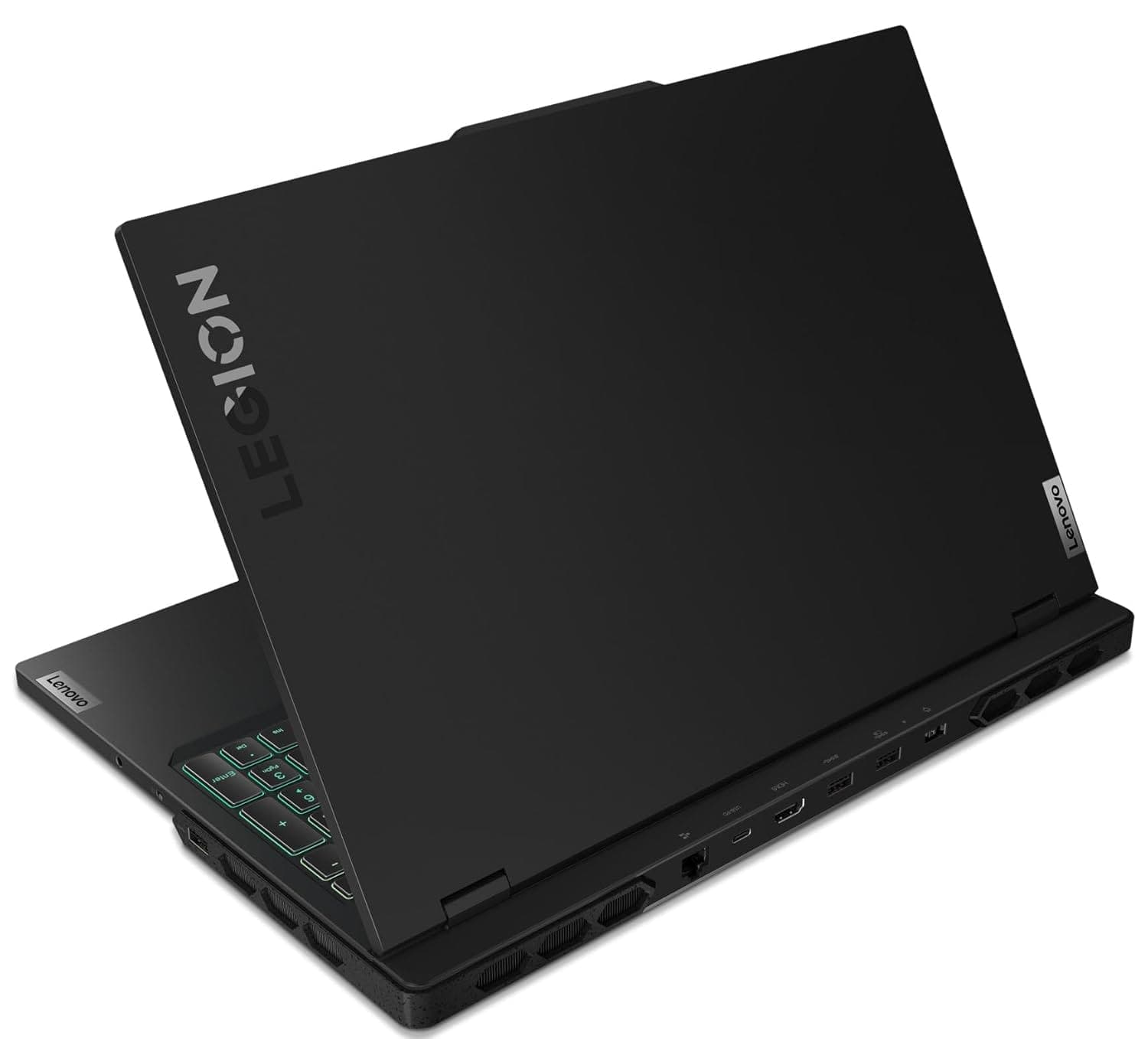
A gaming laptop with a 1TB SSD gives you something that becomes increasingly valuable as game installations, creative applications, recordings, and personal files get larger: usable local storage without immediately depending on an external drive. For gamers, that means more room for large titles and updates. For creators and power users, it also means enough space to keep active projects, media files, development environments, and applications together on one machine.
Refurbo’s 1TB SSD gaming laptop collection includes configurations ranging from Ryzen-powered gaming systems to high-end Intel Core i9 and RTX 4090 hardware. The important distinction is that 1TB storage is only one part of the equation. The processor, GPU, RAM, display, cooling system, and upgrade options determine how effectively that storage is paired with the rest of the machine.
Why 1TB SSD Makes Sense for a Gaming Laptop
Modern games can occupy a substantial amount of storage, particularly when high-resolution texture packs, downloadable content, and frequent updates are involved. A 512GB SSD can work, but the usable space can disappear quickly once Windows, applications, several games, and personal files are installed. A 1TB SSD gives you considerably more breathing room and reduces the need to constantly uninstall games or move files between drives.
The advantage extends beyond gaming. A 1TB gaming laptop can double as a workstation for video editing, 3D applications, programming, design, and content creation. Large project files can stay on the internal SSD, while the dedicated GPU and higher-performance processor can handle workloads that go beyond traditional office computing.
Refurbished Gaming Laptops with 1TB SSD Available at Refurbo
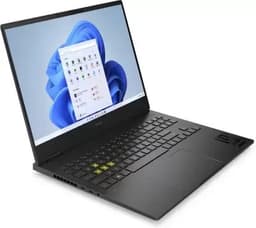
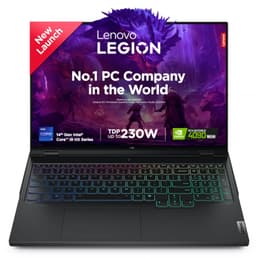
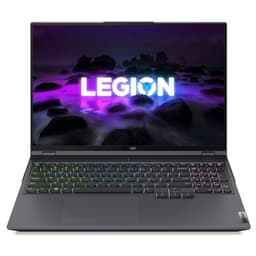
The current collection includes configurations from Lenovo, ASUS, and Dell with different approaches to gaming performance. The table below focuses on the hardware combination that matters most for this collection: processor, memory, graphics, and installed SSD capacity.
| LAPTOP | CONFIGURATION | SHOP |
|---|---|---|
| Lenovo Legion 7 | Core i9-14900HX, 32GB DDR5, 1TB SSD, RTX 4090 16GB, 16-inch 240Hz display | View Laptop |
| Lenovo Legion 5 Pro | AMD Ryzen 7, 32GB RAM, 1TB SSD, RTX 3060 6GB, 16-inch 165Hz display | View Laptop |
| ASUS ROG Zephyrus G16 | Intel Core Ultra 7, 16GB LPDDR5X, 1TB SSD, RTX 4060 8GB, 16-inch 240Hz display | View Laptop |
| Dell G15 5521 | Core i7, 16GB DDR5, 1TB SSD, RTX 3060 6GB, 15.6-inch 165Hz display | View Laptop |
Storage Is Only One Part of the Gaming Experience
A 1TB SSD determines how much data you can keep locally, but it does not directly determine gaming frame rates. Graphics performance comes primarily from the GPU, while the processor contributes to game logic, simulation, application performance, and overall system responsiveness. This is why two gaming laptops with identical 1TB SSD capacity can deliver very different experiences.
The Lenovo Legion 7, for example, pairs its 1TB SSD with a Core i9-14900HX, 32GB DDR5 memory, and RTX 4090 graphics. At the other end of the configurations, the Lenovo Legion 5 Pro combines 1TB storage with Ryzen 7, 32GB RAM, and RTX 3060 graphics. Both satisfy the storage requirement, but they target very different performance levels.
1TB SSD for Large Game Libraries
For gamers who regularly maintain several large games, 1TB provides a much more practical starting point than smaller capacities. You can keep multiple games installed while leaving room for Windows, launchers, applications, saved files, and other personal data.
The benefit becomes even more noticeable when gaming is combined with content creation. Recordings, edited footage, project exports, game assets, and media libraries can consume hundreds of gigabytes over time. A larger internal SSD gives you more flexibility before you need external storage.
High-Refresh Displays Pair Well with Gaming Hardware
Storage capacity does not exist in isolation. A gaming laptop needs a display capable of presenting the output generated by its hardware. The configurations in this collection include high-refresh displays, including 165Hz and 240Hz options.
The Lenovo Legion 5 Pro uses a 16-inch 2560 × 1600 display with a 165Hz refresh rate, while the Legion 7 and ASUS ROG Zephyrus G16 offer 240Hz displays. Higher refresh rates can make motion appear smoother when the hardware is capable of producing sufficiently high frame rates, particularly in fast-paced games.
Resolution matters as well. A higher-resolution display can provide a sharper image, but it also places additional workload on the GPU. When comparing gaming laptops, consider the GPU and display resolution together rather than evaluating either specification separately.
1TB Gaming Laptops for More Than Gaming
A gaming laptop with 1TB storage can also function as a capable all-purpose performance machine. The combination of dedicated graphics, higher-performance processors, and larger memory configurations makes these systems suitable for workloads such as video editing, 3D work, software development, graphics applications, and other GPU-accelerated tasks.
The ASUS ROG Zephyrus G16 is particularly interesting from a portability perspective because it combines a 16-inch display with a relatively slim design and a 1TB SSD. The Legion systems, meanwhile, emphasize higher-performance hardware and larger displays. This makes the collection useful for people who want gaming capability without limiting the laptop to gaming alone.
What to Check Before Buying a Refurbished 1TB Gaming Laptop
The SSD should be checked as part of the complete machine rather than treated as the only important specification. Verify the installed capacity, confirm that the drive is recognized correctly, and check its health as part of the testing process. A gaming laptop also deserves particular attention to thermal behavior because gaming workloads can place sustained loads on the CPU and GPU.
The display should be checked for dead pixels, brightness consistency, backlight issues, refresh-rate operation, and physical damage. The keyboard, trackpad, USB ports, HDMI output, audio connections, Wi-Fi, Bluetooth, webcam, speakers, charging system, and battery should also be tested. For a dedicated gaming machine, the GPU should be tested under load to ensure that it behaves consistently.
A refurbished gaming laptop should ultimately be evaluated as a complete system. A large SSD is useful, but its value is highest when the processor, graphics hardware, memory, display, cooling, and physical condition are also appropriate for the intended workload.
1TB SSD vs 512GB SSD for Gaming
The difference between 512GB and 1TB is primarily about flexibility. Both capacities can support gaming, but 1TB gives you significantly more room for larger game libraries and other files before storage management becomes necessary.
If you primarily play a small number of games and regularly remove titles after finishing them, 512GB can be workable. If you keep multiple games installed, record gameplay, edit videos, work with large project files, or use the laptop for both gaming and professional tasks, 1TB provides more breathing room.
Who Should Consider a 1TB Gaming Laptop?
A 1TB gaming laptop makes particular sense for users who expect the machine to serve as both a gaming system and a general performance computer. Gamers with large libraries can keep more titles installed, while creators and developers can use the additional capacity for applications, assets, recordings, datasets, and project files.
It is also useful for buyers who do not want external storage to become part of their everyday workflow. While external SSDs are excellent for backups and additional capacity, keeping frequently used games and applications on the internal drive can make everyday management simpler.
Why Buy a Refurbished Gaming Laptop with 1TB SSD?
Buying refurbished can provide access to higher hardware configurations without requiring the same budget as a comparable new system. This becomes particularly relevant with gaming laptops because premium configurations can combine expensive GPUs, high-refresh displays, larger memory configurations, and fast SSD storage.
The important consideration is the condition of the specific laptop. Look at the exact configuration rather than relying only on the model family, because the same gaming laptop series can be sold with different processors, GPUs, RAM capacities, displays, and storage configurations.
Every Refurbo laptop in this collection comes with 6 Months warranty, giving buyers additional coverage after purchase.
How to Choose the Right 1TB Gaming Laptop
Start with the GPU if gaming performance is the primary requirement. The RTX 4090 configuration in the Legion 7 represents a substantially different hardware class from the RTX 3060 configuration in the Legion 5 Pro. Next, consider the display because resolution and refresh rate directly affect the gaming experience.
Then look at the processor and RAM based on your broader workload. Gamers who also stream, edit video, develop software, or run demanding applications may benefit from higher CPU and memory configurations. Finally, consider weight, display size, upgradeability, ports, and battery behavior if the laptop will regularly leave your desk.
The 1TB SSD requirement narrows the collection by storage capacity, but your final choice should still be driven by how the complete configuration matches your workload.
EMI and Easy Payment Options
Refurbo provides payment options during checkout, allowing buyers to review the available methods for the selected laptop. Product condition and configuration can vary between models, so the product page should be reviewed before placing an order.
| STORAGE | 1TB SSD configurations |
| PRODUCT CONDITION | Refurbished and inspected before listing |
| WARRANTY | 6 Months |
| PAYMENT | Available payment options shown during checkout |
| SUPPORT | Customer support for product and order-related queries |
Frequently Asked Questions
Q. Is 1TB SSD enough for a gaming laptop?
Yes. A 1TB SSD provides substantially more working space than a 512GB drive and can accommodate a larger game library along with Windows, applications, and personal files.
Q. Does a 1TB SSD improve gaming FPS?
Storage capacity itself does not determine FPS. The processor, GPU, RAM, game settings, and thermal performance have a much larger influence on frame rates. An SSD can, however, contribute to faster loading and system responsiveness.
Q. Is a 1TB SSD better than a 512GB SSD for gaming?
It provides more capacity and therefore more flexibility for large games, applications, recordings, and project files. Whether you need the additional space depends on how you use the laptop.
Q. Can a gaming laptop with 1TB SSD be used for video editing?
Yes. Gaming laptops often combine dedicated GPUs, capable processors, and higher memory configurations that can also be useful for video editing and other demanding creative workloads.
Q. Should I check the GPU before buying a 1TB gaming laptop?
Yes. The 1TB SSD describes storage capacity, not graphics performance. Check the exact GPU alongside the processor, RAM, display, and cooling configuration.
Q. Do refurbished gaming laptops come with warranty at Refurbo?
Yes. Refurbo provides 6 Months warranty on the refurbished laptops in this collection.
