

Buy Refurbished Laptops for Content Creation in India: Tested & Warranty Included
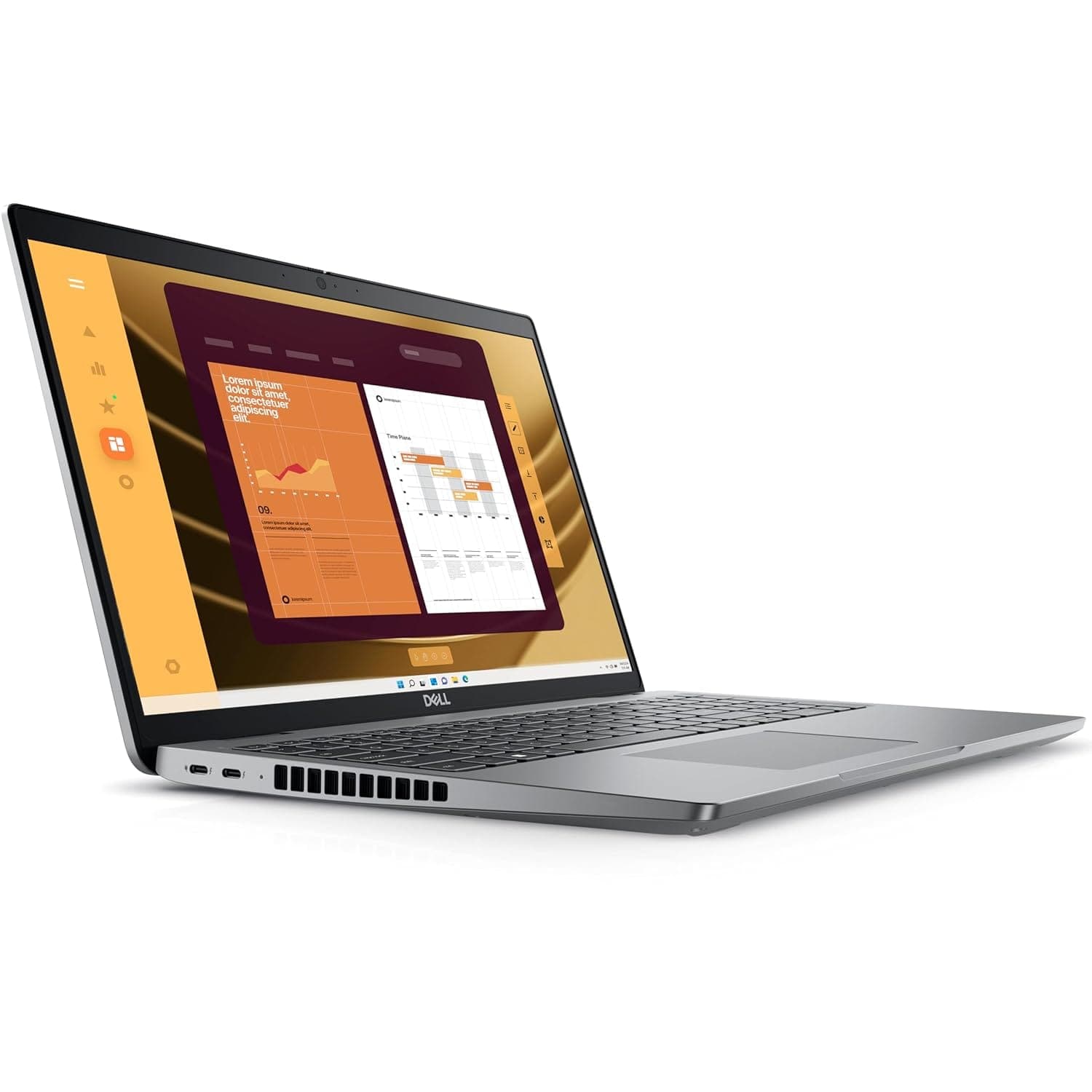
Content creation can involve much more than video editing. A creator may work with photographs, short-form videos, thumbnails, graphic design, audio, social media content, presentations, and large collections of media files, often switching between several applications throughout the day.
A suitable laptop for content creation therefore needs a balance of processor performance, RAM, storage, display quality, and graphics capability. The right configuration depends on the type of content being created and the software being used.
Refurbished laptops can give creators access to capable professional and performance-oriented machines at a lower cost than comparable new laptops. This can be useful for students, freelancers, YouTubers, social media creators, photographers, and professionals building a content workflow on a budget.
What Should a Content Creator Look for in a Laptop?
There is no single specification that defines a creator laptop. The requirements change depending on whether the workflow involves photography, video, graphic design, audio, or a combination of several tasks.
The most important areas to consider are:
- Processor performance for editing and exporting
- 16GB RAM for comfortable multitasking
- SSD storage for projects and application loading
- Dedicated graphics for GPU-accelerated workloads
- A good-quality display for visual work
- Sufficient storage for media files
- Useful ports for external drives, displays, cameras, and accessories
- Reliable cooling for longer workloads
For light content creation, an integrated GPU can be sufficient. More demanding video editing, 3D, and effects workloads can benefit from a dedicated GPU.
Refurbished Laptops for Content Creation Worth Considering
Different creators have different requirements, so the suitable laptop depends on the type of work being performed.
| Laptop | Best For | Shop |
|---|---|---|
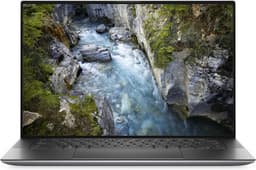
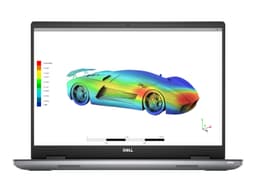
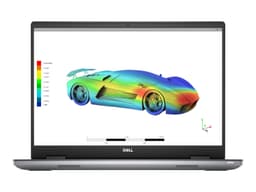
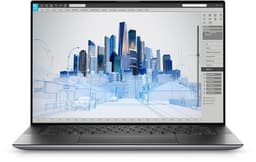
| Dell Precision 5550 | Creative applications and professional workloads | View Laptop |
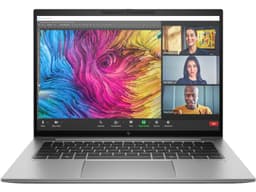
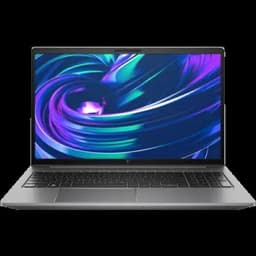
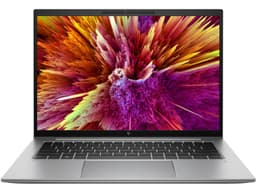
| HP ZBook Firefly G11 | Portable professional content creation | View Laptop |
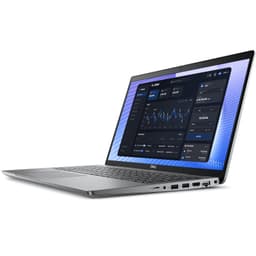
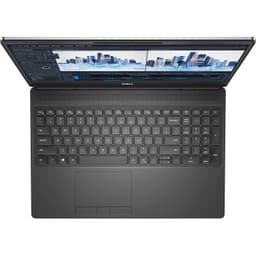
| Dell Precision 3590 | Creative and technical applications | View Laptop |
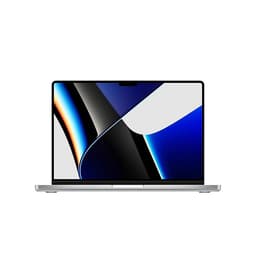
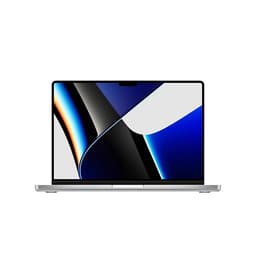
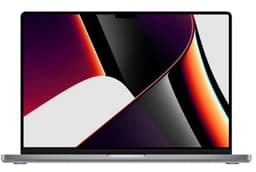
| Apple MacBook Pro 14-inch M1 Pro | Photo, video and general creator workflows | View Laptop |
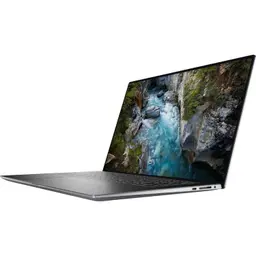
| Dell Precision 7770 | Demanding professional creative workloads | View Laptop |
Product availability changes as refurbished inventory is sold and replenished. Check the individual product listing for the exact configuration, condition, current price, and warranty information.
How Much RAM Does Content Creation Need?
Content creation can quickly consume memory when several applications, browser tabs, project files, and media assets are open at the same time.
| RAM | Suitable For |
|---|---|
| 8GB | Light photo editing, thumbnails, basic design and social media work |
| 16GB | Regular photo editing, video editing and creator multitasking |
| 32GB+ | Large projects, professional editing, 3D and demanding creative applications |
For most creators who regularly edit photos or videos, 16GB is a practical starting point. More demanding workflows can benefit from 32GB or higher.
Do Content Creators Need a Dedicated GPU?
Not every creator needs a dedicated graphics card.
For basic creator workloads such as:
- Canva and similar design tools
- Thumbnail creation
- Basic photo editing
- Social media content
- Presentations
- Light video editing
Integrated graphics may be sufficient.
A dedicated GPU becomes more useful for:
- High-resolution video editing
- Effects and transitions
- 3D rendering
- Motion graphics
- GPU-accelerated applications
- Large creative projects
- Professional video workflows
The GPU should therefore be selected based on the actual applications and project complexity rather than simply choosing the highest specification available.
Choosing a Laptop for Different Types of Content Creation
Content creation covers several different workflows, and each has its own hardware priorities.
Video Content
Video creators should prioritize CPU performance, RAM, SSD storage, and GPU capability.
For regular video editing, 16GB RAM is a useful starting point. Creators working with high-resolution footage, effects, color grading, or larger timelines may benefit from more memory and stronger graphics.
Photography
Photographers should pay particular attention to display quality, storage, RAM, and processor performance.
A good display can be particularly important when making decisions about color, exposure, cropping, and image quality.
Graphic Design
Graphic designers may prioritize display quality, RAM, processor performance, and graphics capability depending on the applications being used.
For lighter design work, a powerful integrated GPU may be sufficient. More complex projects can benefit from dedicated graphics.
Social Media Content
Creators producing thumbnails, short-form videos, posts, reels, and other social content may not need a workstation-class laptop.
A balanced laptop with a capable processor, 16GB RAM, SSD storage, and a good display can provide enough performance for many social media workflows.
Display Quality Matters for Creators
The display is one of the most important parts of a creator laptop because much of the work involves evaluating visual content.
A suitable display can make it easier to work with:
- Photos
- Videos
- Graphics
- Thumbnails
- Typography
- Color adjustments
- Detailed designs
When comparing laptops, check the exact display specification rather than assuming that every laptop in a premium or professional series has the same panel.
Resolution, panel type, brightness, color coverage, refresh rate, and display size can vary significantly between configurations.
Storage for Photos, Videos and Project Files
Content creation can generate large amounts of data.
A creator may need storage for:
- Camera photos
- Raw image files
- Video footage
- Project files
- Exported videos
- Audio files
- Design assets
- Fonts and plugins
- Software
An SSD should generally be preferred for the operating system and active projects because it provides faster application loading and file access.
Creators with large media libraries can also use external SSDs or other storage solutions rather than keeping every project on the internal drive.
Refurbished Laptops for YouTubers and Social Media Creators
A creator producing YouTube videos, Instagram content, reels, thumbnails, or other social media material does not necessarily need a workstation-class machine.
For many creator workflows, a balanced configuration with:
- 16GB RAM
- SSD storage
- A capable processor
- Suitable graphics
- A good display
can provide a practical starting point.
Creators working with high-resolution footage, multiple video layers, advanced effects, or frequent exports should consider stronger CPU and GPU hardware.
Why Consider a Refurbished Creator Laptop?
Professional laptops and workstations can be expensive when purchased new. Refurbished inventory can provide another way to access capable hardware at a lower upfront cost.
Potential advantages include:
- Lower upfront cost
- Access to professional laptop ranges
- More capable processors
- Higher RAM configurations
- Dedicated graphics options
- Professional displays on selected models
- SSD storage
- 6 Months warranty support
The key is to compare the actual hardware configuration rather than choosing a laptop based only on its product family.
What to Check Before Buying a Refurbished Creator Laptop
Creators should pay particular attention to the components that affect their workflow.
| Component | What to Check |
|---|---|
| Processor | Model and generation for editing and exporting workloads |
| RAM | 16GB or more for regular demanding creator work |
| GPU | Important for GPU-accelerated editing, effects and 3D workloads |
| Display | Resolution, panel and color characteristics for visual work |
| Storage | SSD capacity for applications and active project files |
Also check the battery, keyboard, trackpad, ports, webcam, charger, physical condition, and warranty before purchasing.
Refurbished Content Creation Laptop Price in India
The price of a creator laptop depends heavily on the hardware configuration.
Factors that can affect pricing include:
- Processor generation
- RAM capacity
- GPU model
- SSD capacity
- Display specification
- Laptop series
- Physical condition
- Battery condition
- Included accessories
- Warranty coverage
A creator working primarily with thumbnails and social media graphics may not need to spend as much as someone editing high-resolution video or working with 3D applications.
Start with the software and workload, then choose the hardware required to run it comfortably.
6 Months Warranty on Refurbished Content Creation Laptops
Refurbo refurbished laptops include 6 Months warranty support. The exact product condition, configuration, included accessories, current price, and applicable return terms should be checked on the individual product listing.
| Offering | Details |
|---|---|
| Warranty | 6 Months warranty support |
| Condition | Product-specific refurbished condition and grading |
| Returns | Subject to the applicable Refurbo return policy |
Frequently Asked Questions
Q. What is the best laptop for content creation?
The right laptop depends on the type of content being created. Regular creators should consider a capable processor, 16GB RAM, SSD storage, a good display, and suitable graphics.
Q. How much RAM does a content creator need?
16GB RAM is a practical starting point for regular photo and video creation. Larger projects, professional editing, 3D work, and demanding applications can benefit from 32GB or more.
Q. Do content creators need a dedicated graphics card?
Not always. Basic design, photography, thumbnails, and lighter editing can work with integrated graphics. A dedicated GPU becomes more useful for demanding video editing, effects, 3D rendering, and GPU-accelerated applications.
Q. Is a refurbished laptop good for content creation?
A refurbished laptop can be suitable for content creation when its processor, RAM, GPU, display, storage, condition, and warranty match the creator’s workload.
Q. Is 16GB RAM enough for video editing?
16GB can be suitable for many video editing workflows. Higher-resolution footage, complex timelines, effects, and professional workloads can benefit from additional RAM.
Q. What display should a content creator look for?
Creators should consider resolution, panel type, brightness, color characteristics, and screen size. The appropriate display depends on whether the laptop will be used for photography, video, graphic design, or general content production.
Q. How much storage does a creator laptop need?
The requirement depends on the size of the media library and projects. SSD storage is useful for the operating system, applications, and active projects, while external storage can be used for larger media archives.
Q. Can I use a refurbished laptop for YouTube video editing?
Yes. The appropriate configuration depends on the resolution, editing software, effects, and project complexity. A capable processor, 16GB RAM, SSD storage, and suitable graphics can provide a useful starting point.
Q. What should I check before buying a refurbished creator laptop?
Check the processor, RAM, GPU, display, SSD, battery condition, ports, keyboard, charger, physical condition, and warranty. Also compare the hardware against the requirements of the software you plan to use.
Q. Do Refurbo refurbished laptops come with a warranty?
Refurbo refurbished laptops include 6 Months warranty support. Check the individual product listing for the exact product-specific terms.
