

Buy Refurbished Business Desktop PCs in India: Tested & Warranty Included
Business desktop PCs are designed for everyday professional workloads such as office applications, accounting, spreadsheets, browser-based software, customer management systems, video meetings, and business operations. Unlike consumer-focused desktops, business systems are typically built around practical connectivity, reliable day-to-day performance, and easy deployment across workstations.
Refurbished business desktops can be a practical option for companies, professionals, students, and home offices that need dependable computing without paying the price of equivalent new systems. Refurbo offers tested and verified refurbished business desktops from established brands including Dell, HP, and Lenovo, with 6 Months warranty included.
Refurbished Business Desktop PCs Worth Considering
The right business desktop depends on the applications you use, the number of programs you run simultaneously, and the amount of RAM and storage you need. Current refurbished inventory includes compact business systems with Intel Core i3, i5, and i7 processors, SSD storage, and Windows Pro configurations.
| Business Desktop | Best For | Shop |
|---|---|---|
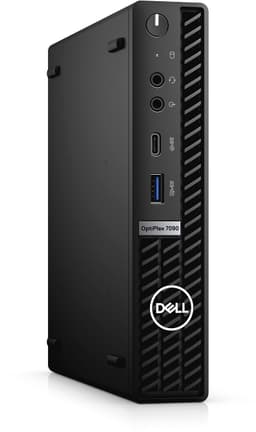
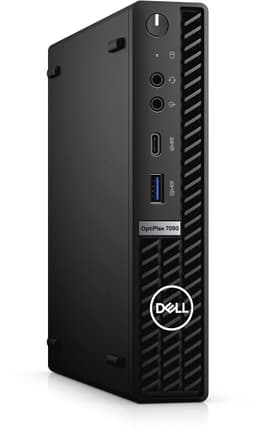
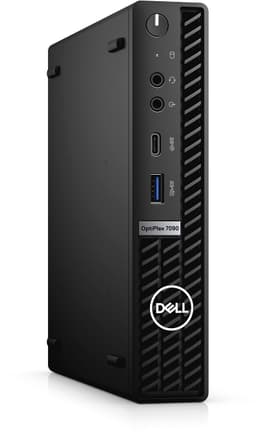
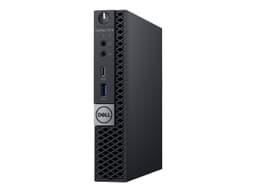
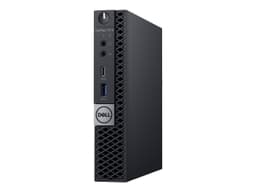
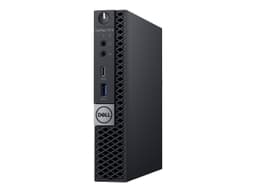
| Dell OptiPlex 7090 Tiny | Professional and business workloads | View PC |
| Dell OptiPlex 7070 Tiny | Office productivity | View PC |
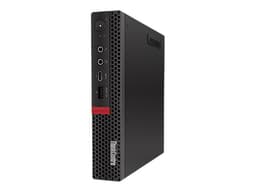
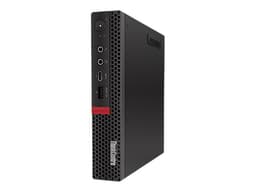
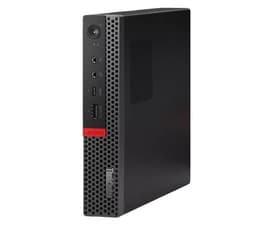
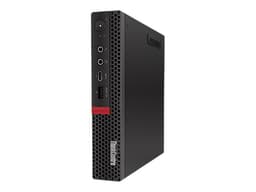
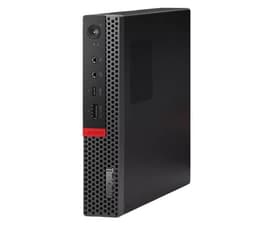
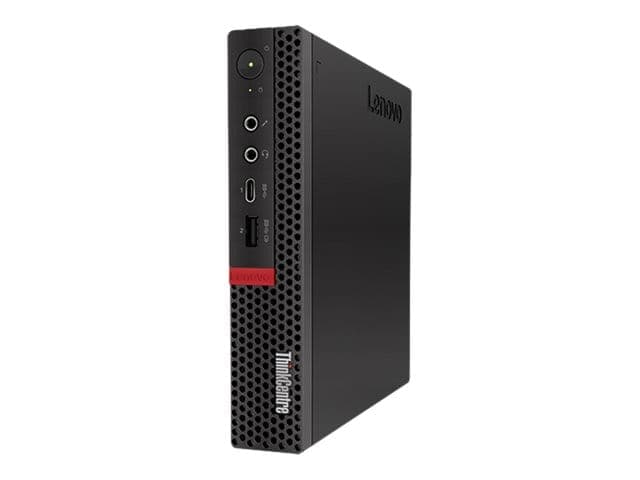
| Lenovo ThinkCentre M720q Tiny | Business and multitasking | View PC |
| Lenovo ThinkCentre M920q Tiny | Office and professional use | View PC |
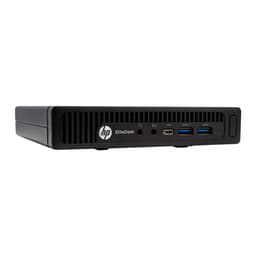
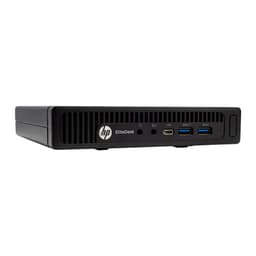
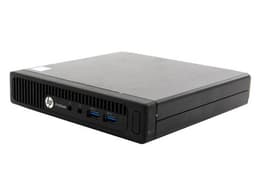
| HP EliteDesk 800 G2 Tiny | Business and administrative work | View PC |
What Is a Business Desktop PC?
A business desktop PC is designed primarily for professional computing rather than gaming or specialized graphics workloads. These systems are commonly used for documents, spreadsheets, email, accounting, customer management, browser-based applications, communication tools, and other business software.
Business desktops are available in different physical formats, including traditional towers, small-form-factor systems, and compact mini desktops. The important consideration is the hardware configuration and whether it matches your organization’s workload.
Why Choose a Business Desktop?
A business desktop provides a dedicated computing environment for professional work. Unlike a laptop, it can be paired with a larger external monitor, full-size keyboard, ergonomic mouse, and other peripherals to create a comfortable workstation.
For businesses deploying multiple systems, standardized desktops can also simplify workstation setup. Employees can use similar hardware configurations across departments, making deployment and maintenance easier to manage.
Business Desktops for Office Work
Office productivity is one of the most common use cases for business desktops. Applications such as Microsoft Office, Google Workspace, accounting software, CRM platforms, browser applications, email clients, and video-conferencing tools generally do not require a dedicated graphics card.
A system with an SSD and sufficient RAM can provide a responsive experience when switching between documents, browser tabs, spreadsheets, and business applications throughout the workday.
Business Desktops for Small Businesses
Small businesses often need reliable computers without spending heavily on high-end hardware. A refurbished business desktop can provide a practical workstation for billing, inventory management, accounting, customer support, administration, and general office operations.
For teams purchasing several systems, refurbished pricing can also make it possible to equip more workstations within the same hardware budget.
Business Desktops for Work From Home
A business desktop can provide a permanent workstation for remote employees and professionals. When paired with a suitable monitor, webcam, keyboard, mouse, and reliable internet connection, it can handle meetings, documents, spreadsheets, communication, and browser-based applications.
A desktop setup can also be useful when the computer will remain in one location. You do not need to compromise on screen size or portability when the primary requirement is a dedicated home workstation.
Business Desktops for Accounting and Finance
Accounting workloads often involve spreadsheets, accounting platforms, browser applications, documents, and large amounts of structured data. These tasks typically benefit from adequate RAM, fast storage, and a responsive processor rather than a powerful gaming GPU.
A refurbished business desktop with an Intel Core i5 or Core i7 processor and SSD storage can provide a suitable foundation for many accounting and finance workflows.
Business Desktops for Customer Support
Customer support teams frequently work with CRM platforms, browser applications, communication tools, ticketing systems, spreadsheets, and video-conferencing software simultaneously. This makes multitasking capability and sufficient RAM important considerations.
A compact business desktop can also help keep customer support desks organized while providing the connectivity required for monitors, headsets, keyboards, mice, and network connections.
Business Desktop RAM: How Much Do You Need?
RAM requirements depend on how many applications you typically keep open at the same time. Basic administrative work can run on modest configurations, while multitasking across spreadsheets, browser tabs, communication software, and business applications benefits from more memory.
| RAM | Suitable For |
|---|---|
| 8GB | Basic office and administrative work |
| 16GB | Multitasking and professional workloads |
| 32GB | Heavy multitasking and demanding applications |
SSD Storage for Business Desktop PCs
SSD storage is important for a responsive business workstation. Windows can boot faster, applications can launch more quickly, and files can be accessed with less waiting compared with older mechanical storage.
For everyday business use, 256GB can be sufficient when most files are stored on cloud services or network storage. Users working with larger local datasets, media files, or extensive business archives may benefit from a larger SSD.
Intel Core i5 vs Core i7 for Business
Intel Core i5 and Core i7 processors can both work well for business computing. Core i5 systems are often suitable for general productivity, while Core i7 systems can provide additional processing capacity for heavier multitasking and demanding professional applications.
The processor generation also matters. A newer Core i5 can outperform an older Core i7 in some workloads, so processor generation, core count, RAM, and storage should be considered together rather than looking only at the i5 or i7 label.
Business Desktop PCs for Multiple Monitors
Multiple monitors can improve productivity for employees who regularly compare documents, monitor dashboards, work with spreadsheets, or keep communication tools open alongside their primary application.
Before purchasing, check the exact display outputs on the desktop. Different models can provide different combinations of DisplayPort, HDMI, VGA, or other display connections.
Business Desktop PCs for Small Office Setups
A small office can use refurbished business desktops to create standardized workstations without allocating a large budget to every computer. Systems can be configured with the required RAM and storage while existing monitors and peripherals can often be reused.
Compact business desktops are particularly useful when desk space is limited. They can provide the functionality of a dedicated desktop while keeping the workstation relatively uncluttered.
Business Desktop vs Laptop
The choice between a business desktop and laptop depends largely on how and where the computer will be used. A desktop is better suited to a fixed workstation, while a laptop is designed for users who need to move between locations.
| Requirement | Business Desktop |
|---|---|
| Fixed Workstation | Well suited |
| Portability | Limited |
| Large Monitor Setup | Easy to configure |
| Desk Space | Depends on form factor |
Business Desktop vs Mini PC
Mini PCs are a type of compact desktop designed specifically to minimize physical footprint. Business desktop PCs are a broader category that includes compact systems as well as larger small-form-factor and tower configurations.
If space is your primary concern, a mini PC may make more sense. If you need greater expansion capability, additional storage, or more internal hardware flexibility, a larger desktop format may be more suitable.
Why Buy a Refurbished Business Desktop?
Refurbished business desktops can provide access to professional-oriented hardware at a lower purchase price than buying an equivalent new system. This can be particularly useful for small businesses, startups, educational institutions, and professionals setting up multiple workstations.
The lower hardware cost can also leave more budget for monitors, UPS systems, networking equipment, storage, peripherals, and other components required for a complete workstation.
What to Check Before Buying a Refurbished Business Desktop
Start with the processor generation, RAM, storage capacity, graphics configuration, operating system, and available display outputs. These specifications determine whether the computer is appropriate for your daily applications.
You should also check USB ports, Ethernet connectivity, Wi-Fi availability where applicable, audio connectivity, power requirements, and upgrade options. If the system will be deployed in an office, also consider the physical size and the available space at each workstation.
Refurbished Business Desktop PC Price in India
The price of a refurbished business desktop depends on its processor, generation, RAM, SSD capacity, form factor, and condition. Older systems can provide an affordable entry point for basic administrative work, while newer Core i5 and Core i7 systems are positioned for more demanding professional workloads.
| Business Desktop | Listed Price |
|---|---|
| Lenovo ThinkCentre | ₹6,500 |
| HP EliteDesk 800 G2 Tiny | ₹21,000 |
| Lenovo ThinkCentre M920q Tiny | ₹23,000 |
| Dell OptiPlex 7070 Tiny | ₹25,000 |
| Dell OptiPlex 7090 Tiny | ₹40,000 |
Prices and availability can change as refurbished inventory moves. Check the individual product listing for the latest price and configuration.
EMI and Easy Payment Options
Flexible payment options such as EMI can make refurbished business desktops easier to purchase without paying the entire amount upfront. This can be particularly useful for small businesses and organizations that need to purchase several workstations while managing their monthly technology budget.
Combining refurbished pricing with EMI options can also leave room in the budget for monitors, UPS systems, keyboards, mice, networking equipment, and other accessories required for a complete office setup.
| Offering | Details |
|---|---|
| Warranty | 6 Months warranty included |
| Support | 24 by 7 customer support for order and service assistance |
| Condition | Grade A refurbished business desktops with verified testing |
Frequently Asked Questions
Q. What is a business desktop PC?
A business desktop PC is a computer designed primarily for professional workloads such as office applications, accounting, CRM software, spreadsheets, communication, and other business applications.
Q. Are refurbished business desktops good for office work?
Yes. Refurbished business desktops with suitable processors, RAM, and SSD storage can handle common office workloads such as documents, spreadsheets, email, accounting, browsing, and video meetings.
Q. Is 8GB RAM enough for a business desktop?
8GB can be sufficient for basic office and administrative workloads. For heavier multitasking, 16GB provides more room to run several applications simultaneously.
Q. Is a Core i5 good for business use?
Yes. An Intel Core i5 can be suitable for many business workloads, including office applications, accounting, multitasking, browser-based software, and professional applications.
Q. Should I buy a Core i5 or Core i7 business desktop?
The choice depends on the workload and processor generation. Core i5 systems can handle many everyday professional tasks, while Core i7 systems can provide additional processing capacity for heavier multitasking.
Q. Can I use a business desktop with multiple monitors?
Yes, provided the specific desktop has the required display outputs and supports the desired monitor configuration.
Q. Do refurbished business desktops come with warranty?
Yes. Refurbo refurbished business desktops include 6 Months warranty support.
