

Buy Refurbished Laptops for Data Science in India: Tested & Warranty Included
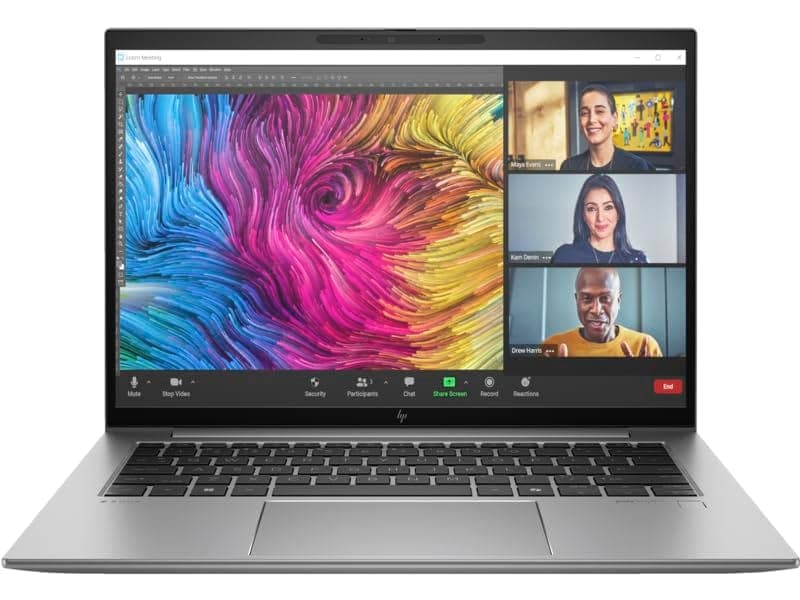
Data science involves working with Python, Jupyter Notebook, SQL, large datasets, data visualization, and machine learning tools. A suitable laptop needs enough processing power and memory to handle these workloads together without slowing down.
Refurbished laptops can provide higher-spec hardware at a lower price than comparable new laptops. For most data science users, 16GB RAM, a capable processor, and SSD storage are a practical starting point. Users working with larger datasets or machine learning workloads may benefit from 32GB RAM and dedicated graphics.
What Should You Look for in a Data Science Laptop?
A data science laptop should provide enough performance for development tools, datasets, notebooks, and multitasking.
- 16GB RAM for most data science workflows
- 32GB RAM for larger datasets and heavier workloads
- Modern Intel Core i5 or Core i7 processors, or equivalent
- SSD storage for faster application and dataset loading
- Dedicated graphics for GPU-accelerated machine learning
- A comfortable keyboard for long coding sessions
- A display with enough workspace for notebooks and development tools
The ideal configuration depends on the size of your datasets and whether you plan to work with traditional analytics, machine learning, or deep learning.
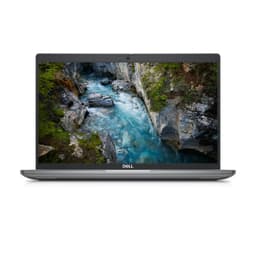
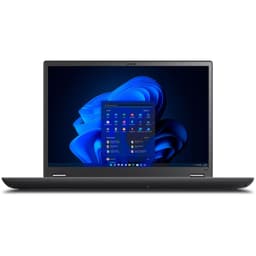
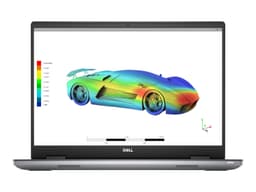
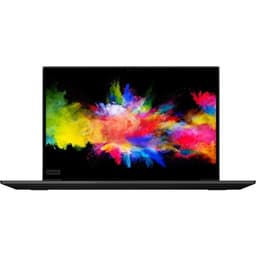
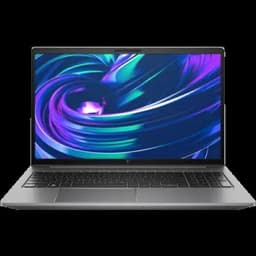
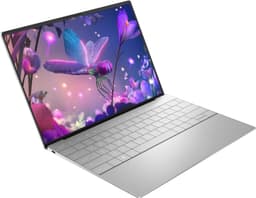
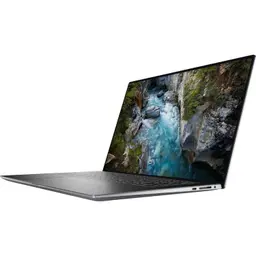
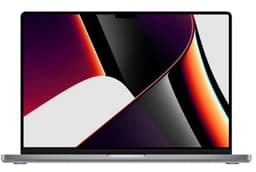
Refurbished Laptops for Data Science Worth Considering
Different data science workloads require different hardware. Business laptops can be suitable for Python, SQL, analytics, and machine learning fundamentals, while workstation-class laptops can provide additional performance for demanding projects.
| Laptop | Best For | Shop |
|---|---|---|
| Lenovo ThinkPad T16 Gen 2 | Python, SQL and analytics | View Laptop |
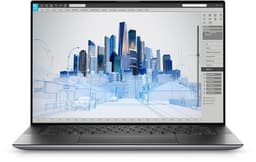
| Dell Precision 5550 | Data science and ML workloads | View Laptop |
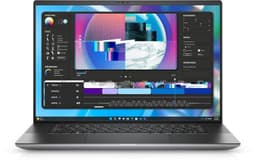
| Dell Precision 3590 | Development and analytics | View Laptop |
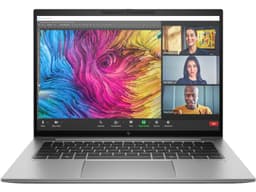
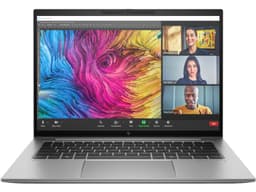
| HP ZBook Firefly G11 | Portable data workloads | View Laptop |
How Much RAM Do You Need for Data Science?
RAM has a direct impact on how comfortably you can work with datasets, notebooks, browsers, databases, and development tools at the same time.
| RAM | Suitable For |
|---|---|
| 8GB | Basic learning and small projects |
| 16GB | Most data science workflows |
| 32GB+ | Large datasets and heavier workloads |
For most students and professionals, 16GB is a practical starting point. If you frequently work with large datasets or run several applications simultaneously, 32GB provides more headroom.
Best Processor for Data Science
Data processing, feature engineering, statistical calculations, and machine learning workloads can all benefit from a capable processor.
A modern Core i5 laptop can handle Python, SQL, pandas, visualization, and many traditional machine learning workflows. Core i7 and higher-performance processors provide additional headroom for heavier calculations and multitasking.
When buying refurbished, consider the processor generation and complete configuration rather than looking only at the Core i5 or Core i7 name.
Do You Need a Dedicated GPU for Data Science?
Not every data science workflow requires dedicated graphics.
CPU-based laptops can handle:
- Python programming
- SQL
- pandas and NumPy
- Data cleaning
- Data visualization
- Statistical analysis
- Traditional machine learning
A dedicated NVIDIA GPU becomes more relevant for deep learning, computer vision, neural networks, and other GPU-accelerated workloads.
If you plan to train models locally, check the actual GPU model and VRAM rather than simply choosing a laptop because it has dedicated graphics.
Data Science Laptops for Python and Jupyter
Python is widely used for data analysis and machine learning. A good data science laptop should comfortably run Jupyter Notebook, JupyterLab, VS Code, Python environments, and supporting applications.
A 16GB laptop with SSD storage and a capable processor can handle tools such as:
- Python
- Jupyter Notebook
- JupyterLab
- pandas
- NumPy
- Matplotlib
- Scikit-learn
- SQL databases
- VS Code
For larger datasets and more demanding projects, 32GB RAM can provide additional room.
Data Science Laptops for Machine Learning
Machine learning workloads vary significantly depending on the type and size of models being used.
Traditional machine learning models can often run effectively on a capable CPU. Deep learning and other computationally intensive workloads can benefit from dedicated GPU hardware.
For local machine learning experiments, consider:
- 16GB or 32GB RAM
- A modern multi-core processor
- SSD storage
- Dedicated NVIDIA graphics
- Sufficient GPU VRAM
For very large models and intensive training, cloud or remote GPU infrastructure may still be required.
Storage for Data Science Projects
Data science projects can involve datasets, Python environments, packages, notebooks, models, and exported results. SSD storage helps improve loading times and overall system responsiveness.
| Storage | Suitable For |
|---|---|
| 256GB SSD | Learning and smaller projects |
| 512GB SSD | Most data science projects |
| 1TB SSD | Large datasets and project files |
If you regularly work with large datasets, consider both internal storage and external or cloud storage options.
Data Science Laptops for Students
Students learning Python, statistics, SQL, machine learning, and analytics do not necessarily need an expensive workstation.
A refurbished laptop with 16GB RAM, SSD storage, and a capable Core i5 or Core i7 processor can handle coursework, Jupyter notebooks, programming assignments, and personal projects.
Portability can also be important for students who regularly move between college, home, libraries, and other study locations.
Data Science Laptops for Professionals
Professional data science workflows can involve larger datasets, databases, dashboards, notebooks, and several development tools running simultaneously.
Look for:
- 16GB or 32GB RAM
- A capable modern processor
- 512GB or larger SSD
- Reliable connectivity
- Comfortable keyboard
- Good thermal performance
- Dedicated graphics when required
Business laptops can work well for analytics and development, while mobile workstations can provide additional performance for more demanding workloads.
Data Science vs Coding: What Is Different?
Data science and software development overlap, but data science can place additional demands on memory and storage.
A coding-focused laptop can often prioritize processor performance, RAM, keyboard quality, and portability. Data science workflows may also involve large datasets, statistical processing, visualization, databases, and machine learning.
If data science is your primary use case, prioritize RAM and storage alongside processor performance.
Why Buy a Refurbished Laptop for Data Science?
New laptops with 16GB or 32GB RAM, higher-performance processors, and dedicated graphics can become expensive.
A refurbished laptop can provide access to higher-spec hardware at a lower purchase price. This can make it easier to choose a configuration with more RAM, a larger SSD, or workstation-class hardware.
Before purchasing, compare the actual specifications, condition, testing, and warranty rather than choosing based only on the laptop model.
What to Check Before Buying a Refurbished Data Science Laptop
Before purchasing, verify that the laptop matches your workload.
- Confirm the installed RAM.
- Check the processor generation and configuration.
- Verify SSD capacity.
- Check whether dedicated graphics are included.
- Verify the GPU model and VRAM for machine learning.
- Check display size and resolution.
- Test the keyboard and trackpad.
- Check USB, HDMI, audio, and other ports.
- Check Wi-Fi and webcam functionality.
- Review battery health.
- Confirm the cosmetic condition.
- Check the included warranty.
These checks help ensure that the refurbished laptop has the hardware needed for your specific data science workflow.
Refurbished Data Science Laptop Price in India
The price of a refurbished data science laptop depends on its processor, RAM, storage, graphics, generation, and condition.
Instead of choosing only by price, compare the complete configuration with your workload. A laptop with 16GB RAM and a capable processor may be more appropriate for data science than a cheaper laptop with significantly less memory.
If machine learning or deep learning is part of your workflow, GPU specifications should also be considered.
6 Months Warranty
Refurbo refurbished laptops are tested before being listed for sale and include 6 Months warranty support. This provides additional coverage after purchase while giving buyers access to refurbished hardware for data science and other demanding workloads.
Frequently Asked Questions
Q. What is the best RAM for data science?
16GB RAM is a practical starting point for most data science workflows. 32GB is useful for larger datasets, heavier multitasking, and more demanding projects.
Q. Is 8GB RAM enough for data science?
8GB can work for learning Python, SQL, and basic analytics, but 16GB is more suitable when running Jupyter, VS Code, browsers, databases, and datasets together.
Q. Do I need a dedicated GPU for data science?
No. Many data analysis and traditional machine learning workloads can run on a CPU. A dedicated GPU becomes more useful for deep learning and GPU-accelerated workloads.
Q. Is a Core i5 laptop good for data science?
Yes. A capable Core i5 laptop with sufficient RAM and SSD storage can handle Python, SQL, analytics, visualization, and many machine learning workloads.
Q. Is a refurbished laptop good for data science students?
A properly tested refurbished laptop can provide the RAM, processor, and storage required for learning data science, completing coursework, and building projects.
Q. How much storage should a data science laptop have?
512GB SSD is a practical starting point for many users. Consider 1TB if you regularly work with large datasets, models, development environments, and project files.
Q. Do refurbished data science laptops come with a warranty?
Yes. Refurbo refurbished laptops include 6 Months warranty support.
