
MacBook Air In 2026: Student Guide To Latest And Older Models
Explore whether the MacBook Air is the right choice for students in 2026 with an in-depth comparison of Apple Silicon models, long-term usage expectations and real academic benefits.

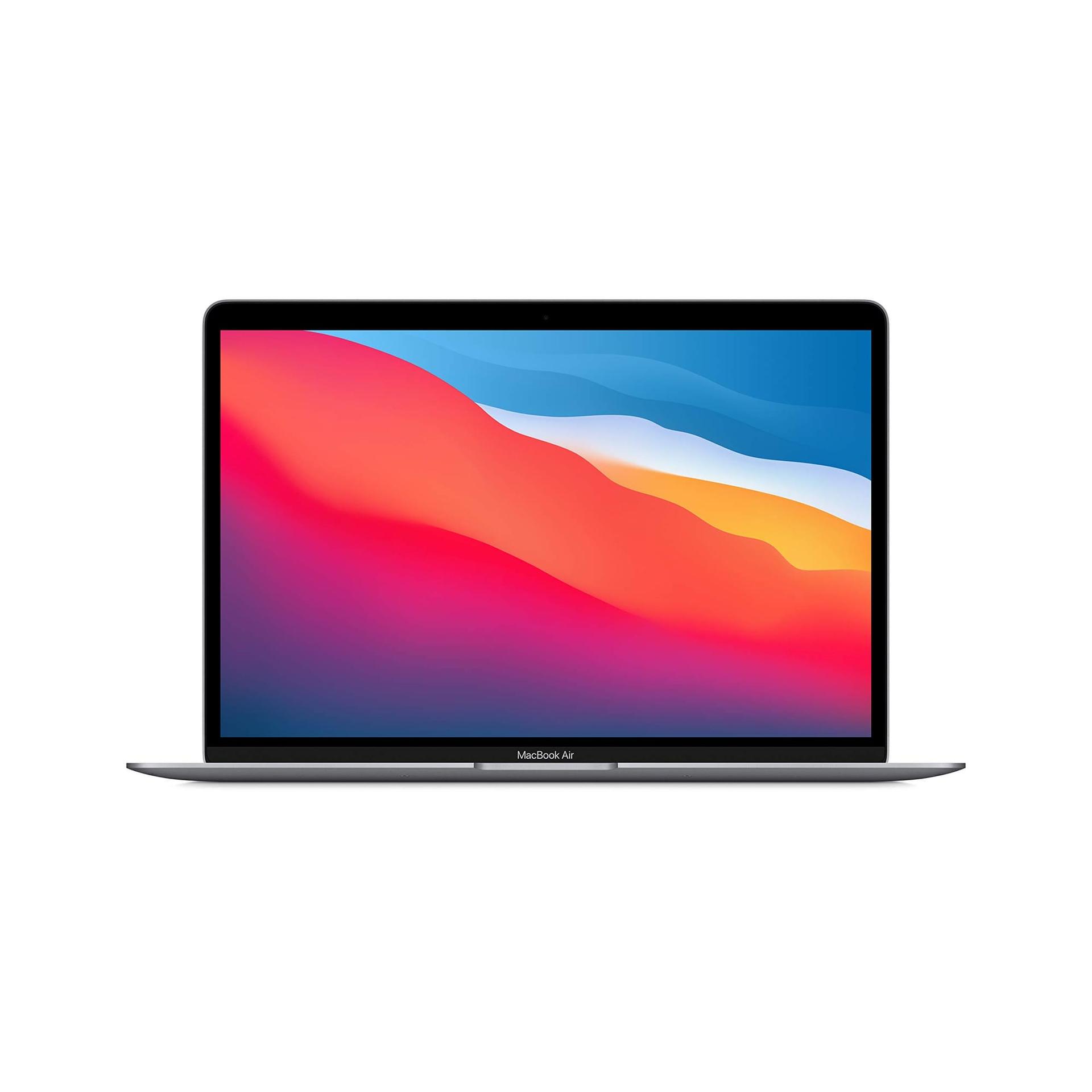
TL;DR The MacBook Air remains one of the most dependable and practical student laptop choices in 2026 because it combines lightweight portability, full-day battery life, Apple Silicon efficiency, strong resale value, and a software lifecycle that comfortably supports an entire degree and early professional transition. Whether the smartest choice is an affordable M1, a balanced M2, a future-ready M3, or the latest M4, the real value comes from how consistently the laptop handles academic workflows such as coding, note-taking, design work, research, virtual classes, and internships without forcing early upgrades. In India, the combination of refurbished availability and UNiDAYS discounts has made the MacBook Air even more attractive for students who want premium long-term value within realistic budgets.
Why the MacBook Air Has Become the Default Student Laptop in 2026
The MacBook Air has become the default recommendation for students because the way students use laptops has fundamentally changed. A modern student laptop is no longer judged only by how fast it opens Word documents or how many browser tabs it can keep alive. In 2026, the real expectation is that one device should comfortably support note-taking, online lectures, browser-heavy research, AI-assisted writing tools, collaborative documents, coding environments, design software, presentations, and internship work, all while remaining portable enough for daily campus movement. This shift has made stability and battery consistency far more important than raw specification marketing.
This is exactly where the MacBook Air continues to stand apart. Apple Silicon has transformed the student experience by delivering a combination of speed, efficiency, and thermal comfort that very few thin laptops can match. The laptop remains responsive even under mixed academic workloads, yet it still lasts through lectures, library hours, and hostel study sessions without constant charger anxiety. This makes it especially practical in Indian campuses where access to charging points is often inconsistent.
Another major reason for its dominance is lifecycle confidence. Students increasingly want a single laptop that can survive not just the degree, but also internships, certifications, portfolio building, placements, and the first job phase. The MacBook Air’s long update support, durable aluminium build, and strong resale value make it one of the few laptops that genuinely feels like a four-to-six-year academic investment rather than a short-term device.
How Apple Silicon Changed the Student Laptop Experience
The move from Intel to Apple Silicon changed far more than benchmark numbers. It fundamentally redefined what students expect from a thin-and-light laptop. Earlier ultrabooks usually forced compromises, where better performance often meant worse battery life or higher temperatures. Apple Silicon changed this by making all three work together, allowing the MacBook Air to remain fast, cool, and efficient under real academic conditions.
For students, this translates into a much smoother daily experience. Large browser sessions, long PDF readings, VS Code projects, Canva, Figma, Zoom classes, and research-heavy multitasking all run with consistent responsiveness. The fanless design is another major quality-of-life advantage, especially in libraries, classrooms, and quiet study spaces where loud cooling systems can become distracting. Even after extended sessions, the device remains comfortable to use on the lap or in compact desks.
Software longevity is equally important. The Apple Silicon roadmap has created a lineup where even older models remain highly usable. This is why the M1 still makes financial sense, the M2 remains the most balanced choice, and the M3 and M4 push further into future-proofing without making previous generations feel obsolete overnight. This generational consistency is one of the biggest reasons the MacBook Air remains such a strong student recommendation.
MacBook Air M1 in 2026: Still the Smartest Budget Student Mac
The M1 MacBook Air continues to remain one of the most rational student purchases in 2026, especially in India’s refurbished market. Even though it is the oldest Apple Silicon Air, it still handles the majority of academic workflows with impressive ease. For note-taking, Office work, browser-heavy research, YouTube lectures, beginner coding, Python, SQL learning, Canva, and online classes, the M1 still feels consistently smooth.
Its biggest strength is predictability. Students rarely need to worry about lag spikes, overheating, or sudden battery drops during long days on campus. This reliability becomes even more valuable in environments like engineering and commerce programs, where laptops are expected to move between lecture halls, hostel rooms, libraries, and project labs without missing a beat. The M1’s battery endurance remains one of its defining advantages, often still outperforming many newer Windows laptops in practical mixed usage.
For students working with stricter budgets, this makes the M1 one of the safest entry points into the Apple ecosystem. Refurbished units in particular offer exceptional ROI, delivering premium build quality and long-term software support at prices that are often close to mid-range Windows ultrabooks. Even in 2026, the M1 remains one of the smartest budget-friendly student Mac choices available.
MacBook Air M2: The Best Balanced Choice for Most Students
The M2 MacBook Air remains the best overall choice for most students because it sits in the ideal middle ground between price, modernity, and long-term confidence. Compared to the M1, it introduces a brighter display, a newer flat chassis, a better webcam, stronger GPU performance, and slightly better sustained multitasking. These improvements make it especially valuable for students whose workflows are expected to grow over the next four years.
This makes the M2 particularly attractive for engineering, MBA, design, commerce, and media students. It is powerful enough for heavier project work, more advanced coding environments, design software, and internship-related multitasking, while still staying within a more practical budget than the latest M3 and M4 models. The updated design also helps with resale confidence because it still visually resembles Apple’s newest laptops, which matters in India’s second-hand market.
For most students who want one laptop for the entire degree and placement cycle, the M2 remains the safest no-regret choice. It provides enough headroom to handle growing workloads without pushing buyers into the highest price bracket, making it the best balanced student MacBook Air in 2026.
MacBook Air M3 and M4: Best for Long-Term Technical Future-Proofing
The M3 and M4 MacBook Air models are best understood as long-term future-proofing investments for students whose academic demands are expected to become significantly heavier. These models are not essential for everyone, but they make tremendous sense for engineering, architecture, AI, machine learning, advanced coding, research, and data science students.
The M3 improves graphical efficiency and AI-assisted workflows, which is increasingly relevant as universities integrate AI-based tools into coding, writing, and data analysis environments. The M4 pushes this further with stronger memory bandwidth, better GPU responsiveness, and an even longer software runway, making it ideal for students planning longer degrees or advanced postgraduate work.
For technical students, the biggest advantage is confidence. These models reduce the risk of the laptop feeling limited in later semesters when simulations, rendering, statistical modelling, and research-heavy projects become more common. For students who want maximum longevity with minimal compromise, the M3 and especially the M4 remain the strongest long-term MacBook Air choices.
Student Perspective Comparison Table
| Model | Best For | 2026 Buying Angle |
|---|---|---|
| M1 | Budget students | Best refurbished value |
| M2 | Most students | Best overall balance |
| M3 | Technical and design students | Better future headroom |
| M4 | Long degrees and advanced workloads | Maximum longevity |
Why Older MacBook Air Models Still Outperform Many Windows Alternatives
One of the strongest reasons older MacBook Air models continue to remain relevant is that macOS and Apple Silicon age gracefully together. A three or four-year-old MacBook Air often still feels smoother than many newer mid-range Windows ultrabooks because the hardware and software are tightly integrated rather than assembled from multiple vendor layers.
Students notice this most during the exact moments that matter academically. Instant wake, smooth browser behaviour, dependable standby battery retention, and fewer random driver issues all contribute to a more predictable experience during deadlines, overnight project sessions, and placement preparation. These are the situations where real-world reliability matters more than synthetic benchmarks.
This graceful aging also makes older MacBook Air generations far more attractive as student investments. Instead of feeling outdated after two years, even older models continue to remain highly usable, which directly improves ROI and makes refurbished purchases far safer than many competing Windows laptops.
Refurbished MacBook Air: The Smartest Student Buying Strategy in India
For students in India, refurbished MacBook Air models have become one of the smartest buying strategies because they combine premium hardware quality with far stronger long-term value than many new Windows ultrabooks in the same price range. Rising education costs have made affordability more important, and refurbished Apple Silicon laptops fit naturally into that reality.
The M1 remains the strongest refurbished choice for strict budgets, while the M2 often delivers the best overall value for students who want a more modern design and longer future runway. Even M3 refurbished units are beginning to make sense for technical students who want extended longevity without paying the premium for a brand-new M4.
The biggest reason this strategy works is that Apple Silicon devices age gracefully. A properly tested refurbished MacBook Air with healthy battery life can still remain dependable through multiple academic years, making it one of the safest long-term student investments available in India today.
The Smartest MacBook Air Buying Strategy for Students in 2026
The smartest way to buy a MacBook Air is to optimise around the heaviest workload you realistically expect by your final year, not just the lightest tasks of your first semester. A student who begins with note-taking and presentations may later move into coding, design work, simulations, research, or internship-heavy multitasking. Buying too close to current needs often leads to underbuying.
For general academics, notes, browsing, beginner coding, and presentations, the M1 and M2 remain more than enough. For engineering, architecture, AI, heavier media work, advanced coding, and data science, the M3 and M4 provide stronger long-term confidence.
The real goal is not to buy the newest model by default. It is to choose the generation that can comfortably support your degree, portfolio work, placements, and first-job transition without forcing another expensive laptop purchase too early.
Why the MacBook Air Remains the Best Student Laptop Investment
The MacBook Air remains one of the best student laptop investments because it solves the exact problems students care about most in 2026: battery life, stability, portability, long update support, silent usage, and resale confidence. These factors matter far more over four to six years of ownership than short-term specification differences.
Whether the smartest choice is a refurbished M1, a balanced M2, or a future-safe M3 or M4, the real advantage lies in long-term consistency. The device continues to remain relevant across classes, projects, internships, certifications, placements, and early career growth.
That ability to stay useful across multiple phases of a student’s journey is what transforms the MacBook Air from just another premium laptop into one of the smartest academic and early professional investments in India today.
Frequently Asked Questions
Q. Is the MacBook Air M1 still worth buying in 2026?
Yes, especially as a refurbished option. It remains one of the best-value premium student laptops for coding, academics, and daily productivity.
Q. Which MacBook Air is best for engineering students?
The M2 is the best balanced choice, while the M3 and M4 are better for heavier simulations, AI, and long technical degrees.
Q. Is MacBook Air good for coding?
Yes, macOS is excellent for coding, Unix-based workflows, VS Code, Python, web development, and most university programming environments.
Q. Are refurbished MacBook Air models safe for students?
Yes, when purchased from reliable sellers with battery checks and warranty support, they are often the smartest student purchase.
Q. Should students buy the latest model or older ones?
Buy based on your final-year workload and budget. For many students, older M1 and M2 models still offer the best ROI.
Ready to upgrade your tech?
Browse our collection of quality refurbished products at unbeatable prices.






