
MacBook Air 13-inch A2338 For Creators In 2026: Photo, Video, And Design Workflows
MacBook Air 13-inch A2338 can still support creator work in 2026 India, but workflow limits must be understood clearly.

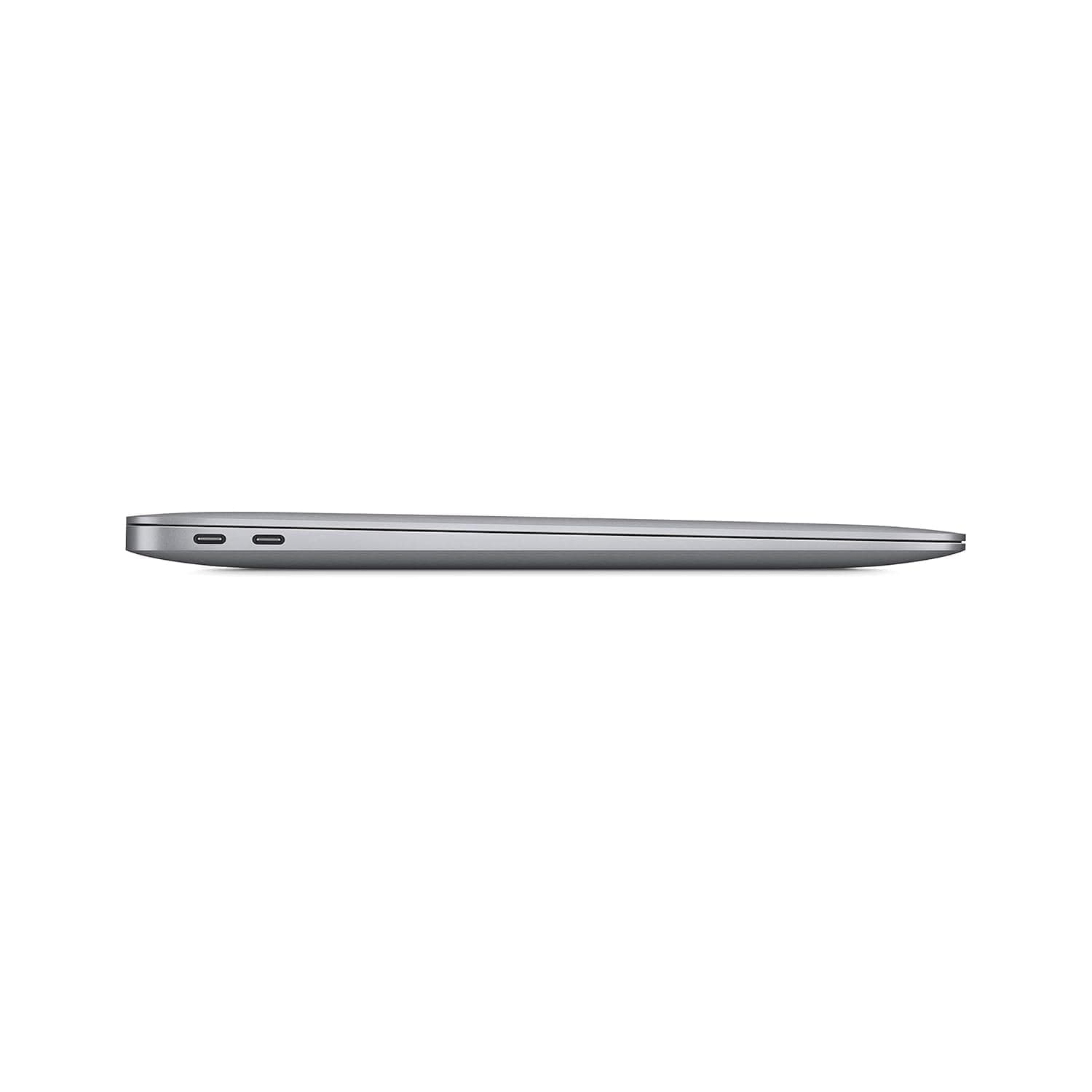
TL;DR If you are evaluating the MacBook Air 13-inch (Model A2338) as a creator laptop in 2026 India, the biggest advantage is that it still feels smooth and reliable for many everyday creator workflows, even though it is now an older MacBook compared to the latest MacBook lineup. The key is to choose it for the right creator profile. A2338 can handle MacBook for video editing 2026 India for YouTube content, reels, and light 4K editing if the workflow is disciplined. It also performs well for MacBook for photo editing Lightroom for small to medium libraries and steady exports. For MacBook for design work Adobe 2026, it remains practical for Photoshop and Illustrator projects that are not excessively heavy, especially for student creators and early professionals. It can also work reliably for MacBook for podcasting music production through GarageBand, podcast editing, and mid-level Logic Pro sessions with controlled track counts. This guide closes with a creator benchmark view of render time and export speed so you can judge how A2338 compares against modern expectations shaped by newer machines like the MacBook M4 Pro for content creators, which has pushed the baseline much higher in 2026. The goal is to help Indian creators understand what they are getting with an older MacBook Air and whether it can still support their creative output confidently.
Video Editing on MacBook: Final Cut Pro Workflow
When Indian creators search MacBook for video editing 2026 India, many assume a MacBook Air will always be “too light” for serious editing. In 2026, that assumption is only partly true. The MacBook Air 13-inch A2338 is an older model now, but it can still handle a surprising amount of editing work if your workflow is realistic. The main difference between an Air and a Pro is not whether video editing is possible. It is how much headroom you have when your edits become heavier, your projects become larger, and your deadlines become tighter.
Final Cut Pro workflows on A2338 work best when you are editing content that fits a modern creator rhythm. If you are producing YouTube videos, reels, educational content, travel edits, interviews, and basic client work, A2338 can still feel smooth. The workflow feels best when you keep the timeline clean, avoid stacking too many heavy plugins, and rely on proxy workflows for 4K footage. In 2026 India, many creators work on compact setups and prefer lightweight laptops that are easy to carry. A2338 fits that lifestyle well, and it still provides enough editing stability for many real-world creator needs.
The moment you push the workflow into heavy territory, the limitation becomes clearer. Multi-layer effects, large timelines, multiple correction layers, and heavy rendering workflows can slow down the experience. This is where newer creator-oriented MacBooks feel more effortless. The baseline performance expectation has been raised in 2026, especially because the newest MacBooks handle sustained editing better and export faster. A2338 can still edit, but it is best when your editing style is controlled and consistent rather than heavy and experimental.
The real value of A2338 for Indian creators is that it helps you produce content without forcing you into a heavy laptop. If you are a student creator, early professional, or someone whose creator work is regular but not studio-level, A2338 can still support your workflow. It is not the best MacBook Air for creators compared to the newest generation, but it can still be a practical creator tool in 2026 India when chosen with correct expectations.
A2338 Video Editing Fit In 2026 India
| Creator Workflow Type | A2338 Editing Comfort | What Keeps It Smooth |
|---|---|---|
| Reels and short content | Strong | Simple edits and clean effects |
| YouTube editing | Very good | Organized timelines and proxies |
| 4K editing with light grading | Good | Proxy workflow helps |
| Heavy plugin-based edits | Limited | Avoid stacking too many effects |
| High-volume daily exports | Not ideal | Newer Macs save time |
Photo Editing: Lightroom vs Adobe Lightroom Classic
For creators researching MacBook for photo editing Lightroom, the MacBook Air A2338 remains a surprisingly comfortable editing machine in 2026 India, but only when the workload matches what the device can sustain. Lightroom editing is often less demanding than video editing in the moment-to-moment experience, but it becomes demanding when you handle large RAW libraries and batch export large volumes. A2338 handles many photo workflows well, especially for creators working with consistent image batches and moderate catalog sizes.
Lightroom workflows on A2338 feel smooth when your job is editing small to medium libraries. You can apply presets, adjust exposure, work with color corrections, and export images reliably. For student creators, influencers, and early photographers, this is often enough. The Air form factor makes it easy to work from anywhere in India, whether it is campus, home, or a café, and the macOS experience stays stable for editing.
Lightroom Classic becomes more demanding when you are managing huge catalogs, especially for weddings and commercial shoots. A2338 can still do this work, but it requires good workflow discipline. External SSD usage, organized catalogs, and deliberate file management become necessary. Many creators blame the laptop when Lightroom slows down, but the real problem is often storage management and a cluttered catalog. With a cleaner workflow, A2338 can still feel dependable.
The key point for 2026 is that newer MacBooks handle exports faster and feel more effortless under larger editing loads. That does not make A2338 unusable. It simply means it is best for creators who want reliable editing and consistent output, not maximum speed for high-volume professional photography. For many Indian creators, that distinction matters because it helps them buy the right laptop rather than overspending unnecessarily.
Lightroom Workflows On A2338 In 2026
| Lightroom Workflow | A2338 Experience | Best Use Case |
|---|---|---|
| Casual edits and presets | Strong | Students and hobby creators |
| Batch edits 100 to 400 photos | Very good | Regular creator work |
| Large RAW catalogs | Moderate | Needs SSD and structure |
| Exporting while editing | Moderate | Keep workflow clean |
| High-volume pro workflows | Limited vs newer Macs | Faster on newer models |
Design Work: Adobe Creative Cloud Performance
Creators searching MacBook for design work Adobe 2026 often want one laptop that can handle design tools without lag. In 2026 India, A2338 remains practical for many design workflows because everyday design tasks are not always as heavy as people assume. Photoshop work for social creatives, Illustrator work for branding and logos, and lightweight design workflows remain comfortable when files are not excessively large. A2338 is especially relevant for student creators and early professionals because it offers enough performance for learning and delivering real design work without requiring a heavy workstation.
Photoshop workflows on A2338 feel stable for moderate projects, such as thumbnails, social media design, and marketing assets. Illustrator projects also work well for vector design, where performance depends more on project complexity than raw file size. Many creators in India do not work with huge multi-gigabyte design files every day. Their workflow is more about consistency, speed of output, and portability. A2338 fits that lifestyle well.
However, the limitations appear when you work with very large layered designs, complex artboards, or a heavy multi-app workflow. If you keep multiple Creative Cloud apps open while running browser tools, communication apps, and exporting assets constantly, you will feel the difference compared to newer MacBooks. This is why the modern creator conversation often includes the MacBook M4 Pro for content creators as a reference point. It represents the newer performance baseline that reduces delays in heavy design pipelines.
In a practical sense, A2338 remains a smart creator laptop in India if your design work is steady and moderate. If you are building a creative career and want an affordable MacBook Air that still supports real Adobe workflows, it can still be a good fit. But if design is your full-time heavy workflow and you regularly manage large client projects with complex layers, newer machines will feel more comfortable over time.
A2338 Design Performance In 2026 India
| Design Workflow | A2338 Performance Feel | Who It Suits Best |
|---|---|---|
| Social creatives and thumbnails | Strong | Students and marketers |
| Illustrator branding work | Strong | Logo designers |
| Multi-app design workflow | Good | Early professionals |
| Huge layered Photoshop projects | Moderate | Advanced designers |
| Motion and heavy creative pipelines | Limited | Better on newer Macs |
Music Production: GarageBand, Logic Pro, Ableton
For creators researching MacBook for podcasting music production, A2338 remains a strong entry point in 2026 India because music workflows often value stability over extreme performance. Podcast editing, voice recording, and basic track mixing can all run smoothly on A2338 when the sessions are controlled. This matters because many Indian creators are starting their podcasting journey, building YouTube channels, or producing regular audio content without needing a full studio setup.
GarageBand is a natural fit for A2338 because it supports beginner and intermediate workflows comfortably. You can record vocals, edit audio, add background music, and export content reliably. Logic Pro sessions can also work well for moderate projects, such as small music production, layered podcast work, and editing sessions that do not involve extremely heavy plugin loads. Ableton-style workflows can also run well for loop-based production and creative sessions with moderate track counts.
The limits show up when you push large plugin chains, heavy virtual instruments, and big sessions. In those cases, newer MacBooks provide more headroom. But most Indian creators in 2026 are not doing studio-grade production on a laptop alone. They are producing consistent content, learning workflows, and building creative output. For that reality, A2338 remains a very practical tool.
The main advantage of the Air form factor is portability. If your creative life involves travel, hostel life, or working from different locations, A2338 supports that. It gives you a stable creative environment without forcing you into a heavy laptop. For podcasts and mid-level music work, that can be a major advantage in India.
A2338 Music Production Fit In 2026 India
| Music Workflow | A2338 Comfort Level | Best For |
|---|---|---|
| Podcast editing and publishing | Strong | Podcasters and educators |
| GarageBand projects | Very good | Beginner creators |
| Logic Pro moderate sessions | Good | Indie creators |
| Plugin-heavy projects | Moderate | Advanced users |
| Studio-grade production loads | Limited | Better on newer Macs |
Creator Benchmark: Render Times, Export Speed
Creators in 2026 India measure laptops by output speed because content creation is often tied to consistency and deadlines. A2338 can export content reliably, but it will not match the speed of newer MacBooks that have pushed the baseline forward. This is why it is important to frame expectations clearly. If you choose A2338, you are choosing a creator-friendly older MacBook Air, not a top-tier export machine by 2026 standards.
For weekly creators and steady output schedules, export speed on A2338 can still feel acceptable. If you edit and publish a few videos a week, export times are rarely a major problem. The friction becomes more visible when you scale up. If your creator career involves daily exports, heavy effects, multiple versions for clients, and constant turnaround, the time lost adds up. Newer creator machines save time consistently, and this is where the MacBook M4 Pro for content creators becomes an important comparison. It represents the type of machine that reduces export waiting time and workflow stress significantly.
The best buying logic for A2338 in India is to match it to your creative rhythm. If you are growing as a creator and want a portable MacBook Air that can handle real work without demanding a premium price, A2338 can still be a smart buy. But you must accept that it is not designed for high-volume creator production in 2026. It is designed for steady work, learning, and consistent creation at a comfortable pace.
A2338 remains valuable because it supports the creator journey without being heavy or complicated. It may not be the fastest, but it is still capable enough to support serious skill-building and regular output. In 2026 India, that is often what creators need most.
Creator Export Speed Expectations In 2026 India
| Creator Need | A2338 Outcome | Best Buying Logic |
|---|---|---|
| Weekly content production | Reliable | Strong value choice |
| Regular client work | Good | Works with planning |
| High-volume daily exports | Moderate | Newer Macs save time |
| Heavy effect-heavy edits | Slower | Proxy workflow helps |
| Studio-level creator pipelines | Limited | Better with newer Pro models |
Final Verdict + Quick Decision Making
The MacBook Air 13-inch A2338 can still be a practical creator laptop in 2026 India when you choose it for the right workflow. It supports MacBook for video editing 2026 India for YouTube and short-form content with disciplined editing habits, performs well for MacBook for photo editing Lightroom when catalogs are moderate and organized, and remains usable for MacBook for design work Adobe 2026 for most everyday Photoshop and Illustrator tasks. It also works reliably for MacBook for podcasting music production, especially for GarageBand, podcast editing, and moderate Logic Pro sessions.
The most important context is that A2338 is an older MacBook Air in 2026. The newest MacBooks offer higher export speed, smoother heavy workflows, and more creator headroom, which is why the creator baseline now often references the MacBook M4 Pro for content creators. A2338 is not a replacement for those machines, but it can still support real creative work for many Indian creators when the workload is realistic.
To decide quickly, ask what stage you are in. If you are building creator skills, producing steady content, and want a light portable MacBook Air that still feels premium, A2338 remains a smart choice. If your workflow is heavy, high-volume, and speed-sensitive, newer MacBooks will save time and reduce friction significantly. A2338 remains a creator laptop, but it is best when chosen as a value-focused creator tool in 2026 India.
Refurbo's Shop:
Here are all the MacBook laptops listed on that Refurbo's Apple page, with a direct link for each laptop:
- Apple Macbook A2442 - Refurbished
- Apple Macbook Pro A2485 - Refurbished
- MacBook Air 13" (2017) - Refurbished
- MacBook Pro 13" (2018) - Refurbished
- MacBook Pro 13" (2020) - Refurbished (Core i5)
- MacBook Pro 13" (2020) - Refurbished (Core i7)
- MacBook Pro 15" (2018–19) - Refurbished
- MacBook Pro 16" (2019) - Refurbished (Core i7)
- MacBook Pro 16" (2019) - Refurbished (Core i9)
- MacBook Air 13" M1 - Refurbished
- MacBook Pro 13" M1 - Refurbished
- MacBook Pro 14" M1 Pro - Refurbished
- MacBook Pro 16" M1 Pro - Refurbished
FAQ
Q. Is MacBook for video editing 2026 India still good on MacBook Air A2338?
A. Yes, MacBook for video editing 2026 India is still good on A2338 for YouTube and short-form workflows, especially with clean timelines and proxy editing.
Q. Is MacBook for photo editing Lightroom reliable on A2338 in 2026 India?
A. Yes, MacBook for photo editing Lightroom is reliable on A2338 for small to medium libraries, but huge catalogs export faster on newer Macs.
Q. How does MacBook for design work Adobe 2026 perform on MacBook Air A2338?
A. MacBook for design work Adobe 2026 performs well for most student and everyday creator projects, but extremely heavy layered assets feel smoother on Pro models.
Q. Is MacBook for podcasting music production stable on A2338 in India?
A. Yes, MacBook for podcasting music production is stable on A2338 for GarageBand, podcast editing, and moderate Logic Pro sessions with controlled track counts.
Q. Is MacBook M4 Pro for content creators a major upgrade over A2338 in 2026?
A. Yes, MacBook M4 Pro for content creators is a major upgrade for heavy exports and high-volume creator workflows, while A2338 suits steady creators best.
Ready to upgrade your tech?
Browse our collection of quality refurbished products at unbeatable prices.






