
HP ZBook Firefly Z11 Ports in 2026: Thunderbolt, HDMI, USB-A, SD, and Docking
Learn how the HP ZBook Firefly Z11’s Thunderbolt, HDMI, USB-A, and SD card ports enhance productivity in 2026. A detailed guide to workstation connectivity for engineers and professionals.

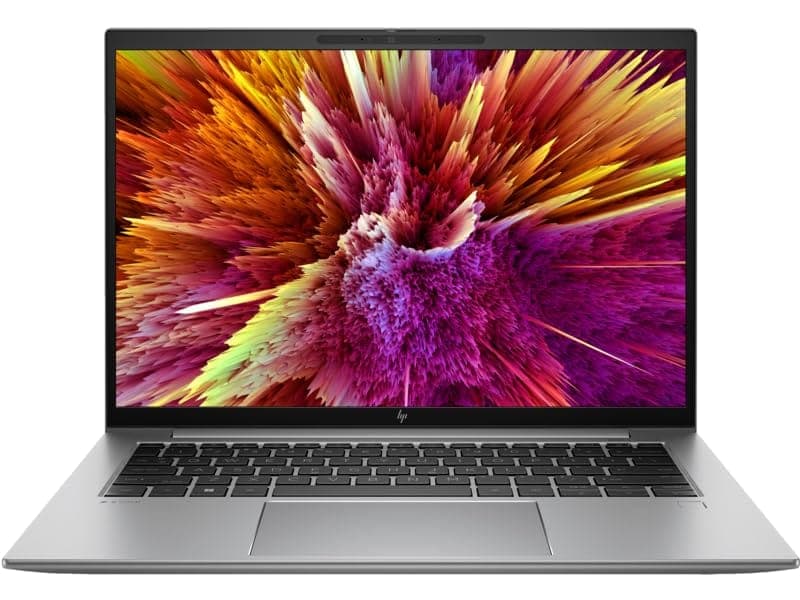
In 2026, connectivity is no longer an afterthought for professionals and students alike. Modern workflows span CAD modelling, data transfer between field devices, docking into full workstation setups, and presentation readiness in classrooms or conference spaces. The HP ZBook Firefly Z11 meets these demands with a thoughtful selection of ports that combine next-generation bandwidth with legacy compatibility. Instead of forcing users to depend on adapters for every device, HP retains practical connections while enabling high-speed workflows for engineers, creators, and hybrid professionals.
This comprehensive guide explores the HP ZBook Firefly Z11 ports lineup in 2026 and explains how Thunderbolt, HDMI, USB-A, SD card support, and docking capabilities enhance productivity across common professional environments.
Port Layout Overview of HP ZBook Firefly Z11
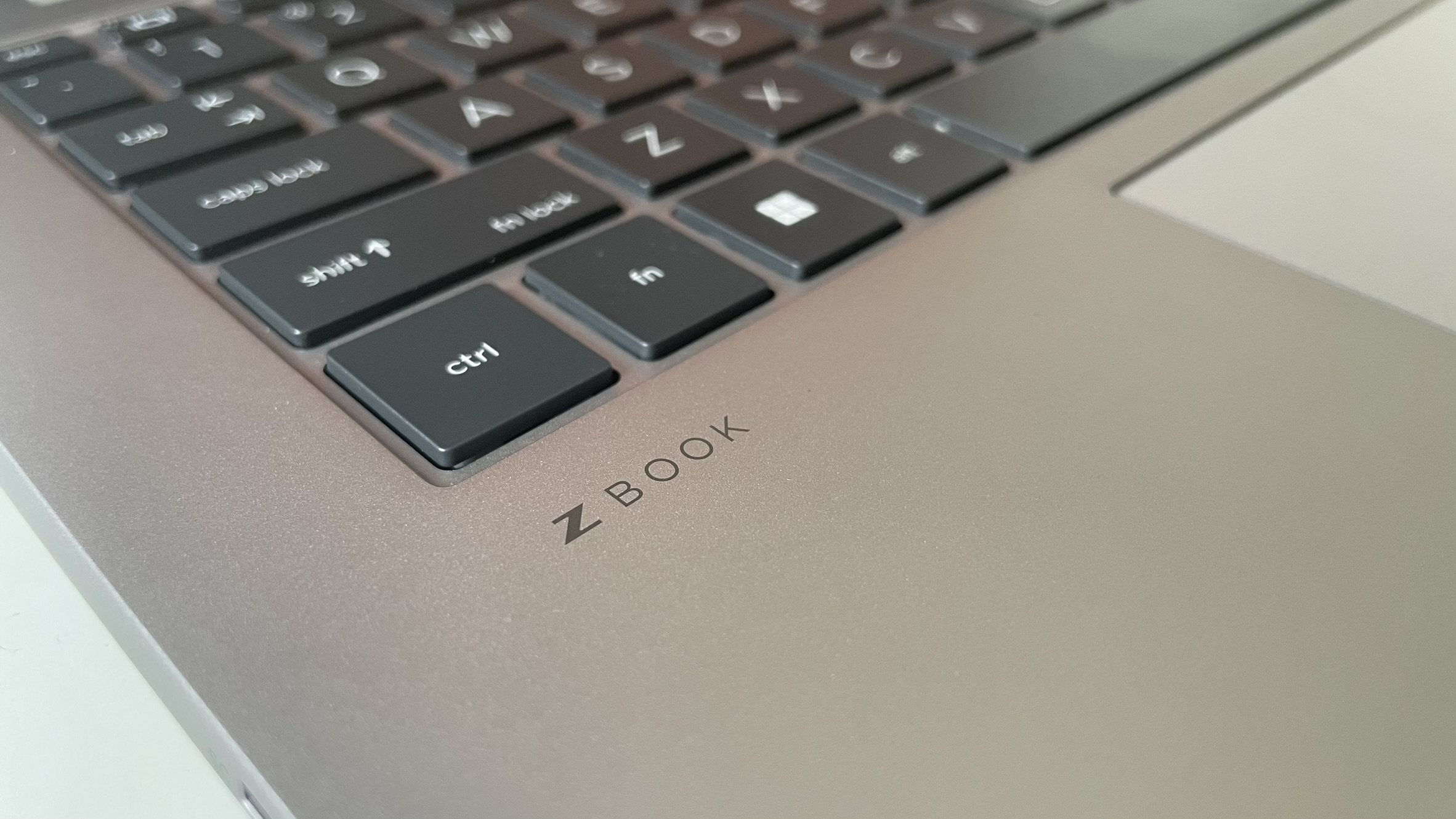
The HP ZBook Firefly Z11 is engineered as a thin and light mobile workstation, yet it avoids extreme minimalism that sacrifices real-world connectivity. The port arrangement is balanced between high-speed modern standards and everyday usability. A typical configuration includes:
- Two Thunderbolt 4 USB-C ports
- One HDMI 2.1 output
- USB-A ports for legacy peripherals
- SD card reader for media imports
- 3.5 mm audio combo jack
- Optional smart card reader in enterprise models
Ports are distributed along the sides in a way that supports efficient cable management while docked or in mobile use.
Thunderbolt 4 Connectivity: High Bandwidth for Power Users
Thunderbolt continues to be one of the most versatile and important connection standards for modern workstations. The HP ZBook Firefly Z11 Thunderbolt 4 implementation delivers up to 40 Gbps of bandwidth, enabling a range of advanced workflows.
Thunderbolt 4 supports:
- Dual high resolution external displays
- Single 8K monitor output
- High-speed NVMe external storage
- Professional docking stations with expanded ports
- Power delivery over a single cable
For engineers handling large CAD files or simulation datasets, attaching an external NVMe SSD via Thunderbolt drastically reduces data transfer time. In office setups, a single Thunderbolt cable can power the laptop, deliver network access, drive multiple monitors, and connect to peripherals via a docking station. This simplifies daily transitions between desk and mobile use.
HDMI 2.1: Reliable Display Output Without Adapters
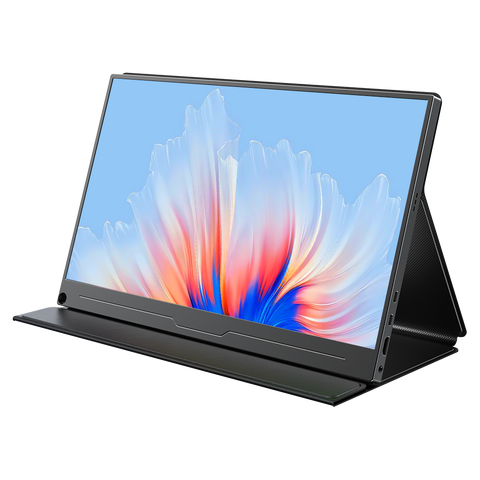
The HP ZBook Firefly Z11 HDMI 2.1 port ensures direct compatibility with modern displays, projectors, and TVs. In classroom and professional environments, HDMI remains the most commonly expected physical connection for presentations and external screens.
Benefits of HDMI 2.1 include:
- Support for 4K and higher resolution displays
- Improved bandwidth compared to older HDMI versions
- Plug-and-play compatibility with corporate projectors and TVs
- Stable image output during live demonstrations
Having a dedicated HDMI port removes dependency on USB-C adapters. For professionals who frequently present designs or reports, this translates to faster setup and fewer connection issues.
USB-A Ports: Legacy Compatibility That Still Matters
Even as USB-C and Thunderbolt rise in prominence, many peripherals in 2026 continue to rely on USB-A connections. The HP ZBook Firefly Z11 retains USB-A ports to support widely used devices without constantly requiring adapters.
Devices that benefit from USB-A support include:
- Wireless mouse and keyboard receivers
- External hard drives and flash drives
- Security keys and authentication dongles
- Laboratory instruments and measurement tools
In educational and corporate settings, legacy peripherals remain common. The inclusion of USB-A reduces everyday friction and eliminates many small accessories that professionals are otherwise forced to carry.
SD Card Reader: Media Transfers Without Dependencies

The HP ZBook Firefly Z11 SD card reader adds convenience for professionals who work with portable media. SD cards are widely used in:
- Digital cameras and DSLRs
- Drones for aerial surveying
- Lab data logging devices
- Embedded systems development
Direct SD card access allows users to import photos, videos, and sensor data without carrying additional adapters or external readers. This benefits creative professionals, field engineers, and researchers alike.
Docking Support: One Cable to Turn Mobile into Desktop
Professional docking transforms the ZBook Firefly Z11 into a full-function desktop workstation. Through the Thunderbolt 4 interface, the laptop supports enterprise docking stations such as the HP Thunderbolt Dock G4.
A docking station enables:
- Multiple external monitor outputs
- Wired Ethernet connectivity
- Expanded USB port availability
- Single cable power delivery
- Centralised peripheral management
For engineers and office professionals, docking support means spending less time on cable juggling and more time on productive work. Hybrid schedules where users shift between office desks and remote workstations depend on this flexibility.
Multi-Monitor Productivity
Expanded screen real estate significantly boosts workflow efficiency, especially in engineering, design, and analytical tasks. The Firefly Z11 supports multiple monitors using a combination of Thunderbolt and HDMI outputs.
Typical multi-monitor usage includes:
- Primary display for modelling or core tasks
- Secondary display for documentation or reference materials
- Additional screen for simulation outputs or live dashboards
This setup reduces task switching and enhances focus, making complex workflows smoother and more efficient.
External Storage And Data Transfer Workflows
Modern engineering and creative tasks often require handling large files. Thunderbolt 4 enables high-speed data transfer with external SSDs that rival internal storage performance. This is particularly useful when collaborating, backing up projects, or transferring datasets between workstations.
USB-A ports, while slower, remain practical for moderate-speed storage and everyday file transfer needs.
Portability Without Sacrificing Practicality
Many ultra-thin laptops remove essential ports in pursuit of minimal design. The Firefly Z11 avoids this trend by recognising that real users still rely on physical connections for essential work.
This balance benefits:
- Students moving across labs and classrooms
- Consultants presenting to clients on site
- Creatives editing media on location
- Corporate professionals docking daily
Connectivity should enable productivity, not constrain it.
Refurbished Considerations for Port Functionality
If you are considering a refurbished ZBook Firefly Z11 in 2026, testing all ports before purchase is critical. Verify:
- Thunderbolt charging and data transfer capability
- HDMI output reliability to external monitors
- USB-A data throughput on peripherals
- SD card reader detection and performance
- 3.5 mm audio jack operation
Ports often show signs of wear in used units, and broken or loose connections can hinder day-to-day use, especially if you depend on docking stations or multiple devices.
Limitations and Realistic Expectations
While the Firefly Z11 offers a broad and practical port selection, there are realistic limitations:
- Full-size Ethernet is dependent on docking solutions
- High refresh rate or ultra-high resolution display chains may require certified cables
- External GPU solutions are limited by Thunderbolt bandwidth compared to desktop PCIe slots
Understanding these boundaries ensures you approach the device with realistic expectations.
Conclusion
In 2026, connectivity is a defining feature for productivity and flexibility. The HP ZBook Firefly Z11 delivers a practical and future-ready port configuration with Thunderbolt 4, HDMI 2.1, USB-A, SD card reader, and advanced docking support.
This balanced approach blends modern high bandwidth standards with legacy compatibility, making the Firefly Z11 suitable for engineers, creators, students, and professionals who demand reliable flexibility without carrying multiple dongles.
For users who prioritise fast data transfers, secure presentations, external displays, and hybrid workflows, the Firefly Z11’s connectivity ecosystem delivers both convenience and performance.
Frequently Asked Questions
1. How many Thunderbolt ports does the HP ZBook Firefly Z11 have?
Most configurations include two Thunderbolt 4 ports that support data transfer, charging, and display output.
2. Can the Firefly Z11 support multiple external monitors?
Yes. Using Thunderbolt and HDMI together, the system can run multiple high resolution displays.
3. Is HDMI 2.1 still relevant in 2026 for professionals?
Yes. HDMI 2.1 simplifies connections to projectors, TVs, and monitors without requiring adapters.
4. Are USB-A ports included on the Firefly Z11?
Yes. USB-A ports remain for legacy peripherals like mouse receivers, flash drives, and lab devices.
5. Can the ZBook Firefly Z11 connect to docking stations?
Absolutely. Thunderbolt 4 enables connection to enterprise docking solutions for full workstation setups.
Ready to upgrade your tech?
Browse our collection of quality refurbished products at unbeatable prices.






