
HP ZBook Firefly G8 Windows Compatibility In 2026: Drivers, Apps, And Limitations
HP ZBook Firefly G8 delivers strong Windows 11 compatibility in 2026 with enterprise drivers, firmware updates, and reliable long-term professional software support.

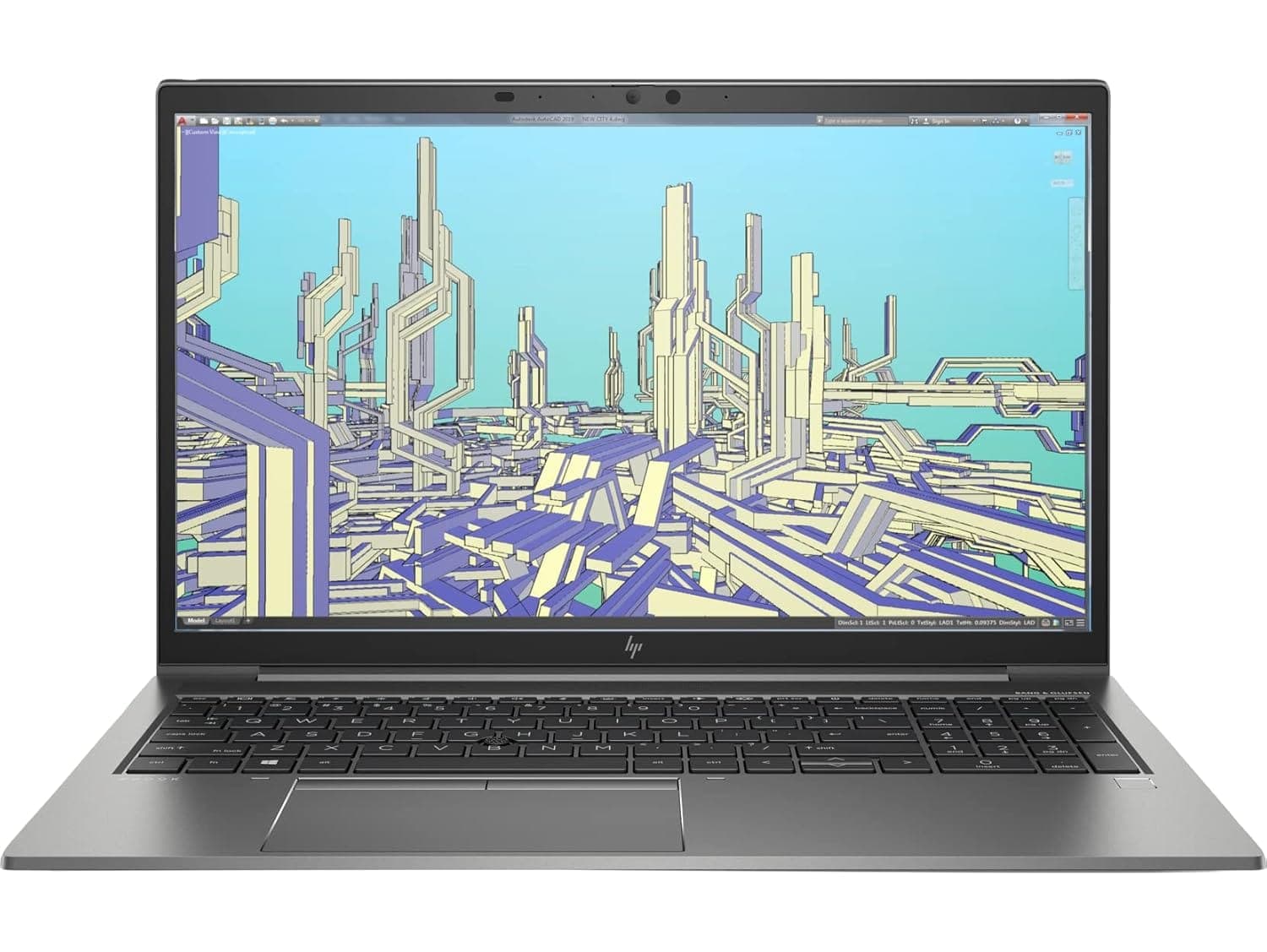
TL;DR The HP ZBook Firefly G8 remains fully usable and enterprise-relevant in 2026, primarily because of its strong Windows ecosystem compatibility and long corporate driver lifecycle. Built on Intel 11th Gen vPro platforms, the system officially supports Windows 11, continues receiving firmware and security updates, and runs modern enterprise applications without stability concerns. Professionals purchasing Refurbished HP ZBook Firefly G8 units through verified workstation platforms such as Refurbo, benefit from mature drivers, optimized BIOS tuning, and predictable performance across business workloads. While future Windows releases beyond current enterprise roadmaps may introduce gradual limitations, the Firefly G8 still represents a safe long-term Windows workstation for corporate users, analysts, developers, and consulting professionals in India.
Windows Version Support in 2026 (Windows 10 vs Windows 11 vs Future Updates)
The HP ZBook Firefly G8 Workstation Laptop was launched during the transition period between Windows 10 enterprise deployments and early Windows 11 adoption. Because of this timing, HP engineered the system with long lifecycle compatibility in mind. In 2026, the laptop officially supports both operating systems, though real-world usage increasingly favors Windows 11 Pro due to ongoing security and feature updates.
Windows 10 remains functional on the Firefly G8, especially in legacy enterprise environments running older ERP or compliance-locked software. However, Microsoft’s announced end-of-support timeline means organizations gradually migrate toward Windows 11 environments. The Firefly G8 meets Windows 11 hardware requirements through TPM 2.0 support, Secure Boot capability, and supported Intel processors, allowing smooth upgrades without unofficial workarounds.
Modern Windows 11 builds improve hybrid CPU scheduling, memory management, and GPU acceleration behavior even on 11th Gen processors. Users typically experience better multitasking responsiveness in Microsoft Teams, browser-heavy analytics workflows, and virtualization environments compared to older Windows 10 deployments.
Windows Compatibility Overview (2026)
For most Indian professionals buying refurbished workstations today, Windows 11 provides the best balance between security longevity and application compatibility.
Official HP Driver Availability and Lifecycle Support
One of the strongest advantages of the HP ZBook Firefly G8 Review ecosystem lies in HP’s enterprise driver management strategy. Unlike consumer laptops that lose optimization updates quickly, ZBook workstations follow extended corporate lifecycle policies. HP continues maintaining validated driver packages through its business support channels, ensuring compatibility with evolving Windows builds even years after release.
In 2026, essential drivers including Intel chipset packages, graphics drivers, Thunderbolt firmware, Wi-Fi modules, audio controllers, and power management systems remain accessible through HP Support Assistant and enterprise driver repositories. This ensures stable functioning of professional applications, docking environments, and multi-display workflows without manual troubleshooting.
The Firefly G8 particularly benefits from Intel vPro platform certification, which guarantees long-term driver validation for enterprise fleets. IT administrators deploying refurbished units across organizations still receive predictable update behavior, minimizing compatibility risks during Windows updates.
A major practical benefit appears when using external docking stations, professional monitors, and USB-C accessories. Mature driver stacks reduce issues like display flickering, sleep-wake failures, or peripheral disconnections commonly seen in consumer-grade machines.
For buyers considering HP ZBook Firefly G8 Price in India within refurbished markets, this mature driver ecosystem significantly increases long-term usability. Instead of early-generation instability, users receive a platform where drivers are already optimized through years of enterprise deployment testing, making it one of the safest refurbished workstation investments available in 2026.
BIOS Updates and Firmware Stability in 2026
A major reason the HP ZBook Firefly G8 continues operating reliably in 2026 is HP’s enterprise-focused firmware maintenance approach. Unlike consumer notebooks that receive limited BIOS attention after launch, ZBook platforms are deployed globally in corporate environments where long-term stability is mandatory. As a result, HP continues providing BIOS refinements addressing security vulnerabilities, thermal tuning, and Windows compatibility behavior.
Firmware updates released across the lifecycle have improved memory compatibility, Thunderbolt security handling, sleep-state reliability, and device wake behavior under Windows 11. Earlier workstation generations occasionally faced Modern Standby inconsistencies, but updated firmware versions significantly stabilized resume times and reduced unexpected battery drain during idle states.
BIOS-level protections such as HP Sure Start, runtime intrusion detection, and secure firmware recovery remain functional even on refurbished systems. These hardware-backed protections ensure system integrity during Windows updates or failed driver installations. For organizations deploying Refurbished HP ZBook Firefly G8 units, this reduces maintenance overhead compared to unsupported consumer laptops.
Another important advantage is firmware predictability. Many professionals upgrading Windows versions worry about boot failures or device recognition problems. The Firefly G8 avoids these risks because HP validates firmware updates alongside enterprise Windows builds before release. This alignment allows smoother upgrades without requiring unofficial patches or manual configuration changes.
In practical usage, BIOS maturity means fewer crashes during heavy workloads, stable docking behavior, and consistent performance under sustained professional usage. By 2026 standards, the Firefly G8 benefits from something rare in laptops: a fully matured firmware ecosystem, where most early-generation bugs have already been resolved through years of enterprise deployment.
Compatibility With Microsoft 365, Office, and Enterprise Applications
Enterprise productivity compatibility remains one of the strongest advantages highlighted in nearly every HP ZBook Firefly G8 Review. Modern professional workflows rely heavily on cloud-connected applications such as Microsoft 365, browser-based ERP platforms, accounting tools, analytics dashboards, and collaboration environments. The Firefly G8 handles these workloads exceptionally well due to balanced CPU efficiency and enterprise driver optimization.
Applications like Excel with large datasets, Power BI dashboards, Teams video conferencing, Outlook synchronization, and SharePoint collaboration run smoothly under Windows 11. Intel Iris Xe graphics acceleration improves UI rendering performance in Office applications, especially during large spreadsheet recalculations or multi-monitor productivity setups.
The workstation also maintains compatibility with widely used Indian enterprise software environments including GST platforms, accounting systems, SAP interfaces, and browser-dependent financial tools. Even under simultaneous workloads involving video meetings, Excel modeling, and multiple browser tabs, system responsiveness remains stable due to efficient memory handling.
Enterprise Application Compatibility Table
For professionals evaluating HP ZBook Firefly G8 Price in India, this level of application compatibility ensures the device remains productive for consulting, finance, analytics, and remote corporate work well beyond 2026.
Performance Optimization on Latest Windows Builds
Windows performance behavior has evolved significantly since the Firefly G8’s original release, and interestingly, newer Windows builds often improve rather than degrade performance on enterprise hardware. Updates introduced in later Windows 11 versions optimize thread scheduling, memory compression, and background task prioritization, benefiting 11th Gen Intel processors used in this workstation.
Modern Windows builds better distribute workloads between performance and efficiency cores, improving multitasking responsiveness during professional workflows. Users working with simultaneous IDE environments, analytics dashboards, or browser-heavy operations experience smoother task switching compared to earlier operating system versions.
Storage optimization also plays an important role. NVMe SSD management improvements reduce latency during file indexing and application launches. Combined with workstation-grade thermal tuning, the system sustains consistent performance without sudden slowdowns common in aging consumer laptops.
Graphics drivers updated through Intel and HP channels further enhance display acceleration and video decoding efficiency. This improves performance during Teams meetings, streaming presentations, and multi-display productivity setups, particularly when connected through USB-C docks.
However, optimal performance depends on maintaining enterprise update practices. Clean installations, validated driver packages, and firmware alignment provide noticeably better results than repeatedly upgrading legacy installations. Many refurbished deployments therefore ship with freshly optimized Windows environments to maximize stability.
In real-world 2026 usage, the Firefly G8 demonstrates an important advantage: newer Windows ecosystems actually extend its usable lifespan rather than limiting it, making it a dependable long-term workstation platform.
Limitations to Consider Before Upgrading to Latest Windows
While the HP ZBook Firefly G8 remains highly compatible with modern operating systems, upgrading blindly to the newest Windows builds in 2026 is not always the most efficient decision for every professional workflow. Enterprise workstations prioritize stability over experimentation, and understanding realistic limitations helps users avoid performance inconsistencies.
One practical limitation arises from evolving Windows background services. Newer Windows 11 releases introduce AI-assisted indexing, enhanced telemetry layers, and expanded security monitoring processes. Although these improve long-term ecosystem security, they slightly increase idle RAM usage compared to earlier Windows 10 installations. Systems configured with 16 GB RAM generally remain comfortable, but heavy multitaskers running virtualization or analytics workloads benefit from upgrading to 32 GB memory.
Another consideration involves legacy enterprise tools. Certain older CAD plug-ins, proprietary corporate VPN clients, or internally developed applications may still depend on Windows 10 environments. In such cases, upgrading immediately may introduce compatibility warnings even though hardware support remains intact.
Graphics-related limitations can also appear in niche workflows. Intel Iris Xe drivers continue receiving updates, but some advanced GPU acceleration features introduced for newer architectures may not fully translate to 11th Gen platforms. This rarely impacts office users but can affect specialized rendering or experimental AI acceleration tools.
Importantly, these limitations do not indicate obsolescence. Instead, they reinforce that the HP ZBook Firefly G8 Workstation Laptop performs best when Windows upgrades are planned strategically rather than automatically applied. For most professionals, Windows 11 23H2 or equivalent stable enterprise builds currently represent the ideal balance between performance and compatibility.
Security Updates and Long-Term Usability Outlook
Security longevity is one of the strongest reasons refurbished enterprise workstations continue thriving in professional environments. The Firefly G8 benefits from both Microsoft’s extended enterprise update roadmap and HP’s hardware-level protection ecosystem, ensuring usability well into the late 2020s.
Windows 11 security frameworks such as TPM 2.0, Secure Boot, virtualization-based security, and memory integrity operate natively on this system. Since the hardware was originally designed for corporate deployment, compliance with enterprise security standards remains intact even in refurbished configurations. This makes the device suitable for organizations handling financial records, consulting data, or confidential business workflows.
HP’s integrated protection technologies further strengthen long-term viability. Features including BIOS self-healing and runtime monitoring prevent firmware corruption, which is increasingly important as cyber threats shift toward low-level system attacks. Unlike many consumer laptops approaching software end-of-life, the Firefly G8 continues receiving coordinated firmware and OS-level protections.
From a lifecycle perspective, Windows 11 support is expected to remain active for several more years, meaning buyers evaluating Refurbished HP ZBook Firefly G8 systems are not purchasing near-end-of-support hardware. Instead, they gain access to a mature workstation platform already optimized through multiple update cycles.
In real-world corporate usage, this translates into predictable maintenance costs, reduced downtime, and sustained compliance readiness. For Indian SMBs, freelancers, and enterprise deployments alike, long-term usability remains one of the Firefly G8’s strongest advantages in 2026.
Driver Support for External Devices and Docking Stations
Modern professional workflows increasingly depend on external ecosystems rather than standalone laptop usage. The Firefly G8 performs strongly in this area due to extensive driver validation for enterprise accessories and docking environments.
USB-C and Thunderbolt docking support allows seamless connection to multiple monitors, wired networks, storage arrays, and peripheral devices through a single cable. HP’s workstation driver packages ensure compatibility with enterprise docks, reducing display detection issues commonly observed on consumer notebooks running newer Windows builds.
External monitor handling remains particularly stable. Dual 4K displays, ultrawide productivity monitors, and presentation projectors function reliably using updated graphics drivers. Professionals working in finance, development, or consulting environments benefit from smooth multi-display scaling without UI lag or resolution conflicts.
Peripheral compatibility also extends to specialized devices such as smart card readers, biometric authentication tools, enterprise printers, and external GPUs used for experimental workloads. Windows automatically retrieves certified drivers through enterprise update channels, minimizing manual installation requirements.
For hybrid work environments common across India, reliable docking behavior significantly improves daily usability. Users transitioning between office desks, home workstations, and client meeting rooms experience consistent plug-and-play functionality without repeated configuration adjustments.
Overall, the Firefly G8 demonstrates one of the defining strengths of workstation-class hardware: dependable ecosystem compatibility. Even in 2026, it integrates smoothly into modern professional setups, reinforcing why enterprise laptops often outlast consumer alternatives in practical productivity scenarios.
Who Should Upgrade and Who Should Stay on Current Windows Version
Choosing whether to upgrade Windows on the HP ZBook Firefly G8 in 2026 depends less on hardware capability and more on workflow stability requirements. Technically, the system fully supports modern Windows 11 enterprise builds, but professional usage scenarios vary significantly across industries.
Users working in consulting, analytics, MBA coursework, software development, or modern SaaS environments benefit most from upgrading to the latest stable Windows 11 release. These workflows rely heavily on browser-based platforms, cloud collaboration tools, Microsoft Teams, and updated productivity ecosystems. Newer Windows builds provide improved scheduling for hybrid CPUs, enhanced memory handling, and stronger security isolation. For such users, upgrading ensures smoother multitasking and longer software relevance.
However, professionals operating legacy enterprise environments may find remaining on Windows 10 temporarily more practical. Chartered accountants running older taxation utilities, manufacturing engineers dependent on legacy CAD plug-ins, or organizations using internally customized ERP tools often prioritize predictable compatibility over new interface improvements. Since Windows 10 enterprise support continues through extended lifecycle programs, immediate migration is not mandatory.
Another group that benefits from controlled upgrades includes refurbished buyers deploying multiple systems simultaneously. Maintaining uniform OS environments reduces IT troubleshooting complexity across teams.
In practical terms, the Firefly G8 does not force an upgrade decision. Its enterprise-grade platform allows both operating systems to run efficiently. The smartest approach in 2026 is phased adoption: upgrading only after confirming application compatibility rather than following automatic update cycles.
Final Recommendation And Decision Framework
The HP ZBook Firefly G8 Workstation Laptop continues to demonstrate exceptional Windows ecosystem longevity in 2026 because it was originally engineered for enterprise deployment rather than short consumer refresh cycles. Even several years after launch, driver availability, firmware maturity, and operating system compatibility remain strong enough for modern professional workloads.
From a decision standpoint, buyers evaluating Refurbished HP ZBook Firefly G8 systems should focus on workflow alignment instead of generation age. If daily usage revolves around Microsoft 365 environments, analytics tools, programming IDEs, remote collaboration platforms, or browser-based enterprise systems, Windows 11 provides measurable usability improvements while maintaining stability. Security enhancements alone justify adoption for professionals handling sensitive financial or corporate data.
At the same time, the workstation’s flexibility allows conservative environments to remain on optimized Windows 10 installations without sacrificing productivity. This dual-compatibility advantage significantly extends device lifespan compared to consumer laptops that lose driver support quickly.
For Indian professionals and businesses aiming to maximize ROI, the decision framework becomes straightforward. Upgrade when application ecosystems demand it; otherwise operate on proven stable builds. Because hardware reliability, BIOS support, and enterprise drivers remain intact, the Firefly G8 continues functioning as a dependable long-term workstation rather than a transitional device.
In 2026, this balance between modernization and stability is precisely what makes refurbished ZBook platforms strategically valuable investments.
Frequently Asked Questions (FAQs)
Q. Does HP ZBook Firefly G8 support Windows 11 in 2026?
A. Yes, it officially supports Windows 11 with TPM 2.0, Secure Boot, and Intel 11th Gen processor compatibility.
Q. Is Windows 10 still usable on HP ZBook Firefly G8?
A. Yes, Windows 10 remains stable for legacy enterprise software and controlled corporate environments.
Q. Are HP drivers still available for Firefly G8 models?
A. Yes, HP continues providing enterprise driver packages, firmware updates, and BIOS support through commercial support channels.
Q. Does upgrading to Windows 11 improve performance?
A. In most cases yes, due to improved task scheduling, memory handling, and better multitasking optimization.
Q. Can Microsoft 365 run smoothly on the Firefly G8?
A. Yes, Microsoft 365 applications including Excel, Teams, and Outlook run reliably even under heavy multitasking workloads.
Q. Does upgrading Windows affect battery life?
A. Battery performance generally remains similar when updated drivers and power profiles are properly configured.
Q. Are docking stations compatible after Windows updates?
A. Yes, Thunderbolt and USB-C docking solutions remain fully supported with updated drivers.
Q. Is HP ZBook Firefly G8 secure enough for corporate use?
A. Yes, enterprise security features such as TPM, Secure Boot, and firmware protections make it suitable for professional environments.
Q. How long will Windows updates remain supported on Firefly G8?
A. Windows 11 support is expected to continue for several years, keeping the system professionally usable long term.
Q. Is buying a refurbished HP ZBook Firefly G8 safe in 2026?
A. Yes, refurbished enterprise units remain reliable due to continued driver support and mature firmware stability.
Ready to upgrade your tech?
Browse our collection of quality refurbished products at unbeatable prices.






