
HP ZBook Firefly G8 For Architects In 2026: AutoCAD, Revit, And SketchUp Use
A detailed guide to HP ZBook Firefly G8 for architects in 2026 covering AutoCAD, Revit and SketchUp performance, hardware requirements and real world architecture workflows.

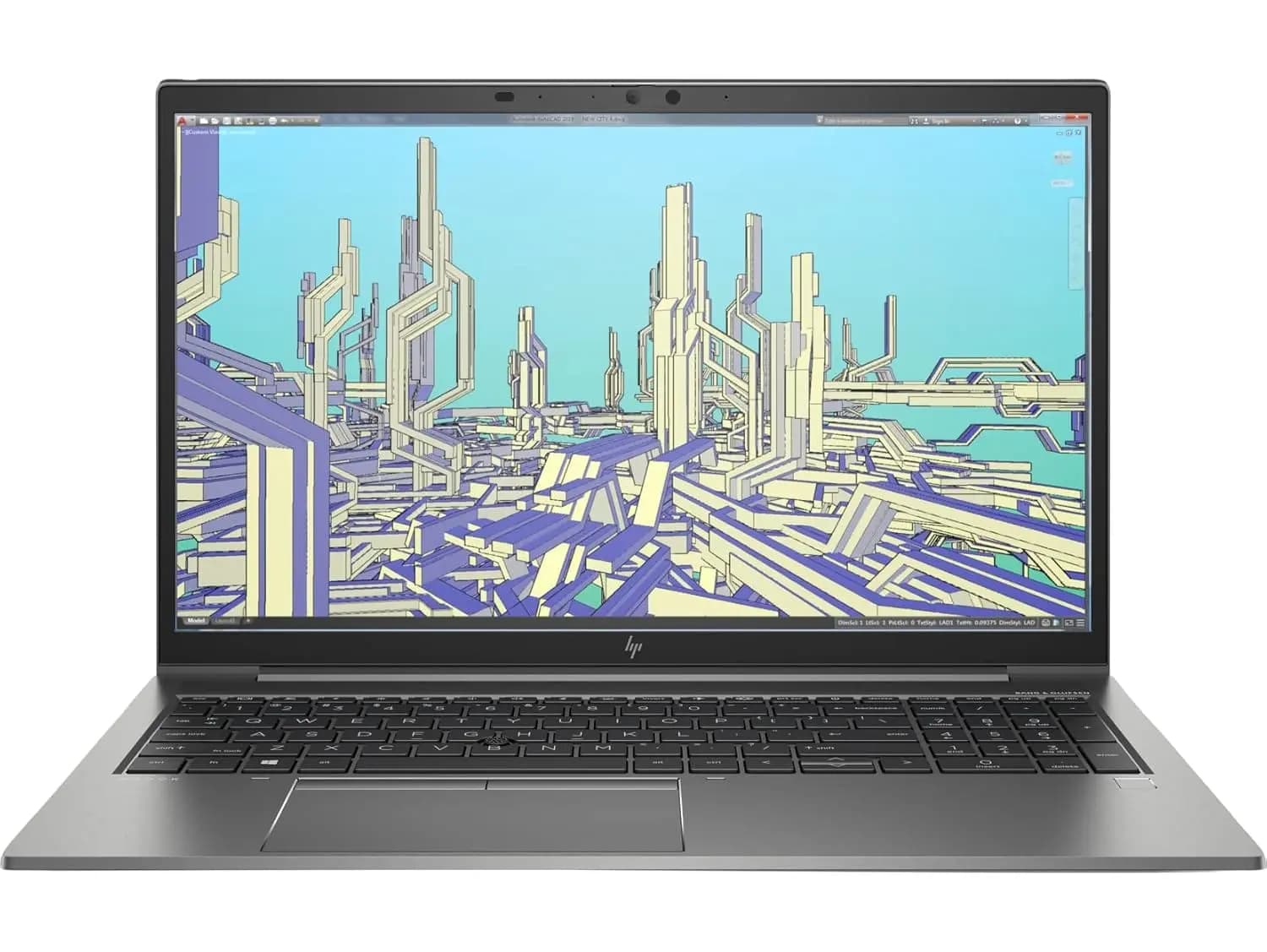
Architecture workflows in 2026 combine drafting, building information modelling, and 3D visualisation. Architects frequently work across multiple environments including design studios, construction sites, and client meetings. Because of this mobility requirement, lightweight workstation laptops have become a practical solution for architectural professionals.
The HP ZBook Firefly 14 G8 is designed as a thin and light professional workstation that balances portability with certified design software support. With 11th generation Intel processors, optional NVIDIA professional graphics, expandable memory, and NVMe storage, the Firefly G8 targets professionals who need reliable performance without carrying a large workstation.
This guide explains how the Firefly G8 performs for architecture software such as AutoCAD, Revit, and SketchUp in 2026, and which types of architectural users benefit most from this system.
Architecture Laptop Requirements In 2026
Architecture software workloads vary significantly. Some tools focus on drafting precision while others require large memory capacity and 3D rendering capability.
Modern architecture laptops generally require:
- Strong single core CPU performance
- Efficient multi core processing
- Professional GPU or capable integrated graphics
- Minimum 16GB RAM with higher recommended
- Fast NVMe SSD storage
Professional workstations like the ZBook series are designed to support certified engineering and design software such as Autodesk applications.
The Firefly G8 meets many of these requirements through its combination of modern processors and professional GPU options.
Processor Performance For Architecture Workflows
The Firefly G8 commonly includes 11th generation Intel Core processors such as the Core i7-1185G7. These CPUs feature four cores with boost frequencies approaching 4.8 GHz, providing strong single thread responsiveness for design applications.
This processor behaviour benefits several architectural tasks:
- Drawing regeneration in CAD software
- Editing parametric building models
- Multitasking between design tools and documentation
- Exporting render previews and visualisations
While these CPUs are not designed for extremely heavy simulation or rendering workloads, they deliver balanced performance for daily architecture tasks.
AutoCAD Performance On Firefly G8
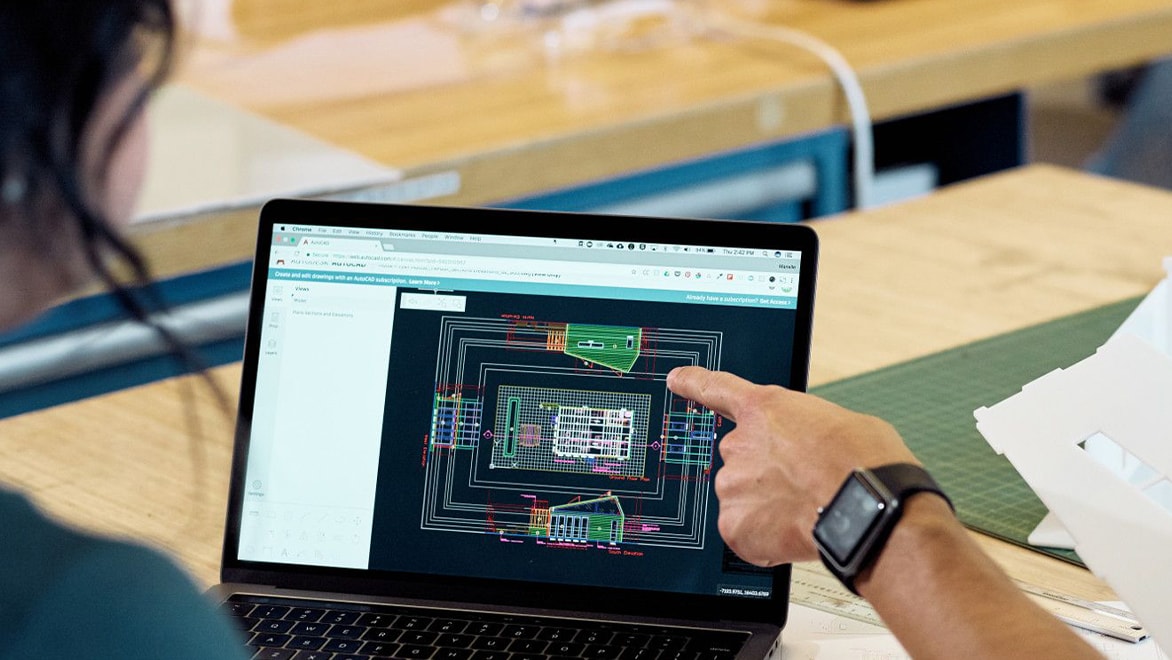
AutoCAD remains one of the most widely used tools for architectural drafting.
AutoCAD performance relies heavily on CPU frequency and viewport acceleration. The Firefly G8 handles most architectural AutoCAD workflows effectively.
Typical tasks that run smoothly include:
- 2D drafting of floor plans
- Technical construction drawings
- Elevation and section layouts
- Annotation and documentation work
Integrated Intel Iris Xe graphics can manage many 2D tasks without difficulty. However, configurations with the NVIDIA T500 GPU provide improved performance for complex drawings and 3D modelling tasks.
For architects working primarily with 2D plans and moderate 3D visualisation, the Firefly G8 offers stable AutoCAD performance.
Revit Performance And BIM Workflows
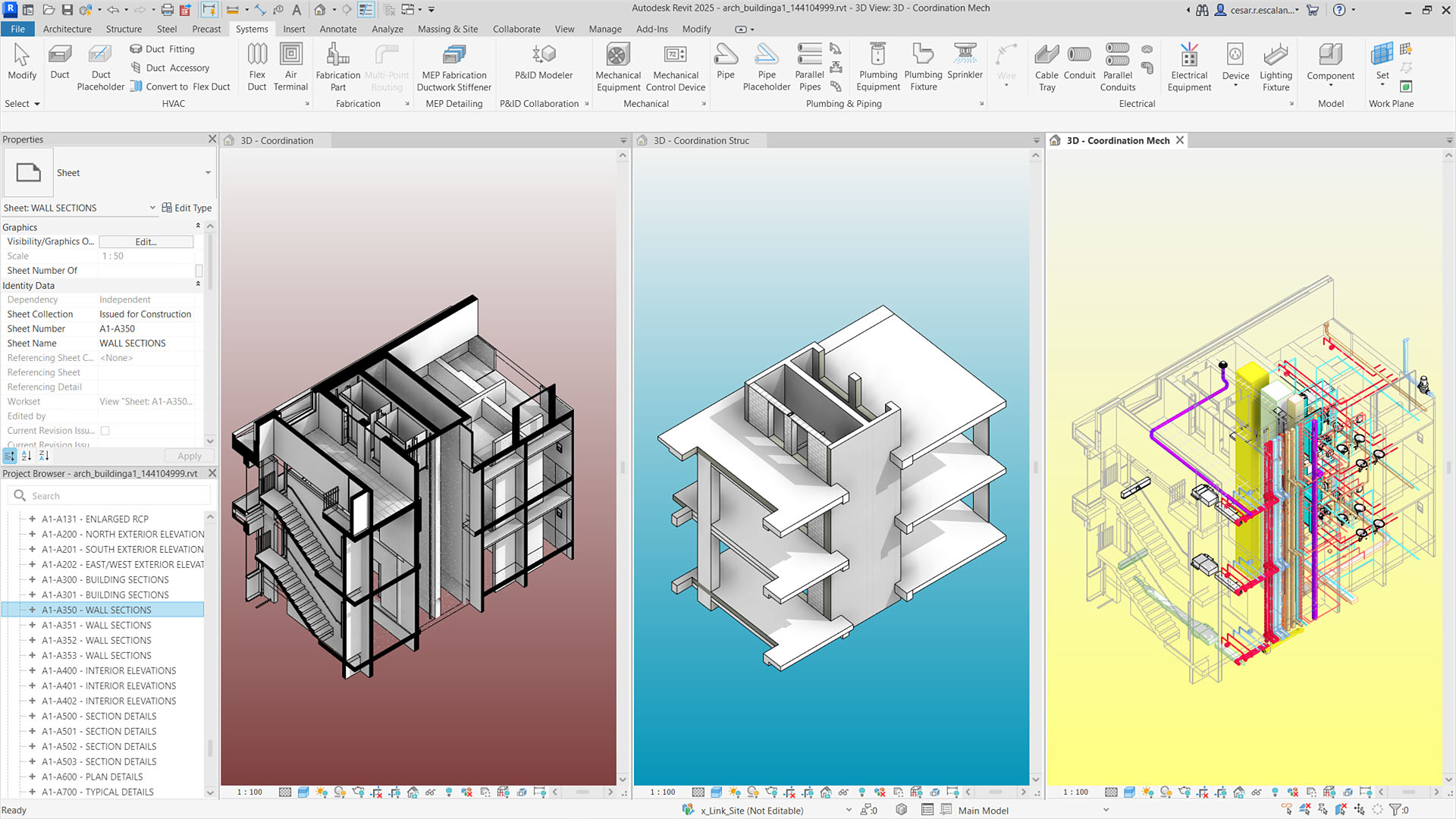
Autodesk Revit is significantly more demanding than drafting software because it manages complete building information models.
Revit performance depends on:
- CPU responsiveness
- RAM capacity
- Storage speed
- GPU acceleration for 3D views
The Firefly G8 performs well with:
- Small residential BIM projects
- Moderate commercial building models
- Architectural documentation workflows
However, extremely large collaborative BIM models with thousands of elements may push the limits of lightweight mobile workstations.
For architecture students and small design studios, the Firefly G8 remains capable of supporting Revit workflows with adequate RAM.
SketchUp For Conceptual Design

SketchUp is widely used for conceptual modelling and early design visualisation.
SketchUp performance depends primarily on GPU rendering capability and CPU responsiveness.
The Firefly G8 supports SketchUp workflows such as:
- Concept modelling for building layouts
- Interior design visualisation
- Early stage design exploration
- Presentation models for client meetings
Configurations with NVIDIA T500 professional graphics provide smoother model navigation and better viewport rendering for complex scenes.
GPU Role In Architecture Software
Professional GPUs provide advantages beyond raw performance. They include drivers optimised for design software and improved stability during long modelling sessions.
Firefly G8 configurations may include:
- Intel Iris Xe integrated graphics
- NVIDIA T500 professional GPU with up to 4GB VRAM
The NVIDIA T500 is designed for professional workloads and offers better stability and compatibility than consumer graphics solutions.
For architects regularly working with 3D models, choosing a dedicated GPU configuration is highly recommended.
RAM And Storage For Architectural Projects
Architecture projects involve large datasets including:
- CAD drawings
- BIM models
- Rendering assets
- Texture libraries
The Firefly G8 supports up to 64GB of memory, allowing architects to handle larger projects and multitask efficiently.
Recommended configurations for architecture work:
- 16GB RAM for drafting and basic modelling
- 32GB RAM for BIM workflows and multitasking
- NVMe SSD storage for faster project loading
Fast NVMe storage also improves application launch times and file saving speed.
Portability For Site Visits And Client Meetings
One of the biggest strengths of the Firefly G8 is portability. Unlike large workstation laptops, the Firefly series is designed for mobility.
Architects benefit from portability in scenarios such as:
- Reviewing drawings during construction site visits
- Presenting models during client meetings
- Working remotely or in hybrid environments
- Carrying a workstation between offices and project locations
The lightweight design allows architects to maintain productivity while travelling.
Display Quality For Architectural Work
Architectural work requires clear and accurate displays for reviewing drawings and visualisations.
The Firefly G8 typically offers:
- 14 inch Full HD IPS display
- Colour accurate panels
- Anti glare coating
These displays provide clear visual representation of architectural drawings and models.
Limitations Architects Should Consider
Although the Firefly G8 is a capable mobile workstation, it has some limitations compared to larger workstation models.
Potential limitations include:
- Lower GPU power compared to RTX workstation GPUs
- Limited thermal headroom for heavy rendering workloads
- Smaller display compared with 16 inch design workstations
For large scale rendering or extremely complex BIM projects, more powerful workstation systems may be preferable.
Ideal Architecture Users For Firefly G8
The Firefly G8 works best for:
- Architecture students
- Junior architects
- Freelance designers
- Professionals prioritising mobility
It is particularly well suited for drafting, concept modelling, and moderate BIM workflows.
For extremely heavy rendering or large enterprise BIM projects, larger workstation models may provide better performance.
Conclusion
In 2026, the HP ZBook Firefly G8 continues to offer a strong balance of mobility and professional capability for architectural workflows. With modern Intel processors, optional NVIDIA T500 professional graphics, expandable RAM, and NVMe storage, it handles AutoCAD drafting, SketchUp modelling, and moderate Revit BIM projects effectively.
While it is not intended to replace high-power workstation systems for large scale rendering or extremely complex BIM models, the Firefly G8 remains a reliable mobile workstation for architects who need flexibility and productivity in a portable form factor.
Frequently Asked Questions
1. Is the HP ZBook Firefly G8 good for AutoCAD in 2026?
Yes. It performs well for 2D drafting and moderate architectural drawings, especially when equipped with 16GB or more RAM.
2. Can the Firefly G8 run Revit smoothly?
Yes for small to medium BIM projects. Larger commercial BIM models may benefit from more powerful workstation laptops.
3. Does the Firefly G8 support dedicated graphics?
Yes. Many configurations include the NVIDIA T500 professional GPU with up to 4GB VRAM.
4. How much RAM is recommended for architecture software?
16GB is the minimum for drafting tasks, while 32GB is recommended for BIM workflows and heavy multitasking.
5. Is the Firefly G8 suitable for architecture students?
Yes. Its lightweight design, professional GPU options, and strong CPU performance make it a practical workstation for architectural education.
Ready to upgrade your tech?
Browse our collection of quality refurbished products at unbeatable prices.






