
HP ZBook Firefly 14 Windows Compatibility In 2026: Drivers, Apps, And Limitations
HP ZBook Firefly 14 offers strong Windows 10 and Windows 11 compatibility in 2026 with enterprise drivers, firmware updates, and reliable professional app support.

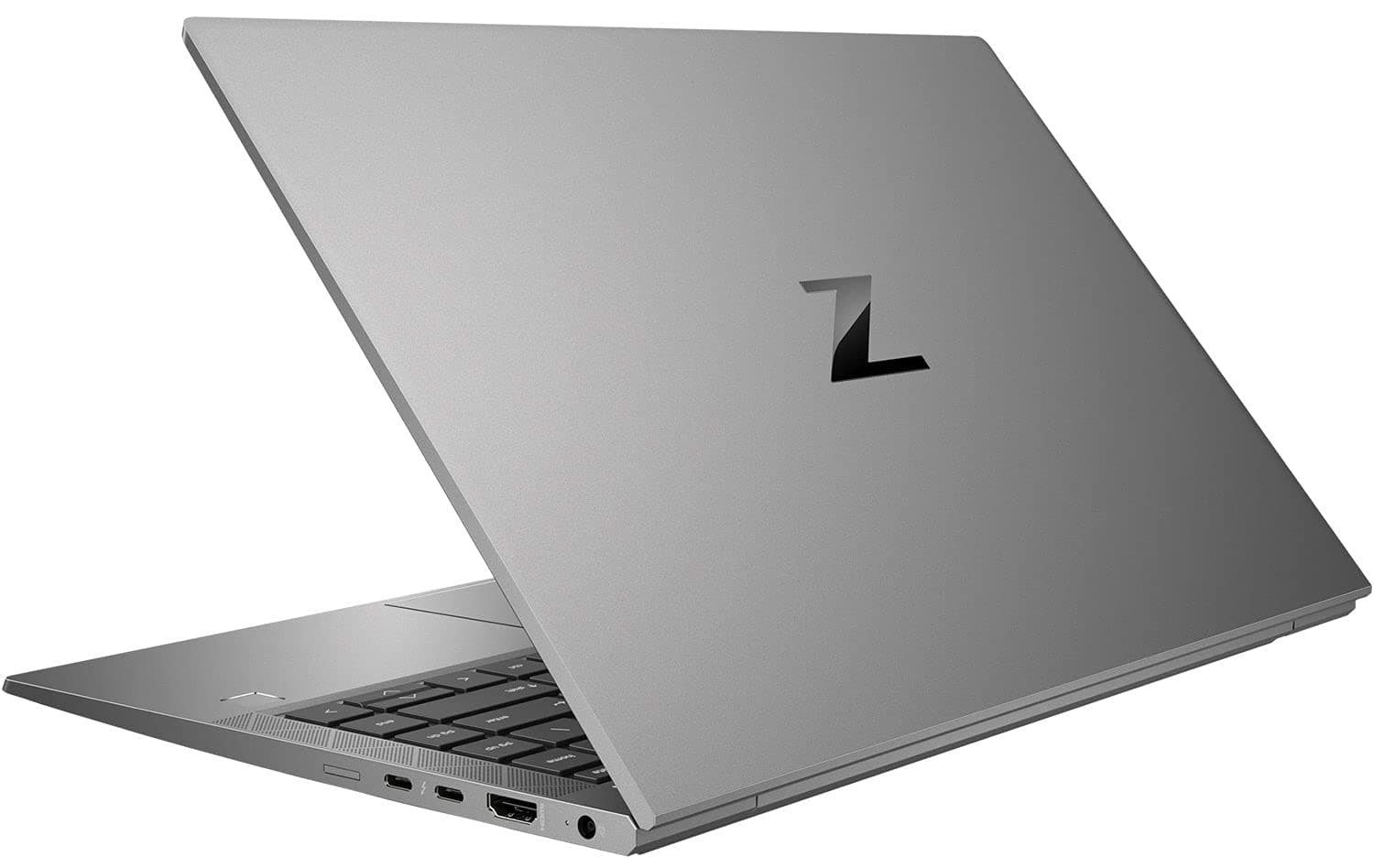
TL;DR The HP ZBook Firefly 14 remains highly compatible with modern Windows environments in 2026 due to HP’s long enterprise driver lifecycle and workstation-focused firmware support. Unlike consumer laptops that lose optimization after a few years, ZBook systems continue receiving BIOS updates, certified drivers, and enterprise deployment compatibility for extended periods. Both Windows 10 and Windows 11 operate reliably depending on processor generation, while newer Windows builds maintain strong application stability for professional workflows such as Microsoft 365, CAD viewing, analytics, and development environments. For Indian buyers considering Refurbished HP ZBook Firefly 14 systems, long-term OS support remains one of the strongest advantages compared to similarly aged consumer ultrabooks.
Windows Version Support in 2026 (Windows 10 vs Windows 11 vs Future Updates)
Windows compatibility remains a critical factor when evaluating workstation longevity in 2026. The HP ZBook Firefly 14 Workstation Laptop was originally released across multiple Intel generations, which directly affects supported Windows versions today. Systems based on 10th and 11th Gen Intel processors officially support Windows 11, while earlier configurations continue functioning efficiently on Windows 10 Enterprise environments still widely used across Indian corporate infrastructure.
Microsoft’s enterprise transition roadmap keeps Windows 10 supported through extended security programs beyond mainstream consumer timelines, allowing businesses to maintain stable deployments without forced hardware upgrades. On compatible Firefly 14 models, Windows 11 operates smoothly due to TPM 2.0 availability, Secure Boot compliance, and enterprise-grade chipset validation. HP workstation certification ensures optimized scheduler behavior, stable sleep states, and reliable driver interaction under newer Windows kernels.
Future Windows feature updates remain viable primarily because enterprise ZBook firmware receives longer validation cycles compared to consumer notebooks. Buyers sourcing systems through curated workstation platforms such as Refurbo, typically receive machines already tested on modern Windows builds, minimizing upgrade risks.
Windows Compatibility Overview (2026)
In practical deployment scenarios, Windows 11 Pro currently offers the best balance between security, performance optimization, and long-term usability.
Official HP Driver Availability and Lifecycle Support
One of the strongest advantages highlighted in most HP ZBook Firefly 14 Review analyses is HP’s enterprise driver lifecycle management. Unlike consumer laptops where driver availability declines rapidly after release, HP maintains workstation driver repositories for significantly longer durations. ZBook platforms commonly receive driver access for five to seven years, aligning with corporate hardware refresh cycles.
HP distributes validated drivers through its SoftPaq ecosystem, ensuring compatibility between chipset firmware, graphics drivers, audio controllers, networking modules, and security components. This centralized approach prevents common Windows upgrade problems such as Wi-Fi instability, sleep failures, or GPU driver conflicts frequently observed on unsupported devices. In 2026, Firefly 14 users still benefit from officially signed drivers for Intel graphics, NVIDIA professional GPUs where applicable, Thunderbolt controllers, and enterprise security modules.
Another important factor is ISV certification continuity. Many professional applications rely on predictable driver behavior rather than newest versions. HP maintains stable driver baselines tested for productivity and engineering software environments, improving long-term reliability even on refurbished units.
For Indian professionals purchasing Refurbished HP ZBook Firefly 14 systems, this extended driver ecosystem ensures continued compatibility with modern applications without requiring unofficial driver workarounds. As Windows evolves toward AI-assisted system management and virtualization-heavy workflows, enterprise-certified driver availability becomes increasingly valuable for maintaining predictable workstation performance.
BIOS Updates and Firmware Stability in 2026
Firmware longevity plays a major role in determining whether an enterprise laptop remains usable beyond its original lifecycle. The HP ZBook Firefly 14 benefits significantly from HP’s commercial BIOS ecosystem, which differs substantially from consumer notebook firmware policies. Even in 2026, many Firefly 14 units continue receiving BIOS refinements addressing security vulnerabilities, power-management behavior, and hardware compatibility improvements.
HP commercial systems use a modular BIOS architecture integrated with HP Sure Start technology, which automatically restores firmware integrity if corruption or unauthorized modification occurs. This feature remains especially relevant today as firmware-level attacks have increased across enterprise environments. Updated BIOS releases also improve Windows 11 sleep recovery, USB-C docking reliability, and SSD compatibility with newer NVMe drives commonly installed during refurbishment upgrades.
Firmware stability becomes noticeable during long uptime usage. Professionals running extended Excel modeling sessions, ERP dashboards, or browser-heavy workflows experience fewer random wake failures or thermal mismanagement issues compared to aging consumer ultrabooks. BIOS-level power tuning also ensures balanced CPU boosting behavior under modern Windows scheduling systems.
Another advantage visible in refurbished deployments is hardware flexibility. Updated firmware enables recognition of higher-capacity RAM modules and modern SSD replacements, extending usable system life without performance penalties. For Indian buyers investing in long-term productivity machines, stable firmware support ensures that the Firefly 14 continues functioning predictably across operating system upgrades rather than becoming obsolete due to compatibility breakdowns.
Compatibility With Microsoft 365, Office, and Enterprise Applications
Enterprise application compatibility remains one of the strongest practical advantages of workstation-class systems. The HP ZBook Firefly 14 Workstation Laptop maintains excellent operational stability with modern productivity environments including Microsoft 365, accounting platforms, browser-based enterprise tools, and virtualization-dependent applications widely used across Indian offices.
Modern Microsoft 365 workloads increasingly rely on hardware acceleration, background synchronization, and AI-assisted features integrated into applications like Excel, Teams, and PowerPoint. Firefly 14 configurations equipped with Intel Core i5 or i7 processors and SSD storage handle large spreadsheet recalculations, multi-sheet financial modeling, and simultaneous Teams conferencing without noticeable slowdowns. Hardware video decoding improves meeting efficiency while maintaining reasonable power consumption.
Corporate applications such as SAP web portals, Zoho enterprise dashboards, GST software ecosystems, and browser-hosted ERP platforms operate smoothly due to enterprise driver optimization and stable memory bandwidth. Even older Firefly generations remain compatible because Windows enterprise frameworks prioritize backward application stability.
Enterprise Software Compatibility (2026)
In real-world deployment, this compatibility makes Refurbished HP ZBook Firefly 14 systems highly suitable for finance professionals, consultants, analysts, and corporate users transitioning to hybrid work environments.
Performance Optimization on Latest Windows Builds
Modern Windows versions increasingly rely on intelligent resource scheduling, background AI services, and virtualization-based security features. The HP ZBook Firefly 14 adapts well to these architectural changes because workstation firmware and driver tuning prioritize sustained productivity rather than short benchmark bursts.
Windows 11 introduces improvements such as hybrid CPU scheduling optimization , DirectStorage readiness, and improved memory compression. On supported Firefly 14 configurations, these features enhance responsiveness during multitasking scenarios involving browsers, office software, and communication tools running simultaneously. SSD-based configurations particularly benefit from improved storage queue handling introduced in recent Windows updates.
Performance optimization in 2026 also depends on enterprise configuration practices. Disabling unnecessary startup services, maintaining updated Intel graphics drivers, and using HP-recommended power profiles significantly improves long-session stability. Unlike gaming laptops tuned for peak performance, ZBook systems maintain consistent clock speeds under continuous office workloads, reducing lag accumulation across the workday.
Another important factor is thermal-aware scheduling introduced in newer Windows builds. This prevents aggressive throttling during sustained productivity workloads, allowing the Firefly 14 to deliver predictable performance even after several hours of use.
Overall, Windows optimization aligns well with the Firefly 14’s design philosophy: steady professional output, efficient multitasking, and reliable system behavior rather than fluctuating performance spikes common in consumer-grade laptops.
Limitations to Consider Before Upgrading to Latest Windows
While the HP ZBook Firefly 14 maintains strong Windows compatibility in 2026, upgrading immediately to the newest Windows builds is not always the most practical decision for every professional workflow. Enterprise workstations are designed for stability-first environments, and rapid operating system upgrades can occasionally introduce short-term driver mismatches or workflow interruptions.
One of the primary limitations arises from hardware generation differences. Earlier Firefly 14 configurations using 10th or 11th Gen Intel processors technically support Windows 11, but some advanced modern features such as AI-assisted background services or virtualization-heavy security layers may increase system overhead. This does not break usability, but users working with large Excel models or multiple enterprise browser tabs may observe slightly higher memory consumption compared to optimized Windows 10 environments.
Another consideration involves legacy peripherals and enterprise software dependencies. Many accounting firms, manufacturing offices, and consulting organizations in India continue using older printer drivers, biometric systems, or proprietary internal applications designed originally around Windows 10 frameworks. Immediate OS migration without compatibility validation may temporarily disrupt workflows.
Storage configuration also influences upgrade experience. Systems still operating on older SATA SSDs or nearing storage capacity limits may experience slower update installations and indexing processes after upgrading. Refurbished units typically perform best when upgraded alongside fresh NVMe storage and clean OS installations.
Therefore, while Windows 11 remains fully usable on the Firefly 14, professionals prioritizing uninterrupted productivity should evaluate software compatibility, driver readiness, and workflow dependency before upgrading rather than adopting updates purely based on version recency.
Security Updates and Long-Term Usability Outlook
Long-term usability in professional laptops depends less on raw hardware performance and more on sustained security support. The HP ZBook Firefly 14 benefits from HP’s enterprise lifecycle policies combined with Microsoft’s extended operating system security roadmap, allowing the system to remain viable for professional deployment well into the late 2020s.
Windows 10 continues receiving security updates until October 2025, after which Windows 11 becomes the primary supported environment. Firefly 14 hardware includes Trusted Platform Module (TPM) support, secure boot capability, and enterprise authentication compatibility, enabling continued compliance with modern cybersecurity requirements even in regulated industries such as finance and consulting.
HP’s commercial security ecosystem adds another layer of longevity. Firmware-level protections such as HP Sure Start automatically recover BIOS integrity if malicious modification occurs. Combined with Windows Defender improvements and hardware-backed encryption, refurbished workstation systems maintain enterprise-grade protection comparable to many newer consumer laptops.
From a usability perspective, workstation-class components age more gracefully than consumer ultrabooks. Upgradeable RAM and storage ensure continued responsiveness as software demands grow. Many organizations deploy ZBook systems for five to seven years because stable drivers and predictable firmware behavior reduce operational risk.
For Indian professionals investing in Refurbished HP ZBook Firefly 14 devices, this translates into strong long-term value. Instead of becoming obsolete after OS transitions, the system continues receiving essential security patches, maintaining safe operation for corporate, academic, and consulting workloads throughout extended ownership cycles.
Driver Support for External Devices and Docking Stations
Modern professional workflows increasingly depend on external connectivity ecosystems rather than standalone laptop usage. The HP ZBook Firefly 14 Workstation Laptop performs particularly well in this area due to enterprise-grade driver validation and Thunderbolt or USB-C docking compatibility.
Driver support remains stable for external monitors, docking stations, storage devices, webcams, and enterprise networking accessories commonly used in hybrid office setups. HP officially validates compatibility with USB-C docks that enable single-cable charging, multi-display output, Ethernet connectivity, and peripheral expansion. Even refurbished units maintain full functionality when paired with updated chipset and graphics drivers.
Multi-monitor workflows represent a major advantage. Firefly 14 systems can reliably drive dual or triple external displays depending on configuration, allowing finance professionals, analysts, and developers to maintain spreadsheet dashboards, communication tools, and documentation simultaneously. Windows display scaling improvements further enhance usability on mixed-resolution monitor environments.
Peripheral reliability also matters in Indian office environments where printers, scanners, biometric attendance devices, and legacy USB hardware remain common. Enterprise driver backward compatibility ensures these accessories continue functioning without frequent troubleshooting.
Docking stability has improved significantly through firmware updates released across the device lifecycle. Sleep-wake behavior, external display detection, and hot-plug reliability remain consistent compared to many consumer notebooks that struggle with docking reconnection issues.
Overall, strong external device compatibility ensures that the Firefly 14 transitions smoothly between home office, corporate workspace, and client-site setups, reinforcing its role as a long-term professional workstation rather than a short-cycle consumer laptop.
Who Should Upgrade and Who Should Stay on Current Windows Version
Deciding whether to upgrade Windows on the HP ZBook Firefly 14 in 2026 depends primarily on workflow stability requirements rather than hardware capability alone. From a technical standpoint, the system comfortably supports modern Windows environments, but professional usage scenarios vary significantly across industries.
Users working in modern corporate ecosystems should strongly consider upgrading to Windows 11. Organizations using cloud collaboration platforms, updated cybersecurity frameworks, Microsoft Teams optimization, and modern identity management systems benefit from improved scheduling efficiency and security architecture present in newer Windows builds. Windows 11 introduces better hybrid CPU task scheduling, enhanced window management, and improved power optimization, which collectively improve multitasking responsiveness during heavy browser-based workflows and enterprise applications.
However, professionals operating legacy-dependent environments may benefit from remaining on stabilized Windows 10 installations until workflow migration becomes necessary. Chartered accountants, GST practitioners, manufacturing offices, and government-linked organizations often rely on older accounting utilities, printer ecosystems, or proprietary ERP tools that may not yet be fully optimized for the newest Windows revisions. Stability in such environments frequently outweighs incremental UI or feature improvements.
Students and consultants using Refurbished HP ZBook Firefly 14 systems fall into a balanced middle category. If the device is freshly configured with updated drivers and sufficient RAM, Windows 11 provides better long-term support and future software compatibility. Older installations nearing storage limits or running mission-critical offline tools may instead benefit from controlled delayed upgrades.
In practical terms, upgrading should follow workflow readiness rather than operating system trends. The Firefly 14 supports both paths effectively, allowing users to prioritize either modernization or operational continuity depending on professional needs.
HP ZBook Firefly 14 Decision Framework
The HP ZBook Firefly 14 remains one of the most stable Windows-compatible mobile workstations available in 2026, particularly when evaluated through enterprise longevity rather than consumer upgrade cycles. Its commercial-grade firmware ecosystem, continued driver availability, and certified hardware platform allow it to operate reliably across multiple Windows generations without major performance degradation.
For professionals purchasing refurbished workstation hardware, the key advantage lies in predictable compatibility. Unlike consumer laptops that may lose driver optimization after a few update cycles, ZBook systems continue receiving BIOS refinements and enterprise driver packages for extended periods. This makes the Firefly 14 especially suitable for finance professionals, MBA students, consultants, developers, and remote corporate employees who depend on uninterrupted application reliability rather than experimental features.
From a decision perspective, Windows 11 represents the safest long-term environment for new installations due to extended security support timelines and modern application optimization. However, users already operating stable Windows 10 workflows should transition gradually after validating application compatibility. The workstation’s hardware flexibility ensures both operating systems remain usable depending on organizational requirements.
Ultimately, the Firefly 14 succeeds because it balances modernization with backward compatibility. In 2026, it continues functioning not merely as an older laptop running newer software, but as an enterprise workstation engineered for lifecycle durability. For Indian buyers evaluating refurbished professional systems, this balance significantly extends usable lifespan while reducing upgrade risk and ownership cost.
Frequently Asked Questions (FAQs)
Q. Does HP ZBook Firefly 14 support Windows 11 officially?
A. Yes, most Intel 10th and 11th Gen configurations support Windows 11 with TPM 2.0, Secure Boot, and enterprise driver compatibility.
Q. Is Windows 10 still usable on HP ZBook Firefly 14 in 2026?
A. Yes, Windows 10 remains stable for legacy enterprise workflows, though long-term security support is shifting toward Windows 11.
Q. Are HP drivers still available for ZBook Firefly 14 models?
A. Yes, HP continues providing enterprise drivers, firmware packages, and BIOS updates through its commercial support ecosystem.
Q. Will upgrading to Windows 11 reduce performance on Firefly 14?
A. No, performance generally remains stable when the system has sufficient RAM, SSD storage, and updated drivers installed.
Q. Can refurbished HP ZBook Firefly 14 run Microsoft 365 smoothly?
A. Yes, properly configured systems handle Excel, Teams, Outlook, and other Microsoft 365 applications reliably.
Q. Are docking stations compatible after Windows upgrades?
A. Yes, official HP USB-C and Thunderbolt docking stations remain fully functional with updated drivers and firmware.
Q. Should BIOS be updated before upgrading Windows?
A. Yes, updating BIOS improves firmware stability, device compatibility, and sleep or docking reliability.
Q. Does Windows 11 improve battery efficiency on Firefly 14?
A. In many cases yes, due to improved task scheduling and modern power management optimizations.
Q. How long will HP ZBook Firefly 14 remain professionally usable?
A. With RAM and SSD upgrades, enterprise ZBook systems typically remain viable for 5 to 7 years of professional use.
Q. Is refurbished HP ZBook Firefly 14 safe for long-term professional work?
A. Yes, when purchased from trusted refurbishers, it provides enterprise-grade reliability at a lower ownership cost.






