

HP ZBook F15 G3 Battery Life In 2026: Health, Backup, And Charging Real Life Usage
HP ZBook 15 G3 delivers 3 to 5 hours battery backup with replaceable battery, stable workstation performance, and dependable refurbished usability.

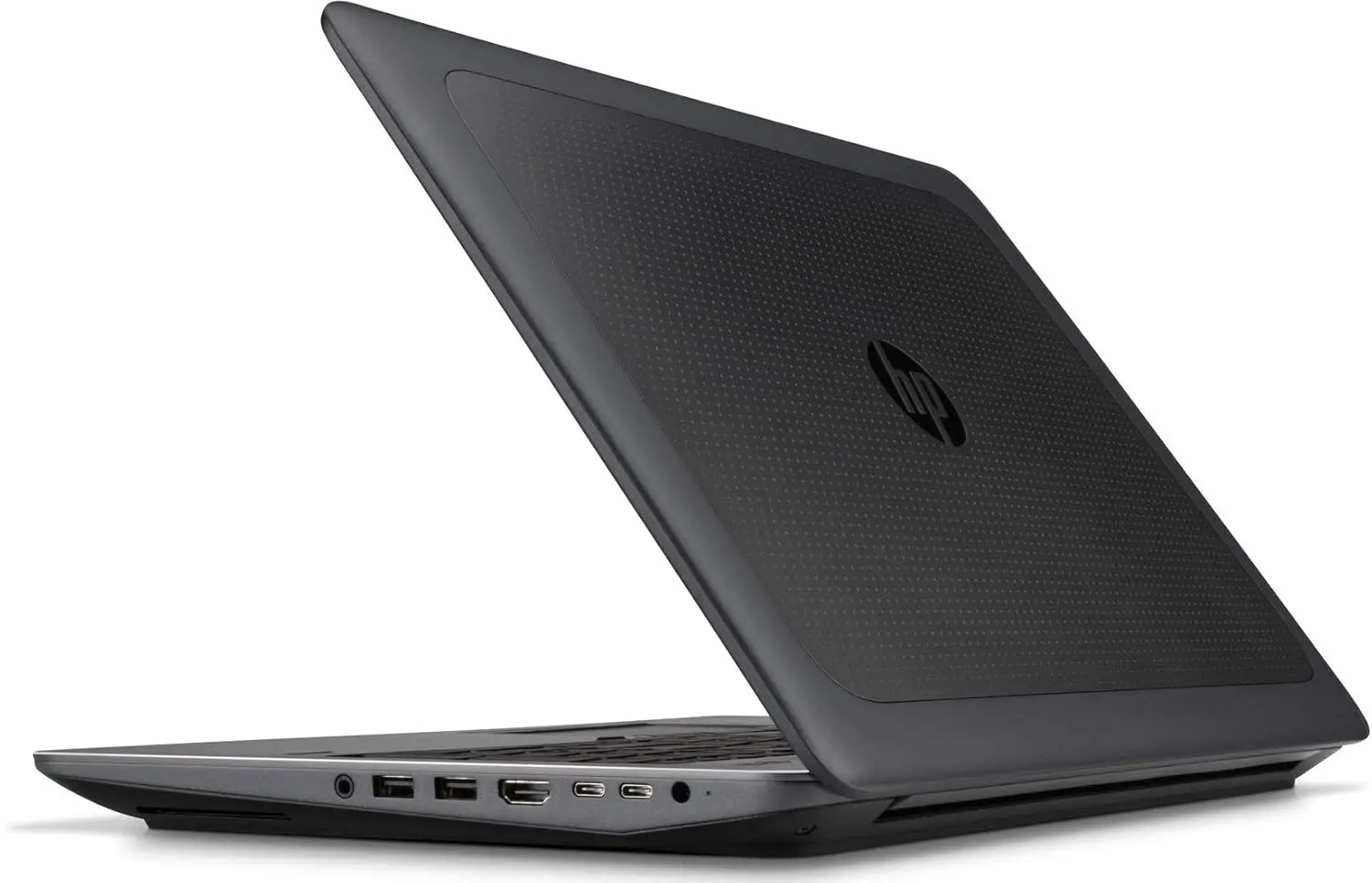
TL;DR The HP ZBook 15 G3 continues to remain one of the most dependable refurbished workstation choices in India in 2026, but its battery life needs to be judged through a workstation lens rather than an ultrabook lens. This machine was originally engineered for sustained CPU and GPU stability, not all-day unplugged portability, which means the real buying question is battery health percentage, replacement economics, and discharge predictability rather than raw advertised hours. In real 2026 workflows, a healthy battery still delivers dependable short mobility windows for Excel, Tally, GST, CAD review, coding, office reporting, and remote work during power cuts. The removable 90Wh-class battery design, strong replacement availability, and predictable enterprise discharge behaviour continue to make it one of the smartest refurbished workstation buys for professionals who value performance continuity over thin-laptop battery marketing.
Why Battery Life on the ZBook 15 G3 Must Be Judged Differently in 2026
The biggest mistake buyers make with the HP ZBook 15 G3 is comparing it directly to modern thin-and-light laptops. This system belongs to a completely different design philosophy. It was built as a full mobile workstation during the Skylake-era professional hardware generation, which means its engineering priorities were always sustained processing reliability, Quadro graphics stability, larger cooling systems, and uninterrupted professional workloads. Battery life was designed as a mobility buffer, not as the primary way to operate the machine throughout an entire day.
This distinction becomes even more important in 2026 because refurbished buyers are increasingly making lifecycle decisions rather than launch-day spec decisions. The real evaluation point is not the laptop’s age, but the battery’s current health percentage, cycle count, thermal condition, and whether the discharge curve remains predictable. A ten-year-old workstation with an 88 percent healthy genuine battery is often a better practical choice than a newer sealed consumer laptop with an unrecoverable degraded pack.
Another major reason it still remains relevant is the Indian refurbishment ecosystem. Platforms focused on enterprise hardware redeployment continue to keep the ZBook lineup alive because these machines still solve real workloads in finance, CAD, backend development, and office operations. In this context, battery runtime is less about “how many hours” and more about whether the laptop can survive meetings, client reviews, short travel sessions, or sudden electricity cuts without operational risk.
Real 2026 Battery Backup: What Users Should Actually Expect
In real-world 2026 usage, the HP ZBook 15 G3 typically delivers around four to five hours of balanced productivity work when the battery health remains above 80 percent. This includes browser workflows, Microsoft Office, ERP portals, PDF reviews, email, Slack or Teams, and lighter reporting tasks. For a workstation with Xeon or Core i7 HQ processors and Quadro graphics, this remains very respectable because the system continues prioritising processing consistency over aggressive unplugged throttling.
What matters more than the number itself is the predictability of the discharge. Enterprise batteries in healthy condition usually degrade in a linear and reliable way, which means users can trust the remaining percentage during meetings or presentations. This is a major long-term advantage over aging consumer laptops that often show sudden percentage drops and surprise shutdowns. For Indian professionals working during presentations, audit meetings, or field visits, that predictability often matters more than an extra hour of runtime.
The runtime changes significantly once heavier workloads enter the picture. CAD review, virtualization, local development, Excel macros, larger GST filings, or Quadro-assisted visual tools can reduce backup closer to three to four hours. This is still operationally useful because the laptop is rarely expected to remain away from charging infrastructure for a full day.
HP ZBook 15 G3 Battery Behaviour Table
| Usage Type | Healthy Battery Backup |
|---|---|
| Browser + Office | 4.5 to 5 hours |
| Excel + Tally + GST | 4 hours |
| CAD review / virtualization | 3 to 4 hours |
| Video meetings + Wi-Fi | 3.5 to 4 hours |
| Heavy Quadro workflows | 2.5 to 3 hours |
Battery Architecture: Why the Removable 90Wh Design Still Wins
One of the biggest reasons the HP ZBook 15 G3 still makes financial sense in 2026 is the removable battery architecture. Most modern laptops sacrifice long-term lifecycle value by sealing the battery internally, often making replacement difficult, expensive, or impractical after three to four years. The ZBook takes the opposite approach, allowing the battery to be replaced directly without motherboard-level disassembly.
This matters enormously in India’s refurbished market. Buyers are no longer forced to accept permanent degradation as a sunk cost. Instead, replacing the battery every two to three years can restore near-original mobility at a fraction of the cost of replacing the entire workstation. For finance teams, coaching institutes, SMEs, and backend offices, this dramatically improves lifecycle economics.
The approximately 90Wh capacity also reflects a design era where HP relied on raw capacity and dedicated power delivery rather than only software-level optimisation. When paired with the 150W or 200W Smart AC adapter, the workstation can recharge reliably even after heavy load sessions. This makes it especially practical in offices where intermittent charging opportunities happen between meetings, reporting cycles, or training sessions.
Standby Drain, Idle Behaviour, and Remote Work Practicality
Standby behaviour on the ZBook 15 G3 should also be evaluated with realistic expectations. This is not a modern ultrabook designed around ultra-low modern standby power states. Even in 2026, the machine prioritises performance readiness, which means active idle with Wi-Fi and background sync can drain around eight to ten percent per hour. Proper sleep mode behaves much better, usually staying around one to one-and-a-half percent per hour.
For Indian remote work conditions, this is still extremely practical. Many professionals operate in environments with short but frequent power interruptions, especially in tier-2 and tier-3 cities. In such cases, the ZBook’s battery acts as workflow insurance rather than a full unplugged operating mode. A three-to-four-hour reliable backup window during power cuts is often enough to safely complete client meetings, save files, or finish reporting tasks until power stabilises.
Its stronger charging hardware also makes it better suited to voltage fluctuation environments than many compact USB-C laptops. This operational resilience is one of the reasons enterprise workstations remain so relevant in India’s refurbished ecosystem.
Heavy Excel, Tally, GST, and Business Workloads: Where It Still Excels
One of the most relevant reasons professionals still buy the HP ZBook 15 G3 in 2026 is its behaviour under Indian business workloads. Excel financial models, Tally ERP, GST filing portals, browser-based dashboards, PDF workflows, and continuous documentation tasks create sustained medium CPU load rather than short burst spikes. This is exactly the kind of workload workstation-class hardware handles extremely well.
During heavy Excel macros, pivot tables, multi-sheet reporting, and payroll processing, the laptop usually remains within the four-hour range on a healthy battery. What makes this especially useful is that performance consistency remains strong even as the charge level drops. Unlike thin consumer laptops that aggressively reduce CPU clocks on battery, the ZBook remains operationally stable, which directly improves confidence for finance professionals and consultants.
This makes it especially attractive for chartered accountants, SMEs, backend operations teams, and coaching institutes where runtime predictability matters more than ultrabook-style marketing claims.
Battery Replacement Cost and Availability in India
Battery replacement remains one of the strongest reasons this machine still makes long-term sense. Genuine HP original batteries continue to remain available in India through enterprise spare channels and refurbisher networks, usually in the ₹6,500 to ₹9,000 range. Enterprise-grade OEM replacements are often available in the ₹4,500 to ₹6,500 bracket, which offers a better balance between cost and durability.
The real long-term advantage is that buyers are not locked into irreversible degradation. A single battery replacement can extend the laptop’s practical mobility by another two to three years, making the total cost of ownership dramatically lower than replacing the entire system.
This is exactly why the ZBook 15 G3 remains such a rational professional workstation purchase in India’s refurbished market even a decade after launch.
Battery Replacement Cost Table
| Battery Type | Typical India Price | Best For |
|---|---|---|
| Genuine HP Original | ₹6,500 to ₹9,000 | Long-term stability |
| Enterprise OEM Grade | ₹4,500 to ₹6,500 | Best value |
| Generic Aftermarket | ₹2,500 to ₹4,000 | Short-term backup only |
Who Should Buy the ZBook 15 G3 Based on Battery Needs
The HP ZBook 15 G3 makes the most sense for buyers whose workflow revolves around performance-first professional tasks with predictable charging opportunities. Engineers, accountants, GST professionals, backend developers, ERP-heavy office users, coaching institutes, and SME teams benefit the most because their work happens near desks, office setups, or environments where charging is usually available.
It is especially strong for Indian environments where electricity interruptions are short but frequent. In these cases, the battery’s real role is not full-day portability but operational insurance against workflow disruption. A healthy removable battery gives enough time to safely save work, finish a client call, or continue productivity during short outages.
Where it makes less sense is for constant travel professionals, airport-heavy consultants, or field engineers needing six-to-eight-hour unplugged workflows. Those buyers are better served by newer Firefly or P14s-style mobility-focused workstations.
Why the ZBook 15 G3 Still Remains a Smart Refurbished Workstation Choice
The HP ZBook 15 G3 remains one of the smartest refurbished workstation choices because its battery story is tied directly to maintainability. The removable design, genuine spare availability, stable discharge behaviour, and workstation-class reliability mean buyers can restore mobility rather than replace the machine.
For professionals who value Excel stability, Quadro workflows, backend coding, CAD review, or simply want a machine that survives India’s real-world power conditions, the ZBook 15 G3 still makes tremendous practical sense.
The real decision framework is simple: if your workflow needs desktop-grade stability with occasional unplugged flexibility rather than all-day battery marketing, this remains one of the most logical refurbished workstation investments available in India in 2026.
Frequently Asked Questions
Q. How many years should an HP ZBook 15 G3 battery realistically last in 2026?
A healthy workstation battery can comfortably remain reliable for around two to five years depending on cycle count, temperature exposure, and charging habits. In the case of the ZBook 15 G3, the removable design makes this less of a long-term risk because even after degradation the battery can be replaced easily without affecting the rest of the system. For refurbished buyers, this means lifecycle planning is far more flexible than with sealed ultrabooks.
Q. What battery health percentage is considered safe when buying refurbished?
For a workstation-class refurbished laptop, anything above 80 percent battery health is generally considered a strong and reliable starting point. At this level, the ZBook 15 G3 can still comfortably deliver practical office and reporting workloads without sudden shutdown risk. Below this range, buyers should negotiate pricing with battery replacement cost in mind rather than rejecting the machine entirely, because replacements remain widely available.
Q. Is it safe to keep the ZBook plugged in all the time in office use?
Yes, it is operationally safe, especially because workstation workflows are often desk-bound. However, like all lithium-ion batteries, keeping it at constant 100 percent charge in high-heat environments can gradually reduce long-term health. The good news is that the ZBook’s removable battery design makes eventual replacement simple and cost-effective, which significantly reduces this concern for office-heavy users.
Q. Can replacing the battery really restore near-original backup?
Yes, and this is one of the strongest reasons to buy this workstation in 2026. A genuine HP or enterprise-grade replacement battery can restore the laptop close to its original three-to-five-hour office runtime profile, depending on workload. This makes the total ownership cost much lower than replacing the entire workstation when only the battery has degraded.
Q. Is the HP ZBook 15 G3 still reliable for office work in 2026 despite the older battery design?
Absolutely. In fact, the older removable battery architecture is one of its biggest long-term strengths. For office work, Excel, GST portals, backend reporting, and CAD review, the ZBook remains highly dependable because battery degradation is a maintainable component rather than a terminal hardware limitation.
Ready to upgrade your tech?
Browse our collection of quality refurbished products at unbeatable prices.






