
Best Mid Range Laptops For Video Editors And Filmmakers In India 2026
Mid range laptops help growing filmmakers handle 4K editing, colour grading and complex timelines with smooth performance in India in 2026.

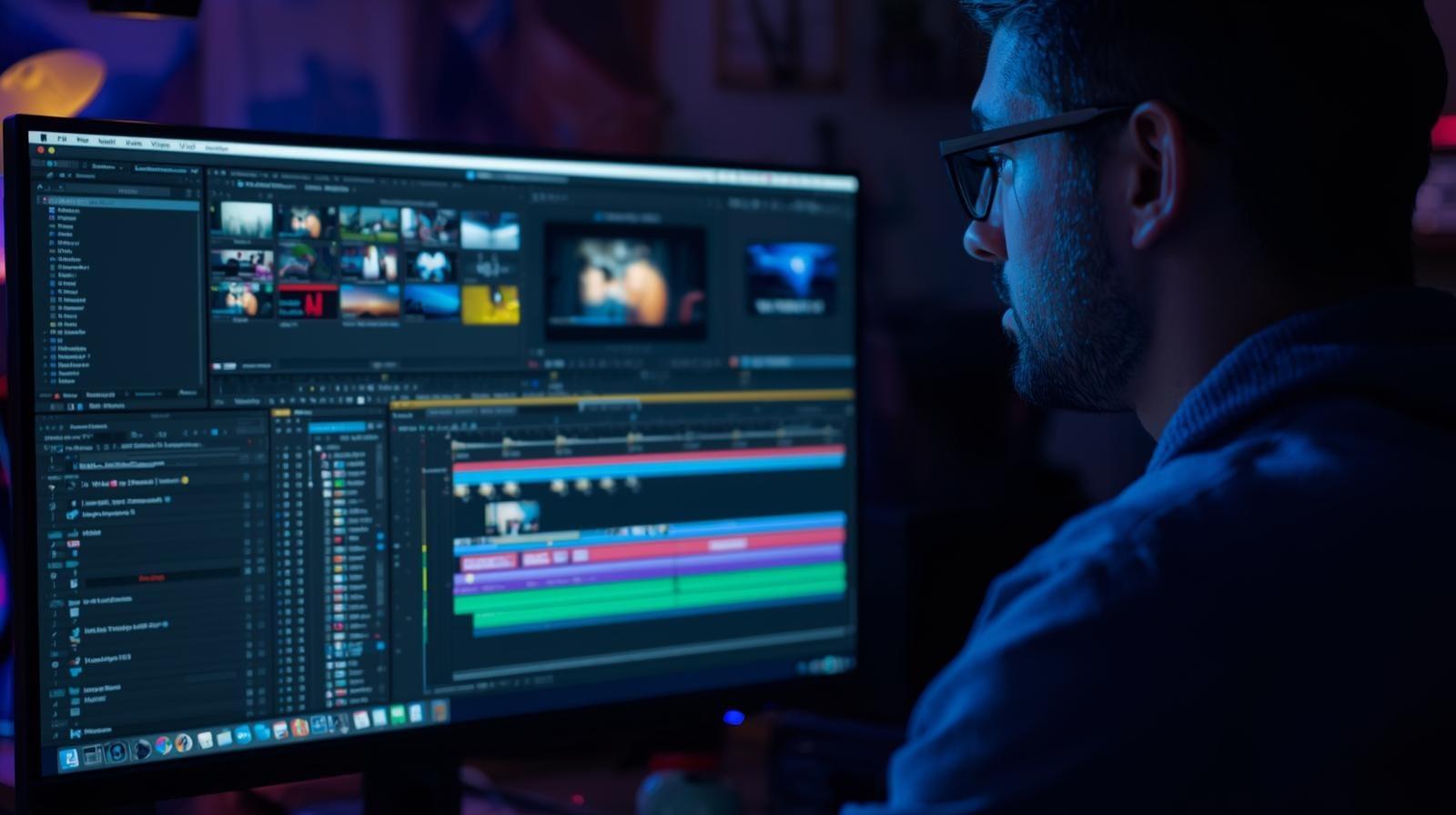
TL;DR Mid range video editing laptops between ₹1,00,000 and ₹1,60,000 offer creators a significant performance boost for 4K editing, colour grading and complex timelines. Laptops like the ASUS Vivobook Pro, MSI GE series, HP OMEN, MacBook Air M2 and MacBook Pro 14 provide stability, strong GPU acceleration and high quality displays. The decision between laptops and custom PCs depends on mobility needs, while refurbished flagship laptops offer unmatched performance at mid range pricing.
Introduction
Video editors and filmmakers in India in 2026 increasingly rely on mid range laptops because this category provides a substantial jump in capability without entering the flagship bracket. The price range between ₹1,00,000 and ₹1,60,000 offers enough performance for creators who have grown beyond basic editing and now handle 4K footage, more complex grading and heavier timelines. This stage represents a transition for filmmakers who have built foundational skills and now need reliable hardware to fulfil client expectations with faster turnaround and higher production value. A mid range laptop reduces dependency on proxies and gives editors confidence when experimenting with new techniques.
Many editors in this category create content professionally for agencies, production houses or freelance clients. Their timelines include multiple layers, transitions, effects, speed adjustments and graded footage that strain budget laptops. A mid range machine supports these workloads with relatively smooth playback and quicker rendering. It also allows creators to explore motion graphics, refined grading, stabilisation and multi camera editing without worrying about persistent lag. These capabilities empower editors to increase their output quality while maintaining a practical budget.
Filmmakers in this range usually shift from basic codecs to higher bitrate footage captured on mirrorless cameras or compact cinema systems. Editing such footage requires stronger processing power and better GPU acceleration, both of which mid range laptops handle more efficiently. As creators take on more demanding assignments, they must avoid workflow interruptions that slow progress. A smoother editing experience helps them keep deadlines and refine their personal editing styles through consistent practice. This makes the mid range category essential for creators expanding their professional journey.
What Mid Range Video Editors Need In A Laptop
Mid range editors require laptops that maintain smooth performance throughout longer editing hours. The processor must decode 4K footage without hesitation, especially when complex adjustment layers are applied. Strong multi core performance ensures that playback remains responsive, even during colour grading or stabilisation. Editors working with log formats or higher bitrate footage need CPU stability to manage decoding tasks without frequent stutter.
GPU capability is equally important because modern editing software relies heavily on graphics acceleration. Effects such as motion blur, noise reduction, colour smoothing and transitions run more efficiently with a capable GPU. A mid range laptop usually offers a GPU strong enough to reduce dependence on proxy footage. This improves workflow speed and increases creative freedom for editors experimenting with new techniques.
Display quality matters significantly. Mid range editors begin developing a deeper understanding of colour accuracy and dynamic range. A laptop with strong brightness, decent colour reproduction and consistent contrast helps editors evaluate their footage more accurately. Storage speed and RAM ensure responsiveness when handling large project files and maintaining stable previews. A combination of these internal components supports editors transitioning from casual editing to serious content production.
Best Mid Range Laptops For Video Editors And Filmmakers In India 2026
ASUS Vivobook Pro
The ASUS Vivobook Pro offers powerful performance that suits editors working with 4K footage and moderate effects. Its GPU accelerates transitions and colour tools, while the processor handles heavier timelines with confidence. The display provides strong brightness and clarity, supporting precise tonal adjustments. Editors producing commercial videos, short films, brand promotions or social media campaigns will find the Vivobook Pro efficient and reliable for growing creative demands. Its thermal design maintains stability during extended editing sessions, making it ideal for long projects.
MSI GE Series
The MSI GE series is crafted for creators who rely on strong GPU acceleration. Its graphics capability manages complex effects smoothly, and the thermal system prevents throttling during long renders. The bright display enhances grading visibility, while fast NVMe storage ensures quick access to high bitrate footage. Editors who frequently use stabilisation, speed ramping or multi layer colour grading benefit from the GE series’ consistent performance. It bridges the gap between gaming power and creative reliability for editors building demanding timelines.
HP OMEN
The HP OMEN provides balanced performance for editors handling intricate 4K projects or compositions filled with adjustment layers. Its strong processor offers smooth playback of compressed formats, and the GPU supports advanced colour tools and transitions. The laptop’s cooling system maintains consistent performance during long output renders. Filmmakers preparing cinematic sequences, corporate films, interviews or event videos appreciate the OMEN’s ability to support complex workflows without slowdown. It remains dependable across a wide range of creative tasks.
MacBook Air M4
The MacBook Air M4 brings exceptional efficiency into the mid range space. Its unified memory architecture provides fast transitions between editing tools, enhancing responsiveness during playback. Despite its slim and fanless build, it handles moderate editing workloads well in Final Cut Pro and performs decently in Premiere Pro for compressed footage. It is ideal for editors who prioritise portability while still needing strong performance. Filmmakers working with social media content, interviews or lighter 4K projects benefit from its stability and colour accurate display.
MacBook Pro M4 14 Inch
The MacBook Pro M4 14 inch enters the upper mid range with near flagship performance and a display suited for precision grading. The Apple Silicon processor handles heavy colour grading, multi layer editing and longer exports with ease. The thermal system maintains sustained performance even under heavy load, enabling smooth editing sessions. Filmmakers producing advanced client work, agency campaigns or narrative content trust the Pro 14 for its stability and professional display characteristics. It provides an excellent balance of power and portability.
Should Editors Stick To Laptops Or Consider A Custom PC In This Budget
A budget above ₹1,00,000 often leads editors to question whether they should invest in a laptop or opt for a custom desktop PC instead. Laptops offer mobility, making them suitable for filmmakers who frequently work on location or need to review footage immediately after shooting. Portability benefits editors who travel between sets, studios and client meetings. This flexibility supports a workflow where quick edits, previews or adjustments must occur outside traditional editing environments.
However, a custom PC provides significantly more power for the same cost. Editors who work primarily from a dedicated studio space benefit from a desktop that supports stronger GPUs, larger RAM capacities and superior cooling. This makes desktops especially valuable for creators working with heavy 4K or RAW footage, advanced colour grading or complex effects in After Effects. The choice depends on workflow requirements. Mobile filmmakers benefit from laptops, while studio based editors gain a higher performance return from custom PCs.
What Laptop Internals Matter Most To Editors And Filmmakers
The processor remains one of the most important components for video editing because modern codecs require substantial computational effort to decode. High bitrate 4K footage, log profiles and compressed formats rely heavily on CPU efficiency. Mid range editors need multi core processors that maintain smooth playback even with multiple effects applied. The GPU influences editing heavily as well. Programs increasingly use GPU acceleration for transitions, grading, masking and rendering.
Memory affects how efficiently timelines load and how many assets can be processed simultaneously. A minimum of sixteen gigabytes is workable, but many mid range editors prefer thirty two gigabytes to support heavier compositions. NVMe storage ensures quick data access, improving efficiency during importing, caching and exporting. Display quality also influences editing accuracy. Editors require strong brightness, good colour coverage and consistent contrast to make informed grading decisions.
GPU Requirements For Mid Range Editors
GPU acceleration is crucial for editors working with heavier effects, colour grading or stabilisation. Many editing tools offload tasks such as noise reduction, transitions and masks to the GPU, improving playback and rendering speed. A capable mid range GPU significantly reduces reliance on proxies, allowing editors to work directly with original footage for smoother workflows.
Editors experimenting with motion graphics or multi layer compositions benefit from stronger GPU performance. Although not every project requires a high end GPU, mid range creators working with more ambitious edits require enough graphics strength to maintain efficiency. Understanding GPU performance ensures editors choose laptops aligned with their evolving creative style, supporting smooth workflows during more demanding editing tasks.
RAM And Processing Needs For 4K Timelines
Editing 4K footage requires significant RAM because each frame contains more data and consumes additional memory. Timelines with adjustment layers, masks or effects experience smoother playback when supported by sufficient RAM. Many mid range editors benefit from thirty two gigabytes, especially when working on longer projects or maintaining multiple applications simultaneously. Adequate memory reduces stutter and improves responsiveness during preview rendering.
Processing power also influences how effectively editors handle high bitrate footage or formats such as H.265 and camera RAW. Strong multi core processors support complex decoding tasks and reduce lag during playback. Editors using advanced colour tools or multiple correction layers rely on CPU stability to maintain smooth operation. Choosing a laptop with both strong RAM and processor performance ensures that 4K editing remains efficient and predictable.
Display Quality For Colour Grading
Mid range editors refine their colour grading skills and require displays that support accurate evaluation of tonal detail. A bright and colour rich screen helps editors assess highlights, shadows, saturation and skin tones correctly. Without adequate display accuracy, grading decisions appear inconsistent when viewed on other devices. Laptops in this range often include panels capable of covering wider colour spaces, improving grading confidence.
Editors frequently compare visual output across multiple screens, and although external monitors become more relevant later, the laptop display remains central during this stage. A display with strong brightness and stable contrast ensures that the initial grading decisions are reliable. Filmmakers working on branded content, advertisements or narrative shorts benefit from consistent colour interpretation across projects.
Thermal Stability For Long Rendering Sessions
Rendering places constant demand on both the CPU and GPU, generating heat that affects performance stability. A laptop with efficient thermal management ensures that performance remains consistent throughout long editing or export sessions. Mid range laptops include cooling systems capable of handling sustained load, reducing the risk of throttling that slows down project completion.
Thermal stability also impacts workflow reliability. A laptop that overheats may crash during rendering or slow significantly, affecting deadlines and reducing creative momentum. Editors handling multi layer projects or long timelines require a machine that maintains speed across extended sessions. Strong thermal performance therefore becomes a critical factor when selecting a mid range editing laptop.
Storage Requirements For Large Projects
Video editors work with large files that accumulate quickly, especially when using 4K or high bitrate formats. NVMe SSDs significantly improve workflow speed, allowing for efficient caching, faster imports and quicker exports. Editors benefit from larger storage capacities because projects often contain multiple versions, audio layers and rough cuts. Ample storage ensures that editors work comfortably without constant file management interruptions.
Storage speed also influences playback responsiveness. High bitrate footage requires fast read speeds for smooth previewing. Editors working with multi camera sequences require even faster access due to multiple simultaneous video streams. Mid range laptops that offer expandable storage provide long term flexibility as creators transition into more demanding work.
Final Cut Pro Versus Premiere Pro On Mid Range Systems
Final Cut Pro is deeply integrated into the macOS ecosystem and benefits immensely from Apple Silicon. Its editing engine utilises unified memory efficiently, enabling smooth playback and fast rendering even on the MacBook Air M4. The software uses the hardware optimally, resulting in stable performance on moderately heavy timelines. Editors who value a seamless experience often prefer Final Cut Pro because it minimises system overhead and maximises workflow speed.
Premiere Pro has evolved significantly on Windows machines and now utilises GPU acceleration more effectively. Modern mid range laptops with capable GPUs handle demanding timelines with improved stability. Premiere excels in environments where editors require integration with tools such as After Effects, Illustrator or Photoshop. It offers broader plugin support and compatibility for editors involved in mixed media workflows. Mid range Windows laptops now perform strongly in Premiere due to refined optimisation and faster GPUs.
Final Cut Pro remains the better choice for editors using macOS because of its tight integration and smooth performance. Premiere Pro suits Windows editors who rely on cross software workflows and broader industry compatibility. Both platforms provide powerful editing environments, and the choice depends on preferred tools and individual creative needs.
Portability For On Location Editing
Many filmmakers work on sets, at events or during travel, requiring laptops that support immediate footage review and quick edits. A portable laptop helps editors check focus, exposure, framing and sound quality immediately after shooting. This reduces the risk of reshoots and ensures that footage aligns with the intended visual plan. Portability also supports content creators who travel frequently and must deliver edited content rapidly.
Portability becomes a major factor for freelance editors who meet clients or work in collaborative environments. Having their editing system available ensures they can revise projects instantly and avoid workflow delays. Mid range laptops offer a balance of power and mobility that supports location based editing without sacrificing performance during heavier tasks.
Refurbished Flagship Laptops At Mid Range Pricing
Refurbished flagship laptops allow editors to access significantly higher performance for the price of a mid range device. These systems often include professional grade GPUs, superior displays and advanced cooling systems designed for demanding workloads. Editors using refurbished flagships experience smoother playback, faster rendering and improved responsiveness during heavy grading or effect application. This provides a substantial advantage for creators working with challenging timelines.
Refurbished MacBook Pros and high end Windows workstations often outperform new mid range laptops, giving editors greater creative freedom. These machines handle complex colour grading, multi layer compositions and longer 4K timelines more effectively due to stronger internal components. Choosing a refurbished flagship allows editors to maximise performance without stretching budgets, making it an attractive option for creators expanding their professional output.
Refurbo's Top Picks
Why Mid-Range Editing Laptops Still Remain the Smartest Creator Investment in 2026 India
The strongest closing takeaway is simple: the ₹1,00,000 to ₹1,60,000 laptop segment has become the real creator sweet spot in India because it finally delivers the performance headroom needed for professional 4K editing without pushing filmmakers into flagship-only budgets. This is the stage where creators move beyond “it can edit” and begin optimising for smoother scrubbing, fewer proxies, faster exports, more confident colour grading, and better client turnaround times. That workflow jump directly improves not just speed, but the kind of projects editors can confidently accept. For freelancers, agency editors, wedding filmmakers, and branded-content creators, that capability expansion often has direct revenue impact.
What makes this category especially valuable in 2026 is the diversity of creator paths it supports. Windows laptops like the ASUS Vivobook Pro, MSI GE series, and HP OMEN give Premiere Pro and After Effects users stronger GPU-backed flexibility for mixed-media pipelines, motion graphics, and Adobe ecosystem workflows. At the same time, Apple Silicon machines like the MacBook Air M4 and MacBook Pro 14 bring exceptional Final Cut Pro efficiency, stronger battery-backed portability, and display confidence for on-location review work. This means the right laptop is no longer about a universal “best pick,” but about aligning the hardware with your editing software, codec type, and mobility pattern.
The smartest decision framework is to buy for the next creative stage, not the current comfort zone. If your timelines are already moving into 4K multi-layer edits, heavier grading, stabilisation, motion graphics, or agency deadlines, this category offers the best balance of power, portability, and long-term ownership value. For creators who want even stronger rendering stability and better display quality, refurbished flagship laptops in this same budget can unlock an even higher performance tier. In either case, a well-chosen mid-range editing laptop remains one of the most profitable investments a serious filmmaker can make in 2026 India because it directly compounds speed, quality, and earning potential.
Frequently Asked Questions
Q. Is ₹1,00,000 to ₹1,60,000 the best budget range for 4K video editing in 2026 India?
Yes, this is currently the creator sweet spot because it offers a substantial jump in CPU and GPU capability over budget laptops. In this range, editors can comfortably work with 4K footage, layered timelines, colour grading, stabilisation, and faster exports without relying heavily on proxy workflows. It is ideal for creators transitioning from hobby projects to client-ready professional work.
Q. Should editors choose a laptop or a custom PC in this budget?
The right choice depends entirely on workflow style. Editors who work from studios and prioritise maximum rendering power per rupee often get better performance from a custom PC. However, filmmakers who travel between shoots, review footage on location, or need to meet clients frequently benefit far more from the portability and all-in-one convenience of a powerful laptop.
Q. How much RAM is ideal for mid-range 4K editing laptops?
While 16GB remains the minimum workable starting point, 32GB is now the smarter choice for editors working with 4K multi-layer timelines, After Effects compositions, longer documentary cuts, or simultaneous background applications. The extra RAM dramatically improves preview smoothness and reduces lag during heavier sessions.
Q. Is GPU performance more important than CPU for video editing?
Both matter, but their importance depends on the workflow. The CPU is critical for decoding codecs, timeline responsiveness, and playback stability, while the GPU becomes essential for colour grading, effects, noise reduction, masks, and export acceleration. Mid-range editors should prioritise balance rather than over-indexing on one component.
Q. Are refurbished flagship laptops better than new mid-range laptops for editing?
In many cases, yes. Refurbished flagship laptops often provide superior displays, better thermals, stronger GPUs, and more sustained rendering stability at the same price as a new mid-range machine. For serious editors, this can create significantly better long-term workflow value.
Ready to upgrade your tech?
Browse our collection of quality refurbished products at unbeatable prices.






