
What Are the Best AI Tools for Productivity in 2026?
Compare ChatGPT, Gemini, Claude, Perplexity, Jasper, and Zapier for productivity, pricing, and the best use cases in 2026.

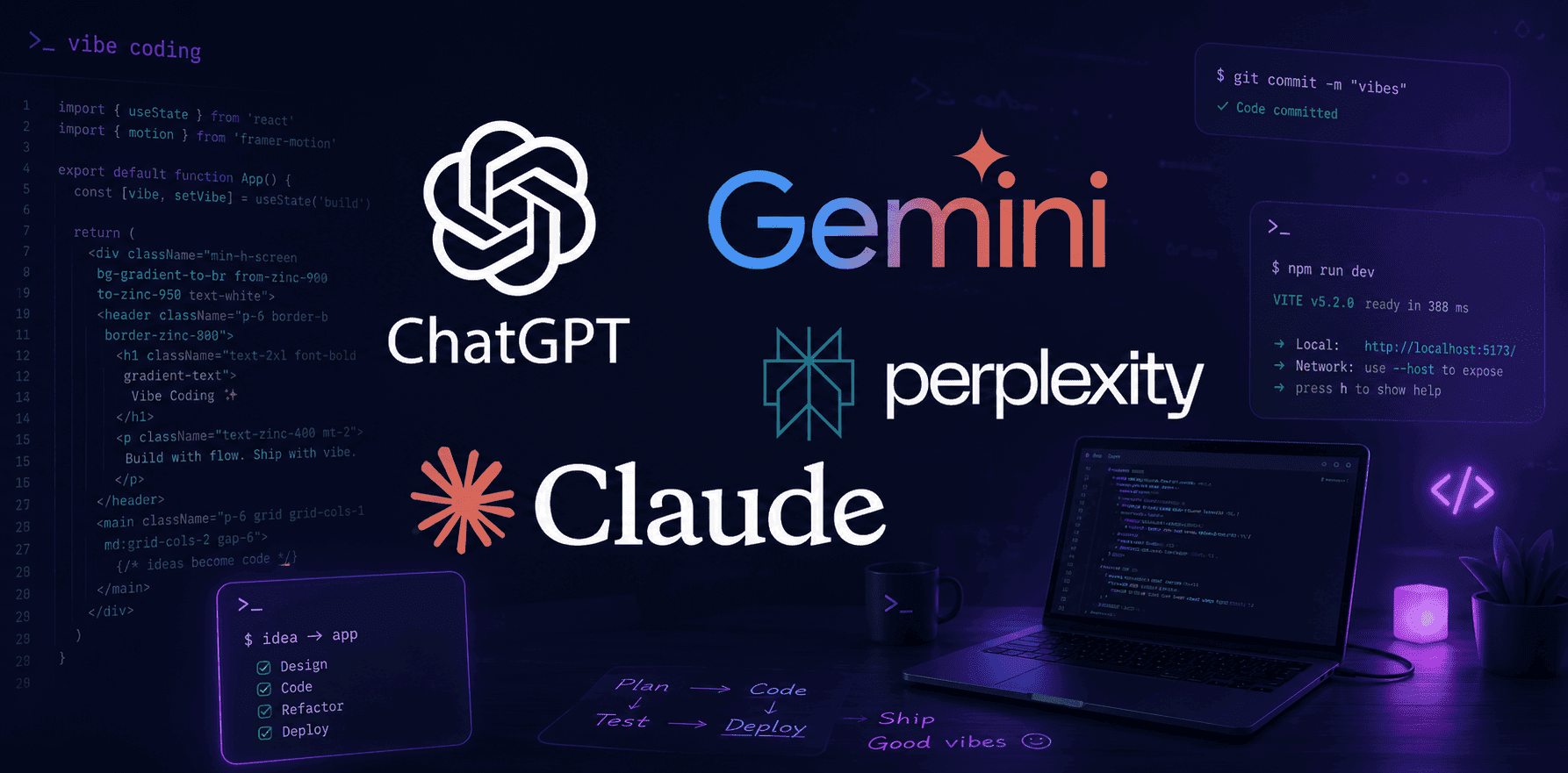
TL;DR What are the best ai tools for productivity in 2026? ChatGPT, Gemini, and Claude are the strongest general-purpose picks, while Perplexity, Jasper, and Zapier fill research, marketing, and automation roles. ChatGPT Go is the lower-cost entry point, and ChatGPT Plus is the premium option at ₹1,999 per month.
AI productivity tools in 2026 are no longer side experiments. They are built into the apps you already use, and that matters because your work already lives in Google Docs, Gmail, VS Code, spreadsheets, and cloud dashboards. The best ai tools now save time by fitting into those workflows instead of forcing you to jump between tabs.
What are the best ai tools for productivity if you want one answer that covers most laptop work? ChatGPT, Gemini, and Claude are the safest starting points. They handle text, content, code, and planning well enough to cover most daily tasks, and they are flexible enough to serve both a solo user and a team.
That said, the right choice depends on the job. Perplexity is better for search and fact-checked research, Jasper is better for marketing content, and Zapier is better when you need automation across apps. Once you separate writing, research, coding, voice, and workflows, the decision gets much clearer.
Choosing the Right AI Tool for Your Productivity Needs
The right AI tool depends on what you do most often, not on which product has the longest feature list. If your day is mostly writing, research, or email, a broad assistant like ChatGPT or Claude makes sense. If you spend more time in code, Gemini Code Assist or Cursor deserves more attention.
Usage frequency matters just as much as task type. A free plan is often enough for occasional search, but it gets cramped fast if you rely on the tool every month. That is why the best AI apps for daily productivity are usually the ones that fit your routine without forcing you to change your work.
What to look for in a daily AI assistant
A strong AI assistant should work across browser, desktop, and mobile if you switch devices during the day. Claude’s free plan does that, which makes it easy to test on a laptop and then continue on a phone. Google-centered users will notice the same advantage in Gemini, especially if their work already lives in Google apps.
The other thing to check is whether the tool can handle your full workflow. If you draft text in Google Docs, move data in Sheets, and manage content in Notion, the tool should support those apps without constant copy-paste. A product that looks smart in a demo but breaks in real work is not useful for long.
How models affect real work
Models matter because different models handle different kinds of text and reasoning. Claude is popular for flexible writing and technical tasks, while ChatGPT is often used for quick ideation and full drafts. Gemini fits well when your content already sits inside Google tools, because the handoff feels less awkward.
If your work includes images, video, or audio, the model choice matters even more. Some tools can generate images, others are stronger with video scripts, and others are better at speech or text to speech tasks. A user who needs blog posts and internal summaries has very different needs from a user who needs voice notes or image prompts.
Where pricing changes the decision
Pricing matters because the cheapest plan is not always the best value. ChatGPT Go is the cheaper entry point, while ChatGPT Plus is the premium option at ₹1,999 per month. That gap is large enough that you should only pay for the higher tier if you actually need the extra headroom.
Claude’s free plan is attractive because it gives you room to test before spending credits on a paid tier. Gemini Code Assist for individuals is also free, which is rare for developer-focused tools. If you are comparing monthly pricing across several models, the real question is whether you hit limits in a normal month.
- Start with the task you repeat most often, such as writing, search, coding, or automation, and pick the tool that handles that task best.
- Use the free plan first if you are not sure about fit, then upgrade only when usage limits start interrupting real work.
- Check platform support across web, desktop, and mobile if you switch devices during the day.
- Treat API access as a requirement if you want the tool to connect with your existing stack later.
- If your work is repetitive, prioritize automation and workflows over flashy generation features.
Detailed Comparison of Leading AI Productivity Tools
The most important comparison is not which tool sounds smartest. It is which one fits your laptop routine and budget. ChatGPT is the most affordable general-purpose entry point, with ChatGPT Go as the lower-cost option and ChatGPT Plus at ₹1,999 per month in India. Claude is more flexible on usage. Gemini Code Assist is appealing for developers because it is free for individuals. Perplexity is the research specialist. Jasper is the content specialist. Zapier is the automation layer that ties everything together.
Pricing comparison table
| Tool | Plan | Price | Usage or limit | Best for |
|---|---|---|---|---|
| ChatGPT | Go | per month | Entry-level access | Everyday writing and general productivity |
| ChatGPT | Plus | ₹1,999 per month | Premium tier | Heavier general use |
| Claude | Free | Free | Web, mobile, and desktop access | Testing across devices |
| Claude | Pro | per month | Standard paid usage | Regular writing and reasoning |
| Claude | Max | per month | 5x or 20x more usage than Pro | Heavy users |
| Perplexity | Free | Free | 3 Pro model queries per day | Light research |
| Perplexity | Pro | per month or per year | Expanded research use | Frequent fact checking |
| Jasper | Pro | per month billed yearly | Marketing content at scale | Brand content teams |
| Gemini Code Assist | Individual | Free | High usage limits | Developer assistance |
| Zapier | Copilot and Agents | Plan-based | Multi-step automation | App workflows |
Tradeoffs and use cases
The tradeoff between cost and capability is obvious once you compare the plans side by side. ChatGPT Go is cheaper than ChatGPT Plus. The premium tier is what you choose when the lower-cost plan starts feeling cramped.
Claude’s Max plan is for people who need much more usage than Pro. The 5x or 20x usage increase makes sense if you are pushing large volumes of text or code through it every month. Jasper is better if your job is to generate content that sounds consistent from one campaign to the next.
Zapier is the right call when the real problem is not writing, but moving data across apps. If you write, search, and automate, that combination gives you more leverage than paying for a single premium plan and hoping it covers every task. It also gives you a cleaner path to create repeatable processes without wasting credits.
- Choose ChatGPT Go if you want a low-cost general assistant for writing, planning, and light research.
- Choose ChatGPT Plus if you use AI throughout the day and want a more premium tier.
- Choose Perplexity if your work depends on fact-checked answers and current search.
- Choose Jasper if your priority is consistent marketing content rather than broad conversation.
- Choose Zapier if your biggest problem is moving data and actions across apps.
Pricing Breakdown and Value Analysis of AI Tools
Pricing is where many people make the wrong call, because they compare monthly cost without comparing actual usage. ChatGPT Go is the most affordable of the major India-priced options here, while ChatGPT Plus at ₹1,999 per month sits in a much more premium bracket. That gap matters because the cheaper plan is easy to justify for casual use, but the higher tier only makes sense if you are using AI models constantly.
Monthly pricing overview
Claude gives you a free plan, then moves to Pro and Max. The free tier is useful for testing, but the real story is the step from Pro to Max, because the higher tier gives you 5x or 20x more usage than Pro. That kind of jump matters if you are drafting long documents, reviewing code, or handling repeated prompts throughout the day.
Perplexity’s Pro subscription costs per month or per year, which makes it easy to compare against Claude’s Pro tier on a rough budget basis. Jasper’s Pro plan costs per month when billed yearly, and that pricing makes more sense for marketing teams than for casual users. Gemini Code Assist for individuals is available at no cost with high usage limits, which gives developers a rare low-friction entry point for AI models.
Value for different user types
Jasper is worth considering if your work revolves around marketing content and brand consistency. Zapier is the better investment when your real problem is not writing, but connecting forms, email, spreadsheets, and task systems into a repeatable process. Gemini Code Assist is especially useful for developers who want a no-cost place to start.
A freelancer, a marketer, and a developer will not get the same return from the same subscription. That is why pricing should always follow workflow, not the other way around. If your team creates video briefs, audio notes, or social media posts, the right plan should support that output without forcing extra manual steps.
Cost versus features
The mistake is to buy the most expensive subscription and assume it will save time automatically. A better approach is to ask what kind of output you need each month. If you need research, Perplexity’s paid plan can justify itself quickly.
If you need broad writing and reasoning, Claude or ChatGPT may give you more day-to-day value. The best purchase is the one that matches actual usage, not the one that looks most complete on paper. That keeps your laptop workflow efficient without overspending.
- ChatGPT Plus only makes sense if you use AI heavily enough to feel the difference from the cheaper tier.
- Claude Pro is a balanced middle tier, while Max is for people who hit usage ceilings fast.
- Perplexity Pro is a strong choice if search accuracy matters more than creative output.
- Jasper Pro fits marketing teams that need repeatable brand content.
Common Mistakes When Selecting AI Productivity Tools
Another common mistake is choosing an AI tool because it is popular instead of because it fits the actual job you need done. When people ask what are the best ai tools, the honest answer is that the best option depends on whether you are researching, writing, coding, automating, or managing a team. In 2026, the best AI tools for productivity usually start with ChatGPT, Gemini, and Claude, but that does not mean one subscription should try to solve every problem.
If your laptop workflow is mostly document drafting and quick summaries, a research-heavy tool may be more useful than a flashy content generator. The same is true in reverse, because a research-first tool will not replace a strong automation layer. Fit matters more than feature count.
Ignoring usage limits
Usage limits matter because they determine whether a tool is a reliable daily assistant or just a temporary convenience. Perplexity’s free plan includes 3 Pro model queries per day, which sounds fine until you are using it for competitive search, meeting prep, and source checking in the same afternoon. Claude’s Max plan exists for users who need more headroom, offering 5x or 20x more usage than the Pro plan, while Gemini Code Assist for individuals is notable because it offers high usage limits at no cost.
A free plan is only a real advantage if it stays usable when you are actually busy. Once the tool starts interrupting your work, the value drops quickly. That is why limits deserve as much attention as features.
Skipping free plans
Skipping the free plan is another expensive habit because feature lists rarely show how a tool behaves inside a real laptop workflow. Claude’s free access across web, mobile, and desktop is useful precisely because it lets you test the assistant in Chrome, in a desktop editor, and alongside email or notes. Google AI Studio is also completely free across almost all experiments, which makes it ideal for prototyping before you commit to a paid stack.
If you only evaluate screenshots or demos, you miss the practical question that matters most: does it reduce friction, or does it add another tab to manage? This matters especially for developers and technical users, where the best ai tools for developer productivity need to work smoothly with code, debugging, and documentation. Cursor is often highlighted for AI-powered code editing, but it still needs to fit the way you review files, test changes, and move between terminal and IDE.
Overlooking integration needs
Many users focus on generation and forget integration, which is a problem when your work depends on moving information between systems. A good answer from an AI model still leaves you with manual copy-and-paste if the tool cannot connect to your stack. Zapier solves part of that problem with Copilot, its natural language builder for automation, and Zapier Agents can take multi-step actions across different applications.
That makes a big difference if your workflow includes Gmail, Google Sheets, Slack, HubSpot, Notion, or other business apps that need to talk to each other. A practical example is a marketing team that uses Jasper for content drafts, Google Sheets for approvals, and Zapier for publishing reminders. Without integration, someone still has to move copy, check status, and notify the next person in line.
Claude can also support SEO workflows by integrating with services such as Google Analytics and Ahrefs, which is why the best ai tools for business productivity are rarely the ones with the most impressive single prompt result. They are the ones that connect cleanly to the software you already rely on. That is where ai agents, api access, and data handoffs start to matter more than surface-level features.
Paying for the wrong tier
Overpaying for unused features is the final trap, and it happens more often than people admit. ChatGPT Go is much cheaper than ChatGPT Plus at ₹1,999 per month in India, so the premium option only makes sense if you truly need the additional capacity and features. The same logic applies to Claude, Gemini, Perplexity, Jasper, and automation tools, pricing should follow usage, not brand recognition.
If your work is mostly search, a research-first product may be a better fit than a broad premium assistant. A freelancer writing proposals, a developer reviewing pull requests, and a founder automating operations do not need the same tool stack. The smartest approach is to match the plan to the job, then expand only when the workflow proves it is worth it.
- Start with a free plan if you are building a personal setup and want to preserve credits.
- Move to paid pricing only when you hit real monthly limits.
- Favor apps that fit your current stack instead of forcing a new one.
- Treat reviews and search results as a starting point, not as a substitute for your own workflow.
Emerging Trends and Future Outlook for AI Productivity Tools
The future of AI tools for laptop productivity is moving toward orchestration, not isolated prompts. Zapier Agents already show where this is headed, because they can take multi-step actions across applications instead of stopping at a single response. Gumloop points in the same direction for marketing, sales, and operations workflows, which suggests that the next big leap is not better chat alone, but better coordination across tools.
AI orchestration and automation
AI orchestration means one tool can trigger another, pass data forward, and complete a chain of work. That is far more useful than asking a model to draft text and then doing everything else by hand. If you manage campaigns, support tickets, or internal reporting, this kind of automation can remove a surprising amount of repetitive laptop work.
The biggest shift is that agents are becoming practical inside everyday apps. A user can connect a form, a spreadsheet, and a message queue without writing custom code for every step. That is why internal tools are starting to matter as much as public-facing apps.
Expansion of free and scalable plans
Free and scalable plans are becoming more important because users want to test before they commit and grow without switching tools. Claude’s Max plan already shows scaling works in practice, with 5x or 20x more usage than Pro. Google AI Studio is also completely free to use across almost all experiments, and Google Cloud offers free usage of many AI products, including Translation and Speech-to-Text.
That mix of free credits and monthly tiers makes it easier to compare models before spending on a full plan. It also helps teams experiment with multiple AI features without locking themselves into one vendor too early. For a small user, that lower barrier matters more than a long feature list.
Innovations in development tools
Developer tools are evolving quickly too. Gemini Code Assist for individuals is available at no cost with high usage limits, which makes it easier to bring AI into daily coding without budget friction. Antigravity, Google’s AI-powered IDE, is currently free during its public preview, and that matters because it lowers the barrier to trying a new development environment before it becomes mainstream.
For developers, the real benefit is not just code completion. It is being able to generate tests, explain errors, and move between code and text without losing context. That makes the tool more useful during real work, not just during demos.
Future of AI integration in cloud platforms
The next phase is deeper cloud integration, where AI tools do not just answer questions but participate in the systems that run work. That direction favors tools that can connect with storage, analytics, communication, and automation layers. It also reinforces why platform fit matters more than isolated model quality.
The strongest models will matter less if they cannot create useful output inside the apps people already use. That is true for content teams, technical teams, and operations teams alike. The tools that win will be the ones that fit naturally into the full stack of work.
Which AI Tools Make the Most Sense for Different Workflows
If you want the shortest answer to what are the best ai tools, start with ChatGPT, Claude, and Gemini, then add Perplexity, Jasper, or Zapier only when your workload demands a specialist. Claude is the most flexible free-to-paid bridge, Gemini is the easiest fit for Google users, and Zapier is the strongest choice when your real bottleneck is automation. For most people who work across text, content, search, and apps every day, Claude is the smartest all-around pick because it balances flexibility with a useful free plan.
If your day is mostly research and fact checking, Perplexity is better. If your day is mostly marketing content, Jasper is better. If your day is mostly code, Gemini Code Assist or Cursor is the cleaner fit.
Best fits by workflow
- Choose Claude if you want a flexible assistant with free access across web, mobile, and desktop.
- Choose Gemini Code Assist if you want free developer support with high usage limits.
- Choose Perplexity if your work depends on real-time search and fact-checked answers.
- Choose Jasper if your priority is consistent marketing content at scale.
- Choose Zapier if your biggest need is automation across apps and workflows.
What to skip
- Skip ChatGPT Go if you already know you need heavier daily usage.
- Skip ChatGPT Plus if you only need occasional drafting or planning.
- Skip Claude Max if your workload does not justify 5x or 20x more usage than Pro.
- Skip Perplexity Free if 3 Pro model queries per day will not cover your search routine.
- Skip Jasper if you do not need brand-focused marketing content.
- Skip Zapier if you do not need multi-step automation across applications.
That keeps your setup practical, avoids unnecessary spend, and leaves room to add specialists only when they solve a real bottleneck. For most users, the winning combination is one broad assistant plus one specialist or automation layer. If you are still comparing options, look for the best ai tools for productivity free first, then move to paid plans only when the workflow proves itself.
Frequently Asked Questions
Q. What are productivity tools?
AI productivity tools are apps that help you generate text, summarize content, write code, create images, handle audio, or automate repetitive work. The value is practical, because they turn a blank page, a rough brief, or a messy spreadsheet into something usable in minutes. If you spend your day in Google Docs, Gmail, or Notion, the best tools remove friction from those apps instead of adding another layer of complexity.
Q. Why are ChatGPT, Gemini, and Claude the main general-purpose picks?
ChatGPT, Gemini, and Claude are the best ai tools for productivity in 2026 because they cover the broadest mix of tasks. ChatGPT is the most familiar all-rounder, Gemini fits naturally into Google-heavy workflows, and Claude is strong for writing and technical work. If you move between text drafts, code reviews, and internal notes, a versatile ai assistant is more useful than a narrow specialist.
Q. What makes Perplexity, Jasper, and Cursor different?
Perplexity is the research-first option, and it is built for real-time search and fact-checked answers. Jasper is the content specialist, especially for blog posts, brand copy, and marketing assets that need consistent tone. Cursor is the code specialist, which makes it the better fit for vibe coding, debugging, and daily developer work inside an editor.
Q. How do automation tools like Zapier fit into productivity workflows?
Zapier turns AI features into actual workflows by connecting apps and internal tools. Its Copilot builder uses natural language, and Zapier Agents can take multi-step actions across applications. That means a form submission can update a sheet, notify a team, and trigger a follow-up without manual copying.
Q. Which free plans are worth testing first?
Claude’s free plan is the most flexible because it includes web, mobile, and desktop access. Google AI Studio is completely free across almost all experiments, and Gemini Code Assist for individuals is available at no cost with high usage limits. Perplexity’s free plan is useful too, but its 3 Pro model queries per day are best for light search checks rather than heavy research.
Q. When should you move from a free plan to a paid plan?
Claude Pro, ChatGPT Plus, and Perplexity Pro make sense when usage limits start interrupting real work. If you are generating content every month, checking sources every month, or using multiple models every month, a paid plan becomes easier to justify. The right upgrade usually follows friction, not curiosity.
Is ChatGPT, Claude, or Gemini the Best Starting Point in 2026?
For most readers, the best starting point is one broad assistant, then one specialist if needed. ChatGPT works well if you want a familiar general-purpose tool, Claude is a strong choice if you want flexible writing and a useful free plan, and Gemini fits naturally if your work already lives in Google apps. ChatGPT Go is the lower-cost entry point, while ChatGPT Plus at ₹1,999 per month makes sense only when you need heavier daily use.
The right pick depends on your workflow, your limits, and how often you use the tool. If you write, plan, and summarize all day, Claude or ChatGPT is usually enough to start. If you research constantly, Perplexity deserves a look, and if you automate across apps, Zapier becomes the better add-on.
The clearest next step is to test the free plan that matches your main task. Use it in your real workflow, not in a demo, and see whether it removes friction or adds another tab. Once that answer is clear, the paid choice becomes much easier to make.






