
Video Editor Laptop Buying Guide 2026
A detailed video editor laptop buying guide for 2026 explaining hardware needs, budget tiers and long-term editing workflows.

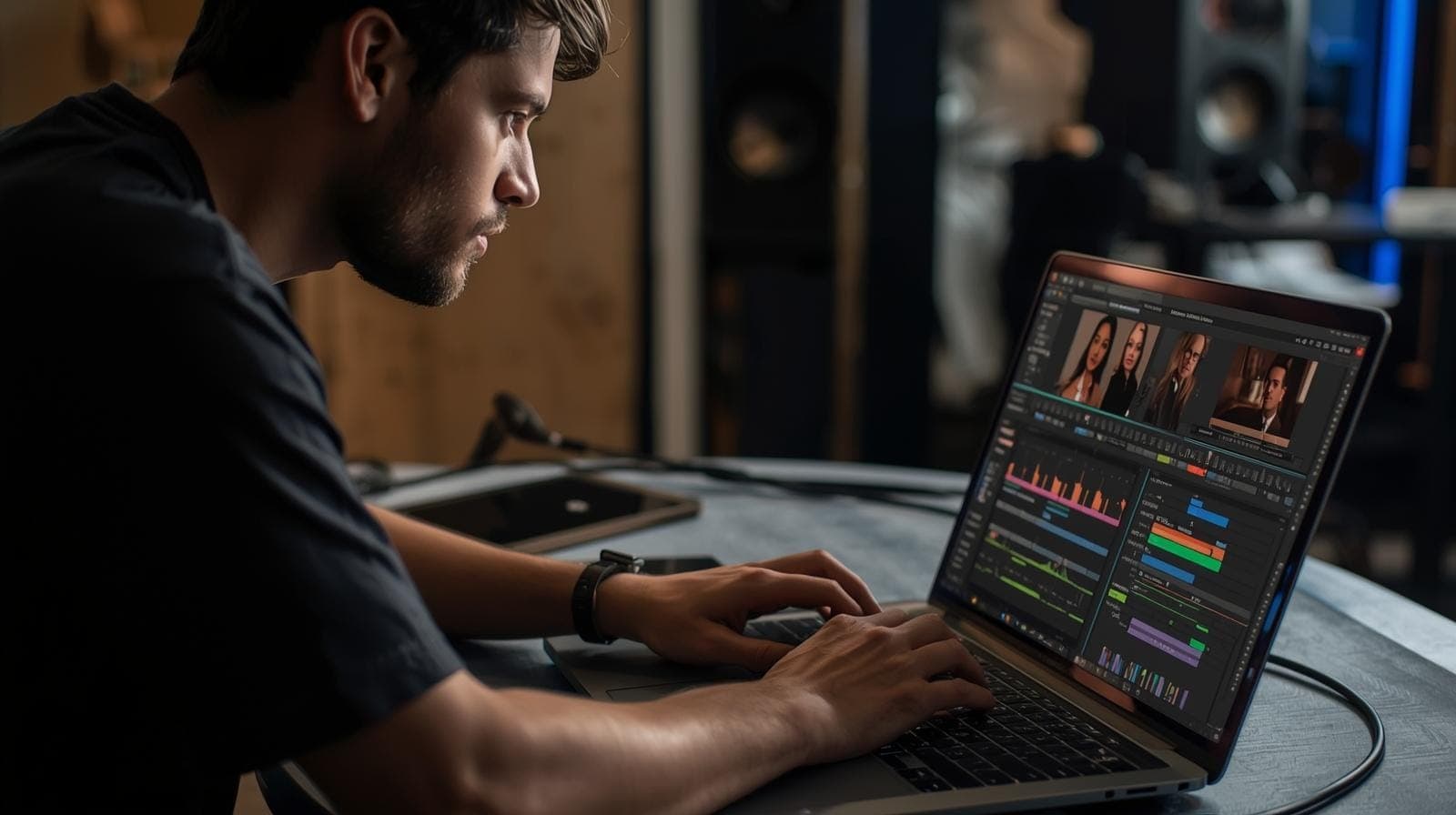
TL;DR The best video editing laptops in 2026 are the ones that deliver sustained CPU performance, dependable GPU acceleration, 32GB+ RAM readiness, fast NVMe SSD workflows, colour-accurate displays, and cooling systems that stay stable through long exports. Whether you are a student creator, YouTuber, freelance editor, filmmaker, or studio professional, the best laptop is the one that keeps playback smooth, reduces render wait times, and continues to scale from beginner 4K editing to professional RAW and 6K workflows without forcing early upgrades.
Why Video Editing Laptop Buying Has Fundamentally Changed in 2026
Video editing laptops in 2026 are no longer just “powerful laptops.” They now need to function as complete portable creative workstations that can sustain timeline playback, colour correction, AI-assisted effects, proxy generation, export queues, and cloud-based collaboration without breaking workflow momentum. This shift has happened because modern creators no longer work only with short 1080p clips. Even students and YouTubers now edit 4K footage, cinematic profiles, HDR timelines, vertical reels, long-form podcasts, and multi-camera projects directly from personal laptops.
The biggest change is that editing workloads now stress laptops continuously rather than in short bursts. Smooth scrubbing, stable playback, and responsive preview windows all depend on hardware that can maintain performance over hours, not just spike high benchmark numbers for a few seconds. This is exactly why cooling design, sustained CPU clocks, GPU VRAM, and SSD speed now matter more than flashy processor branding alone. A poorly balanced laptop may technically “support” editing software, but in real projects it quickly creates dropped frames, laggy colour previews, thermal throttling, and export slowdowns.
Another major shift in 2026 is the growing dependence on AI-assisted creative tools. Features like auto reframing, background cleanup, smart masking, noise reduction, object tracking, and AI colour matching increasingly rely on GPU acceleration and memory bandwidth. This means the smartest buying decision is no longer about CPU alone. It is about selecting a laptop that can sustain a balanced creative workflow as editing software continues to evolve over the next four to five years.
The Core Hardware Foundation Every Video Editor Needs
The most important thing to understand is that video editing is a balanced hardware workload. Unlike lighter productivity tasks, editing stresses the processor, graphics system, memory, storage, and display simultaneously. If even one of these becomes a bottleneck, the entire creative workflow slows down. This is why editors should think in terms of a hardware stack rather than isolated specifications.
The processor controls codec decoding, playback logic, background cache generation, and export pipelines. Modern Premiere Pro, DaVinci Resolve, and Final Cut Pro workflows benefit heavily from strong multi-core CPUs with good sustained thermals. At the same time, GPU acceleration has become essential for timeline smoothness, colour grading, transitions, and AI-based tools. In 2026, 6GB to 8GB VRAM should be treated as the practical baseline for serious 4K work, while heavier cinematic and VFX projects benefit from even more headroom.
RAM and storage are just as critical. While 16GB remains the minimum acceptable entry point, 32GB is now the real sweet spot for smooth 4K workflows, layered timelines, and reliable multitasking with browsers, music libraries, external monitors, and cloud sync. NVMe SSD storage dramatically improves cache behaviour, preview generation, and export preparation, while larger capacities reduce the constant interruption of moving project files around. A creator’s laptop should feel like an uninterrupted editing environment, not a machine that constantly asks you to optimise around its limitations.
Video Editing Hardware Baseline Table
| Component | Best 2026 Baseline | Why It Matters |
|---|---|---|
| CPU | Core Ultra 7 / Ryzen 7 / M-series Pro | Timeline + exports |
| GPU | RTX 4060 / Radeon equivalent / Apple GPU | Playback + AI effects |
| RAM | 32GB ideal | 4K + multitasking |
| Storage | 1TB NVMe SSD | Cache + project files |
| Display | 2K/3K colour-accurate panel | Colour decisions |
| Cooling | Dual-fan strong thermal system | Long exports |
Why Cooling and Sustained Performance Matter More Than Peak Benchmarks
One of the biggest mistakes creators make is buying based on benchmark charts alone. Video editing is an endurance workload. A laptop that performs well in a 30-second synthetic benchmark can still collapse under a 40-minute 4K export or a long colour grading session if the cooling system is weak. This is why sustained performance is often more important than the processor name itself.
Long editing sessions place continuous pressure on the CPU and GPU together. Timeline playback, stabilisation passes, LUT previews, motion graphics, and audio waveforms all compete for thermal headroom. If the laptop cannot dissipate heat effectively, it begins throttling, which directly impacts playback smoothness and export speed. The practical result is not just slower renders, but creative fatigue because every decision takes longer to preview and confirm.
This is why creator-focused systems like the ASUS ProArt, Lenovo Legion, HP OMEN, Dell Precision, and MacBook Pro 16 remain so popular. Their chassis designs are built around predictable long-session behaviour. For editors, this stability directly translates into fewer technical interruptions and a smoother creative flow, which matters far more than headline benchmark numbers.
Best Laptop Categories for Different Types of Video Editors
The right laptop depends heavily on the stage of your editing journey. Beginners learning Premiere Pro, CapCut, or DaVinci Resolve can work comfortably on balanced budget gaming laptops with dedicated GPUs, as long as RAM and SSD storage are configured sensibly. These systems are excellent for YouTube videos, social media content, short films, and lighter 4K projects.
For freelancers, consistent YouTubers, wedding editors, and client-facing creators, the mid-range creator and gaming laptop segment is usually the best long-term value zone. This is where laptops begin to offer stronger GPUs, better thermals, better displays, and 32GB-ready configurations that dramatically improve real workflow comfort. These systems are often the professional sweet spot because they handle longer timelines, layered effects, and regular export workloads without moving into workstation pricing.
For filmmakers, ad editors, documentary teams, and advanced commercial creators, flagship laptops become the smarter long-term investment. RAW workflows, 6K timelines, advanced grading, motion graphics, and cinematic delivery pipelines require the sustained performance and display confidence that only high-end creator and workstation laptops consistently provide. In this category, the MacBook Pro 16, Dell Precision, and ASUS ProArt StudioBook continue to remain standout options.
Creator Segment Comparison Table
| Editor Type | Best Laptop Category | Best Use Case |
|---|---|---|
| Beginner creator | Budget gaming laptop | Reels, YouTube, short edits |
| Freelancer | Mid-range creator laptop | Client 4K workflows |
| Professional editor | Flagship creator laptop | RAW, 6K, cinematic |
| Studio workflow | Workstation laptop | VFX + long renders |
Why Refurbished Laptops Are One of the Smartest Editing Investments in India
Refurbished laptops remain one of the smartest buying strategies for Indian video editors because editing performance depends heavily on thermal design and sustained hardware quality, both of which are often stronger in older premium workstations than in weaker new consumer laptops. This is especially true for editors working with limited budgets who still need professional-grade playback and export reliability.
A refurbished Dell Precision, Lenovo Legion, HP ZBook, or MacBook Pro can often outperform a new mid-range consumer laptop because these machines were originally built for professional sustained workloads. Their stronger cooling systems, better displays, and more reliable GPU configurations make them especially attractive for freelance creators and early-stage studio setups.
The key is to treat refurbished buying as a professional workflow decision rather than a compromise. Battery health, SSD condition, thermal servicing, and seller warranty matter enormously. When sourced well, refurbished laptops provide access to a much higher creative tier without forcing the pricing jump associated with new flagship creator systems.
The Smartest Long-Term Buying Strategy for Video Editors
The most important mindset shift is to buy for the heaviest project complexity you realistically expect within the next two to three years, not just the edits you are doing today. A creator starting with reels and social media may quickly move into 4K YouTube, weddings, branded content, and client timelines. Similarly, a film student may begin with short edits but later need colour grading, RAW workflows, and documentary timelines. Buying too close to present needs often leads to frustrating early upgrades.
The safest strategy is to prioritise 32GB RAM headroom, strong GPU VRAM, creator-grade cooling, and fast NVMe storage even if your current workload feels lighter. These are the exact factors that determine whether the laptop remains dependable as software adds heavier AI effects, larger codecs, and more demanding timeline tools. A slightly stronger configuration today almost always creates a far better four-to-six-year ownership experience.
The best editing laptop is ultimately the one that fades into the background and lets you focus entirely on pacing, colour, storytelling, and delivery instead of hardware workarounds. That is the real measure of a creator-grade system in 2026.
Refurbo's Top Picks
- MacBook Pro 13" (2018)
- Dell G15 5520
- Apple Macbook Pro A2485
- HP Victus Gaming
- Lenovo Legion 7
- HP Zbook Power G10
Frequently Asked Questions
Q. Is 16GB RAM enough for video editing in 2026?
It is the minimum for basic 1080p and light 4K editing, but 32GB is strongly recommended for smoother long-term 4K workflows.
Q. Is a dedicated GPU necessary for editing?
Yes, especially for 4K timelines, colour grading, effects, and AI-assisted tools. It dramatically improves playback and export speed.
Q. Are gaming laptops good for video editing?
Yes, many gaming laptops are excellent creator machines because they provide strong GPUs and better cooling at practical prices.
Q. Are refurbished laptops worth it for creators in India?
Absolutely. Refurbished workstations and premium creator laptops often deliver far better editing value than weaker new consumer models.
Q. How long should a video editing laptop last?
A well-balanced creator laptop should remain highly usable for four to six years, especially if bought with 32GB RAM headroom and strong GPU support.
Ready to upgrade your tech?
Browse our collection of quality refurbished products at unbeatable prices.






