
TOPS Ratings vs CPU Speed For AI Laptops
TOPS ratings are a better indicator of AI laptop performance than CPU speed because they measure dedicated AI processing capability. Learn how TOPS, NPUs, and modern processors from Intel, AMD, and Qualcomm impact real-world AI features and help you choose the right laptop.

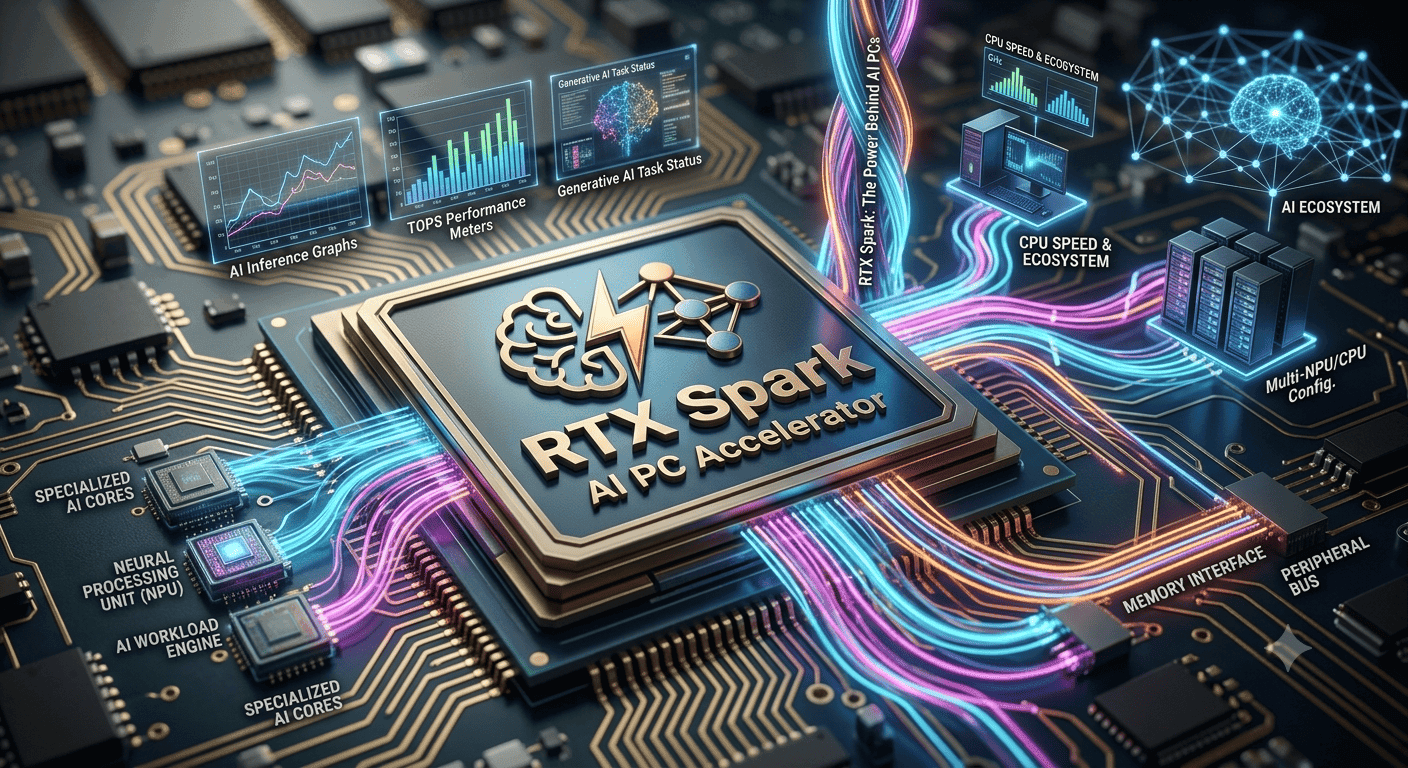
TL;DR TOPS ratings are the better way to judge AI laptops than CPU speed because TOPS measures AI inferencing headroom, while CPU speed mostly reflects general-purpose work. Microsoft’s 40 TOPS Copilot+ baseline is the clearest line to check.
Why TOPS Ratings Matter for AI Laptops?
TOPS stands for Tera Operations Per Second, and it measures the peak AI inferencing potential of a processor. In plain English, it tells you how many computing operations an AI accelerator can handle in one second. That is why TOPS matters more than raw clock speed when you compare laptops for local AI features.
Intel Core Ultra, AMD Ryzen AI, and Qualcomm Snapdragon systems all take a different path to the same goal. They try to run AI tasks on the device instead of pushing everything to the cloud. That matters for apps like Copilot, Photoshop generative tools, Windows Studio Effects, and on-device transcription in Teams.
The NPU is the chip block built for that job, and it is tuned for matrix-heavy operations so it handles AI processing with less power than a CPU. For real-world buyers, the core question is not just how fast the CPU feels in Word or Chrome, but how well the system handles AI models in the background. In that sense, TOPS gives you a clearer way to judge benchmarks and test results across systems.
| Platform | Strength | Best use case |
|---|---|---|
| Intel Core Ultra | Strong all-round CPU plus AI support | Office work, Copilot, light content creation |
| AMD Ryzen AI | Efficient AI-focused design with strong general performance | Mixed productivity, local AI tools, multitasking |
| Older Intel Core i5 or Intel Core i3 | Fine for basic tasks, weak for modern AI | Browsing, email, simple office work |
What the Real-World Data Says About TOPS and CPU Speed?
The clearest lesson is that TOPS and CPU speed solve different problems. TOPS tells you about AI inferencing headroom, while CPU speed tells you how fast the machine handles general work over time. If you mix them up, you end up comparing the wrong numbers.
The data also shows why efficiency matters. A chip that delivers TOPS per watt can be more useful in a laptop than a bigger-sounding core count that burns more power. That is especially true in thin PCs, where heat and battery life shape the whole experience.
There is another useful number here: 73% of AI PC buyers report better satisfaction when they assess their needs before purchase rather than buying based on specs alone. That sounds obvious, but it explains why the top-line number should never be your only check. You need to know whether your applications, your workflow, and your price target actually line up over time.
Where the Numbers Help Most?
Numbers help most when you are comparing similar models. Intel Core Ultra, AMD Ryzen AI, and Qualcomm Snapdragon systems may all advertise strong AI hardware, but the real difference shows up in sustained use and results. That is where benchmarking, power consumption, and real-world app behaviour separate the good products from the forgettable ones.
If you use AI models in background tasks, the NPU can keep the CPU free for other work. That makes the system feel smoother in everyday use, especially when you are switching between office apps and AI features. It also helps explain why a laptop with a modest CPU can still feel well-balanced if its AI hardware is strong.
What to Ignore When Reading Laptop Specs?
Check the TOPS number, check the CPU class, and check the actual price before you decide. That is the right way to read product pages for Intel, AMD, and Qualcomm laptops. The best choice is the one that matches your tasks, not the one with the loudest marketing.
The core difference is simple: AI hardware should help you run the apps you already use. Check whether the laptop is built for AI models or only general computing, and check whether the numbers reflect real use, not just a benchmark screenshot. If a spec sheet hides the AI number, that usually makes the comparison less useful.
How to Read Intel Core Ultra, AMD Ryzen AI, and Qualcomm Snapdragon Specs?
Choose Intel Core Ultra if you want a balanced laptop that handles Office, Teams, and light AI features without feeling dated. It is the safer pick when you want a single machine that can cover everyday work without chasing the highest numbers. Choose AMD Ryzen AI if you want a strong mix of efficiency, local AI support, and everyday performance.
Choose Qualcomm Snapdragon if battery life and always-on AI features matter more than raw CPU muscle. In both cases, the goal is to match the laptop’s CPUs to the kind of work you actually do, rather than assuming every AI label means the same thing. If you want serious local AI support, skip Intel Core i3 and Intel Core i5 models, since they are usually not the right platform for modern AI workloads.
Also, skip any product that hides the TOPS number, because that usually means the AI story is weak. These specs should help you judge what the laptop is built to do, instead of relying on vague marketing claims. When you compare models side by side, the AI hardware, CPU class, and battery goals should all point in the same direction.
Why TOPS Beats CPU Speed for AI Laptop Buying?
TOPS is the better number to focus on when you are buying an AI laptop because it measures the hardware that actually runs local inference. CPU speed still matters for everyday work, but it does not tell you how well the system will handle Co-Pilot, Photoshop generative tools, or on-device transcription.
Microsoft’s 40 TOPS Co-Pilot+ baseline gives you a clear target, and modern NPUs typically sit at 40+ TOPS. That makes it easier to compare Intel Core Ultra, AMD Ryzen AI, and Qualcomm Snapdragon systems without getting distracted by raw clock speed alone. If you are shopping now, check the TOPS number first, then confirm the CPU class and price before you buy.
This is also why a laptop can look fast on paper and still feel mismatched for AI work. A high clock speed helps with general computing, but it does not replace dedicated AI hardware. For buyers who want local AI features, the better question is whether the machine meets the 40 TOPS line and fits the workload.
Frequently Asked Questions
Q. What does TOPS mean in a laptop?
TOPS means Tera Operations Per Second, and it measures the peak AI inferencing capability of a processor. In a laptop, it tells you how much AI work the NPU can handle in one second. That makes it a more useful AI spec than a general CPU speed number when you are comparing modern laptops.
Q. Is TOPS more important than CPU speed for AI features?
TOPS is more important than CPU speed for AI features because it measures the hardware built for inferencing. CPU speed still matters for apps like Excel, Chrome, and Outlook, but it is not the main number for local AI. Microsoft’s 40 TOPS Copilot+ baseline is the clearest practical target in this article.
Q. Why do Intel Core Ultra and AMD Ryzen AI matter?
Intel Core Ultra and AMD Ryzen AI matter because they combine CPU, GPU, and NPU hardware in one system. That combination is what makes local AI features feel responsive instead of sluggish. They also give buyers a clearer way to compare AI support than older Intel Core i3 and Intel Core i5 models.
Q. What is a good TOPS number to check?
A good TOPS number to check is 40 or higher if you want Co-Pilot+ features and modern AI support. Below that, the laptop may still work, but it is less convincing for heavier AI tasks. That 40 TOPS line is the most concrete benchmark mentioned in this guide.
Q. Does a higher TOPS rating always mean better performance?
No, a higher TOPS rating does not always guarantee better real-world performance. Memory bandwidth, thermal limits, and system design can change the result even when the headline number looks strong. That is why the article also recommends checking the CPU class and how the laptop behaves in the apps you actually use.
Q. Should I buy a laptop based only on benchmark numbers?
No, you should not buy a laptop based only on benchmark numbers. The article says 73% of AI PC buyers report better satisfaction when they assess their needs before purchase rather than buying based on specs alone. Check the price, check the CPU class, check the NPU, and check how it performs in your own workflow.
Which AI Laptop Specs Matter Most for Your Workflow?
The smartest way to read AI laptop specs is to start with the work you actually do. If your day revolves around Office, Teams, and light AI features, Intel Core Ultra is the most balanced option in this article. If you want a mix of efficiency, local AI support, and everyday performance, AMD Ryzen AI fits that middle ground well.
If battery life and always-on AI features matter more than raw CPU muscle, Qualcomm Snapdragon deserves a closer look. The article also makes one thing clear, older Intel Core i3 and Intel Core i5 models are usually not the right platform for modern AI workloads. That means the best buy is not the one with the biggest number, but the one that matches your workload and the 40 TOPS target when AI features matter.
For shoppers comparing models today, the safest approach is simple. Check TOPS first, then confirm the CPU class, then look at the price and the apps you plan to use. That order keeps you focused on real value instead of marketing language.
Is TOPS Ratings vs CPU Speed Worth Using as Your Buying Rule?
TOPS ratings vs CPU speed is worth using as a buying rule because it separates AI capability from general processing power. The key recommendation is to look for 40 TOPS or higher if you want Co-Pilot+ features, then compare that with the CPU class and the laptop’s overall efficiency. Intel Core Ultra, AMD Ryzen AI, and Qualcomm Snapdragon all make sense in different situations, but only if the AI hardware matches the work you plan to do.
If you want a balanced laptop for Office, Teams, and light AI tasks, Intel Core Ultra is the most straightforward choice in this guide. If you want efficient performance with local AI support, AMD Ryzen AI is the better fit. If battery life and always-on AI matter most, Qualcomm Snapdragon is the one to watch, while Intel Core i3 and Intel Core i5 models are better left for basic tasks.
The best next step is to compare the TOPS number, the CPU class, and the real-world app list before you buy. That keeps the decision grounded in how the laptop will actually work for you. If a model does not clearly show its AI capability, move on and compare another one that does.






