
OLED Touchscreen vs IPS Touchscreen Laptops: Which Is Better?
OLED vs IPS touchscreen laptops offer different strengths. OLED delivers deeper blacks, richer contrast, and faster response times, while IPS provides better durability, consistent viewing angles, and greater value, making it a practical choice for everyday productivity.

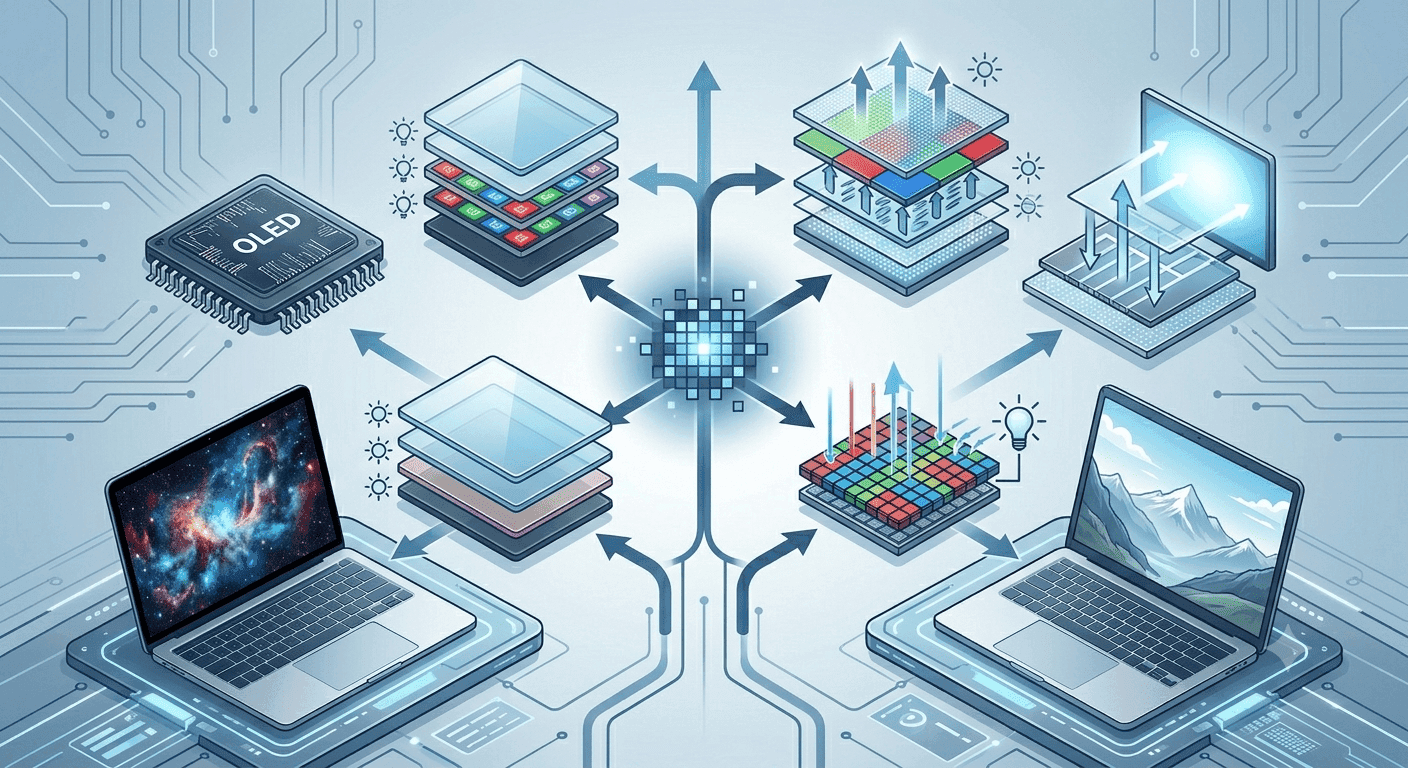
TL;DR OLED vs IPS touchscreen comes down to contrast, motion, durability, and price. OLED looks richer with deeper blacks and faster response, while IPS usually offers better long-term practicality, brighter-room comfort, and lower cost.
Quick Overview of OLED vs IPS Touchscreens
That single design difference explains most of the visible gap between the two technologies. OLED is known for exceptional color contrast and deep blacks, while IPS is valued for consistent colors and wide viewing angles. The practical result is easy to see the moment you compare two laptops side by side. OLED can produce much higher contrast ratios than IPS panels, which makes dark scenes look richer and more dramatic. IPS panels usually show blacks as dark grey rather than pure black, but they keep the image more stable when you tilt the lid or share the screen with someone beside you.
On a touchscreen laptop, the display is also the surface you tap, sketch on, and read from all day. That makes the panel choice more important than on a casual monitor. OLED monitors and IPS monitors follow the same basic trade-off, but laptops add touch use, portability, and battery life into the mix. The device has to balance image quality with practical day-to-day use. In HDR content, OLED can look especially striking, while IPS remains a strong option for steady everyday viewing.
What Each Panel Prioritizes
OLED puts visual impact first. IPS puts stability first. It is commonly used in products that require visual stability and colour depth, and it remains a strong fit for laptops that need to look good from many positions. OLED and IPS both have clear strengths, but they solve different problems. One focuses on richer visuals, while the other focuses on steady performance across changing angles and lighting. For HDR viewing, that difference can be especially noticeable.
Why The Difference Matters
If you want a screen that stays dependable in offices, classrooms, and shared spaces, IPS is often the safer buy. OLED displays do not require a backlight and are self-emitting, which helps explain their deep blacks and strong contrast. IPS displays are backlit with LED lights, which support their steady everyday behaviour. IPS monitors also tend to stay more predictable when multiple people are looking at the same screen. That matters for presentations, group work, and any setup where accuracy matters more than dramatic contrast.
| Feature | OLED | IPS |
|---|---|---|
| Light source | Self-emitting pixels | Backlit panel |
| Contrast | Higher contrast ratios | Lower contrast ratios |
| Blacks | Deep blacks | Dark gray blacks |
| Viewing angles | Wide | Wide and consistent |
| Core strength | Visual punch | Stable everyday use |
Fast Takeaway
If your question is not just what looks better in a store, but what works better over a full workday, IPS deserves serious consideration. OLED is more dramatic for movies, gaming, and dark themes, while IPS is more predictable for reading and shared viewing. The rest of the comparison is about deciding which of those strengths matters more to you. OLED vs IPS touchscreen is less about one winner and more about matching the panel to the product you actually need.
Performance and Durability Comparison
OLED vs IPS touchscreen performance is where the trade-off becomes more concrete. If your laptop shows the same taskbar, browser tabs, or dashboard for hours, that difference matters a lot more than it does on a phone. That speed shows up in everyday use as less blur and less smearing around moving objects. You notice it when dragging windows, watching sports footage, or playing competitive gaming sessions. IPS is still perfectly usable, but its motion handling is more relaxed and less sharp than OLED. Burn-in is the main durability concern for OLED.
Response Time And Motion
OLED panels can respond in less than 1 millisecond, while IPS panels typically sit in the 4 to 8 ms range. In real use, that means OLED handles fast movement with less blur and less smearing around moving objects. That faster response helps especially in fast gaming, where quick camera pans and on-screen motion need clean transitions. It also improves accuracy when you are tracking small moving details in video or design work. These features make the difference easier to notice in motion-heavy use.
Burn-In And Long-Term Use
For office users, students, and anyone who keeps the same document or dashboard open for long periods, that lower risk is a meaningful advantage. OLED displays have a higher risk of burn-in with fixed graphics, so repeated use of static icons, menus, and toolbars can become a problem over time. IPS is the lower-risk choice for long office sessions. IPS monitors are also easier to trust for long spreadsheet work because the image stays steady without the same burn-in concern. That makes them a practical monitor option for users who leave one layout on screen for hours.
Power And Daily Behaviour
OLED also changes power behaviour in a useful way. OLED displays are more energy efficient when displaying darker content, because dark pixels can effectively switch off. That can help in dark-mode apps, media playback, and evening use. IPS does not get the same pixel-level savings, but it can still be the more predictable option for all-day productivity because its behaviour stays steady across a wide range of bright content. For long-term durability and low-maintenance use, IPS is the safer choice. Battery life usually favours OLED in dark themes, while IPS may hold steadier in bright, mostly white interfaces.
Use Cases and Visual Experience Differences
The hardware becomes easiest to judge when you match each panel to real tasks. OLED displays are ideal for designs that emphasize contrast, speed, or a compact build. IPS displays are preferred for applications requiring reliable legibility from multiple positions. OLED displays are preferred for gaming and multimedia because their vibrant colours and deep blacks make content look richer and more immersive. The same screen that looks stunning in a movie can be less practical for colour-critical work or long reading sessions. IPS displays are commonly used in products that require visual stability and colour depth. Reading, shared viewing, and bright-room use often push buyers toward IPS. It stays legible from different positions and holds up well when the lighting is not ideal. OLED still appeals when you want the richest blacks and a more cinematic look.
Gaming And Media
OLED displays provide perfect blacks and ultra-fast response times, making them ideal for gaming and multimedia. Dark game scenes keep detail instead of turning muddy, and fast motion stays crisp as the panel reacts quickly. Movies and streaming content also benefit because contrast does so much of the work. The visuals feel more layered, especially in dark scenes where black levels shape the image.
Creative And Colour-Sensitive Work
IPS displays are known for accurate color reproduction and wide viewing angles, which is why they are often favored by creative professionals. That makes them useful in Photoshop, Lightroom, Figma, and similar tools where stable color matters more than dramatic contrast. For photo editing and layout review, IPS usually feels more controlled and dependable. If you are comparing OLED vs IPS color accuracy, IPS often gives you a steadier reference for editing. That consistency matters when a project needs the same colours across multiple monitors.
Reading And Shared Viewing
If you spend hours in Google Docs, PDFs, or spreadsheets, IPS often feels easier on the eyes because it stays legible across different positions and lighting conditions. OLED is still appealing if you want the richest blacks and the most cinematic look. For long reading sessions, the steadier behaviour of IPS can matter more than the visual punch of OLED. Shared viewing also favours IPS because the image remains more consistent when several people look at the screen from different angles.
Size, Brightness, and Energy Efficiency Comparison
The build also differs in how laptop makers package size, brightness, and energy use. That makes IPS the more flexible option across mainstream laptop categories, while OLED is more common in focused premium models. If you care about getting a specific size or resolution, IPS usually gives you more freedom. IPS panels appear in more laptop designs because they are easier to scale across product lines. OLED is often used in sleeker machines where the display is part of the premium feel. That narrower spread means OLED can be harder to find in every size and price tier.
Brightness matters in Indian homes, classrooms, cafes, and offices where sunlight or overhead lighting can wash out a screen. If you work near windows or move around a lot, IPS is usually the more forgiving screen. OLED can still look excellent, but it is not always the most practical choice in bright environments. The light output from IPS monitors also makes them easier to use in rooms with shifting daylight. OLED vs IPS smartphone comparisons often reach the same conclusion, since a phone used outdoors faces similar brightness demands.
Energy Efficiency And Build Quality
OLED displays are more energy efficient when displaying darker content, and they are often more compact in premium designs. That combination makes OLED appealing for dark-mode users who want a premium feel and efficient playback. IPS remains the steadier option for mixed-content days because it is built around consistent brightness and broad usability. IPS monitors, on the other hand, are easier to find in a wider range of sizes and resolutions.
| Metric | OLED | IPS |
|---|---|---|
| Typical size range | Smaller overall | Wider variety of sizes |
| Resolution support | More limited | Wider variety and higher resolutions |
| Bright room performance | Good, but not the main strength | Better suited for bright environments |
| Dark content power use | More efficient | Less efficient |
| Build flexibility | Premium and compact | Broad mainstream availability |
Price Differences and Market Trends
The parts pricing is one of the biggest reasons the debate matters. OLED laptops typically cost INR 25,000-40,000 more than their IPS counterparts, and that premium often reflects where the machine sits in the market. OLED models are usually placed in premium ultraportables, creator laptops, and high-end 2-in-1 devices, while IPS touch laptops dominate the mid-range and budget segments. The price gap is tied to what each technology delivers. OLED displays are known for exceptional colour contrast, deep blacks, and fast response times, which makes them attractive for buyers who want a premium visual experience. IPS displays, by contrast, are valued for consistent colours, wide viewing angles, and strong everyday usability.
Market trends still favour IPS by a wide margin. The IPS Display Market size was valued at USD 6. Those figures show why IPS remains embedded in the laptop market. That scale matters for shoppers in India because availability shapes value. IPS displays typically support a wider variety of sizes and higher resolutions than OLED displays, so you are more likely to find one that fits a budget and a use case without paying the premium tied to OLED.
What The Price Gap Means In Practice
The ₹INR 25,000-40,000 difference changes the buying decision more than the spec sheet does. If you want a laptop for media, creative work, or a premium 2-in-1 feel, OLED can justify the extra cost through contrast and response time. If you want a touchscreen for classes, office work, or everyday browsing, IPS usually gives you the better value. The market also makes IPS easier to shop for because it appears across more sizes and resolutions. That wider availability helps explain why it remains the default choice in many laptop lines.
Frequently Asked Questions
Q. Which touchscreen panel makes more sense for most buyers?
The article’s data points point the same way: OLED laptops often cost INR 25,000-40,000 more, while IPS panels typically avoid the burn-in risk that comes with fixed graphics. If you want the safest all-around choice for a laptop touchscreen, IPS is usually the smarter buy. It gives you wide viewing angles, steady everyday behaviour, and broader availability across laptop sizes. OLED still makes sense if you care most about contrast, deep blacks, and fast response time.
Q. Is OLED better for gaming on a touchscreen laptop?
OLED is the stronger pick for gaming because it can respond in less than 1 millisecond, while IPS panels usually sit in the 4 to 8 ms range. That faster response helps reduce blur during quick camera pans and fast motion. Dark scenes also look richer because OLED produces deeper blacks. If gaming and media are your top priorities, OLED has the clearer visual advantage.
Q. Why do many people still choose IPS for work?
IPS is popular for work because it stays predictable across different angles and lighting conditions. It also avoids the burn-in concern that comes with fixed graphics on OLED panels. That matters for spreadsheets, documents, dashboards, and shared viewing in offices or classrooms. IPS is the steadier choice when the same layout stays on screen for hours.
Q. Which panel is better in bright rooms?
IPS is usually the better fit in bright rooms because it is more forgiving under sunlight and overhead lighting. The article notes that IPS panels are easier to use in rooms with shifting daylight. OLED can still look excellent, but it is not always the most practical choice when glare and brightness are constant. For Indian homes, cafes, and classrooms, IPS often feels more dependable.
Q. Which panel is better for reading and shared viewing?
IPS is often easier to read because it stays legible across different positions and lighting conditions. It also holds up well when several people look at the screen from different angles. OLED still offers richer blacks, but that advantage matters less than consistency in long reading sessions. For Google Docs, PDFs, and spreadsheets, IPS usually feels more practical.
Q. Does OLED save more power than IPS?
OLED can be more energy efficient when displaying darker content because dark pixels can switch off. That helps in dark-mode apps, media playback, and evening use. IPS does not get the same pixel-level savings, but it can stay steadier for mixed-content days. If battery behaviour matters most, OLED has the edge in dark themes, while IPS stays more predictable overall.
Which Touchscreen Panel Fits Your Laptop Best?
OLED vs IPS touchscreen is not a simple winner-takes-all decision. OLED is the better fit if you want richer contrast, deeper blacks, and faster response time for gaming, movies, and dark-themed apps. IPS is the better fit if you want lower risk, broader availability, steadier brightness, and a more practical price range for everyday work. The article’s price gap of INR 25,000-40,000 makes that trade-off even more important, because the premium only makes sense when you will actually use the visual benefits.
If you are a student, office user, or someone who keeps the same layout open for hours, IPS is the safer buy. If you edit media, watch a lot of video, or want the most dramatic screen in a premium laptop, OLED is worth a closer look. The right choice depends on whether you value visual impact or long-term practicality more. Use the panel that matches your daily habits, not just the one that looks better in a showroom.





