
MacBook Air M1 vs M2 vs M3: Best Buy Guide
MacBook Air M1 vs M2 vs M3 compared by price, battery, displays, and real-world use. See which Air fits your budget and workflow.

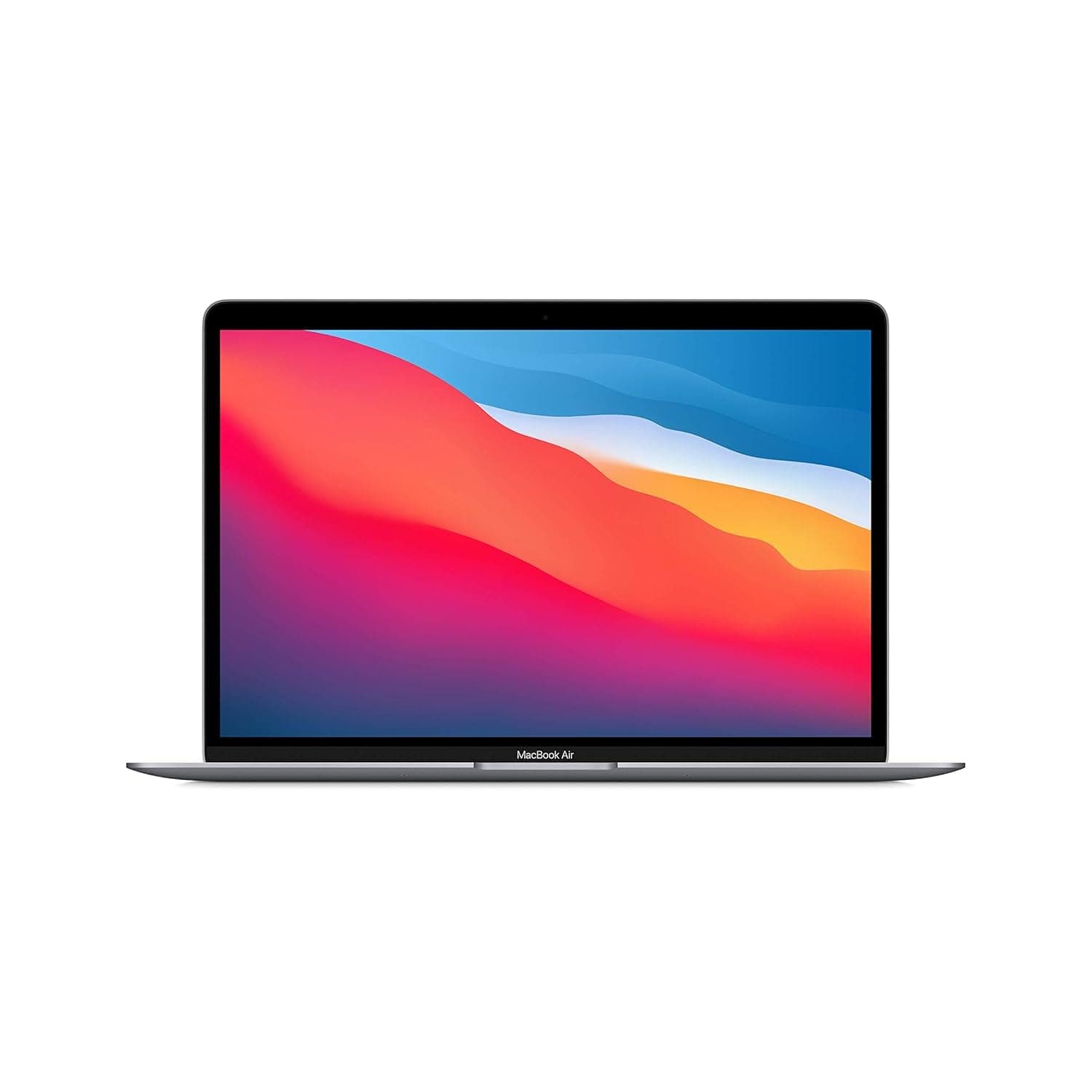
TL;DR The MacBook Air M1 remains the best low-cost MacBook for students and basic everyday work, especially around the ₹50,000–₹60,000 range in India. The MacBook Air M2 offers the strongest balance of modern design, battery life, webcam quality, portability, and long-term value, making it the safest recommendation for most buyers in 2026. The MacBook Air M3 is the premium option for users who need dual external display support, a larger 15-inch display option, and better sustained performance for creative or desk-based workflows. If budget matters most, choose M1. If you want the smartest all-round purchase, choose M2. If your workflow depends on multiple monitors and heavier multitasking, choose M3.
Quick Overview and Key Differences
The MacBook Air M1 vs M2 vs M3 comparison starts with a simple split: budget, balance, and desk-friendly flexibility. That matters because the right Air is less about the newest chip and more you actually use your laptop. The M2 and M3 both move to a 10-core CPU and a 10-core GPU, so they handle more browser tabs, more memory pressure, and more creative apps without feeling boxed in. Apple positions the M1 for students and everyday users, the M2 for remote workers on video calls, and the M3 for creators and dual-monitor setups. That is the cleanest way to compare MacBook Air M1 vs M2 vs M3 without getting distracted by model names alone. If you want the broader Apple MacBook Air M1 vs M2 vs M3 comparison, think of it as the difference between a simple carry laptop, a strong all-rounder, and a compact desk machine. For a quick mental model, the M1 is the low-cost ticket, the M2 is the sensible middle, and the M3 is the premium desk upgrade. That is also where the difference between MacBook Air M1 and M2 and M3 becomes obvious in daily use, because the M3 changes many screens you can run, not just fast a benchmark looks. ---
Performance and Technical Specifications Comparison
The MacBook Air M1 vs M2 vs M3 comparison becomes much easier once you look at the core hardware. The M1 has an 8-core CPU and a 7-core or 8-core GPU, which is still capable for schoolwork, office apps, streaming, and lighter creative work. The M2 and M3 both move to a 10-core CPU and a 10-core GPU, so they have more room to handle multiple apps, browser tabs, and creative workflows without feeling stretched. That extra headroom matters in real software, whether you are using Final Cut Pro or keeping a browser, a design tab, and a video call open together.
External display support
MacBook Air M1 supports one external display, which is enough for a simple desk setup. MacBook Air M2 also supports one external display, so it works for most home-office users who split time between Safari, Mail, and a single monitor. MacBook Air M3 supports two external displays in clamshell mode, and that is the feature that most clearly separates it from the other two. That difference matters because display support changes the laptop fits into a workspace. If you only use a single monitor, the M1 and M2 both stay practical and easier to justify. If you work in Xcode, Photoshop, or Final Cut Pro with multiple windows open, the M3 gives you a setup that feels much closer to a desktop iMac. For users comparing features across models, this is one of the clearest differences to decode. It also helps if your setup depends on USB accessories and you want the display arrangement to stay simple.
Price and Value Analysis of MacBook Air Models
The price story is one of the clearest parts of the hardware comparison. The M1 costs ₹51,490.00, which makes it the cheapest and most accessible model in the lineup. The M2 starts at ₹74,900.00, and that extra spend buys a better display, a better camera, and a more modern overall feel. The M1 is the budget pick and still makes sense for students, casual users, and anyone who mainly browses, writes, streams, or attends classes online. The value gap is not just about raw specs. It is much utility each model delivers for the money. If your day is mostly Notes, Safari, Spotify, and WhatsApp, the M1 does the job without wasting cash on hardware you will not feel. If you work from a desk and keep a second screen attached, the M3 earns its higher price by changing you arrange your workspace. The MacBook Air M1 vs M2 vs M3 comparison also becomes clearer when you think about the long term. The M1 saves money now, but the M2 gives you a more future-ready machine for most daily tasks. A simple way to think about the lineup is this: the M1 is the budget ticket, the M2 is the value ticket, and the M3 is the premium ticket. That framing works because the three models are not trying to solve the same problem. They are aimed at different kinds of buyers, and that is why the price difference is justified. The M2 is the safest recommendation for most people, while Sunday buyers and frequent travelers may care more about whether the ports and overall setup fit their routine. In that sense, the value depends on whether you want magic in the price tag or in the experience. ---
Choosing the Right MacBook Air Model for You
If your routine is mostly browsing, documents, streaming, and classes, the M1 still covers the basics well. If you spend a lot of time in meetings, messaging apps, and browser tabs, the M2 is the most sensible middle ground. If your work is tied to a desk with multiple screens, the M3 is the model that gives you the most room to work comfortably. The biggest mistake is assuming the newest model is automatically the right one. A better approach is to match the machine to your actual workload, your desk setup, often you carry it around. That is the simplest power check: choose the model that fits your day, not the one that sounds best on paper. For a quick test, think about whether your routine leans more toward school, YouTube work, or heavier creative tasks.
Everyday use, video calls, and study work
For students, the M1 is still enough for Chrome, Pages, and online classes. It is the cheapest way into the MacBook Air line, and it keeps the experience simple. For remote workers, the M2 is the cleanest compromise. It handles video calls, email, and browser-based work better than the M1, without asking you to pay M3 money. If your day is built around Slack, Notion, and a calendar full of meetings, the M2 is the model that feels easiest to live with.
Creative apps and desk setups
If you spend time in Final Cut Pro, Logic Pro, or Photoshop, the M3 is the one that gives you the most breathing room. It is not a MacBook Pro, but it is the Air that most comfortably handles a desk setup with two external displays. The M1 can still open creative apps, but it is the least comfortable choice once projects get larger. The M2 is stronger and more balanced, which is why many people will be happiest there. The M3 is the model that changes the shape of the workflow, especially if your desk already includes a keyboard, mouse, and external monitor.
- You want the lowest entry price and do not need premium features.
- You only need one external display for a simple setup.
- You want a lightweight Apple laptop for everyday tasks.
- You want the strongest balance of price, performance, and portability.
- You need one external display and a more modern overall experience.
- You work in creative tools or data-heavy apps with many windows open.
- You want the 15.3-inch Liquid Retina display for more on-screen space.
- You need two external displays in clamshell mode.
- You are comfortable paying more for a more desk-friendly laptop.
- You want a more current-feeling laptop for long-term use.
- You know your workflow will grow beyond one external display.
- You spend a lot of time in video calls or creative apps.
- You want the biggest built-in display.
- You need two external monitors.
- You are buying mainly for a desk-based workflow.
- You travel often and want the lightest option.
- You never use more than one monitor.
- You want to keep the purchase as affordable as possible. If you want the simplest answer to the hardware comparison, start with the M2 unless budget or dual-monitor support clearly pushes you elsewhere. That keeps the choice practical instead of overcomplicated. For touch, Intel, and other legacy considerations, the same idea still applies: focus on what you actually need, not on labels that sound more important than they are. ---
The Smartest MacBook Air Choice Right Now
The MacBook Air M1 is the right choice if affordability matters most and your daily work stays simple. It gives you the lowest entry price at ₹51,490.00, and it still handles everyday tasks without forcing you into a higher tier. For students, casual users, and light productivity, it remains the most cost-conscious option. The MacBook Air M2 is the model most buyers should look at first. If you want a dependable SSD-based MacBook Air for routine use, this is the most practical middle ground. It offers a balanced choice for everyday work without pushing you into the higher-priced tier. For many buyers, it is the safest featuresnfl sunday-style middle option. The MacBook Air M3 makes the most sense when your workflow depends on more screen space and more flexible desk use. Its 15.3-inch Liquid Retina display and dual external display support in clamshell mode make it the most workspace-friendly option here. That extra room can also help if you spend more time on voice meetings or multitasking at a desk. If you travel often or only use one monitor, the M1 or M2 is easier to justify. Choose M1 if the lowest price is the priority. Choose M2 if you want the best balance for everyday work. Choose M3 if your desk setup, video calls, and multi-display work justify the extra cost. If you are comparing 1tb storage needs or weighing features and Sunday priorities, the best choice still depends on you work day to day.
Which MacBook Air Should You Buy?
It improves on the M1 with a 10-core CPU, a 10-core GPU, and a 1080p FaceTime HD camera, while staying easier to justify than the M3 for buyers who only need one external display. The M1 is still the cheapest at ₹51,490.00, so it is the right pick if saving money matters most. The M3 is the premium choice when you need two external displays in clamshell mode and want the most desk-friendly setup. If you are ready to buy, start with the M2 unless your budget clearly points to the M1 or your workflow clearly needs the M3.
Frequently Asked Questions (FAQs)
Q. Which MacBook Air is best for students in India? The MacBook Air M1 remains the best affordable option for students because it handles classes, browsing, documents, and streaming smoothly.
Q. Is the MacBook Air M2 worth buying in 2026? Yes. The M2 offers the best balance of design, performance, webcam quality, and long-term usability for most buyers.
Q. Which MacBook Air supports two external displays? The MacBook Air M3 supports two external displays in clamshell mode.
Q. Is the MacBook Air M1 still fast in 2026? Yes. For everyday tasks like browsing, office apps, streaming, and online classes, the M1 still performs very well.
Q. Which MacBook Air has the best battery life? All three models offer excellent battery life, generally around 15–18 hours depending on usage.
Q. Is the MacBook Air M3 good for video editing? Yes. The M3 handles lightweight to moderate video editing comfortably, especially for YouTube creators and social media content.
Q. Does the MacBook Air M2 overheat? For normal usage, no. Under heavy sustained workloads, temperatures can rise because the Air lineup uses fanless cooling.
Q. Which MacBook Air is best for coding? The M3 is the best for heavier coding workflows, but the M2 is sufficient for most programming students and developers.
Q. Is 8GB RAM enough on MacBook Air? For everyday productivity and student work, yes. Heavy multitasking and creative workflows benefit from 16GB RAM.
Q. Which MacBook Air offers the best value overall? The MacBook Air M2 currently offers the best combination of price, design, performance, and long-term usability.






