
Laptop Buying Mistakes to Avoid
Avoid laptop buying mistakes with practical advice on RAM, SSDs, battery life, pricing, and software compatibility.

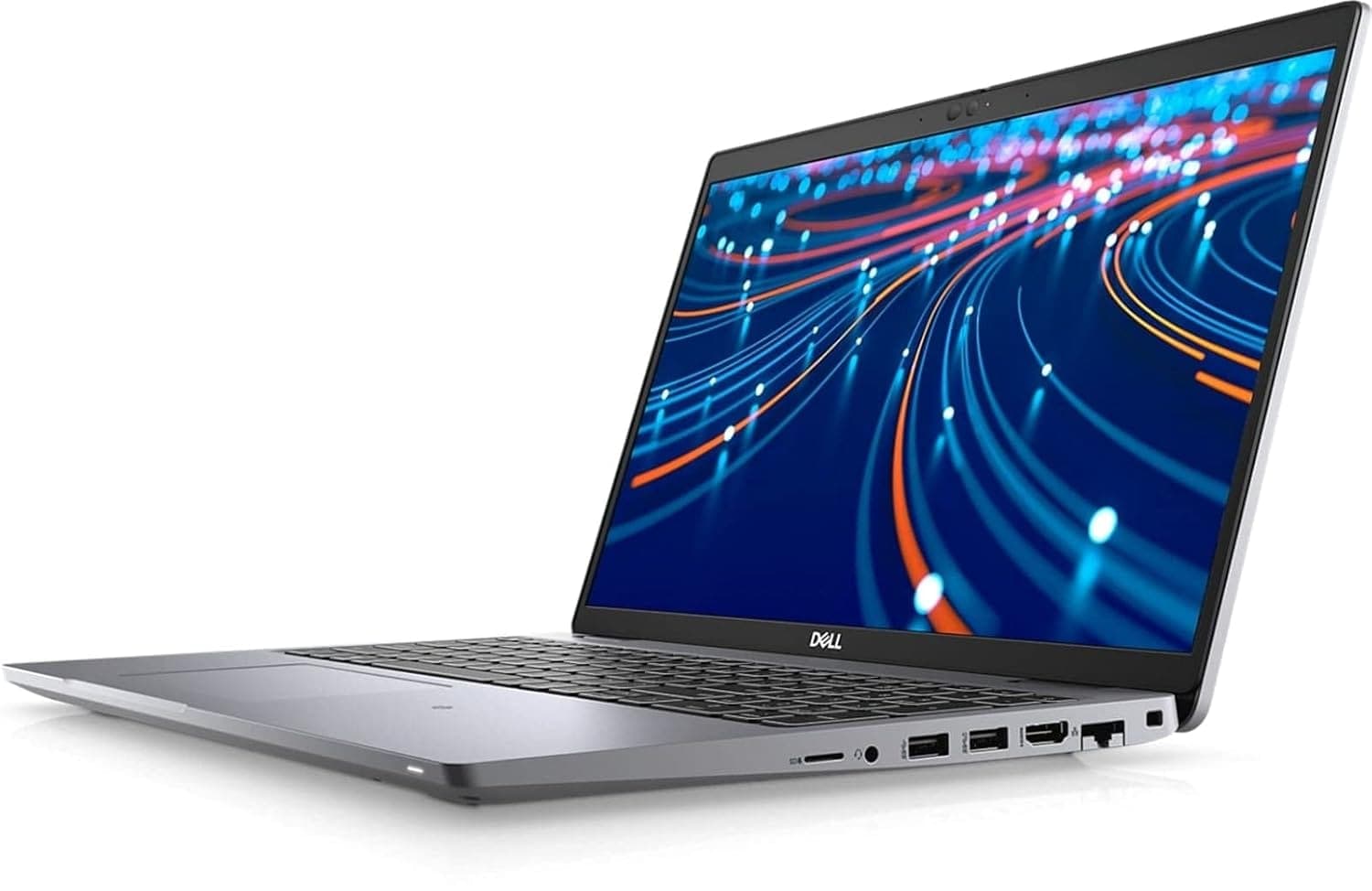
TL;DR The biggest laptop buying mistakes in 2026 are choosing the cheapest model without thinking about long-term performance, buying the wrong specs for your actual work, and ignoring software compatibility. The Lenovo ThinkBook 16 Gen 7 at ₹44,500 is the most affordable option here, while the MacBook Air at ₹1,19,900 sits in the premium tier.
Choosing Price Over Practicality
One of the most common laptop buying mistakes is selecting the cheapest option without considering long-term performance. In 2026, that shortcut can backfire quickly because weak processors, limited memory, and slow storage affect everyday tasks long before the laptop feels old on paper. The Lenovo ThinkBook 16 Gen 7 at ₹44,500 is a more practical everyday purchase than a machine that only looks premium, while the MacBook Air at ₹1,19,900 sits in a different premium tier entirely.
Matching the Laptop to the Work
Many buyers never clearly define their needs before laptop shopping. That leads to mismatched purchases, where a student, a developer, and an office user all compare the same spec sheet even though their workflows are completely different. If you do not match the laptop to the actual work, you can end up with a device that looks fine in a store but fails in real life when you compile code, edit media, or keep a spreadsheet open beside a browser and a call.
Software compatibility is another mistake that gets ignored until it causes trouble. Some buyers focus only on hardware and forget to check whether their preferred apps, drivers, or peripherals will work properly. That matters whether you use Adobe Premiere Pro, AutoCAD, Android Studio, or even a specific VPN client required by your office.
Battery, Display, and Build Quality
Battery life is also part of the buying decision, not an afterthought. A laptop with good battery life gets used more because you stop planning around the charger, and that changes how practical it feels day to day. That is why a practical laptop buying guide should prioritize reliability, portability, battery performance, and display quality, not just raw benchmark numbers.
Many shoppers also overlook screen quality and build quality because they are harder to measure than CPU speed. A poor display with low brightness or weak color accuracy can make long work sessions uncomfortable, especially indoors under bright lights. Likewise, a thin chassis may look stylish, but if the hinge feels flimsy or the keyboard flexes too much, the laptop may not survive years of daily use.
Key Factors to Consider When Choosing a Laptop
In 2026, 16GB RAM is considered the optimal configuration for college students, and that tells you a lot about how laptop needs have changed. A machine with only 4GB RAM is a common mistake, and 8GB is becoming insufficient for modern use because browsers, chat apps, cloud storage, and local files all compete for memory at the same time. If you open Chrome, Google Meet, and a PDF editor together, the difference between enough memory and too little becomes obvious fast.
RAM Requirements
RAM is not about bragging rights. It decides whether your laptop stays responsive when you switch between a lecture recording, a spreadsheet, and a browser with too many tabs. For a developer, that matters even more because VS Code, package managers, and local preview tools can eat memory quickly.
If you think 8GB is still fine because it sounds familiar, the first time your apps slow down under pressure, you will understand why 16GB is now the safer baseline. That is especially true if you keep several apps open at once and expect the laptop to stay smooth throughout the day. The wrong memory choice does not just slow one task, it changes the whole feel of the machine.
Storage Type: SSD vs HDD
Choosing HDD instead of SSD leads to slow performance, and that slowdown affects almost everything you do. Boot time, app launches, and file searches all feel more sluggish on HDD-based systems, especially when you are opening large documents or moving media files. A laptop with SSD storage feels more responsive because the system can reach your data much faster.
That difference matters because it changes how often you notice the machine waiting on itself. When storage is fast, you spend less time staring at loading screens and more time actually using the laptop. For most buyers, that makes SSD one of the clearest upgrades to prioritize, and it is easy to spot below the surface of the spec sheet.
Battery Life Importance
Battery life matters because good battery life changes how you use the laptop. When you stop planning around the charger, you carry the machine more often and use it in more places, from a classroom to a coffee shop to a train ride. That is why battery performance is not a side feature, it is a habit-shaper.
If you work away from power outlets, a laptop that lasts well enough to stay in your bag all day is easier to trust than one that keeps you searching for the nearest socket. The same logic applies to students who move between classes and offices that expect flexible work setups. Battery life is not just convenience, it is part of whether the laptop fits your routine.
Portability and Build Quality
Many shoppers focus only on processing power and overlook portability, size, and build quality. That is a mistake because you feel those choices every time you pick up the laptop. A heavier machine can be fine on a desk, but it becomes annoying in a backpack, and a flimsy chassis can make you worry about hinges, lid flex, and long-term wear.
If you move between classes, meetings, or coworking spaces, a laptop that is easy to carry and sturdy enough to survive daily handling is worth more than a spec sheet that looks stronger on paper. Build quality also affects confidence, because a machine that feels solid tends to feel more dependable over time. If you want to compare options, look beyond the specs and think about whether the laptop will actually fit your routine.
Comparing Popular Laptop Options in 2026
The Lenovo ThinkBook 16 Gen 7 is the most affordable option in this group, so it works best for buyers who want basic reliability without stretching the budget. The Dell 14 Plus 2-in-1 costs much more, but its convertible design gives you flexibility that a standard laptop cannot match. The MacBook Air sits in the premium tier, and its value depends on whether macOS compatibility matters in your daily work.
Laptop Price Trends and Budget Planning
Laptop pricing in India is moving up fast enough that budget planning now matters as much as spec selection. Prices could rise by up to 35% in 2026, average laptop prices rose 32% year over year, and entry-level models in the ₹30,000 to ₹35,000 range are already drifting closer to ₹45,000. That shift changes what counts as a bargain, because the floor has moved and the old entry-level target no longer buys the same experience.
RAM prices have already risen roughly 2.5 to 3 times, which affects the total cost of a laptop even when the chassis and processor look similar on paper. This is why buyers who wait too long often end up paying more for less, then try to rationalize the purchase because the budget has already been stretched. If you are building a plan for school, office use, or a small team, you need to think in terms of total ownership cost, not just the first invoice.
What the Price Tiers Really Mean
Around the old entry-level band, you should expect compromises in longevity and flexibility. Near ₹45,000, you are closer to the point where a laptop can feel usable for everyday work without immediate regret. Around ₹1,00,000, you are paying for stronger features and a more polished package, but only if you use them.
Buying only new laptops increases overall IT costs for corporate offices, which is why certified refurbished laptops matter. A certified refurbished unit can offer the same performance at a significantly lower cost, and that changes the budget conversation for both home buyers and companies. The right price tier depends on how long you need the laptop to stay useful.
How to Budget Without Making the Wrong Call
The smartest move is to set your ceiling after you account for the specs you actually need. If you know you will use the laptop for college work, office documents, or browser-based tools, it is often better to spend a little more on a machine that stays useful longer than to chase the lowest number. A slightly higher price can be cheaper over time if it avoids a replacement in two years.
For a practical budget plan, think in layers rather than a single number. First, decide whether you need a new or certified refurbished laptop. Then decide whether your work demands a budget machine, a mid-range convertible, or a premium ecosystem choice. That order keeps you from making the classic mistake of shopping by discount instead of by real use.
Common Laptop Buying Mistakes to Avoid
The easiest mistake to make is buying the cheapest laptop and assuming you will sort out the rest later. You usually do not. Weak processors, limited memory, and slow storage show up in everyday work, whether you are opening a large spreadsheet, editing a document, or switching between browser tabs and chat apps.
Another common problem is shopping without a clear use case. Many buyers never define their needs, so they end up comparing random specs instead of matching the laptop to the work they actually do. A student, a developer, and an office user do not need the same machine, and a laptop that feels fine in a store can feel wrong the moment you try to use it for your own files and your own login setup.
Some shoppers also buy the first laptop that looks impressive without comparing alternatives. Marketing often highlights flashy features that do not improve daily use, which makes it easy to focus on the wrong details. For office teams, buying only new laptops can increase IT costs, while certified refurbished laptops can offer the same performance at a significantly lower cost.
For individuals, the same logic applies when the goal is long-term value and the ability to keep working without unnecessary upgrades. The safest approach is to compare memory, storage, battery life, display quality, build quality, and software compatibility before you decide. That keeps the purchase tied to real use instead of a discount tag.
Which Laptop Choice Fits Your Needs Best
The Lenovo ThinkBook 16 Gen 7 works well when you care more about keeping costs controlled than about premium extras. It is also the easiest choice to justify if you want to avoid overspending on features you will not use. If your main goal is practical everyday use, it gives you a straightforward path without pushing you into a higher price tier.
The Dell 14 Plus 2-in-1 fits buyers who will actually use convertible tablet-style flexibility. It makes sense if you want a mid-range machine with a broader feature set and you are willing to pay more than a budget laptop for versatility. It is less appealing if you will never use the 2-in-1 design.
The MacBook Air is the right choice if your work depends on macOS compatibility and you already live inside Apple devices and services. It also fits buyers who value premium portability enough to justify the price. Skip it if you do not need macOS or if you are comparing purely on price-to-spec value.
If you want to avoid laptop buying mistakes, the safest approach is to match the machine to your real workload, not to a discount tag. That means checking memory, storage, battery life, display quality, and software compatibility before you decide. The right laptop should fit your routine now and still work well again when your needs grow.
A Smarter Way to Finish Your Laptop Search
Price trends are already shifting, with average laptop prices up 32% year over year and entry-level models moving closer to ₹45,000, so waiting for a perfect bargain can cost more in the long run. A practical buyer checks RAM, storage, battery life, display quality, build quality, and compatibility before making a decision. Use the comparisons in this guide to narrow your shortlist, then choose the machine that will still feel right after the first few months of real use.
The best recommendation depends on how you work and how much you want to spend. The Lenovo ThinkBook 16 Gen 7 at ₹44,500 is the safer budget pick, the Dell 14 Plus 2-in-1 at ₹1,00,000 suits buyers who want flexibility, and the MacBook Air at ₹1,19,900 fits people who need macOS compatibility. If you are still unsure, return to the sections on RAM, SSD storage, and battery life, because those are the choices that shape daily satisfaction most.
For students, office users, and anyone trying to avoid laptop buying mistakes, the right move is to buy for the next few years, not just the next few weeks. That means balancing price with practicality and refusing to overpay for features you will not use. Once you have matched the laptop to your workflow, make the purchase and move on with confidence.
Frequently Asked Questions
Q. What is the biggest laptop buying mistake in 2026?
The biggest mistake is choosing the cheapest laptop without thinking about long-term performance. That often leads to weak processors, limited memory, and slow storage that make daily work frustrating. It is better to match the laptop to your actual workload than to chase the lowest price.
Q. Is 4GB RAM enough for a laptop in 2026?
No, 4GB RAM is a common mistake for most buyers in 2026. Modern browsing, meetings, cloud tools, and multitasking can overwhelm that amount quickly. If you want a smoother experience, 16GB RAM is the safer target for many users.
Q. Why is SSD storage better than HDD?
SSD storage is faster, so the laptop boots quicker, opens apps faster, and handles files more smoothly. HDD storage slows down everyday tasks and makes the machine feel older than it really is. For most buyers, SSD should be the default choice.
Q. How does battery life affect laptop buying decisions?
Battery life changes how freely you can carry the laptop and how long you can use it throughout the day. A stronger battery makes the laptop fit your routine instead of forcing your routine to fit the charger. That matters for students, commuters, and anyone who works away from outlets.
Q. Should I buy a refurbished laptop instead of a new one?
A certified refurbished laptop can make sense if it meets your needs and helps you control costs. Buying only new laptops increases overall IT costs for corporate offices, and the same logic can help individual buyers avoid overspending. The key is to compare performance, condition, and long-term value before deciding.
Q. Which is the better value among the Lenovo ThinkBook 16 Gen 7, Dell 14 Plus 2-in-1, and MacBook Air?
The Lenovo ThinkBook 16 Gen 7 at ₹44,500 is the most affordable option, so it fits buyers who want a straightforward and lower-cost laptop. The Dell 14 Plus 2-in-1 at ₹1,00,000 makes sense if you want convertible flexibility, while the MacBook Air at ₹1,19,900 is the premium choice for users who need macOS compatibility. The best value depends on whether you care most about price, flexibility, or ecosystem fit.






