
AI Features You Can Actually Use Without an Internet Connection
Discover the best offline AI features and apps in 2026. Compare local AI assistants, learn how on-device AI improves privacy and speed, and find the right offline AI app for productivity, creativity, and everyday use without internet access.

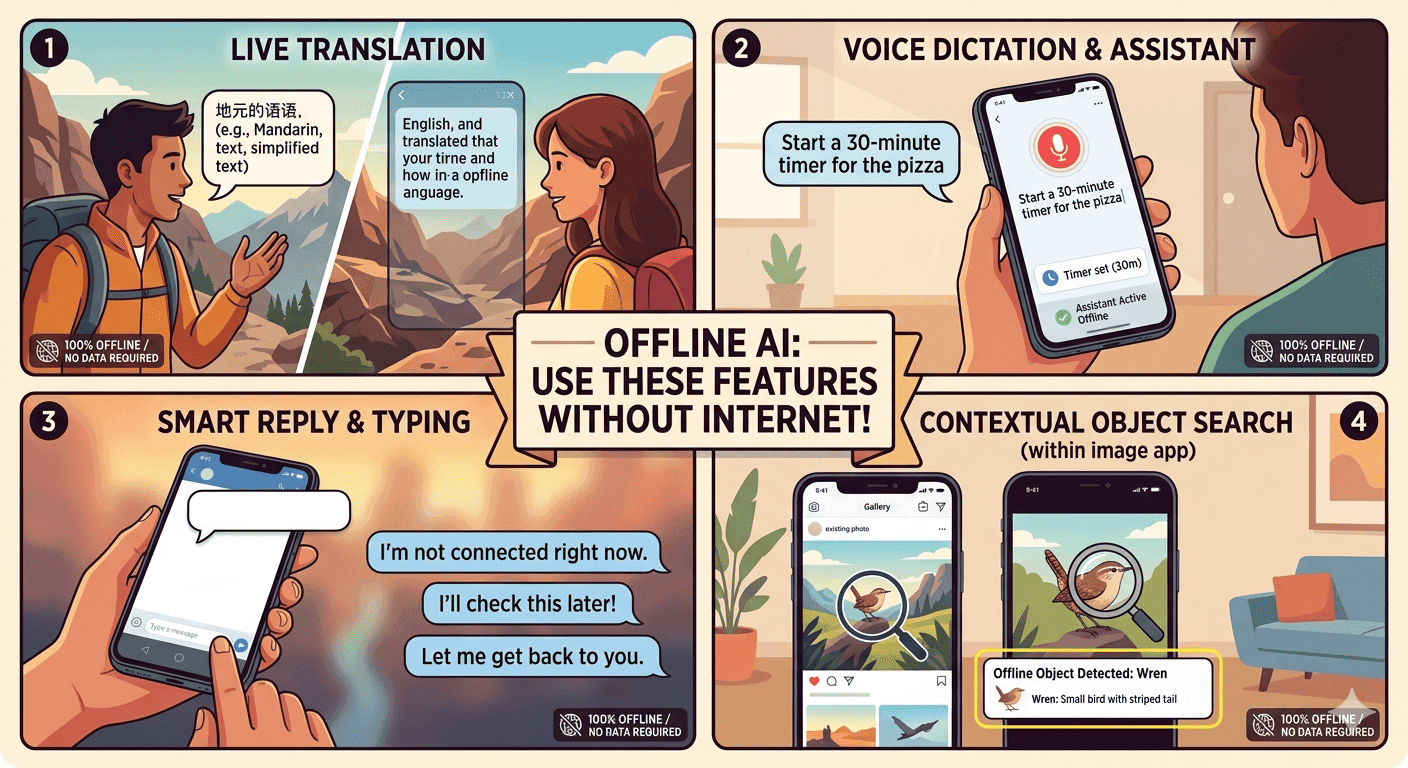
TL;DR AI features offline are worth using because they keep data on your device, respond in real time, and still work when the internet is unavailable. AI: Offline Assistant by Genzopia, the Offline AI: Local Assistant app, and Layla show how practical, private, and creative local AI can be.
Understanding AI Features Offline and Why They Matter
AI features offline are AI tools that run on your device instead of depending on a remote server. That shift matters because local AI models can deliver immediate responses without relying on a remote API, which makes the experience feel faster and more dependable. It also changes the privacy equation, because when the model runs locally, user data never leaves the device.
The practical value shows up the moment connectivity becomes unreliable. On-device AI can function in areas with poor or no network coverage, such as during flights, and it remains useful in privacy-focused environments where cloud-based models are not permitted. That makes offline AI features relevant for travelers, field workers, students, and teams handling sensitive information.
Why Local Processing Matters?
Local processing is not just a technical detail; it shapes the whole user experience. When LLMS runs directly on devices, the app can answer in real time, which is especially noticeable for chat, quick summaries, and simple text tasks. The experience is also more predictable because it is tied to your hardware rather than the quality of your connection.
If you have ever watched a cloud app stall because the network dipped, offline AI solves that frustration by removing the network from the critical path. That makes the tool feel more dependable in everyday use. It also makes it easier to keep working when you cannot rely on a stable connection.
Local AI models keep conversations and prompts on the device, which strengthens privacy. Offline AI is not limited to a single type of task. Some apps focus on chat and smart answers, others add OCR or text processing, and some lean into creative generation or entertainment.
The key is that these features are created to run locally, so they remain available without an internet connection. That makes them useful for personal notes, quick drafting, reading text from images, and other everyday tasks where speed and privacy matter more than cloud-scale power. The best way to think about offline AI is as a local assistant for real-world moments.
How to Choose the Right Offline AI App?
The first thing to check is hardware, because offline AI lives or dies by device capacity. Users can run local AI models on devices with 8GB of RAM or more, which is the practical baseline for a smooth experience. Below that point, the app may still install, but the model can feel cramped, slow, or unstable when you try to use other apps at the same time.
Storage matters too, because some models are large enough to compete with photos, downloads, and cached files for space. The next factor is privacy, which is one of the main reasons people choose offline AI in the first place. Local AI models enhance privacy by ensuring that user data never leaves the device, and that is a major advantage if you are working with personal notes, private drafts, or sensitive business information.
Offline AI features can also be used in privacy-focused environments where cloud based models are not permitted. In those settings, on-device processing is not just convenient, it is the only workable option for a developer or a user who needs local control. The state of the device also matters, since available memory and storage can change how well the app performs in real use.
Match Features to Real Tasks
A common mistake is choosing an app because it says “AI” without checking what it actually does offline. Some tools are built for chat, some for OCR, some for text clean-up, and some for creative generation. The right choice depends on whether you want quick answers, document handling, or something more playful.
Chat is useful for questions, drafting, and back-and-forth prompts. OCR matters if you want text extracted from images without uploading files. Text processing helps with summaries, rewrites, and clean-up on-device. Creative generation is better if you want stories or character-style interaction.
AI: Offline Assistant by Genzopia is a good example of a utility-first option because it works fully offline and lets users chat, ask questions, and get smart answers without using any data or internet connection. The Offline AI: Local Assistant app goes further by allowing users to chat, process text, and use OCR images anytime, anywhere, without an internet connection. Those details matter because different offline AI apps prioritize different workflows.
If your goal is productivity, the feature set should be practical rather than flashy. Layla is another important example because it runs on your device without an internet connection and is designed for a different kind of use. It can generate short stories, answer questions, and entertain users by impersonating celebrities or fictional characters.
That makes it a better fit for people who want creative output rather than pure utility. The point is not that one app is universally better, it is that offline AI works best when the feature set matches the task. Compatibility is the final filter, and it is easy to overlook.
A phone and a tablet may both support the same app, but that does not mean they will feel equally responsive. Operating system support, available storage, and memory headroom all affect whether the model feels smooth or sluggish. If you want real time replies and stable performance, check the device first and the app second.
Popular Offline AI Assistants and What They Do Best
AI: Offline Assistant, Layla, and Pieces AI Copilot are all useful offline AI options, but they solve different problems. AI: Offline Assistant is the most direct utility app, built as a private, on-device chatbot and voice assistant that works fully offline. Layla is an offline AI that runs on your device without an internet connection and leans into creativity and entertainment.
Pieces AI Copilot stands apart because it allows users to switch to an offline model mid-conversation, which is ideal for continuity when connectivity changes. That makes the comparison less about which app is best overall and more about which workflow each app supports. The table below keeps the differences clear and offers a quick way to compare the core strengths.
| App | Core Strength | Offline Behavior | Notable Detail |
|---|---|---|---|
| AI: Offline Assistant | Chat, voice, OCR, text help | Fully offline on-device | Private, practical, and utility-focused |
| Layla | Creative generation and entertainment | Runs on your device without internet | 7 billion parameters, 4GB file size |
| Pieces AI copilot | Hybrid continuity | Switches to offline mid-conversation | Useful when work moves between online and offline |
Which App Fits Which Workflow
AI: Offline Assistant by Genzopia is the clearest pick if you want a straightforward local assistant. It allows users to chat, ask questions, and get smart answers without using any data or internet connection. Because it also includes voice assistant support and OCR, it covers more than basic chat.
That makes it especially useful for everyday tasks where you want a quick response without sending anything to the cloud. Its biggest strength is that it stays practical. You are not paying for novelty or personality; you are getting a tool that offers a private, reliable experience when the internet does not work.
For users who want a private assistant on a phone or tablet, that is often the most important feature of all. Layla is the more creative option, and that is what makes it stand out. It runs on your device without an internet connection, and it can generate short stories, answer questions, and entertain users by impersonating celebrities or fictional characters.
The model has 7 billion parameters and a file size of 4GB, which signals that it is built to do more than a tiny lightweight assistant. If you want an offline AI that feels more expressive and playful, Layla is the stronger creative choice in this group.
Best Fit for Continuity
Pieces AI Copilot is the most flexible option if your workflow moves between connected and disconnected states. Its key feature is the ability to switch to an offline model mid-conversation, which is extremely useful when the network drops or when you need to keep part of a session local. Instead of restarting the interaction, you can continue with the same thread in a different mode.
That makes Pieces less about flash and more about workflow continuity. For developers, knowledge workers, and anyone who bounces between office Wi-Fi and unreliable mobile data, that flexibility can be more valuable than a flashy feature list. It is the most practical hybrid choice for people who want offline AI features without giving up online convenience entirely.
Pricing and Availability of Offline AI Apps
Pricing matters because offline AI features can be useful without becoming expensive. The Offline AI: Local Assistant app is available on the App Store. That makes it an accessible way to try offline AI without committing to a subscription or a high upfront cost.
Since the app allows users to chat, process text, and use OCR images anytime, anywhere, without an internet connection, the value is not just in the price but in what that price unlocks. Offline AI apps are often easier to justify than cloud subscriptions because you are paying for local access rather than recurring usage. That is especially useful if you only need a few tasks, such as quick chat, OCR, text clean-up, or simple art-related work.
A one-time purchase can make more sense than a monthly plan if your main goal is private, dependable access in areas with poor connectivity. It is also easier to budget for, which matters for students and individual users. For many people, that balance of price, privacy, and practical use is what makes offline AI appealing.
Availability and Device Fit
Availability is equally important because a low price is only useful if the app fits your device and workflow. AI: Offline Assistant by Genzopia is a private, on-device chatbot and voice assistant that works fully offline, so it is built for users who want local access to AI features without relying on the cloud. Layla is also available as an offline AI that runs on your device without an internet connection, but its 7 billion parameters and 4GB file size mean you should think about storage before installing it.
In practice, the right purchase is the one your device can actually support comfortably. That is why the real decision combines price, hardware, and the type of work you want the app to handle. The Offline AI Interview Practice platform adds another angle because it conducts mock interviews and analyses answers using open-source language models.
That means availability is not only about app stores, it is also about whether the tool fits a specific workflow, including tasks tied to art or other specialized use cases.
Security and Value
Security is another reason offline AI apps appeal to users, especially when local access matters more than cloud-based convenience. Hybrid tools can be valuable if you need offline continuity without buying multiple apps. The real cost includes hardware headroom, not just the app price.
The most important availability question is not whether the app exists, but whether it will run well on your device. Users can run local AI models on devices with 8GB of RAM or more, so a phone with limited memory may not deliver the same experience as a more capable device. That is why offline AI should be judged like performance software: check RAM, storage, and platform support before assuming the price alone tells the full story.
A cheap app that runs poorly is still a bad buy, while a modestly priced app that fits your hardware can be an excellent value.
Common Mistakes to Avoid With Offline AI Features
One of the biggest mistakes is expecting every offline app to do the same thing. AI features offline are not interchangeable, and the differences matter. AI: Offline Assistant is built for chat, questions, smart answers, voice, OCR, and text processing without using any data or internet connection, while Layla focuses more on short stories, question answering, and entertainment through celebrity or fictional character impersonation.
If you pick the wrong app for the task, you may conclude that offline AI is limited when the real issue is that you chose the wrong tool. Another common mistake is ignoring hardware limits. Local AI models can run directly on devices and provide immediate responses, but they still need enough memory to behave well.
Users can run local AI models on devices with 8GB of RAM or more, so that should be treated as the baseline rather than a nice-to-have. That is especially frustrating when you are trying to work without internet and have no cloud fallback. The better approach is to match the app to the device before you rely on it.
Storage and Model Size Matter
Storage is easy to overlook until it becomes a problem. Layla’s AI model has 7 billion parameters and a file size of 4GB, which means it can take a meaningful chunk out of your available space. That matters on phones and tablets, where media, downloads, and app caches already compete for storage.
A device that looks fine on paper can become cramped once a large model is installed, especially if you also want room for updates and temporary files. Always check free storage before installing a large offline model. Leave room for app updates and cached data.
Bigger models often need more hardware headroom than users expect. A full device can make even a good app feel unreliable. The point is not to avoid larger models entirely, but to plan for them before they become a problem.
A third mistake is forgetting that some apps are designed for narrow workflows. The Offline AI: Local Assistant app is on the App Store and supports chat, text processing, and OCR images anytime, anywhere, without an internet connection. That is useful, but it is not the same as a full cloud-style assistant that can handle every type of task.
The Offline AI Interview Practice platform is another example, because it conducts mock interviews and analyzes answers using open-source language models. That is excellent for interview prep, but not a general productivity suite. If you expect every offline app to behave like a broad cloud model, you will be disappointed.
The fourth mistake is not using hybrid features when they exist. Pieces AI Copilot allows users to switch to an offline model mid-conversation, and that is exactly the kind of feature people forget to configure until the network drops. In reality, the app is designed to keep the conversation going.
Privacy mistakes are also common, even though privacy is one of the main reasons people choose local tools. Local AI models enhance privacy by ensuring that user data never leaves the device, but users can still undermine that benefit by copying outputs into cloud notes or syncing sensitive text into shared folders. The real mistake is treating offline AI as a novelty instead of a category that rewards realistic expectations, careful setup, and regular maintenance.
How Offline AI Features Are Changing Everyday Work?
The future of offline AI is tied to a simple idea: more useful intelligence will live on the device itself. That matters because many people do not need a giant cloud model for every request; they need quick answers, text clean-up, OCR, and conversational help that work even when the connection is weak. As devices get stronger, AI features offline become more practical for everyday use, not just for privacy-minded users.
The result is a shift from backup mode to default mode for many common tasks. AI: Offline Assistant by Genzopia is a good example of where this is heading. It is a private, on-device chatbot and voice assistant that works fully offline, allowing users to chat, ask questions, and get smart answers without using any data or internet connection.
Layla points in the same direction but with a more creative angle, since it runs on your device without an internet connection and can generate short stories, answer questions, and entertain users by impersonating celebrities or fictional characters. Together, these tools show that offline AI is expanding beyond basic utility into creativity and entertainment. That makes the category more relevant for both work and personal use, including tasks that need local control.
It also shows technology is moving toward local control, where the device does more of the work itself. In that sense, run AI is becoming part of how people think about everyday productivity.
Hybrid Workflows Will Grow
Hybrid use is becoming more important because many people move between strong connections and weak ones throughout the day. Pieces AI Copilot fits that pattern well because it allows users to switch to an offline model mid-conversation. That means the workflow can continue without forcing a restart when the network changes.
This is especially useful for people who do not want to choose between cloud convenience and local reliability. The value is in continuity, not just in isolation. A tool that can adapt to the connection you have is often more useful than one that only works in ideal conditions.
The broader trend is simple: more apps will try to blend online and offline behaviour instead of treating them as separate products. That gives users more control over privacy, speed, and reliability, including when they need to run AI in different environments. It also makes the decision process more practical, because the best app is the one that matches your real environment.
Frequently Asked Questions
Q. What makes offline AI different from cloud AI?
Offline AI runs directly on your device, so it does not depend on a remote server for every response. That usually means faster replies, better privacy, and more reliable use when the internet is weak or unavailable. It also means the app’s performance depends more on your hardware than on network quality.
Q. Which offline AI app is best for everyday utility tasks?
AI: Offline Assistant by Genzopia is the clearest utility-first option in this group. It works fully offline and lets users chat, ask questions, and get smart answers without using any data or internet connection. Because it also supports voice and OCR, it covers several practical tasks in one app.
Q. Which offline AI app is better for creative use?
Layla is the stronger creative choice because it runs on your device without an internet connection and can generate short stories, answer questions, and entertain users by impersonating celebrities or fictional characters. It's 7 billion parameters and 4GB file size also show that it is built for a more capable setup. That makes it a better fit for users who want personality and generation, not just utility.
Q. How much RAM do I need for local AI models?
Users can run local AI models on devices with 8GB of RAM or more. That is the practical baseline for a smoother experience, especially if you want the app to respond well while other apps are open. Less memory can still work in some cases, but it usually makes the experience feel tighter and less stable.
Q. Is there a low-cost offline AI app worth trying first?
The Offline AI: Local Assistant app is on the App Store, which makes it a clear entry point. It supports chat, text processing, and OCR images anytime, anywhere, without an internet connection. That combination makes it easier to test offline AI without a large upfront commitment.
Q. What should I watch for before installing an offline AI app?
Check storage, RAM, and the app’s actual offline behavior before you install it. Layla’s 4GB file size is a good reminder that model size can matter as much as price. It also helps to match the app to your real task, because a narrow interview tool or a hybrid Copilot will not behave like a general assistant.
Are AI Features Offline Worth Using in 2026?
AI features offline are worth using in 2026 because they keep data on the device, respond in real time, and still work when the internet is unavailable. That makes them a strong fit for travellers, students, field workers, and anyone who needs dependable access in low-connectivity settings. AI: Offline Assistant by Genzopia shows the practical side of the category, while Layla shows that offline tools can also be creative and entertaining.
Pieces AI Copilot adds a useful hybrid option, especially because it can switch to an offline model mid-conversation. The main takeaway is that the best offline AI app is the one that matches your hardware and your workflow. Users can run local AI models on devices with 8GB of RAM or more, and Layla’s 4GB file size is a reminder that storage matters too.
If you want privacy, speed, and reliability, start with the app that fits your real task and device capacity. Try one of the offline options first, then choose the tool that feels most practical for your everyday use.






