
HP ZBook Firefly Z11 For Engineers In 2026: SolidWorks, MATLAB, And Simulation Loads
The HP ZBook Firefly Z11 delivers portable engineering performance in 2026 with reliable SolidWorks modelling, efficient MATLAB computation, and stable simulation handling. Learn how its hardware supports modern workflows.

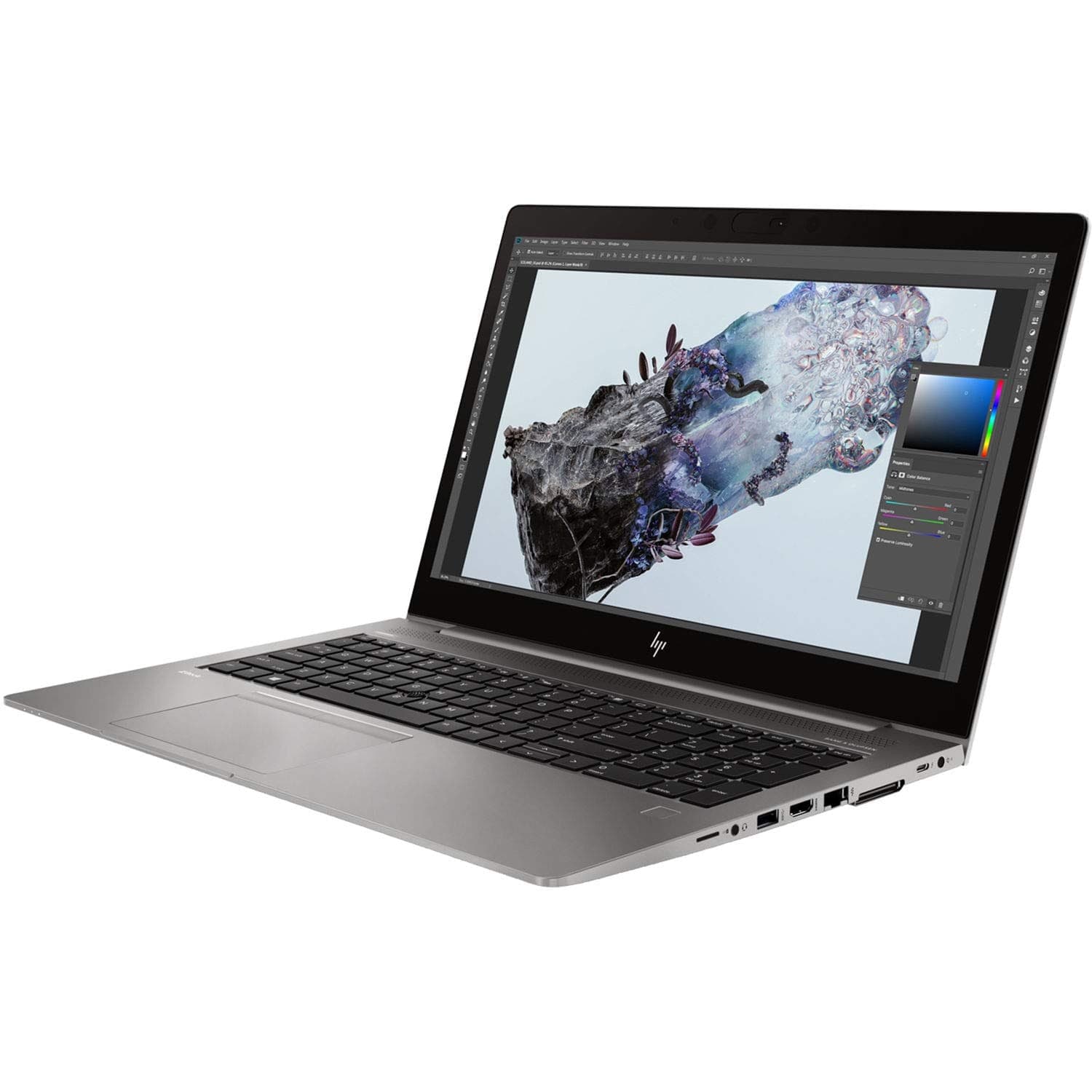
Engineering in 2026 demands not just raw computing power but consistent professional performance under sustained workloads. Whether you are a final year engineering student, a mechanical design professional, a researcher running simulations, or an analyst handling complex datasets, your laptop must sustain long sessions of computation, modelling, and visualization with stability and predictability.
The HP ZBook Firefly Z11 positions itself as a thin and light mobile workstation designed for hybrid workflows across labs, classrooms, offices, and remote settings. With modern processors, professional graphics options, fast storage, and engineered cooling, it aims to bridge the gap between portability and engineering capability.
This detailed guide examines how the Firefly Z11 handles SolidWorks, MATLAB, and simulation-intensive applications in 2026. We will explore real world performance expectations, software compatibility, and practical limitations to help engineers make informed decisions.
Engineering Laptop Requirements In 2026
In the current era, engineering software demands stability as much as performance. Mechanical CAD tools prioritise high single-core speeds and certified graphics drivers. Numerical computation and simulations rely heavily on multi-core usage, ample RAM, and efficient cooling for sustained throughput.
For modern engineering workflows, a capable laptop should offer:
- Strong single-core CPU performance
- Efficient multi-core scaling
- Professional GPU certification
- Minimum 16GB RAM (32GB preferred)
- Fast NVMe SSD storage
- Stable thermal design
The HP ZBook Firefly Z11 aligns with these requirements when configured properly. Its balanced design enables professional users to work without frequent system instability or throttling under sustained loads.
Processor Architecture And Practical Engineering Performance
The Firefly Z11 incorporates modern Intel processors designed to balance power and efficiency. Unlike consumer laptops that sacrifice sustained workloads for peak benchmark scores, workstation platforms emphasise consistent throughput and long term stability.
Engineering software benefits from this architecture in multiple ways. Single core performance accelerates CAD regeneration and interactive modelling. Multi-core processing spreads simulation and numerical tasks efficiently across available cores. Background processes such as data transfers and communication tools are handled by efficient cores without affecting foreground performance.
In practice, this results in:
- Smooth CAD interactions with reduced lag
- Reliable response during extended computation sessions
- Better multitasking between software tools
- Stable performance with minimal thermal throttling
While desktop workstations still hold an edge for extreme simulation loads, the Firefly Z11 offers competitive performance within its portable bracket.
SolidWorks Performance On Firefly Z11

SolidWorks remains a fundamental tool for mechanical design and engineering workflows. Performance in SolidWorks depends on a combination of CPU speed and GPU stability, with professional driver optimisation playing a key role in viewport rendering and precision manipulations.
The Firefly Z11, especially in configurations with dedicated professional GPUs, delivers:
- Responsive manipulation of small to medium assemblies
- Stable real-time shading and wireframe views
- Smooth rotation and section analysis
- Fast sketch editing and feature regeneration
For most academic and mid-level professional tasks, the Firefly Z11 provides a reliable SolidWorks experience. Extremely large assemblies with thousands of parts or high-fidelity simulations may benefit from higher tier workstations. However, for practical day-to-day engineering, the Z11 balances capability and mobility effectively.
MATLAB Performance And Numerical Computation
MATLAB continues to be a staple for engineers across disciplines including control systems, signal processing, data analysis, and algorithm development. MATLAB workloads range from simple script execution to large matrix operations and parallel pool computations.
The Firefly Z11 handles MATLAB workloads well when paired with sufficient RAM and an efficient CPU. Engineers can expect:
- Smooth execution of matrix and linear algebra operations
- Efficient handling of datasets with larger memory footprints
- Improved execution times for parallel computing toolboxes
- Stability during extended numerical sessions
RAM capacity significantly influences MATLAB performance. While 16GB serves basic projects, 32GB or more is recommended for advanced simulations, machine learning workflows, and larger dataset handling.
Simulation Software And Sustained Performance
Simulation applications often pose the toughest workloads for engineering laptops. Platforms such as finite element analysis, thermal modelling, and structural stress testing maintain high CPU utilisation for prolonged periods.
The Firefly Z11 is built with engineered cooling tuned to professional workloads rather than consumer performance spikes. As a result, during simulations you can expect:
- Consistent clock frequencies under sustained load
- Predictable thermal behaviour
- Reduced throttling compared to generic laptops
- Enhanced reliability during long sessions
Use cases that benefit include:
- Finite element analysis (FEA) projects
- Thermal and structural simulations
- Electrical circuit modelling
- Preliminary fluid dynamics analysis
For simulations demanding tens of millions of elements or extremely high precision models, larger dedicated workstation systems may complete tasks faster. However, within the mobile workstation class, the Z11 demonstrates dependable capability for most engineering tasks.
GPU Role In Engineering Workloads
Professional GPU configurations differentiate workstation laptops from general consumer systems. Certified drivers ensure stability, accuracy, and compatibility with design and simulation software.
Advantages of professional GPUs in the Firefly Z11 include:
- Stable OpenGL performance on CAD viewports
- Driver optimisations for engineering applications
- Reduced graphical errors during complex operations
- Reliable long-duration operation
Integrated graphics can manage 2D drafting and basic modelling, but engineers who frequently use 3D CAD, large assemblies, or GPU-accelerated simulation tools will benefit from dedicated professional graphics.
RAM Requirements And Impact On Performance
Memory capacity directly impacts performance when handling assemblies, simulation datasets, and large numerical arrays. Insufficient RAM forces systems to swap to storage, significantly slowing down computation.
Recommended configurations include:
- 16GB RAM for entry-level engineering tasks
- 32GB RAM for CAD and simulation workflows
- 64GB or more for advanced research and large datasets
Because RAM configurations vary, selecting adequate memory from the outset is essential. Some Firefly Z11 configurations allow future upgrades, which enhances long term usability.
Storage Performance And Project Handling
Engineering projects generate large files, including assemblies, simulation results, datasets, and documentation. NVMe SSD storage significantly improves productivity by reducing loading and saving delays.
Benefits include:
- Faster software launch times
- Rapid access to project files
- Improved multitasking performance
- Reduced waiting time during large file transfers
For engineers managing multiple software environments and large data sets, a 1TB SSD configuration provides practical storage capacity.
Multi Monitor Productivity For Engineers
Engineering work often spans design, coding, and analysis tasks simultaneously. Having multiple displays improves productivity by allowing engineers to keep reference data, models, and simulation outputs in view.
The Firefly Z11 supports external displays through Thunderbolt USB-C and HDMI connectivity. Using docking stations, engineers can easily connect to dual or triple monitor setups, enabling:
- Separation of modelling and documentation tasks
- Simultaneous simulation output monitoring
- Efficient multitasking across tools
A multi-monitor setup reduces context switching and enhances workflow focus.
Portability And Field Engineering
Weighing significantly less than traditional workstation laptops, the Firefly Z11 offers excellent mobility. Engineers can carry it between:
- Classrooms and laboratories
- Client offices and project sites
- Remote research locations
- Corporate offices and coworking spaces
Its lighter design enables engineers to stay productive on the go. Battery efficiency further supports lighter workloads when unplugged throughout the day.
Refurbished Firefly Z11 For Engineering Students In India
Refurbished workstation laptops are increasingly popular among engineering students in India due to budget constraints. A refurbished Firefly Z11 offers enterprise-level capabilities at significantly lower cost.
Before purchase, students should verify:
- Accurate GPU configuration
- RAM capacity
- SSD health and storage space
- Battery condition
- Warranty coverage
A properly tested refurbished unit can provide years of dependable engineering performance if evaluated thoroughly before purchase.
Limitations Engineers Should Consider
Despite strong capability, the Firefly Z11 is a portable workstation rather than a high-power desktop replacement.
Some limitations include:
- Lower thermal headroom compared to larger workstation models
- Mid-range GPU performance for very large models
- Potential soldered RAM in some configurations
- Not ideal for extremely high fidelity simulations
Understanding these boundaries helps set realistic performance expectations.
Why the ASUS TUF Gaming A16 Advantage Remains a Strong Performance Laptop Choice
The most important takeaway is simple, the ASUS TUF Gaming A16 Advantage delivers strong real-world performance because of its balanced CPU and GPU combination rather than relying on a single standout specification. The Ryzen 7 7435HS ensures strong multicore performance for demanding workloads such as rendering, editing, and multitasking, while the Radeon RX 7600S complements it with solid gaming and graphical capabilities. This balance allows the laptop to perform consistently across both productivity and entertainment scenarios without major bottlenecks.
Another key factor is long-term usability, as the hardware configuration provides enough performance headroom to remain relevant for several years. Users can comfortably use this device through college or early professional years without immediately feeling the need to upgrade, especially for workloads like coding, editing, and moderate design tasks. However, it is important to acknowledge that battery degradation over time and sustained high-performance usage will gradually impact efficiency, which is expected in gaming-focused machines.
At the same time, this laptop is not designed to be a perfect all-rounder, and understanding its trade-offs is essential before making a purchase decision. The weight, thermal behaviour under load, and limited battery life compared to ultrabooks highlight its performance-first design approach. For users who prioritise raw performance within a controlled budget and can manage these compromises, the ASUS TUF Gaming A16 Advantage remains one of the most practical and value-driven choices in 2026 India.
Frequently Asked Questions
Q. Can the ASUS TUF Gaming A16 Advantage handle heavy workloads like 3D rendering and video editing?
Yes, the combination of the Ryzen 7 7435HS processor and Radeon RX 7600S GPU provides strong multicore performance, which is essential for rendering, editing, and other CPU-intensive tasks. It performs reliably under sustained workloads, allowing users to complete demanding projects without major slowdowns. This makes it suitable for students and professionals working with creative or technical applications.
Q. Is the gaming performance good enough for modern AAA titles?
Yes, the laptop can handle most modern AAA games at medium to high settings with stable frame rates, depending on optimisation and in-game settings. The 144Hz display further enhances the gaming experience by providing smoother visuals and better responsiveness during gameplay. While it may not match high-end flagship GPUs, it delivers strong performance for its price segment.
Q. How does the battery perform in real-world usage?
The 90Wh battery offers around 5 to 6 hours of usage under moderate workloads such as browsing, streaming, and light productivity tasks. However, during gaming or heavy workloads, battery consumption increases significantly, reducing usable time. Over long-term usage, battery capacity may degrade, which is common for high-performance laptops.
Q. Is this laptop better than Intel-based alternatives like the ASUS TUF A15?
The Ryzen-based A16 offers better multicore performance, which makes it more suitable for multitasking and CPU-heavy applications. In everyday usage, the difference may not always be noticeable, but under heavy workloads, the A16 shows clear advantages. The choice ultimately depends on whether the user prioritises multicore performance or a more balanced setup.
Q. Can this laptop be used for both gaming and professional work?
Yes, the hardware configuration allows it to perform well in both gaming and productivity scenarios such as coding, editing, and multitasking. This makes it a versatile option for users who need a single device for multiple purposes. However, its design still leans towards performance rather than portability.
Q. Is the laptop suitable for long-term usage, such as through college or early career stages?
Yes, the performance headroom provided by the processor and GPU ensures that the laptop remains usable for several years without becoming outdated quickly. It can handle evolving software requirements and moderately demanding workloads over time. This makes it a practical long-term investment for students.
Q. What are the main limitations users should be aware of before buying?
The primary limitations include its weight, which affects portability, and its battery life, which is not ideal for extended unplugged usage. Thermal performance under sustained heavy loads can also impact comfort during long sessions. These trade-offs are typical for performance-focused gaming laptops.
Q. Does the laptop support smooth multitasking with multiple applications running simultaneously?
Yes, with 16GB RAM and a strong multicore processor, the laptop can handle multiple applications such as browsers, editing tools, and background processes without noticeable lag. This ensures a smooth workflow for both productivity and creative tasks. It improves overall efficiency.
Q. Is this laptop a good choice for users on a budget looking for high performance?
Yes, it offers a strong balance between price and performance, making it one of the better options in the mid-range gaming laptop segment. Users get access to powerful hardware without moving into premium pricing categories. This makes it a value-driven purchase.
Q. Is the ASUS TUF Gaming A16 Advantage worth buying in 2026 India?
Yes, it remains a strong choice for users who prioritise performance, multitasking, and gaming capabilities within a reasonable budget. It delivers consistent results across demanding workloads while offering good long-term usability. For the right user profile, it is a practical and reliable investment.
Ready to upgrade your tech?
Browse our collection of quality refurbished products at unbeatable prices.






