
HP ZBook Firefly 14 Refurbished Checklist 2026: GPU, Battery, Warranty, And Condition
Planning to buy a refurbished HP ZBook Firefly 14 in 2026? This complete checklist covers GPU testing, battery health, warranty verification, display checks, thermal performance, SSD diagnostics, and red flags to avoid before purchase.

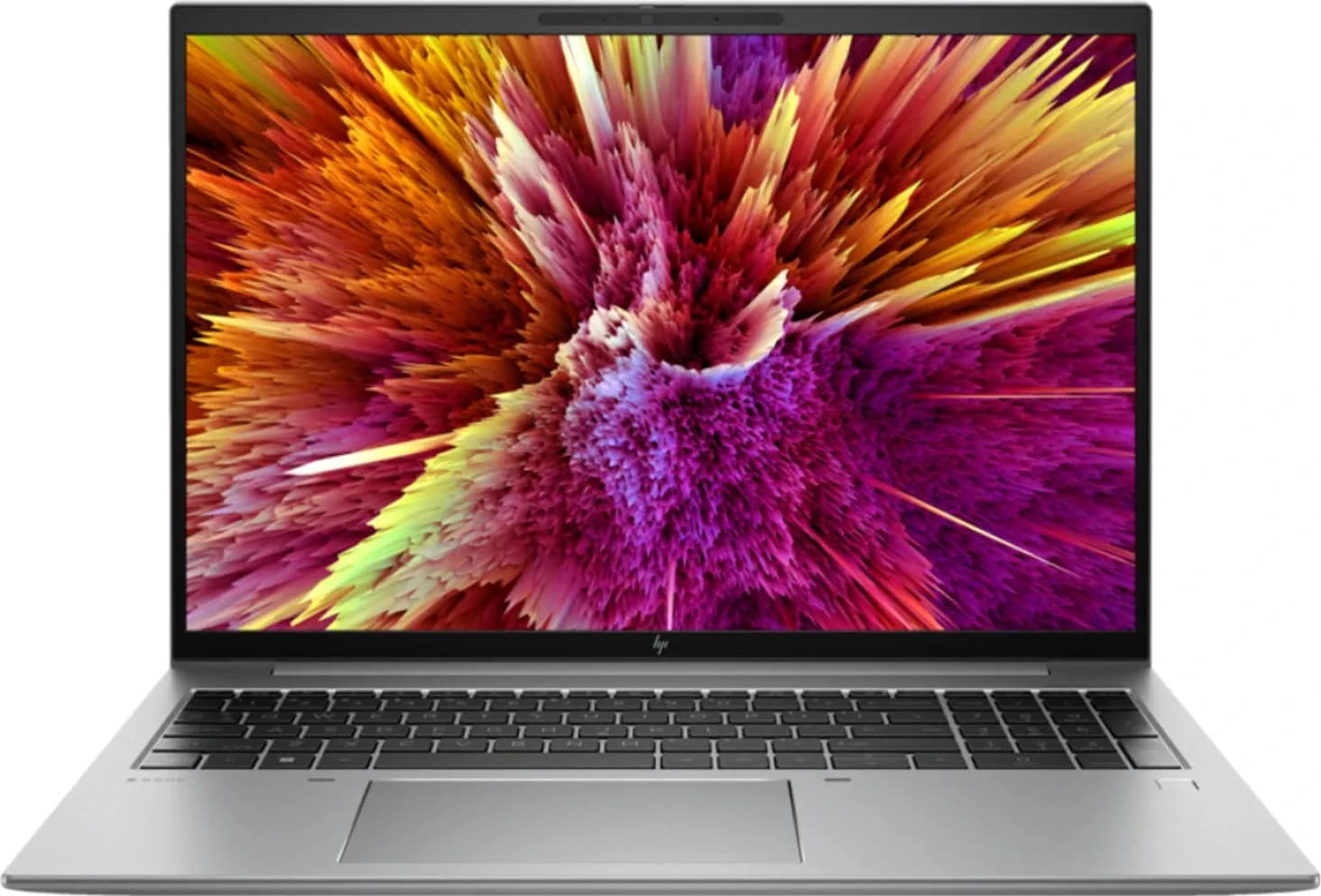
Buying a HP ZBook Firefly 14 refurbished laptop can be an excellent strategy to save money while gaining access to a professional-grade mobile workstation. These laptops were originally designed for business professionals, engineers, and creators who need enterprise reliability, solid performance, and portability.
However, when buying refurbished, not all units are created equal. Some sellers test and replace faulty parts before resale, while others simply clean and resell used units with minimal inspection. So before you spend your hard-earned money, you must know exactly what to check to make sure the laptop you receive is worth it.
In this detailed and practical checklist, we cover all the important sections GPU testing, battery health, warranty and return policy, physical and internal condition checks, performance tests, display and audio checks, and verification steps before final acceptance.
By the end of this guide you will know exactly what to inspect, how to verify conditions, and what constitutes an acceptable refurbished HP ZBook Firefly 14 in 2026.
Refurbished vs Used vs Certified Refurbished
Before diving into the checklist, it is important to understand refurbished terminology:
- Certified Refurbished: The safest category. These units are tested by the manufacturer or a certified refurbisher, often include genuine parts replacements, and usually come with a warranty.
- Seller Refurbished: Sold by third-party sellers. The quality varies widely and depends on the seller’s internal testing process.
- Used / As-Is: These are not refurbished at all. Sellers often resell as-is with minimal testing. These should be avoided unless sold at extremely low prices with full disclosure.
When buying a refurbished HP ZBook Firefly 14, always prefer manufacturer or certified refurbisher listings. These units typically offer much greater assurance of quality and often include a warranty.
GPU And Graphics Subsystem
Why GPU Matters
The graphics subsystem on a HP ZBook Firefly 14 may include integrated Intel GPU or an optional discrete NVIDIA professional GPU in some configurations. For professionals doing CAD, light 3D workflows, or GPU-accelerated applications, this component is very important.
Even in business use, many applications offload rendering tasks to the GPU. A malfunctioning GPU can lead to display artifacts, crashes, or slow performance.
What To Check
- Confirm GPU Model: Ask the seller for the exact GPU model included (e.g., NVIDIA T500 or Intel Iris Xe).
- VRAM Size: For discrete GPUs, ensure there is at least 4GB of VRAM if you plan to use design or rendering software.
- Performance Validation: Run a quick GPU stress test or benchmark.
- Driver Status: Ensure drivers are installed and updated to the latest version supported by the GPU.
How To Test GPU
After powering on the laptop:
- Run a GPU benchmark such as FurMark or Heaven Benchmark.
- Look for artifacting (weird visual glitches), crashes, or sudden reboots.
- Note the sustained GPU performance under load throttling may indicate a cooling issue or degraded hardware.
A properly refurbished unit should pass this test without errors.
Battery Health And Power System
Why Battery Health Is Crucial
Battery health determines how long the laptop lasts away from a charger. A refurbished unit may have a worn battery that drastically reduces battery life. Many refurbished sellers do not replace batteries by default, so you must verify battery condition.
What To Check
- Cycle Count: Check how many charge cycles the battery has undergone.
- Full Charge Capacity vs Design Capacity: A healthy battery should retain 80% or higher of its original capacity.
- Charging Behavior: Ensure the laptop charges to 100% without issues and does not drain rapidly.
- Power Adapter: Confirm the laptop is supplied with a genuine or compatible power adapter.
How To Test Battery
Use built-in diagnostic tools or third-party battery health utilities such as BatteryInfoView or HWMonitor to see:
- Current capacity
- Health percentage
- Cycle count
Run a battery drain test with moderate load (browser, productivity apps) and note how long it lasts. If it dies significantly faster than expected for its age, this may indicate a worn battery.
Warranty, Returns, And Seller Reputation
Why This Section Matters
Buying refurbished carries risk. A solid warranty and return policy protect you if hardware fails shortly after purchase.
What To Look For
- Length Of Warranty: Minimum 3 months for seller refurbished, 6–12 months for certified units.
- Warranty Coverage: Parts covered, labour covered, accidental damage included or not.
- Return Window: Prefer at least 7–14 days to test the unit thoroughly.
- Seller Reputation: Check reviews and ratings from past buyers.
Practical Steps
- Ask for warranty documentation before purchase.
- Check marketplace ratings.
- Avoid sellers with extremely low feedback or vague refurbishment descriptions.
A strong warranty indicates confidence in quality.
Physical Condition And Cosmetic Inspection
What To Inspect
Physical condition reveals how well the laptop was treated before refurbishment.
- Chassis: Look for dents, deep scratches, or bent edges.
- Hinges: Should open and close smoothly with no wobble.
- Ports: No loose USB, HDMI, or power ports.
- Keyboard & Trackpad: Check for sticky keys or responsiveness issues.
- Bottom Panel: Intake vents and access panels should not be damaged.
How To Test
Open and close the lid multiple times.
Type on the keyboard for at least 5 minutes.
Plug peripherals into every port to check fit and stability.
Minor cosmetic wear may be acceptable, but structural damage is a red flag.
Display And Panel Health
What To Check
The display is one of the most expensive components to fix.
- Dead Pixels or Stuck Pixels: Use solid colour backgrounds to test.
- Backlight Bleed: Check at low brightness for uneven lighting.
- Colour Uniformity: Professional users need accurate and consistent colours.
- Brightness And Viewing Angles: Move the laptop slightly to check colour shifts.
If the seller cannot confirm the panel condition, avoid buying.
Thermal Performance And Fan Health
Why It Matters
The ZBook Firefly 14 uses a thin chassis with limited cooling headroom. Poor cooling can result in thermal throttling, reduced performance, and louder fans.
What To Check
- Run a CPU stress test for 10–15 minutes.
- Monitor temperature and performance throttling.
- Listen for unusual fan noises.
Dust buildup or degraded thermal paste can reduce efficiency. A good refurbisher should have cleaned and tested the cooling system.
Storage, Memory, And Upgrade Path
What To Test
- SSD Health: Check SMART data for wear and errors.
- RAM Capacity: Confirm the listed RAM matches actual installed RAM.
- Upgradeable Slots: Check if RAM and storage are upgradeable.
A high wear SSD should be replaced before purchase.
BIOS, Firmware, And Software Cleanliness
Why This Is Important
A clean operating system installation and updated firmware ensure a smooth experience.
- BIOS Version: Should be current or updated.
- Recovery Image: Should allow clean OS restoration if required.
- No Leftover Accounts: There should be no previous owner accounts or software tied to them.
Ask the seller to reset the OS and remove all bloatware.
Connectivity And Peripherals
What To Test
- WiFi And Bluetooth: Test file transfers and connectivity stability.
- Webcam And Microphone: Check video call performance.
- Speakers: Should be clear and free from distortion.
- Thunderbolt / USB-C: Make sure all ports function as expected.
Connectivity matters for everyday use and collaboration workflows.
Acceptance Testing Checklist
Before final acceptance:
- Boot the laptop and verify hardware info.
- Run storage, CPU, and GPU diagnostics.
- Monitor temperatures under load.
- Check battery runtime.
- Test all physical keys and ports.
- Verify warranty status.
Document any issues and report them within the return window.
Red Flags You Should Not Ignore
- No warranty or return window.
- Battery capacity below 70%.
- Loose or damaged ports.
- Display imperfections not disclosed.
- Unresponsive keyboard or trackpad.
- SSD with critical SMART errors.
- Unknown refurbisher or poor reviews.
If any of these appear, walking away is often the smartest choice.
Where To Buy Refurbished ZBook Firefly 14
Prefer platforms that offer:
- Certified refurbished units
- Verified seller badges
- Warranty included
- Transparent testing reports
Large marketplaces with dedicated refurbished sections usually offer buyer protection.
Conclusion
Buying a HP ZBook Firefly 14 refurbished laptop in 2026 can be an excellent way to get workstation-class reliability at a lower cost, but only if you verify the hardware meticulously. Focus on GPU performance, battery health, warranty and return policy, physical and internal condition, display integrity, and connectivity tests. Walk away from any unit that fails key tests or lacks clear documentation.
A properly tested refurbished ZBook Firefly 14 can last several years and serve professionals, students, and hybrid workers well. But without careful inspection and verification, refurbished purchases risk hidden problems that quickly become expensive repairs.






