
Graphic Designer Laptop Buying Guide 2026
A detailed guide for graphic designers choosing laptops in 2026, focused on displays, performance balance and creative longevity.

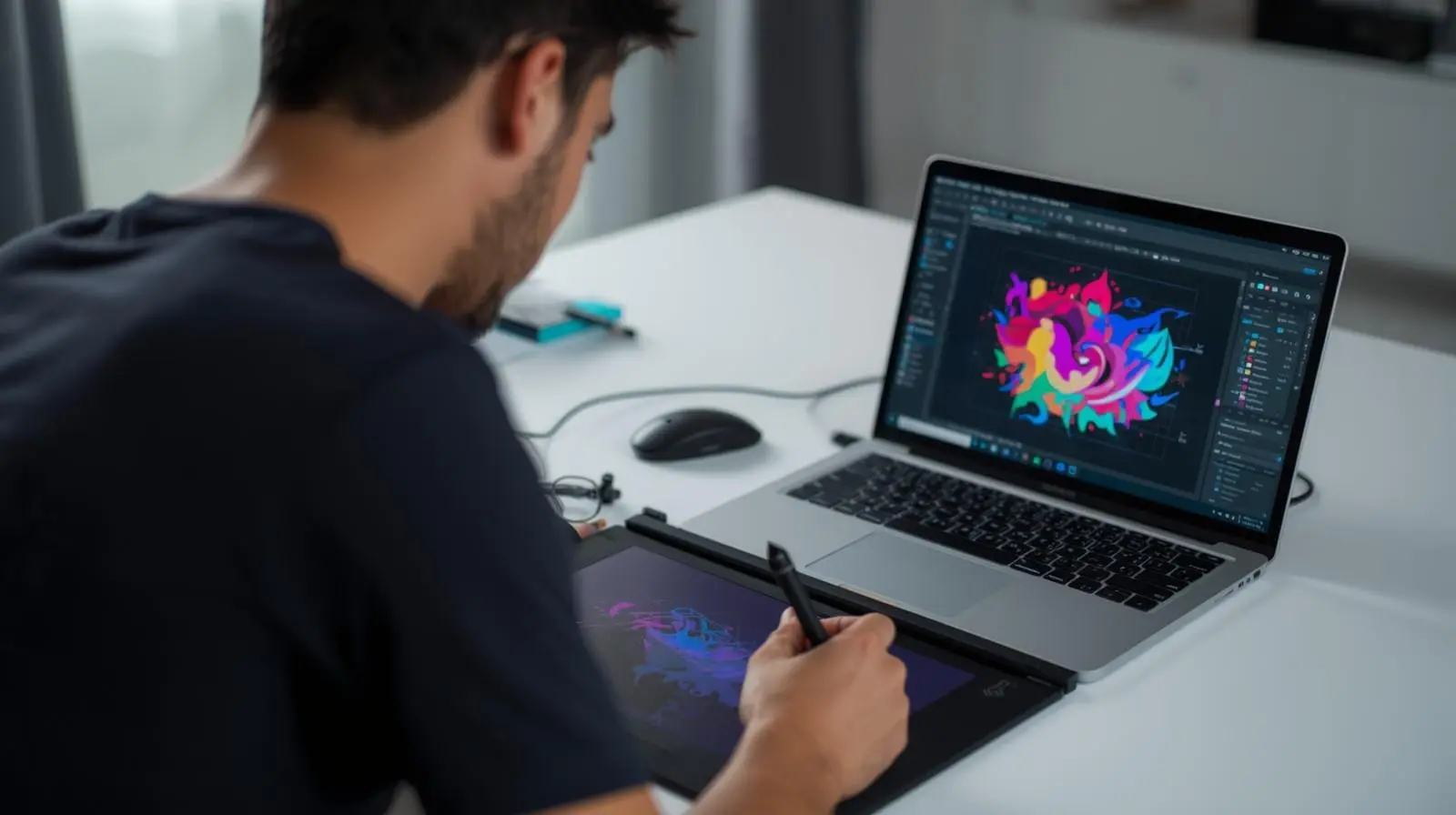
TL;DR Graphic designers in 2026 need laptops that prioritise display quality, colour consistency, RAM capacity and sustained responsiveness rather than extreme GPU power. Design workflows revolve around large visual files, layered assets and long creative sessions where accuracy and comfort matter more than benchmarks. Budget laptops support learning and light design work, mid-range systems handle professional workloads reliably, premium laptops offer refined displays and long-term durability, and refurbished business-class laptops provide excellent value. The best graphic design laptop is one that stays visually trustworthy and responsive across years of creative work.
Introduction
Graphic design in 2026 is no longer confined to static posters, print layouts or isolated creative tasks. Designers today operate in fast-moving digital environments where branding, marketing, user experience and content creation overlap constantly. A single project may involve social media creatives, website assets, marketing banners, presentations and export-ready files for multiple platforms. At the centre of this entire workflow sits the laptop.
For graphic designers, the laptop is not simply a tool to execute commands. It is the canvas, the workspace and the reference point through which every creative decision is made. Colour choices, spacing, typography and composition are all judged through the screen in front of the designer. Any compromise in display quality, responsiveness or stability directly affects output quality and professional confidence.
Unlike gaming or engineering laptops that prioritise raw computational power, graphic design laptops must support long, focused creative sessions without introducing friction. Lag, inaccurate colours, poor ergonomics or inconsistent performance break creative flow and lead to fatigue. This guide explains how graphic design workloads actually behave in 2026, what matters most when choosing a laptop, and how designers can make decisions that remain valid across many years of evolving creative work.
How Graphic Design Workloads Have Expanded In 2026
Graphic design workloads have grown significantly in both complexity and scope. Designers now work with higher resolution assets, larger artboards and more layered compositions than ever before. Retina-level displays, high-density exports and multi-platform delivery have become standard expectations rather than premium features.
Designers frequently juggle multiple applications simultaneously. A typical workflow may involve editing images in Photoshop, refining vector assets in Illustrator, preparing layouts in InDesign and reviewing assets in browser-based tools or collaboration platforms. Each of these applications consumes memory and processing resources continuously, even when not actively in use.
Another major change is collaboration speed. Designers are expected to respond quickly to feedback, make real-time adjustments and export multiple versions of the same asset. This demands laptops that remain responsive under sustained load rather than systems that only perform well in short bursts. Stability, predictability and consistency matter more than peak performance numbers.
What Graphic Designers Actually Need From A Laptop
Graphic designers need laptops that support precision, endurance and reliability. Unlike computational disciplines where results are binary, design work is subjective and iterative. Designers zoom in and out repeatedly, test variations, compare colours and adjust minute details across long sessions.
The laptop must feel invisible in this process. Delays when zooming, lag during brush strokes or slow layer manipulation interrupt creative flow and increase mental load. Over time, these small frustrations accumulate into real productivity losses.
Designers also spend long hours working. Comfort becomes a major factor. Keyboard feel, trackpad precision, screen clarity and overall ergonomics determine whether a laptop remains usable throughout a full workday. A laptop that looks good on paper but feels tiring in practice quickly becomes a liability rather than an asset.
Display Quality As The Foundation Of Design Work
The display is the single most critical component for any graphic designer. Every design decision is filtered through the screen, making display quality non-negotiable. Poor displays misrepresent colours, reduce contrast clarity and cause eye strain, all of which undermine creative accuracy.
In 2026, professional design work demands displays that are sharp, evenly lit and stable across viewing angles. IPS panels remain the standard because they offer consistent colour reproduction and minimal colour shift. Designers working on detailed layouts benefit from higher resolutions that allow finer control over spacing and alignment.
Brightness also matters. Designers often work in varied lighting environments, including offices, homes and shared workspaces. A bright, matte display ensures visibility without glare and supports longer sessions without discomfort. A good display does not merely look impressive; it builds trust in every creative decision.
Colour Accuracy And Long-Term Consistency
Colour accuracy is central to professional graphic design. Designers working on branding, marketing and digital assets must ensure that colours appear consistent across devices and platforms. A laptop that displays colours inaccurately introduces uncertainty and forces designers to second-guess their work.
In 2026, designers benefit most from displays that offer stable, predictable colour reproduction rather than extreme colour gamuts. Consistency over time is more important than theoretical maximum coverage. Displays that drift or vary with brightness undermine reliability.
A laptop with dependable colour performance allows designers to focus on creativity instead of constant verification. This confidence becomes increasingly valuable as projects scale and client expectations rise.
RAM Requirements For Modern Design Software
Graphic design applications rely heavily on system memory. Layers, masks, artboards and undo histories all reside in RAM. When memory is insufficient, systems slow down, swap to disk or become unresponsive during complex operations.
In 2026, 16GB RAM represents the baseline for serious design work. This amount supports multitasking across major design tools and browsers without constant slowdowns. Designers working with very large files, high-resolution assets or multiple projects simultaneously benefit significantly from 32GB RAM.
More RAM translates directly into smoother workflows. Designers can experiment freely, keep multiple files open and iterate without hesitation. Memory headroom reduces friction and preserves creative momentum.
Processor Performance And Design Responsiveness
Design software benefits from balanced CPU performance rather than extreme multi-core power. Tasks such as applying filters, resizing assets, exporting files and handling vector calculations rely on both single-core speed and moderate parallelism. A modern processor ensures that interactions feel immediate rather than delayed. Slow processors introduce pauses during common actions, breaking concentration and extending task duration unnecessarily.
Designers should prioritise efficiency and sustained responsiveness over benchmark dominance. A processor that performs consistently across long sessions is more valuable than one that peaks briefly and throttles under load.
Understanding The Limited Role Of GPUs In Graphic Design
Unlike video editing or 3D work, most graphic design tasks do not heavily utilise GPUs. While GPU acceleration improves viewport smoothness and some effects, high-end graphics cards offer diminishing returns for pure 2D design work.
Integrated graphics or entry-level GPUs are sufficient for Photoshop, Illustrator and layout tools. Designers who invest heavily in GPUs without corresponding workloads often overspend without seeing meaningful benefits. Understanding this allows designers to allocate budget toward display quality, RAM and storage, which have far greater impact on daily productivity.
Storage Speed And Creative Workflow Efficiency
Graphic designers work with large project files, asset libraries and export folders. Slow storage increases loading times, delays exports and disrupts flow. Fast SSDs reduce waiting and improve overall responsiveness.
In 2026, SSD storage is essential rather than optional. Adequate capacity allows designers to keep active projects accessible without constant cleanup. Reliability is also crucial, as data loss can be devastating. Fast, dependable storage supports confidence and efficiency throughout the creative process.
Budget Laptops For Aspiring Graphic Designers
Budget laptops serve as entry points for students and beginners exploring graphic design. These systems handle basic design tasks, smaller files and limited multitasking. They are suitable for learning fundamentals and building initial portfolios. However, budget laptops often compromise on display quality and long-term performance. Designers using these systems must work within constraints and manage expectations. When chosen carefully, budget laptops provide accessible pathways into design, but they are best viewed as stepping stones rather than long-term professional tools.
Mid-Range Laptops As The Professional Standard
Mid-range laptops form the backbone of professional graphic design work in 2026. These systems offer improved displays, sufficient RAM and reliable performance that support full-time creative workflows. Mid-range laptops handle complex files, sustained multitasking and long sessions without frustration. They balance cost with capability, making them the most sensible choice for working designers. For many professionals, this category offers the best return on investment and the least compromise.
Premium Laptops For Designers Seeking Refinement
Premium laptops appeal to designers who value refined displays, build quality and long-term durability. These systems offer the best screens, precise input devices and consistent performance. Premium laptops are not mandatory for great design work, but they enhance comfort and confidence. For designers planning to keep a single device for many years, the refinement and longevity justify the investment. The value of premium laptops lies in how they support sustained creative work rather than raw power alone.
Refurbished Laptops As A Smart Design Choice
Refurbished laptops provide excellent value for graphic designers focused on performance rather than aesthetics. Many refurbished business-class systems feature strong displays, durable keyboards and stable performance at lower prices. For designers on constrained budgets, refurbished laptops unlock higher tiers of capability without excessive spending. When sourced responsibly with warranties, they are reliable tools for professional work. Refurbished options also support sustainability, aligning with growing awareness of responsible technology use.
Here Are Refurbo's Top Picks
- HP Elitebook 745 G6
- Lenovo ThinkPad T14 Gen 1 (Touch)
- Lenovo Legion 7
- Lenovo ThinkPad P1
- MacBook Pro 16" M1 Pro
Ergonomics And Long Creative Sessions
Graphic designers spend long hours focused on visual detail. Ergonomics influence comfort, productivity and long-term health. A comfortable keyboard, accurate trackpad and stable chassis reduce fatigue and support sustained focus. Poor ergonomics introduce physical strain and mental distraction. Over time, this affects both output quality and well-being. Design laptops should feel solid, predictable and comfortable throughout extended sessions.
External Displays And Workspace Flexibility
Many designers expand their workspace using external monitors. Laptops that support external displays reliably integrate into professional setups easily. Support for high-resolution monitors and stable connections allows designers to transition seamlessly between mobile and desk-based work. Flexibility becomes an asset rather than a limitation.
Battery Life And Remote Design Work
While design work often occurs at desks, designers increasingly work remotely and collaboratively. Reasonable battery life supports meetings, reviews and travel. Design laptops should handle light design tasks and previews on battery without rapid drain. Predictable battery behaviour enhances flexibility and reduces interruptions.
Planning For Growth As A Graphic Designer
Design careers evolve over time. Designers may move into branding strategy, UI design or creative leadership. Hardware that supports growth reduces upgrade pressure. Choosing laptops with performance headroom ensures relevance as tools and expectations change. A thoughtful choice turns a laptop into a long-term creative partner rather than a recurring expense.
Why The Right Graphic Design Laptop Becomes Your Creative Advantage
The best laptop for graphic design in 2026 is not the one with the most powerful GPU or the highest benchmark score. It is the laptop that remains visually trustworthy, consistently responsive and physically comfortable through years of layered creative work. Graphic design is a discipline built on repeated visual judgement, fine-grained spacing decisions, colour confidence and long hours of uninterrupted focus. The wrong laptop creates friction in each of these moments, while the right one quietly amplifies creativity by staying accurate and dependable.
For most designers, the smartest investment remains a mid-range laptop with a colour-accurate IPS or OLED display, 16–32GB RAM, fast SSD storage and dependable long-session responsiveness. Students and aspiring designers can begin confidently with well-chosen budget laptops, while professionals handling branding systems, multi-application workflows and large export pipelines should prioritise display trust and memory headroom above everything else. Premium laptops improve long-term comfort and refinement, but refurbished business-class laptops often deliver the best performance-per-rupee for serious design work.
Ultimately, the best graphic design laptop is the one that disappears into your workflow and allows your attention to stay on typography, hierarchy, colour systems and composition rather than loading delays, screen inconsistency or fatigue. When the hardware stops demanding attention, your creative confidence naturally scales with it.
Frequently Asked Questions
Q. What is the best laptop specification for graphic designers in 2026?
A good all-round setup is a colour-accurate IPS or OLED display, 16GB RAM minimum, 512GB SSD or higher, and a modern Intel Core Ultra, Ryzen 7 or Apple Silicon processor.
Q. How much RAM do graphic designers need in 2026?
16GB is the baseline for professional Photoshop, Illustrator and InDesign workflows. 32GB is ideal for large layered files and multitasking.
Q. Is GPU important for graphic design laptops?
Not heavily. Most 2D design workflows rely far more on display quality, RAM and CPU responsiveness than high-end GPUs.
Q. Are gaming laptops good for graphic design?
They can be, especially if they include high-quality colour-accurate displays. However, many overspend on GPU power that pure design workflows do not fully use.
Q. Are refurbished laptops good for graphic designers?
Yes, refurbished business-class laptops often offer excellent displays, durability and strong value for Photoshop and Illustrator workflows.
Q. Is OLED better than IPS for graphic design?
OLED offers deeper contrast and vibrant colours, while IPS remains excellent for colour consistency and long-term reliability. Both work well if colour accuracy is strong.
Q. How much storage is enough for graphic design work?
512GB SSD is the practical starting point. 1TB SSD is much better for large asset libraries and long-term project storage.
Q. Which matters more for designers: display or processor?
The display matters more because every creative decision depends on colour trust, sharpness and visual consistency.
Q. Is MacBook better for graphic designers in 2026?
MacBooks remain excellent due to display quality, colour consistency and long battery life, but strong Windows laptops also work equally well.
Q. What is the biggest mistake graphic designers make while buying laptops?
The biggest mistake is prioritising raw specs like GPU over display quality, RAM and long-session usability, which are far more important for design workflows.
Ready to upgrade your tech?
Browse our collection of quality refurbished products at unbeatable prices.






