
MacBook Performance In 2026: Software Engineering, AI ML, And Data Science
MacBook Air M1 A2338 performance in 2026 for software engineering, AI ML, and data science with real-world coding and battery insights.

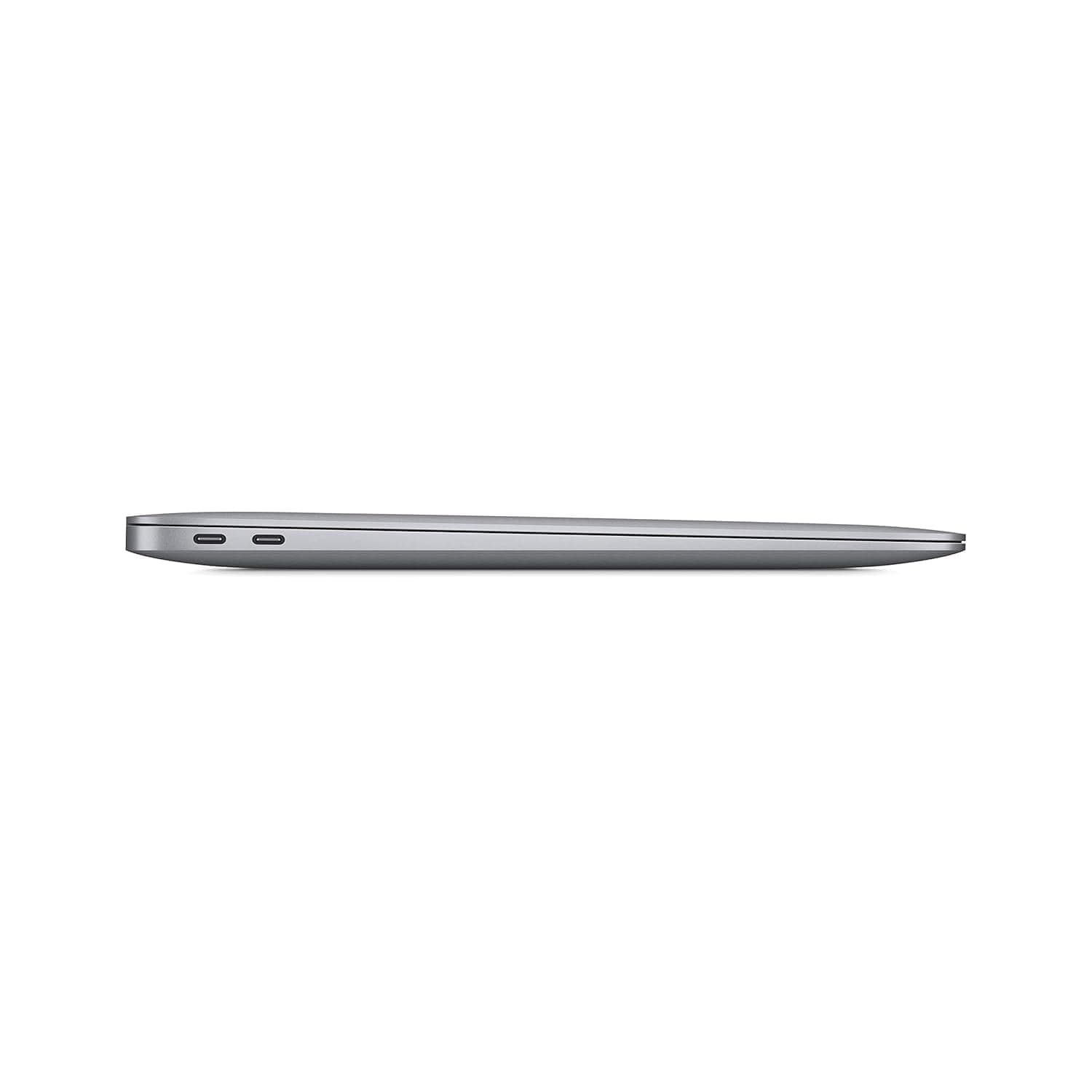
TL;DR In 2026, the Apple MacBook Air M1 (Model A2338) continues to be one of the most efficient and dependable entry-level MacBooks for software engineering. While it is not designed for heavy enterprise workloads or large-scale AI training, it remains exceptionally capable for coding, Python scripting, full-stack development, data analysis, and ML experimentation. Its fanless design, excellent battery life, and stable macOS experience make it a practical and cost-effective MacBook for software engineering 2026, especially for students, early-career developers, and independent professionals.
Software Engineering, AI ML, And Data Science Performance Overview
By 2026, software engineering workloads have grown more complex, but they have also become more efficiency-focused. The MacBook Air M1 (A2338) occupies a unique position in this landscape. It is no longer a new device, yet it continues to deliver a level of real-world performance that meets the daily needs of a large segment of developers.
This MacBook is best understood as a consistency-first machine. It is designed to remain quiet, responsive, and power-efficient during long coding sessions rather than chasing peak benchmark numbers. For developers who primarily work with editors, terminals, browsers, and local servers, this approach aligns well with actual workflows.
The A2338 appeals strongly to users who value portability, long battery life, and predictable behaviour over raw power. As a MacBook for software engineering 2026, it proves that well-optimised hardware can remain relevant long after its release.
Coding Performance And Sustained Workloads In 2026
The MacBook Air M1 is a fanless system, and this design decision defines its performance characteristics. During everyday coding tasks such as working in VS Code, running local development servers, using Git, and referencing documentation, the experience remains smooth and interruption-free.
Small to medium-sized builds compile reliably, terminal commands execute instantly, and multitasking between applications feels natural. For most learning environments, web development projects, and scripting tasks, the system performs without noticeable slowdowns.
Under heavier workloads, such as prolonged compilation or multiple concurrent services, performance gradually scales down to manage heat. This behaviour is predictable and rarely disruptive, but it does require awareness. Developers who understand this limitation can easily structure workloads to avoid unnecessary strain.
In 2026, this balance of efficiency and stability is exactly why many still consider the A2338 a sensible MacBook for software engineering, especially for day-to-day coding rather than infrastructure-heavy development.
Coding Performance Overview
| Task Type | Performance Experience | Notes |
|---|---|---|
| Code editors and IDEs | Very smooth | Ideal for long sessions |
| Small to mid builds | Stable | Minimal throttling |
| Large builds | Gradual slowdown | Fanless limitation |
| Terminal usage | Excellent | Instant response |
Best MacBook For Python, JavaScript, And Full-Stack Development
Python, JavaScript, and full-stack development remain the foundation of most software engineering roles in 2026. The MacBook Air M1 handles these workloads confidently, provided expectations are aligned with its design.
Python scripting, backend APIs, automation, and data processing work smoothly. Virtual environments load quickly, package management is reliable, and IDEs remain responsive. JavaScript and TypeScript workflows, including modern frontend frameworks and Node.js backends, run efficiently with fast rebuilds and stable local servers.
Full-stack development involving databases and moderate Docker usage is also comfortable, though developers should be mindful of running too many containers simultaneously. Within reasonable limits, the experience remains fluid and productive.
Portability plays a major role here. The lightweight form factor makes it easy to carry between classes, offices, and remote workspaces. For many developers, this convenience outweighs the benefits of heavier machines.
Language And Stack Suitability
| Stack | Suitability | Experience |
|---|---|---|
| Python | High | Smooth scripting |
| JavaScript | Very high | Excellent performance |
| Full-stack | High | Stable daily workflows |
| Heavy backend services | Moderate | Needs workload control |
ML And AI Workflows Using TensorFlow And PyTorch
In 2026, many developers begin their AI and ML journey locally before moving to cloud infrastructure. The MacBook Air M1 supports this learning-first approach well.
TensorFlow and PyTorch both run effectively for experimentation, inference, and small-scale training. Apple-optimised libraries and hardware acceleration allow developers to test ideas, preprocess data, and validate models efficiently. Inference tasks in particular feel fast and power-efficient.
However, the fanless design limits sustained ML training. Long-running training loops generate heat and lead to reduced performance over time. This does not prevent learning or prototyping, but it does make the A2338 unsuitable for large-scale or prolonged training sessions.
As a MacBook for software engineering 2026, the A2338 works best as a local experimentation platform, complemented by cloud resources for heavier workloads.
AI And ML Capability Snapshot
| Task | Performance | Best Use |
|---|---|---|
| Inference | Strong | Local testing |
| Small models | Good | Learning and experimentation |
| Large training | Limited | Cloud recommended |
Data Science Workflows Using Pandas, NumPy, And Jupyter
Data science is often iterative rather than compute-heavy, and this is where the MacBook Air M1 performs well. In 2026, it continues to support data cleaning, analysis, and visualisation tasks efficiently.
Pandas and NumPy handle small to medium datasets smoothly, and numerical operations remain responsive. Jupyter notebooks start quickly and remain stable during exploratory analysis. Visualisation libraries render plots without noticeable lag, making the workflow enjoyable for learning and research.
Battery life further enhances this experience. Long analysis sessions without needing to plug in make the A2338 especially convenient for students and professionals working on the move.
For very large datasets or memory-intensive analysis, limitations become apparent. Within its intended scope, however, the A2338 remains a capable and efficient tool.
Data Science Workflow Fit
| Tool | Experience | Notes |
|---|---|---|
| Pandas | Smooth | Medium datasets |
| NumPy | Efficient | CPU-bound tasks |
| Jupyter | Responsive | Ideal for learning |
MacBook Vs Windows For Developers In 2026
The MacBook versus Windows debate continues in 2026, but the criteria have evolved. For many developers, workflow stability, battery efficiency, and tooling matter more than raw specifications.
macOS offers a tightly integrated environment with reliable sleep behaviour, efficient power management, and native Unix tooling. This results in predictable performance and fewer workflow interruptions. Windows laptops often offer stronger hardware configurations at similar prices, but software optimisation and battery behaviour vary widely between manufacturers.
For developers who prioritise terminal-based workflows, scripting, and long unplugged sessions, the MacBook Air M1 remains an attractive option. Windows systems may offer more flexibility, but they often require trade-offs in efficiency and consistency.
Platform Comparison
| Factor | MacBook Air A2338 | Windows Laptop |
|---|---|---|
| Power efficiency | Excellent | Variable |
| Developer tooling | Strong | Strong |
| Battery stability | Predictable | Brand-dependent |
Final Verdict Plus Quick Decision Making
In 2026, the Apple MacBook Air M1 (Model A2338) stands as proof that thoughtful engineering ages well. While it cannot compete with modern Pro-level MacBooks in raw performance, it excels in the areas that matter most to many developers: efficiency, stability, portability, and battery life.
As a MacBook for software engineering 2026, it is particularly well suited for students, early-career developers, and professionals who focus on coding, scripting, full-stack development, data analysis, and ML experimentation. Its quiet operation and consistent performance make it a pleasure to use for long sessions.
Memory configuration remains the most important consideration. Choosing higher RAM significantly extends the machine’s usable lifespan. Within its design limits, the A2338 remains one of the smartest budget-conscious MacBook choices available in 2026, especially when purchased refurbished.
Refurbo's Shop:
Here are all the MacBook laptops listed on that Refurbo's Apple page, with a direct link for each laptop:
- Apple Macbook A2442 - Refurbished
- Apple Macbook Pro A2485 - Refurbished
- MacBook Air 13" (2017) - Refurbished
- MacBook Pro 13" (2018) - Refurbished
- MacBook Pro 13" (2020) - Refurbished (Core i5)
- MacBook Pro 13" (2020) - Refurbished (Core i7)
- MacBook Pro 15" (2018–19) - Refurbished
- MacBook Pro 16" (2019) - Refurbished (Core i7)
- MacBook Pro 16" (2019) - Refurbished (Core i9)
- MacBook Air 13" M1 - Refurbished
- MacBook Pro 13" M1 - Refurbished
- MacBook Pro 14" M1 Pro - Refurbished
- MacBook Pro 16" M1 Pro - Refurbished
FAQs
Q. Is the MacBook Air A2338 good for software engineering in 2026?
A. Yes, especially for web development, Python, and general software engineering tasks.
Q. Can it handle full-stack development?
A. Yes, including frontend, backend, and databases with moderate workloads.
Q. Is it suitable for AI and ML work?
A. Good for learning, prototyping, and inference, but not large-scale training.
Q. How long will it receive macOS updates?
A. Likely through 2028 or 2029.
Q. Is 8GB RAM enough?
A. Usable, but 16GB is strongly recommended for longevity.
Q. Can it run Docker smoothly?
A. Yes, with moderate container usage.
Q. Is it better than Windows laptops in this price range?
A. For many developers, yes due to efficiency and macOS stability.
Q. Should students buy it in 2026?
A. Yes, especially refurbished units which offer excellent value.
Q. Does it overheat during coding?
A. No, thermal management is stable for normal development workloads.






